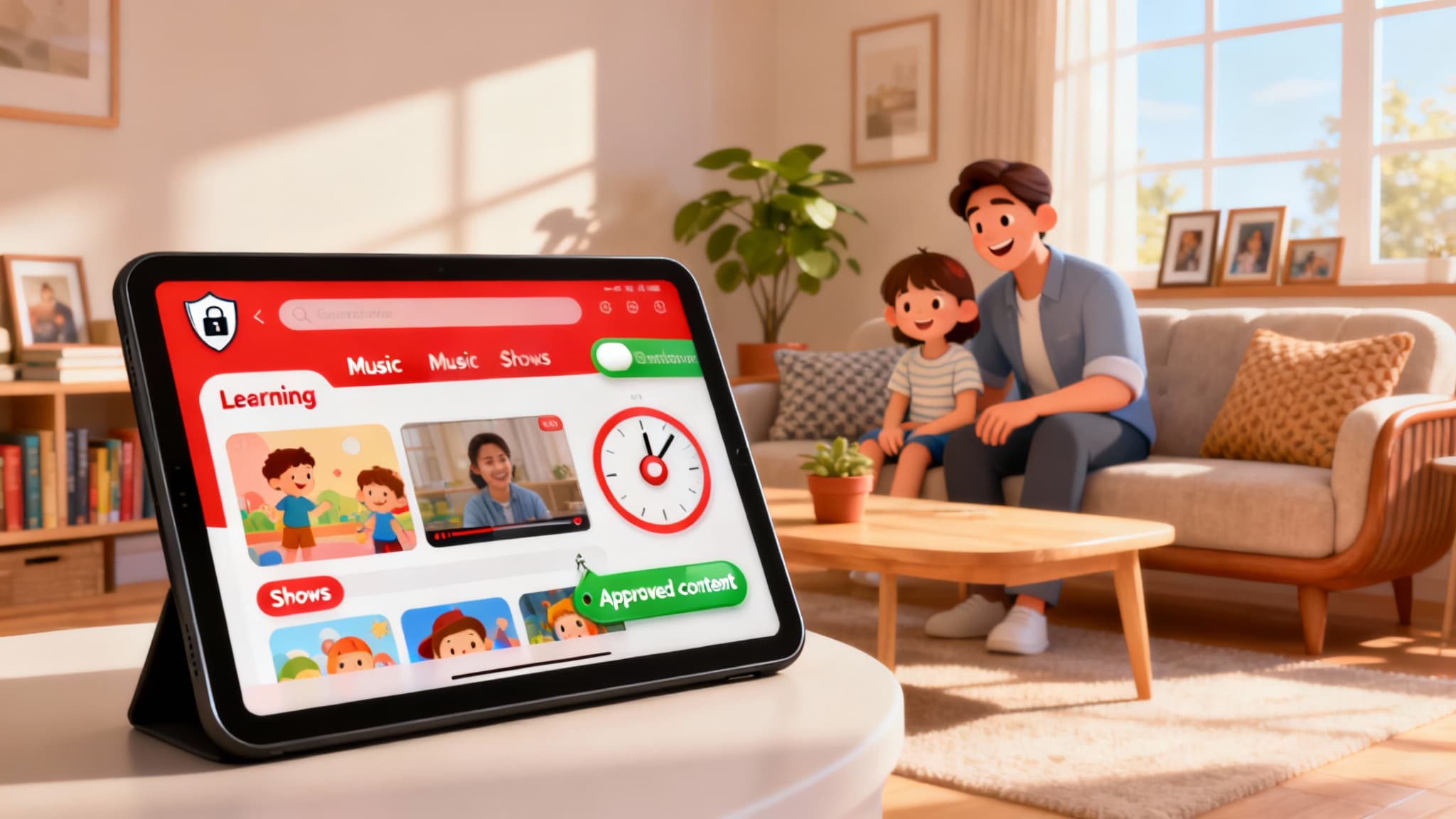

YouTube Kids has become a go-to platform for families who want safe, age-appropriate video content for their children. Designed to filter out mature themes and prioritize educational and entertaining videos, it offers a more controlled environment than the main YouTube app. Still, no algorithm is perfect. The best results come when parents actively configure settings, monitor activity, and teach kids healthy media habits. This guide explains how YouTube Kids works, how to set up parental controls effectively, and what additional steps U.S.-based families can take to safeguard their children online.
What Is YouTube Kids?
YouTube Kids is a curated version of YouTube that surfaces content aimed at young audiences. It removes features like public comments and limits search results to child-friendly videos. Content is organized by themes such as Shows, Learning, Music, and Explore, and the app provides a simplified interface suitable for early readers and young viewers. YouTube’s automated systems, human review, and community reports all contribute to filtering, but parents should still supervise and customize settings to fit their child’s age and maturity level.
Benefits of YouTube Kids
- Age-appropriate discovery: The app promotes educational shows, STEM videos, story time, music, and creative how-to content.
- Easy parental setup: A guided onboarding helps adults choose the right experience for each child profile.
- Restricted features: No open comments, limited outbound links, and a focus on safer search results.
- Screen-time management: Built-in timers encourage balanced media use.
Core Parental Control Features
- Child Profiles: Create separate profiles for each child with their date of birth and content level. This allows you to tailor what each kid sees.
- Content Settings by Age: Options typically include “Younger,” “Older,” or “Approved content only.” The last option lets you handpick specific channels, collections, or videos your child can watch.
- Search On/Off: Turning search off restricts your child to only content surfaced on the home screen and approved collections, reducing exposure to edge-case videos.
- Watch History and Recommendations: You can pause watch history to prevent the algorithm from adapting to accidental clicks or random interests that don’t align with your family rules.
- Block and Flag: Quickly block channels or specific videos you don’t want to appear again. You can also report problematic content to help improve the ecosystem.
- Screen-Time Timer: Set viewing limits that prompt your child to take breaks or end sessions at a consistent time.
How to Set Up YouTube Kids Safely
- Download and Sign In: Install YouTube Kids on your child’s device and sign in using your Google account to enable supervision and synced settings across devices.
- Create a Child Profile: Add your child’s name and birth year accurately so the app can suggest an appropriate content tier.
- Choose “Approved Content Only” for Younger Kids: For preschool and early elementary ages, start with handpicked content to minimize surprises.
- Turn Off Search Initially: Search can broaden discovery, but it also increases exposure to borderline content. Enable it later if you feel comfortable.
- Curate a Starter List: Approve a handful of trusted channels and playlists—educational brands, librarians’ picks, museum and science channels, and teacher-recommended creators.
- Set a Daily Timer: Align screen time with your family media plan (for example, 30–60 minutes on school days). Consistency helps kids self-regulate.
- Review Watch History Weekly: Skim the history and remove anything you don’t like. Adjust settings, block channels, or refine approvals as needed.
- Discuss Media Literacy: Teach kids to stop and ask for help if something feels “off,” overly commercial, or scary. Encourage them to tell you when autoplay brings up unexpected videos.
Best Practices for U.S. Families
- Use a Family Media Agreement: Document rules around when, where, and how long kids can watch. Include no-screens at dinner and device-free bedrooms for better sleep.
- Prefer Larger Screens in Shared Spaces: Watching on a TV in the living room makes casual oversight easier than private tablet viewing.
- Co-View When Possible: Sitting with your child for even part of their session lets you reinforce values, ask questions, and convert passive watching into active learning.
- Disable Autoplay When Appropriate: Autoplay can lead to longer sessions and less intentional viewing. Consider turning it off for younger kids.
- Keep Devices Updated: Regularly update the app and device OS for the latest safety features and security patches.
- Periodically Refresh Approved Content: Kids’ interests evolve quickly. Rotate in new, high-quality channels to keep them engaged without lowering your standards.
Choosing High-Quality Channels
Look for:
- Clear educational goals (science, literacy, art, music, social-emotional learning)
- Calm pacing and minimal sensationalism
- Limited product placement and clear disclosure when promotions exist
- Diverse representation and positive role modeling
- Closed captions and accessibility features
Consider subscribing (within YouTube Kids where supported or via your own account supervision) to reputable institutions such as children’s museums, public broadcasters, library systems, and nonprofit education creators.
Handling Ads and Sponsored Content
YouTube Kids aims to limit and clearly label advertising, but sponsored content and promotions may still appear. Teach your child to recognize ads and to ask before clicking anything. If your child is very young, prefer “Approved content only” so you can vet videos with heavy commercial elements.
When to Graduate to Regular YouTube With Supervision
As children approach middle school and demonstrate responsible behavior, some families gradually transition toward supervised experiences on main YouTube using Family Link, Restricted Mode, and channel subscriptions you oversee. If you take this step, maintain shared-screen viewing or frequent spot checks, keep comments off where possible, and tighten privacy settings.
Troubleshooting Tips
- Strange Recommendations: Pause watch history, clear history, and remove problematic videos from the profile. Rebuild the recommendation graph with approved content.
- Repeated Requests for a Blocked Channel: Explain your reasoning, offer alternatives, and involve your child in choosing new approved channels to reduce resistance.
- Excessive Screen Time: Shorten timer limits, relocate viewing to shared spaces, and pair screen time with offline activities (reading, outdoor play, creative projects).
Privacy and Data Considerations
For U.S. families, YouTube Kids is designed with children’s privacy in mind, aligning with COPPA requirements. Even so, be mindful of what personal information your child may share on screen or mention in voice searches. Keep profiles generic and avoid using full names. Review Google Family Link settings if you also manage the device or Google account through it.
The Bottom Line
YouTube Kids can be a helpful tool for discovering educational, engaging content—provided parents stay involved. Start with the strictest settings, model healthy media habits, and expand freedom as your child shows responsibility. With thoughtful setup and ongoing oversight, families can turn screen time into an opportunity for learning and connection.








