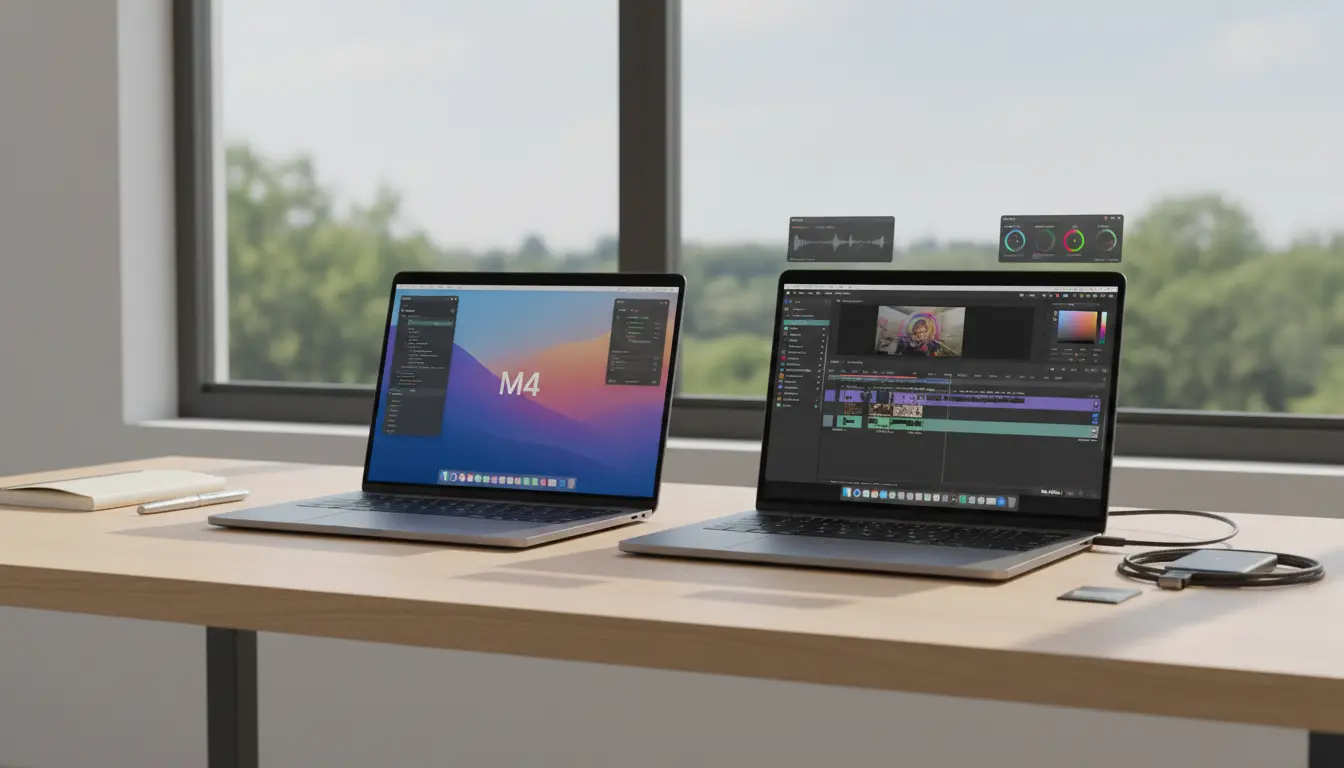

Choosing between the MacBook Air and MacBook Pro increasingly comes down to one core decision: which Apple Silicon chip best fits your workload and budget. With Apple’s M3 and M4 generations now in the mix, performance per watt has never been better—but the right choice varies widely for students, professionals, and creators. This guide explains how the M3 and M4 chips differ in real-world tasks, battery life, thermals, and value, so you can pick the Mac that truly matches your needs.
The Big Picture: Air vs. Pro Philosophy
- MacBook Air: Fanless, ultra‑portable, excellent battery life, silent operation. Optimized for everyday productivity, light creative work, and travel-friendly workflows. Best when you value portability and silence over sustained heavy performance.
- MacBook Pro: Actively cooled, higher sustained performance, better displays and speakers, more ports and I/O (on larger models). Built for intensive creative workloads, coding at scale, data tasks, and multi-hour renders.
Within each line, the chip you choose (M3 vs. M4, and their Pro/Max variants) determines how far you can push performance.
M3 vs. M4: What’s New and Why It Matters
- CPU Efficiency and IPC: M4 improves single-core and efficiency cores, meaning snappier everyday responsiveness and better battery life under mixed loads than M3. For tasks like browsing with dozens of tabs, email, Slack, and Office apps, M4 sustains lower power draw while feeling faster.
- GPU and Graphics Features: M3 introduced hardware-accelerated ray tracing and mesh shading on Apple Silicon laptops. M4 refines this with better throughput and improved efficiency under GPU-bound workloads. If you edit photos/videos lightly, both are great; if you do 3D, motion graphics, or complex timelines, M4 has a smoother headroom.
- Neural Engine and On-Device AI: M4’s Neural Engine is notably faster than M3’s for on-device AI tasks like image upscaling, speech-to-text, background removal, or running local LLM pipelines. If your workflow leans into AI tools (Stable Diffusion variants, transcription, batch photo enhancement), M4 saves time and battery.
- Memory Bandwidth and Unified Memory: Both support unified memory with high bandwidth, but M4’s architecture squeezes more out of each watt. If you frequently hit memory ceilings (lots of Chrome tabs, virtual machines, big Lightroom catalogs), opt for more unified memory (16–24 GB minimum for pros).
In short: M3 is still excellent and cost-efficient; M4 is more responsive, cooler under load, and better for AI-enhanced workflows.
Who Should Choose MacBook Air (M3 or M4)?
Choose MacBook Air if you value quiet, light, all‑day performance and don’t routinely hammer the CPU/GPU for hours.
- Students and Knowledge Workers: Writing, research, spreadsheets, web apps, Zoom, Notion. An M3 Air already feels premium-fast. The M4 Air is even more responsive and future‑proof if you keep laptops 4–6 years.
- Light Creators: Photo editing, occasional 1080p to light 4K video edits, podcasting, Canva, and light Figma or Sketch. The M4 Air handles these with fewer slowdowns, especially with background exports and AI adjustments.
- Travelers and Field Work: The Air’s battery life and silent thermals shine on planes and in meetings. If you work unplugged often, the M4 Air stretches runtime.
Recommended configurations:
- M3 Air: 16 GB unified memory, 512 GB SSD for general users on a budget.
- M4 Air: 16–24 GB unified memory if you use photo/video and AI tools more frequently; 512 GB–1 TB SSD if you keep local media.
When the Air may fall short:
- Long 4K/8K renders, heavy After Effects comps, Xcode builds for large apps, Blender cycles, large data science notebooks. You’ll hit thermal limits on the fanless design—consider a Pro.
Who Should Choose MacBook Pro (M3 or M4)?
Choose MacBook Pro if you need sustained performance, premium display, superior speakers, and more I/O.
- Video Editors and Motion Designers: Multicam 4K, ProRes workflows, color grading, motion graphics. The Pro’s active cooling keeps clocks high for hours. M4 Pro/Max offers smoother scrubbing and shorter exports than M3 generations.
- Developers and Data Work: Large Xcode or Android builds, Docker, local databases, VS Code with many extensions, running models locally. M4 Pro is a sweet spot for balance; M4 Max is for heavy parallel tasks or GPU-accelerated workloads.
- 3D, Scientific, and AI Workloads: GPU-bound tasks, simulation, on-device model inference. M4 Max shines for VRAM-equivalent headroom via unified memory and higher GPU core counts.
Recommended configurations:
- M3 Pro (if available in your region/stock): Good value for coders and editors needing more sustained power than Air, but M4 Pro is more future-proof.
- M4 Pro: 18–24 GB unified memory for devs and editors; 36 GB if you run VMs/containers or big timelines.
- M4 Max: 36–64+ GB unified memory for heavy 3D, complex AE, or AI research workflows. Storage 1–2 TB if you keep large media libraries local.
Display sizes:
- 14-inch Pro: Best blend of portability and Pro display/speakers.
- 16-inch Pro: Longest battery among Pros and largest canvas—favorite for editors and developers working dockless.
Battery Life and Thermals
- Air: Class-leading efficiency. Under mixed productivity, the M4 Air can edge out M3 Air, particularly with AI‑augmented tasks. Completely silent thanks to no fan.
- Pro: Larger batteries and active cooling let Pros handle heavier loads longer without throttling. Under light use, battery life is still excellent, though total runtime can be slightly behind the Air due to higher-performance components.
Storage and Memory: Don’t Skimp
- Unified Memory: Apple Silicon benefits more from ample memory than older x86 laptops. For longevity, 16 GB is the new baseline for professionals; 24–36 GB if you multitask heavily or use creative suites. Creators and developers benefit the most from more memory.
- SSD: 512 GB minimum for general users, 1 TB+ for creators. High-res footage and libraries grow quickly.
Ports, Displays, and Quality-of-Life
- Air: Fewer ports, but still includes MagSafe, two USB‑C/Thunderbolt ports, and a great screen for its class. Lightweight and easy to carry.
- Pro: More ports (incl. HDMI, SD card on some models), higher peak brightness, ProMotion 120 Hz for smoother UI, best-in-class speakers and mics—meaningfully better for editing and content review.
Practical Buying Scenarios
- Budget-conscious student or office professional: MacBook Air M3 with 16 GB RAM, 512 GB SSD. Smooth, quiet, long-lasting.
- Power user who keeps a laptop 5–6 years: MacBook Air M4 with 16–24 GB RAM for future-proofing and better AI performance.
- Developer building medium-to-large apps, frequent Docker/VM use: MacBook Pro M4 Pro with 24–36 GB RAM.
- Video editor with multicam 4K and frequent exports: MacBook Pro M4 Pro/Max with 36–64 GB RAM and 1–2 TB SSD.
- 3D artist, motion graphics, or AI-heavy workflows: MacBook Pro M4 Max with 48–64 GB+ RAM.
Value and Future-Proofing
M3 Air remains a value leader if you find a good price, especially for everyday productivity and light creative use. M4, however, extends the runway for AI acceleration, keeps temps lower under load, and offers more consistent responsiveness. For professionals, M4 Pro/Max in the MacBook Pro line is a meaningful step that pays back in time saved on builds, renders, and exports.
Bottom Line
- Pick MacBook Air (M3 or M4) if you prioritize portability, silence, and all-day battery over marathon heavy workloads. Prefer M4 if budget allows; choose M3 to maximize value.
- Pick MacBook Pro (preferably M4 Pro/Max) if you run sustained CPU/GPU workloads, need the best display/speakers, and rely on ports. The Pro line is the right tool if time is money in your workflow.
Your chip should match your day-to-day reality: how often you push your machine, how long you expect to keep it, and how much you value silence versus speed. For most, an M4 Air with 16 GB RAM is the sweet spot. For creators and developers under continuous load, the M4 Pro/Max in a MacBook Pro is the professional’s edge.









