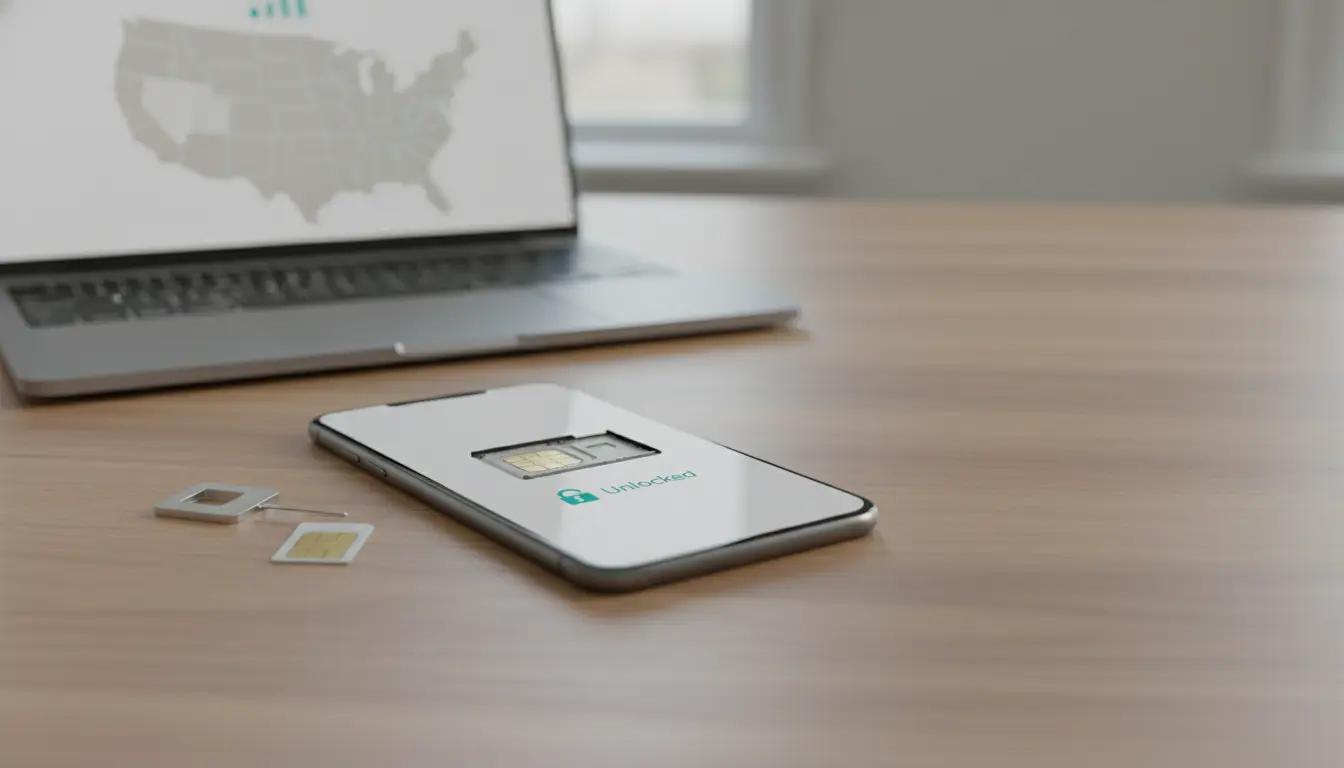

Unlocking your mobile phone from a U.S. carrier can dramatically increase its flexibility, resale value, and usability when traveling abroad. Whether you’re switching carriers, bringing your own device (BYOD), or simply want the freedom to use international SIM cards, understanding the rules, methods, and best practices for carrier unlocking in the United States is essential. This guide explains how unlocking works, carrier-specific policies, common pitfalls, legal considerations, and step-by-step tips to get your device unlocked as smoothly as possible.
What does unlocking mean?
A carrier-locked phone only works with the network of the company that sold it (e.g., AT&T, Verizon, T‑Mobile). Unlocking removes this restriction so the phone can accept SIM cards from other carriers domestically and internationally. Unlocking doesn’t jailbreak or root your device; it only removes the network limitation. It does not affect your warranty when done legitimately through approved methods.
Is unlocking legal in the United States?
Yes. Since 2014, consumer phone unlocking has been legal in the U.S., supported by the Unlocking Consumer Choice and Wireless Competition Act. Carriers are required to offer unlocking for eligible devices. However, each carrier sets specific criteria (e.g., payment status, active service time) that must be met before they will unlock a phone.
Benefits of unlocking
- Carrier flexibility: Switch to a provider with better coverage or pricing without buying a new device.
- International use: Insert local SIMs while traveling to avoid expensive roaming charges.
- Higher resale value: Unlocked phones typically sell faster and for more money.
- BYOD savings: Take advantage of bring-your-own-device plans and promotions.
General eligibility requirements
While every carrier has its own rules, most require:
- The device is fully paid off (no outstanding installments or lease obligations).
- The device is not reported lost, stolen, or flagged for fraud.
- The account is in good standing (no past-due balance).
- The device has been active on the carrier for a minimum period (commonly 40–60 days).
- For prepaid plans, a minimum usage time (e.g., 6 months) is often required.
Carrier-specific policies (high-level)
- AT&T
- Postpaid: Device paid off and active for at least 60 days, account in good standing.
- Prepaid: Typically at least 6 months of active service.
- Process: Use the AT&T Device Unlock portal to submit an unlock request. You’ll receive an email to confirm, then a final decision within a few business days.
- T‑Mobile
- Postpaid: Device paid off, at least 40 days active on T‑Mobile network, no EIP balance.
- Prepaid: Typically 365 days since first use or a minimum refill amount.
- Process: Many devices can be unlocked via the “Device Unlock” feature in Settings or the T‑Mobile app once eligibility is met.
- Verizon
- Most postpaid 4G LTE and 5G devices are automatically unlocked 60 days after purchase and activation, provided the account is in good standing. No request needed unless there are special circumstances.
- Prepaid: Similar automatic unlock after 60 days from activation.
- UScellular
- Generally unlocks devices after 120 days if the account is in good standing and the device is not flagged.
Note: Policies can change. Always verify the latest criteria on your carrier’s official support page before you proceed.
How to unlock your phone: step-by-step
- Check device compatibility and locks
- Confirm your phone’s model supports the frequency bands of your target carrier (especially if switching between GSM and CDMA histories, though most modern 5G phones support multiple bands).
- Verify the device is not under carrier financing or reported lost/stolen.
- Locate your IMEI
- Dial
*#06#or check Settings > About Phone > Status to find the IMEI/IMEI2 (for dual SIM). - Keep the IMEI handy—it’s required for most unlock requests.
- Dial
- Confirm eligibility with your carrier
- Visit the carrier’s unlock page or contact support.
- If not eligible, ask what remains: outstanding balance, minimum days on network, or account issues.
- Submit an official unlock request
- Use the carrier’s portal or app. Provide IMEI, account details, and respond to confirmation emails.
- For AT&T and others, watch for a verification email to confirm the request.
- Apply the unlock on the device
- iPhone: Once approved, insert a non-original carrier SIM or connect to Wi‑Fi; the unlock typically applies automatically via Apple’s activation server.
- Android: Insert a different carrier’s SIM and enter the unlock code if prompted (some brands auto-unlock OTA). For Samsung/Pixel, updates may push the unlock status.
- Test with a different SIM
- Insert a SIM from your new carrier or an international SIM.
- Make a call, send SMS, and test data. You might need APN configuration for mobile data/MMS.
- Set APN settings if needed
- On Android: Settings > Network & Internet > Mobile Network > Access Point Names.
- On iPhone: Settings > Cellular > Cellular Data Network (if available). Some carriers auto-provision APNs.
Common pitfalls and how to avoid them
- Outstanding balances or EIPs: Pay off device financing. Keep proof of payment.
- Fraud flags: If you purchased secondhand, check IMEI status before buying.
- Prepaid service durations: Prepaid unlock timelines are often longer. Maintain active service to meet the requirement.
- MVNO nuances: If you bought from an MVNO (e.g., a sub-brand on AT&T/T‑Mobile/Verizon), unlock rules can differ. Contact the MVNO directly.
- International variants: Some imported models may not be unlockable through U.S. carriers or may lack key bands for U.S. networks.
- Third-party services: Be cautious. Some are legitimate for out-of-contract, older devices; others are risky, can void warranties, or involve unsupported methods. Prefer the carrier-approved route first.
iPhone vs. Android unlocking notes
- iPhone
- Carrier unlock is server-side via Apple’s activation servers; no code entry is required.
- After carrier approval, insert a different SIM or erase and restore if needed to force re-activation.
- Use iCloud and backups to protect data before any reset.
- Android (Samsung, Google Pixel, etc.)
- May require entering a carrier-supplied unlock code when a non-native SIM is inserted.
- Some models unlock via an app or over-the-air after eligibility is confirmed.
- Back up data before any factory resets.
Traveling internationally: best practices
- Get unlocked before you fly: Carrier support is easier to access at home.
- Buy a local SIM or eSIM at your destination for cheap data and calls.
- Save your original SIM and note your voicemail/passwords.
- Verify bands: Ensure your phone supports local LTE/5G bands for stable data.
- Consider eSIM: Many carriers and travel providers offer instant eSIMs for short trips.
Boosting resale value with unlocking
- List clearly as “Factory Unlocked” or “Carrier Unlocked” and include IMEI status screenshots (mask the last digits).
- Mention supported bands, dual SIM/eSIM capabilities, battery health (for iPhone), and storage size.
- Provide proof of unlock approval if available.
Security and data considerations
- Unlocking does not remove FRP (Factory Reset Protection) or Activation Lock. Make sure you can sign into the original Google/Apple account if you plan to sell or reset.
- Keep your device OS updated to ensure network compatibility and security patches.
When to consider professional help
- If you’re outside normal eligibility (e.g., secondhand device with no access to the original account), try contacting the carrier with proof of purchase.
- Reputable walk-in repair shops can advise on compatibility and APN settings, but avoid dubious unlock methods that bypass carrier systems.
Quick FAQ
- Will unlocking void my warranty? No, not if done through authorized, carrier-approved methods.
- Can a carrier re-lock my phone? Normally no, once permanently unlocked. Some temporary international unlocks can expire—confirm the type of unlock granted.
- Does unlocking improve signal? Not directly; it enables switching to a carrier with better coverage for your area.
Action checklist
- Verify the phone is paid off and in good standing.
- Find the IMEI and check IMEI status.
- Review your carrier’s current unlock policy and minimum active days.
- Submit the unlock request and follow instructions.
- Test with another carrier’s SIM and set APN if needed.









