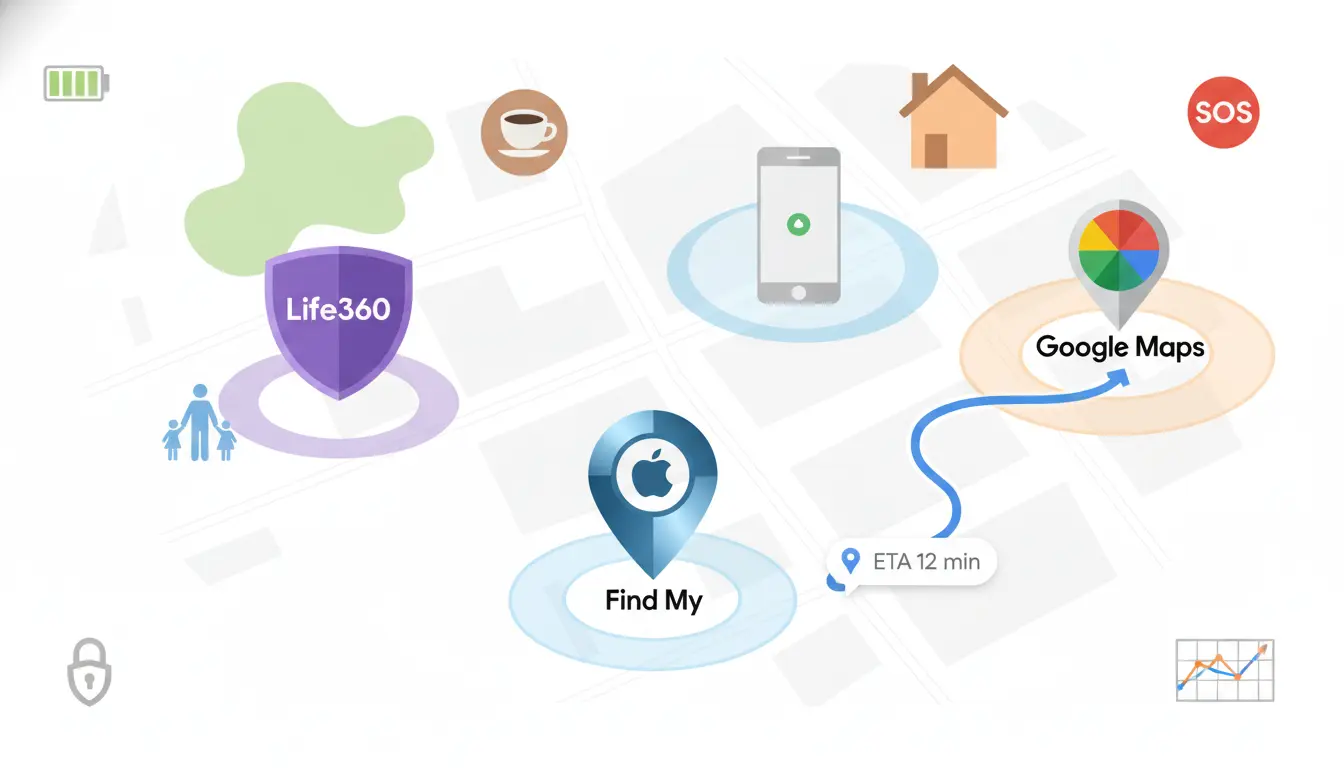

In everyday life, location sharing streamlines plans with friends, offers peace of mind for teen driver monitoring, and supports the safe return of older loved ones. Three of the most popular solutions—Life360, Apple’s Find My, and Google’s location sharing—offer overlapping features with distinct strengths in safety, privacy, cross-platform support, and family tools. This comprehensive guide explains how each works, what sets them apart, and how to choose the best one for your needs.
What is Location Sharing and Why It Matters
Location sharing lets you temporarily or continuously broadcast your real-time position to trusted contacts. Modern apps add smart layers, such as geofencing (alerts when someone arrives/leaves a place), crash detection, roadside assistance, battery level status, driving behavior analysis, and privacy controls. Used responsibly, these tools boost safety, improve coordination, and reduce the mental load of “Where are you?” texts.
Life360: Family Safety Suite with Driving Insights
Life360 is built around family safety. It organizes family members into “Circles” with a private map and configurable alerts.
Key features:
- Real-time location sharing in private Circles
- Place alerts and geofencing for home, school, work, sports, etc.
- Driving safety features like hard braking, rapid acceleration, phone usage while driving, and top speed
- Crash detection and emergency dispatch (on supported devices/regions)
- SOS button to share emergency status and live location
- Roadside assistance (on certain plans)
- Location history and weekly safety reports
- Battery level display to explain why someone may be offline
Pros:
- Best-in-class family safety toolkit
- Cross-platform (iOS and Android), so mixed-device households work seamlessly
- Rich driving analytics and customizable alerts
Cons:
- More features sit behind paid tiers
- Continuous background tracking may affect battery (you can tune update frequency and permissions)
Best for:
- Families, teen drivers, caregivers, and anyone who values proactive safety features beyond “where is someone right now?”
Privacy notes:
- You can pause location sharing, control Circle membership, and tailor alerts by Place. Review app permissions routinely and educate family members on when and how to use SOS.
Apple Find My: Seamless for Apple Ecosystems
Find My is deeply integrated into iOS, iPadOS, and macOS. It shines in simplicity and trust, especially for people fully on Apple devices.
Key features:
- Share location with selected contacts via Apple ID
- End-to-end encryption for shared locations
- Precision Finding for AirTag and supported accessories
- Find My network leverages nearby Apple devices to locate lost items
- Simple time-limited sharing and “Notify When Left Behind” alerts for items
Pros:
- Native, private, and highly reliable on Apple devices
- Minimal setup; runs smoothly with low friction
- Great item tracking with AirTag and the expansive Find My network
Cons:
- Limited or no support for Android users
- Lacks Life360-style driving analytics and safety extras
Best for:
- Apple-only households who want low-effort, privacy-forward location sharing and industry-leading item tracking
Privacy notes:
- End-to-end encryption and native consent flows help protect data. Manage “Share My Location” in Settings and set time-limited shares for trips.
Google Location Sharing: Flexible and Familiar Across Platforms
Google’s location sharing (via Google Maps) works on both iOS and Android, making it a practical, no-frills solution for friends and families.
Key features:
- Share real-time location for a set duration or indefinitely
- Cross-platform support with Google accounts
- Integrated with Google Maps for routes, ETAs, and nearby places
- Timeline shows your historic routes (if enabled)
- Drive and transit context right inside Maps
Pros:
- Cross-platform and widely adopted
- Easy for meetups, travel coordination, and quick check-ins
- Good balance of simplicity and control
Cons:
- Not a dedicated family-safety suite; lacks crash detection and driving scores
- Location history and sharing settings require mindful privacy management
Best for:
- Mixed Apple/Android groups that want straightforward sharing without advanced safety features
Privacy notes:
- You control who sees your location and for how long. Regularly review Google account Location History and Activity settings to retain only what you need.
Battery, Data, and Privacy Considerations
All three can impact battery life if polling frequently in the background. To optimize:
- Use high-accuracy mode only when needed (e.g., trips)
- Set place-based alerts instead of constant map watching
- Pause sharing during downtime or use time-limited sessions
- Educate family members about battery settings and low-power modes
For data and privacy:
- Share only with trusted contacts or Circles
- Use time-bound sharing for events and travel
- Periodically audit who has access and prune old shares
- Review each platform’s privacy dashboard to disable history you don’t need
Safety Scenarios and Best Practices
- Teen drivers: Life360’s driving analysis, crash detection, and SOS can provide peace of mind. Set clear family agreements about when sharing is expected and how data is used.
- Consider SOS workflows.
- Travel groups: Google Maps time-limited sharing is ideal for coordinating meetups, showing ETAs, and coping with changing plans.
- Apple households: Use Find My for effortless sharing during errands or trips; pair with AirTags for luggage and keys.
How to Choose Between Life360, Find My, and Google
- Choose Life360 if you need robust family safety features, driving insights, crash detection, and cross-platform support.
- Choose Find My if everyone uses Apple devices and you value privacy, simplicity, and exceptional item tracking.
- Choose Google location sharing if you want flexible, cross-platform real-time sharing integrated with navigation and travel planning.
A quick heuristic:
- Families and safety-first: Life360
- Apple-only simplicity: Find My
- Mixed devices and meetups: Google Maps
Setup Tips to Get the Most Out of Each
Life360:
- Create Circles for family, caregivers, or specific groups
- Add Places for school, home, work to trigger precise alerts
- Enable SOS and teach everyone how and when to use it
- Tune driving alerts to reduce notification fatigue
Find My:
- Share location with key contacts and set time-limited shares for trips
- Use Precision Finding and the Find My network for items
- Manage notifications like “Notify When Left Behind” for important gear
Google Maps:
- Use time-limited sharing for events and travel
- Pair with pinned places and lists for coordination
- Review Location History and adjust auto-delete intervals
Final Thoughts
Location sharing, used thoughtfully, reduces stress, improves safety, and strengthens coordination. The right choice depends on your ecosystem, safety needs, and privacy preferences. Life360 leads for family safety and driving analytics, Find My excels in Apple-native privacy and item tracking, and Google Maps offers a cross-platform, intuitive approach for everyday coordination.
By understanding these strengths, you can deploy location sharing that feels organic, respectful, and truly supportive of your daily life.








