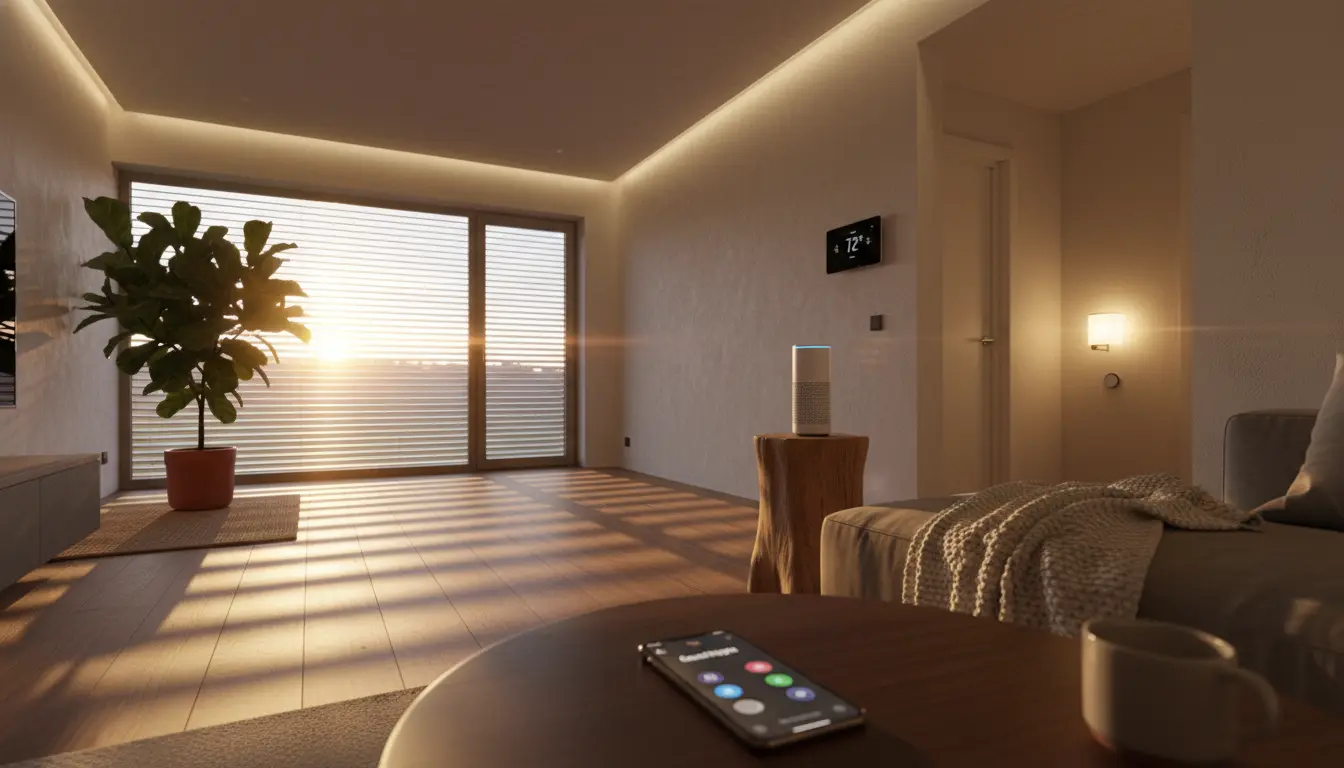

Building a smart home that feels seamless, responsive, and genuinely helpful hinges on effective routines and automations. Whether you’re using Amazon Alexa, Google Assistant (Google Home), or Apple HomeKit, the right setup can save time, enhance comfort, reduce energy usage, and improve home security. This comprehensive guide walks you through real-world automation examples across platforms, compares capabilities, and shares best practices to create reliable, organic, and human-centric smart home experiences.
What Are Smart Home Routines and Automations?
Smart home routines are predefined actions triggered by events, schedules, or conditions. Automations are the underlying rules that connect triggers (like time, motion, location, or device state) to actions (like turning lights on, adjusting thermostats, or sending alerts). Although terminology varies by platform—“Routines” in Alexa and Google Home, “Automations” in HomeKit—the concept is similar: set a trigger, define conditions, and execute actions.
Common trigger types:


- Time-based: sunrise/sunset, specific time, day of week
- Presence-based: geofencing when you arrive or leave
- Sensor-based: motion, door/window open, temperature, light level
- Voice-based: wake words and phrases (e.g., “Good night”)
- Device state: when a device turns on, off, or changes mode
Platform Overview: Alexa vs Google Home vs HomeKit
- Amazon Alexa: Broad device compatibility, robust voice control, routine flexibility, and powerful “Guard”/security features. Great for multi-vendor ecosystems.
- Google Home (Google Assistant): Strong contextual voice intelligence, native presence sensing, and excellent media control. Integrates well with Nest devices.
- Apple HomeKit: Privacy-first, fast local automations with a Home Hub (Apple TV/HomePod/iPad), fine-grained conditionals, and tight iOS integration.
All three increasingly support Matter, improving cross-brand device compatibility and longevity.
Practical Routine Examples You Can Use Today
- Good Morning Routine
- Trigger: Scheduled (weekday mornings at 7:00 AM) or voice (“Good morning”).
- Actions:
- Turn on bedroom and kitchen lights to a warm 30–50% brightness.
- Start coffee maker via smart plug.
- Adjust thermostat to a comfortable daytime temperature.
- Read out calendar events, traffic, and weather report.
- Platform notes:
- Alexa: Include Flash Briefing or custom news sources.
- Google: Best at travel time and contextual commute info.
- HomeKit: Smooth lighting transitions and precise scenes.
- Bedtime Wind-Down
- Trigger: Voice (“Good night”) or time-based (11:00 PM).
- Actions:
- Turn off main lights, dim bedside lamps to 10%.
- Lock smart locks; ensure garage door is closed.
- Arm security mode (Away/Stay depending on presence).
- Set thermostat to night eco setting; activate white noise.
- Platform notes:
- HomeKit: Use “People at Home” condition to avoid locking out arriving family.
- Alexa Guard: Detects smoke/CO alarms and glass break when set to Away.
- Arrive Home Welcome Scene
- Trigger: Geofencing (arriving within 200–500 m), or unlocking the door.
- Actions:
- Entry and hallway lights on to 60% if after sunset.
- Play soft music on preferred speakers.
- Set thermostat from eco to comfort.
- Platform notes:
- Google Home: Presence sensing with multiple phones.
- HomeKit: Highly reliable local geofence + time-of-day condition.
- Alexa: Pair with Ring/doorbell events for lighting cues.
- Leaving Home Energy Saver
- Trigger: Geofencing (everyone leaves) or voice (“I’m leaving”).
- Actions:
- Turn off lights and media devices.
- Set thermostat to eco mode.
- Arm security system; enable motion notifications.
- Platform notes:
- HomeKit: “When Last Person Leaves” is a native condition.
- Alexa/Google: Combine with smart plugs for TVs and consoles.
Other
- Motion-Activated Hallway/Night Light
- Trigger: Motion sensor between 11 PM and 6 AM.
- Actions:
- Turn on low-level lighting (5–20%) for 3–5 minutes.
- Platform notes:
- HomeKit: Add “Only if ambient light is below X lux.”
- Alexa/Google: Use routines with auto-off timers.
- Smart Climate Comfort Loop
- Trigger: Temperature/humidity thresholds.
- Actions:
- If temp > 26°C, turn on ceiling fan or adjust smart thermostat.
- If humidity > 60%, activate dehumidifier smart plug.
- Platform notes:
- HomeKit: Local sensor logic means faster response.
- Alexa: Great with third-party sensors and plugs.
- Safety and Security Checks
- Trigger: Door/window opens when nobody is home; water leak detected.
- Actions:
- Send notifications; flash lights red; pause water valve via smart actuator.
- Platform notes:
- HomeKit Secure Video supports automation tied to camera activity zones.
- Alexa: Announce alerts over Echo devices.
- Google: Strong integration with Nest Detect/Protect.
- Movie Night Scene
- Trigger: Voice (“Movie time”).
- Actions:
- Dim living room lights to 10%, close smart blinds.
- Switch TV/AVR input, set sound mode.
- Platform notes:
- Alexa/Google: Excellent with Chromecast/Fire TV routines.
- HomeKit: Use scenes for synchronized lights and blinds.
- Focus/Work-From-Home Routine
- Trigger: Time-based start/end or voice.
- Actions:
- Turn on desk lamp to cool white 70%.
- Start white-noise playlist; set Do Not Disturb on devices (where supported).
- Keep room at 22–23°C.
- Platform notes:
- Google: Good calendar-based reminders.
- HomeKit: Scene widgets on iPhone for quick toggles.
- Energy Optimization by Time-of-Use
- Trigger: Utility off-peak hours start/end.
- Actions:
- Run dishwasher or laundry during off-peak.
- Reduce HVAC setpoint slightly in peak windows.
- Platform notes:
- Use virtual switches or third-party services to reflect tariff windows.
- HomeKit: Shortcuts can fetch schedules from APIs if you’re advanced.
Best Practices for Reliable, Organic Automations
- Start simple, then stack conditions: Begin with one trigger and one action. Add constraints like presence, time-of-day, or ambient light gradually to avoid conflicts.
- Prefer local control: Devices and platforms that process locally (e.g., HomeKit with a Home Hub, Thread/Matter devices) reduce latency and cloud dependency.
- Use scenes for repeatable states: Define “Morning,” “Evening,” “Away,” and “Movie” scenes so multiple routines can reuse them consistently.
- Name devices and rooms clearly: Simple, unique names improve voice recognition: “Hallway Light,” “Office Lamp,” “Bedroom Fan.”
- Build redundancy for critical tasks: If security is involved, pair lock automations with notifications and manual checks. Consider battery status automations for sensors.
- Leverage presence accurately: Combine geofencing with Wi‑Fi presence or door unlock events to prevent false triggers.
- Maintain your smart home: Update firmware, replace low batteries, and audit routines quarterly to keep things frictionless.
- Respect privacy: Use on-device processing where possible. HomeKit emphasizes privacy; with Alexa/Google, review microphone and camera settings, and manage voice recordings.
Comparing Integrations and Ecosystem Fit
- If you already use Apple devices: HomeKit offers excellent reliability, privacy, and fast automations. HomeKit Secure Video and adaptive lighting are strong perks.
- If you want the widest device support: Alexa’s ecosystem is massive. Skills and third-party integrations are robust, and Echo speakers make announcements useful.
- If you prefer Google services: Google Assistant excels at contextual queries, routine summaries, and media casting. Presence sensing with multiple users is polished.
Matter and Thread are making multi-ecosystem setups easier. You can run a mixed environment—e.g., pair Thread sensors with HomeKit while keeping certain speakers on Alexa—while maintaining core routines in your preferred platform.
Advanced Ideas to Step Up Your Automations
- Multi-condition automations: “If motion is detected AND lux is below 50 AND it’s after sunset, then turn lights to 30%.”
- State-aware voice routines: Use different outcomes for the same phrase by checking time or presence (some platforms emulate this via multiple routines with conditions).
- Routine chaining with virtual switches: Create a virtual switch as a “flag” to prevent loops or to sequence multi-step routines across platforms.
- Data-driven optimization: Track runtime and energy usage. If lights or HVAC run too often, adjust thresholds and durations.
- Contextual announcments: “Laundry finished” announcements when someone is home, silent notifications when away.
Quick Setup Tips
- Choose devices with native platform badges (Works with Alexa/Google/Apple Home).
- Group devices into rooms and zones early.
- Create core scenes first, then attach them to triggers.
- Test each routine at least twice in real conditions (day vs night, home vs away).
- Document special routines in a note so family members understand behavior.
Conclusion
Smart home routines and automations are the heartbeat of a truly helpful home. With Alexa, Google Home, and HomeKit, you can craft flows that feel natural, reduce energy waste, bolster security, and enhance comfort. Start with a few high-impact routines—Morning, Away, Night—and refine them with presence, sensors, and scenes. Over time, your home will feel organically responsive, not scripted.