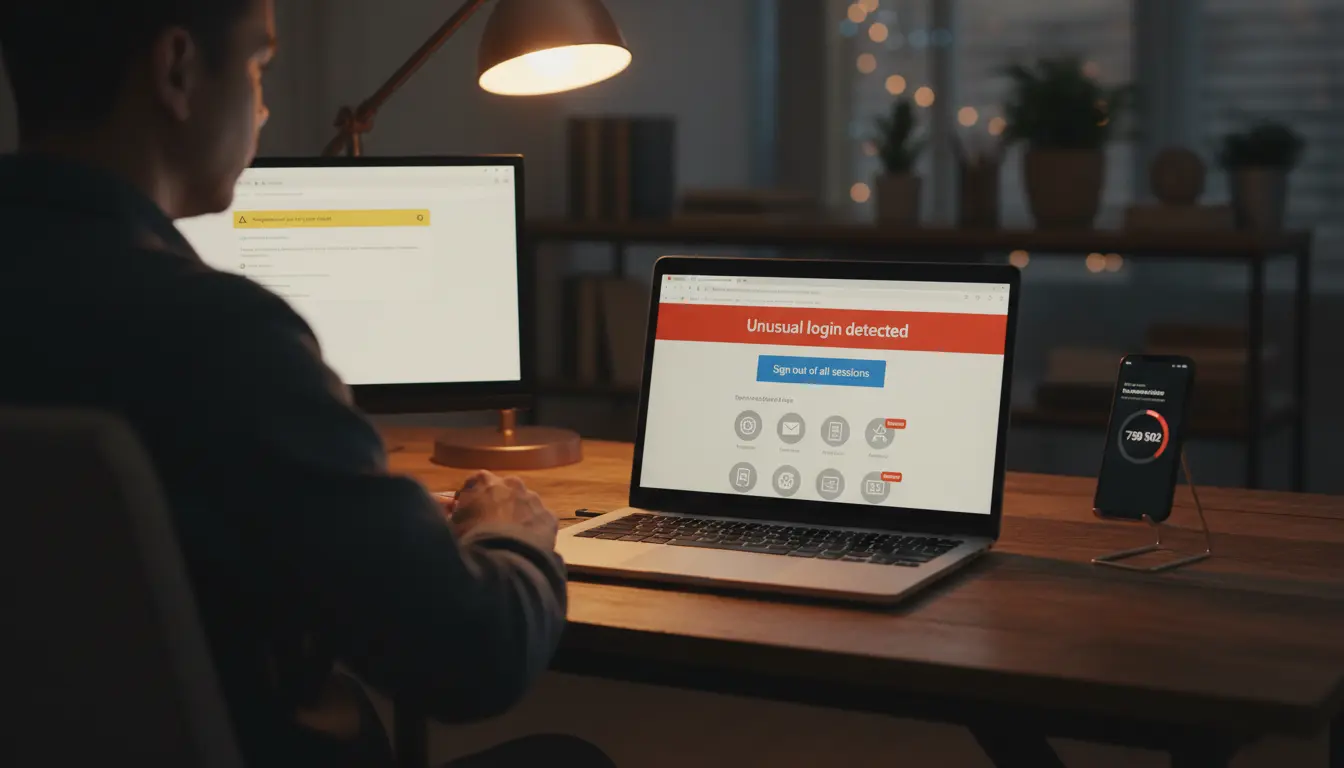

When your account is hacked, every minute counts. The first hour is critical for containing damage, recovering access, and preventing long-term fallout like identity theft or financial loss. This guide provides a clear, SEO-friendly, and practical rapid response and recovery plan you can follow immediately. Whether it’s email, social media, banking, or a work app, these steps help you lock out attackers, fix the damage, and strengthen your defenses.
- Confirm the compromise and identify scope
- Signs of compromise:
- Password no longer works or you’re locked out.
- Login alerts from unknown devices, locations, or IPs.
- Unrecognized messages, posts, purchases, or password reset emails.
- Security settings changed (recovery email/phone, 2FA turned off).
- Check other accounts for linked access. If one account is hacked (e.g., email), attackers may pivot into connected services like cloud storage, social platforms, or banking apps.
- Document everything: timestamps, suspicious messages, IPs, screenshots. These details help support teams and, if needed, law enforcement.
- Contain the incident immediately
- Disconnect suspect devices from the internet to stop active exfiltration. Use a different trusted device to begin recovery.
- If you still have access, log out all sessions from the account’s security dashboard.
- Revoke third-party app access. Attackers often plant malicious integrations to retain access after you change the password.
- Turn on two-factor authentication (2FA) right away. Prefer an authenticator app or hardware key over SMS.
- Regain access safely
- Use the platform’s official account recovery flow. Avoid links in emails or messages; go directly to the website/app.
- Reset the password using a strong, unique passphrase:
- 14–20+ characters, mix of letters, numbers, symbols, no reuse.
- Consider using a password manager to generate and store it.
- If recovery options were changed by the attacker, contact support with identity verification (ID, prior billing details, recovery codes). Provide your documentation from Step 1.
Other
- Remove the attacker’s persistence
- Review security settings thoroughly:
- Recovery emails/phones: remove unknown entries.
- 2FA devices and backup codes: revoke old ones, generate new codes, and store them offline.
- App passwords and API tokens: rotate or delete them.
- Audit connected apps/integrations and remove anything you don’t recognize.
- Check forwarding rules and filters (especially in email). Attackers often create auto-forwarding to siphon sensitive data quietly.
- Review login history and sign out from all suspicious devices.
- Assess and remediate damage
- Email and cloud: Search for “forward,” “rule,” “filter,” “password,” “verification,” “delivery failed,” and “security alert” to spot tampering.
- Social media: Delete malicious posts, DMs, or spam ads. Apologize publicly if needed and warn contacts not to click recent links.
- Financial: Review statements and app activity. Freeze cards or dispute charges. Enable transaction alerts and set spending limits.
- Work accounts: Inform IT/SecOps immediately. They can run endpoint scans, reset SSO tokens, and check logs for lateral movement.
- Notify impacted parties
- Inform contacts if they might have received malicious messages from your account.
- For business incidents, follow your incident response plan and regulatory obligations (e.g., notifying customers or authorities depending on jurisdiction and data type).
- If identity data might be exposed, consider placing fraud alerts, credit freezes, or enrolling in identity monitoring.
1. Other
- Secure all linked accounts and devices
- Password hygiene:
- Change passwords on any accounts sharing the old password (avoid reuse entirely going forward).
- Prioritize email, banking, major cloud services, and password managers.
- Enable strong 2FA across the board. Where possible, use passkeys or hardware security keys for phishing resistance.
- Device hygiene:
- Run a full antivirus/anti-malware scan on all devices you used to access the account.
- Update operating systems, browsers, and critical apps.
- Remove untrusted browser extensions and sideloaded apps.
- Monitor for lingering risks
- Keep an eye on login alerts, unusual notifications, and password reset emails you didn’t initiate.
- Review your account activity weekly for the next 60–90 days.
- Set up alerts for your email address on breach monitoring tools. If the platform offers a security report or dashboard, check it regularly.
Other
- Strengthen future resilience
- Use a password manager to ensure every account has a unique, strong password.
- Prefer passkeys or hardware keys for high-value accounts (email, banking, crypto, admin consoles).
- Maintain secure backups of recovery codes in a physical safe or an encrypted vault.
- Segment accounts:
- Use separate emails for high-risk activities (newsletter sign-ups vs. banking).
- Keep admin accounts separate from daily-use accounts.
- Practice phishing resistance:
- Verify URLs carefully.
- Don’t click password-reset links from messages; navigate manually.
- Be cautious with “urgent” security alerts or unexpected invoices.
- Create a personal incident response checklist and store it offline so you can act quickly if this happens again.
- Special cases and advanced steps
- Business/enterprise compromise:
- Rotate SSO tokens, refresh API keys, and review IAM roles and least-privilege policies.
- Check logs for lateral movement, privilege escalation, or data exfiltration.
- Consider forced password resets and a mandatory 2FA rollout.
- High-value targets:
- Consider hardware keys with phishing-resistant FIDO2.
- Enable “advanced protection” programs where available.
- Use email aliasing and domain-based message authentication (SPF/DKIM/DMARC) for brand protection.
- Legal and compliance:
- If regulated data is involved, consult counsel on notification requirements.
- Preserve forensic evidence before wiping devices.
Rapid 60-minute action plan (summary)
- Minutes 0–10: Isolate devices, log out all sessions, enable 2FA, start the official recovery flow.
- Minutes 10–30: Reset password, revoke app access, remove malicious rules/forwards, regenerate backup codes.
- Minutes 30–60: Audit activity and transactions, notify impacted contacts, scan devices, update key linked accounts.
Key mistakes to avoid
- Reusing the same password after a breach.
- Relying on SMS-only 2FA when a stronger option is available.
- Ignoring recovery options—attackers often change them first.
- Clicking on “recovery” links from emails or DMs instead of going directly to the site.
- Failing to monitor accounts after regaining access.
A hacked account is stressful, but a calm, methodical response can contain damage and restore control quickly. Focus on isolation, recovery, removal of persistence, and long-term hardening. With strong authentication, unique passwords, vigilant monitoring, and a rehearsed plan, you significantly reduce the chance of repeat compromise and limit impact if an incident occurs again.