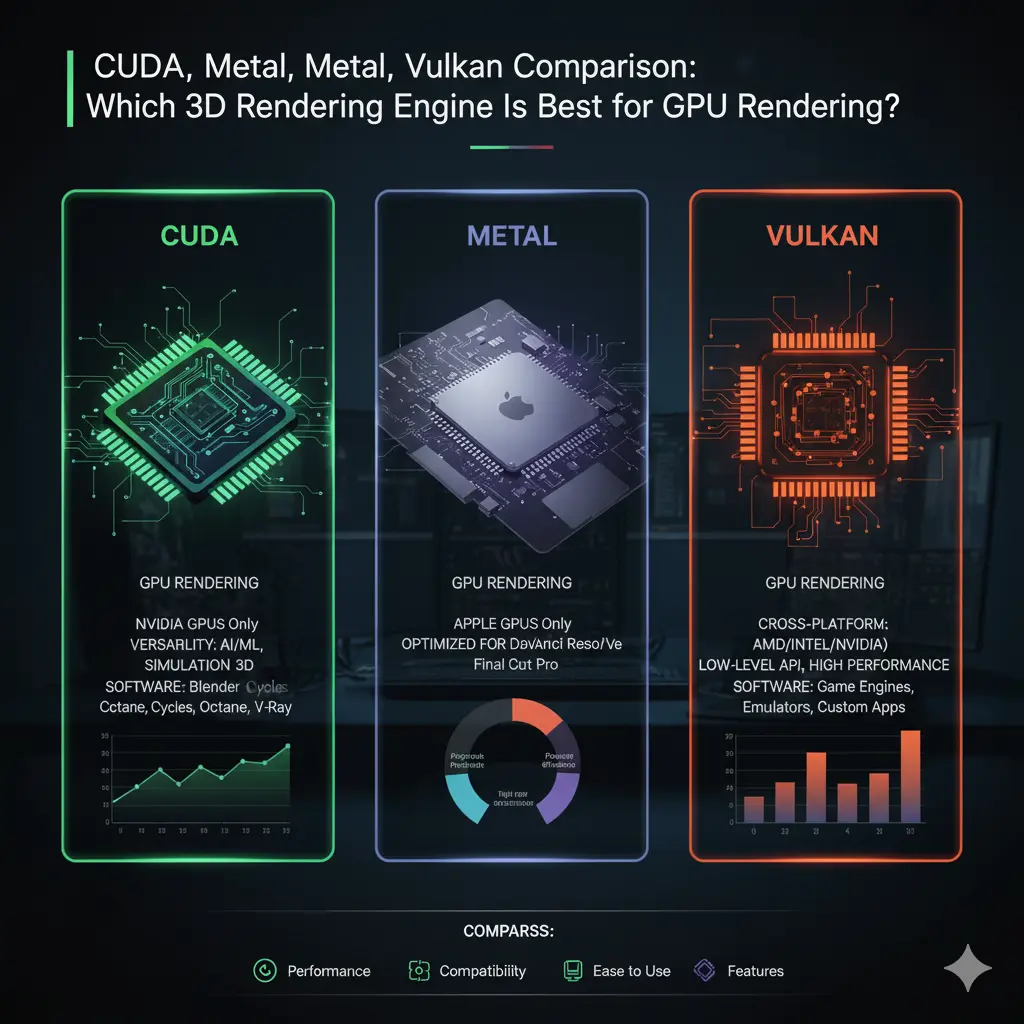

3D Rendering Engines: Comparing CUDA, Metal, and Vulkan for Modern Graphics Workflows
Choosing the right low-level rendering or compute backend is a critical decision for studios, engine developers, and realtime graphics engineers. CUDA, Metal, and Vulkan each represent powerful approaches to GPU-accelerated rendering and compute — but they differ in platform support, performance characteristics, developer tooling, shading languages, and ecosystem maturity. This article compares CUDA, Metal, and Vulkan across practical dimensions to help you pick the best option for your rendering pipeline, whether you’re building a real-time renderer, an offline path tracer, or GPU-accelerated simulation tools.
Platform & Ecosystem
- CUDA: Developed by NVIDIA, CUDA is a mature, highly-optimized compute platform primarily intended for NVIDIA GPUs. It is widely used in high-performance computing, machine learning, and offline rendering where NVIDIA hardware dominates. CUDA’s deep integration with NVIDIA drivers and libraries gives developers access to advanced features and optimized routines but locks you to NVIDIA hardware.
- Metal: Apple’s Metal is a platform-specific, high-performance graphics and compute API for macOS, iOS, and iPadOS. Metal is the de facto choice for Apple devices and is optimized for Apple Silicon (M1/M2). Metal offers tight OS-level integration and high-efficiency drivers but is only available on Apple platforms.
- Vulkan: Vulkan is an open, cross-vendor API from Khronos designed for low-overhead, explicit control over GPU hardware. Vulkan targets Windows, Linux, and Android, and via abstraction layers like MoltenVK can be used on macOS (with some limitations). Vulkan’s cross-platform nature makes it attractive for game engines and cross-platform renderers.
Portability vs. Specialization
Portability and specialization sit at opposite ends of the trade-off spectrum:
- CUDA specializes in NVIDIA GPUs — delivering exceptional performance and tooling for algorithms optimized to NVIDIA architecture. If your deployment targets NVIDIA clusters or workstations (render farms, DL inference, GPU-accelerated denoisers), CUDA often yields the best results.
- Metal specializes in Apple hardware. For macOS/iOS apps or native Apple workstation tools, Metal typically offers the best performance and power efficiency on Apple silicon.
- Vulkan targets portability; a single Vulkan backend can run across different vendors and platforms, making it ideal for engines and applications that require broad compatibility.
If you must support all platforms, consider a multi-backend strategy: CUDA for NVIDIA-only high-performance compute; Metal for native Apple clients; Vulkan for cross-platform graphics.

Performance & Low-Level Control
All three APIs provide low-level control enabling high throughput and minimal driver overhead, but their behaviors differ:
- CUDA: Optimized for compute kernels and general-purpose GPU tasks. CUDA exposes advanced features like cooperative groups, async copy, and architecture-specific intrinsics, allowing expert-level performance tuning.
- Metal: Prioritizes low-latency command submission and power-efficient execution on Apple hardware. Metal’s tight integration often means fewer driver surprises and predictable performance on supported devices.
- Vulkan: Emphasizes explicit synchronization and command buffer control. Proper use of Vulkan’s multi-threaded command buffer creation and descriptor sets unlocks high CPU-side parallelism, reducing CPU bottlenecks for complex scenes.
Which gives the highest raw performance depends on workload and hardware.
Shading & Compute Languages
- CUDA uses CUDA C/C++ — a mature language with rich libraries (cuBLAS, cuDNN, OptiX). It’s ideal for compute-heavy renderers and GPU-based denoisers.
- Metal uses Metal Shading Language (MSL), which is similar to C++ and integrates tightly into Xcode and Apple toolchains.
- Vulkan commonly uses SPIR-V as its intermediate representation. Shaders are typically written in GLSL, HLSL, or high-level languages and then compiled to SPIR-V. Vulkan also supports compute shaders for GPGPU tasks.
If you need cross-compilation, consider writing shaders in HLSL or GLSL and compiling to the appropriate target (SPIR-V or MSL) using tools like glslang, DXC, or shader translation layers.
Ray Tracing & Advanced Features
- CUDA: NVIDIA’s CUDA ecosystem includes OptiX — a powerful, high-level ray-tracing SDK optimized for NVIDIA GPUs. OptiX provides built-in acceleration structures, denoising, and advanced ray traversal features.
- Vulkan: Vulkan includes the Vulkan Ray Tracing extensions (VK_KHR_ray_tracing_pipeline and related), which enable hardware-accelerated ray tracing on compatible GPUs. Vulkan ray tracing is cross-vendor where supported.
- Metal: Apple introduced Metal Ray Tracing APIs and Metal Performance Shaders (MPS) for compute, which support ray tracing and acceleration on Apple Silicon and modern GPUs.
If hardware-accelerated ray tracing is critical, evaluate compatible GPUs and their drivers. On NVIDIA-heavy farms, CUDA + OptiX is a powerful combination. For cross-platform real-time engines, Vulkan RT extensions are increasingly viable.
Developer Tooling & Debugging
Tooling drastically affects productivity:
- CUDA: Rich profiling and debugging tools (Nsight Compute, Nsight Systems) deliver deep insights into kernel behavior, memory bandwidth, and occupancy. Mature libraries and community examples accelerate development.
- Metal: Xcode integration, streamlined instrumentation, and Metal-specific profilers make debugging on Apple devices straightforward.
- Vulkan: While Vulkan tooling has improved (RenderDoc, NVIDIA/Radeon profilers, validation layers), the explicit nature of Vulkan requires more discipline and careful use of validation layers to catch synchronization bugs.
Choose an API whose tooling fits your team’s skillset. For teams comfortable with low-level explicit control, Vulkan is rewarding. For teams prioritizing quick iteration on specific hardware, Metal or CUDA might be faster.
Memory Model & Synchronization
Vulkan and Metal emphasize explicit resource management and synchronization. Proper use of memory barriers, command buffer ordering, and descriptor management is essential to avoid stalls. CUDA abstracts some GPU memory management for compute tasks but still requires careful attention to data transfer overheads and memory access patterns. Optimization tips:
- Minimize CPU-GPU transfers; batch uploads and use persistent mapped buffers when possible.
- Use asynchronous compute and multiple queues to overlap work.
- Structure data for coalesced memory access to improve bandwidth utilization.
Ecosystem Adoption & Use Cases
- CUDA: Widely adopted in scientific computing, machine learning, and offline rendering pipelines. Many GPU-accelerated third-party libraries target CUDA first.
- Metal: Standard for Apple-native apps, professional creative tools on macOS, and mobile high-performance graphics on iOS.
- Vulkan: Popular in game engines (open-source and commercial), cross-platform renderers, and Android GPU development.
Choosing a backend often comes down to target audience: professionals using Apple hardware expect Metal support; cloud or workstation clusters with NVIDIA hardware often standardize on CUDA; games targeting multiple platforms prefer Vulkan.
Best Practices & Hybrid Strategies
- Multi-backend engines: Implement an abstraction layer that maps high-level renderer operations to CUDA/Metal/Vulkan backends. Many engines use Vulkan on Windows/Linux, Metal on Apple, and CUDA for specialized GPU compute tasks.
- Profiling-driven optimization: Profile on target hardware early and optimize memory access patterns, descriptor set usage, and command submission.
- Use cross-compilation tools: Employ shader translators and SPIR-V to MSL tools to reduce duplicate shader development.
- Consider third-party libraries: Denoisers, BVH builders, and physics solvers often have optimized implementations for specific backends — leverage them when available.
Conclusion
CUDA, Metal, and Vulkan each offer unique strengths. CUDA excels at NVIDIA-focused compute and deeply optimized pipelines. Metal delivers efficient, native performance on Apple platforms. Vulkan provides explicit, cross-vendor control ideal for cross-platform engines. The right choice depends on your target platforms, hardware availability, and developer expertise. For many projects, a hybrid approach—combining Vulkan for cross-platform graphics, Metal for native Apple builds, and CUDA for NVIDIA compute tasks—balances performance, portability, and maintainability.









