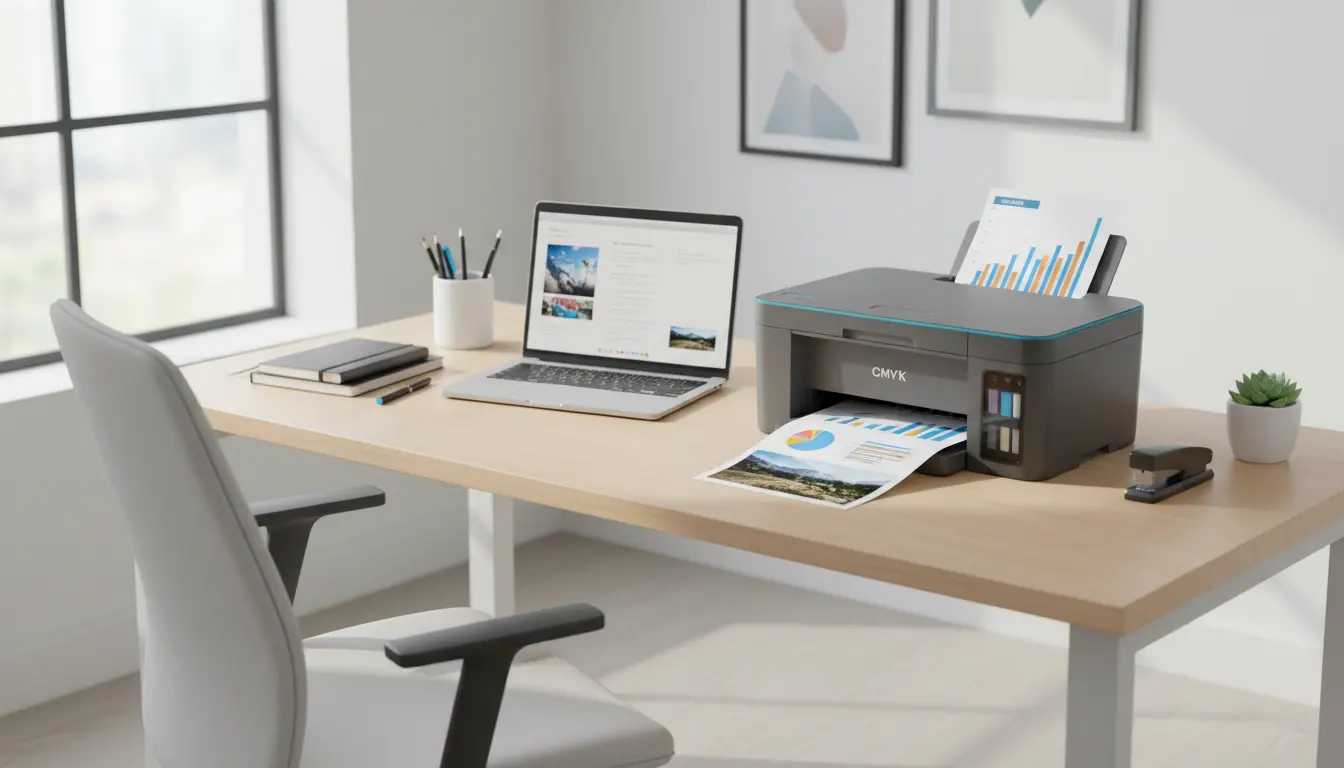

Best 4-Color System Printers: A Detailed Guide for Home and Office Users
Choosing the best 4-color system printer (CMYK – Cyan, Magenta, Yellow, Black) can feel confusing when there are so many models and technical specifications. Yet, once you understand what truly matters – print quality, speed, cost per page, connectivity, and reliability – it becomes much easier to pick a printer that will serve you for years.
This guide explains what a 4-color system printer is, who it’s best for, how to compare models, and which features you should prioritize for home or small office use. It also concludes with a concrete product suggestion available on Amazon.
What Is a 4-Color System Printer?
A 4-color system printer uses four basic ink or toner colors: cyan, magenta, yellow, and black. By combining these colors in different proportions, the printer can reproduce thousands of shades and tones. This CMYK system is the industry standard for:

- High-quality document printing
- Color photos and graphics
- Marketing materials such as flyers, brochures, and posters
Most modern inkjet and laser printers for home and office rely on this 4-color model. It delivers a strong balance between vivid color reproduction, consistent results, and affordable running costs.
Who Should Choose a 4-Color Printer?
A 4-color system printer is ideal if you:
- Print color documents, charts, or presentations regularly
- Need sharp text and clean lines for professional reports
- Want to occasionally print photos or marketing materials
- Run a small business or home office and need a reliable all-rounder
If you mostly print black-and-white text, a mono laser printer may be cheaper. However, for mixed usage and occasional photo or graphic printouts, a 4-color CMYK printer offers much better versatility without dramatically raising costs.
Inkjet vs. Laser: Which Is Better for 4-Color Printing?
When comparing the best 4-color system printers, the first major decision is usually inkjet vs. laser.
1. 4-Color Inkjet Printers
4-color inkjet printers use liquid ink in cartridges or tanks. They are often preferred for:
- Photo printing and vibrant graphics thanks to smooth color gradients
- Home users and creatives who value image quality
- Lower initial purchase price compared to color lasers
However, inkjet printers can have higher running costs if you buy standard-size cartridges. Modern refillable tank systems (like “EcoTank” or “MegaTank” style printers) significantly reduce cost per page and are great for high-volume color printing.
2. 4-Color Laser Printers
4-color laser printers use toner powder and a drum unit. They are ideal for:
- Busy small offices that print many documents daily
- Fast print speeds for color and black-and-white documents
- Smudge-resistant text and graphics that look professional
Color laser printers typically cost more upfront than inkjets, but they provide predictable performance, handle high page volumes well, and often have a lower cost per page for large workloads.
Key Features to Look for in the Best 4-Color System Printers
To choose the right model, focus on these core features rather than just the advertised resolution or short-term discounts.
1. Print Resolution and Quality
Resolution is usually measured in dpi (dots per inch). For most home and office users:
- 600 x 600 dpi is sufficient for crisp text
- 1200 x 1200 dpi or higher provides noticeably better photo and graphic quality
Look for sample prints or reliable reviews that mention color accuracy, contrast, and detail, instead of only focusing on theoretical dpi numbers.
2. Print Speed and Duty Cycle
If you print often, speed matters:
- Measured in pages per minute (ppm)
- Typical home 4-color inkjets: 8–15 ppm (black), 5–10 ppm (color)
- Typical color lasers: 18–30+ ppm
Also check the monthly duty cycle, which indicates the maximum recommended number of pages per month. For small offices, look for at least 1,500–2,000 pages per month to ensure the printer can handle your workload without wear and tear.
3. Cost per Page and Ink/Toner Yield
True affordability comes from running costs, not just purchase price. To estimate cost per page:
- Check the price of each ink or toner cartridge.
- Look at the page yield (how many pages one cartridge can print at standard coverage).
- Divide the cartridge price by the yield to get an approximate cost per page.
For frequent printing, consider:
- High-yield or XL cartridges
- Refillable ink tank systems, which dramatically lower cost per color page
- Laser printers with high-yield toner to keep long-term expenses predictable
4. Connectivity and Smart Features
Modern 4-color system printers should integrate seamlessly into your digital life. Look for:
- Wi‑Fi and Wi‑Fi Direct for easy wireless printing
- Mobile printing support (AirPrint, Mopria, or proprietary apps)
- Ethernet ports for small offices that need stable, shared access
- Cloud printing options for remote teams and hybrid work setups
These features improve convenience, especially if multiple people share the same printer.
5. Multifunction Capabilities
Many of the best 4-color models are all-in-one devices that can:
- Print, scan, copy, and often fax
- Handle automatic duplex printing (printing on both sides of the page)
- Include Automatic Document Feeders (ADF) for batch scanning and copying
If you digitize receipts, scan contracts, or copy multi-page documents often, a 4-color multifunction printer can replace several separate devices, saving both space and money.
How to Compare and Choose the Best 4-Color System Printer for You
To find a printer that fits your situation, follow these steps:
- Define your monthly page volume
Estimate how many pages you print (black-and-white + color) in an average month. This helps you identify if you need a high-duty-cycle office printer or a simpler home model. - Clarify your main use cases
- Mostly documents and spreadsheets → consider a fast color laser.
- Mix of documents and photos → a high-quality inkjet or tank printer may be best.
- Business marketing materials → focus on print quality and borderless color support.
- Set a realistic budget (device + ink/toner)
Calculate not only the purchase price, but also the annual cost of consumables. Sometimes a slightly more expensive printer with cheaper high-yield cartridges is more economical long term. - Check user reviews and reliability
Read verified customer reviews to see common issues such as paper jams, driver problems, or ink-drying complaints. Long-term reliability is essential for a printer you plan to keep for years. - Prioritize eco-friendly features
Look for models with:- Automatic duplex printing
- Energy-saving modes
- High-yield cartridges or refillable tanks to reduce waste
These features lower both environmental impact and your total cost of ownership.
Practical Tips for Getting the Most from a 4-Color Printer
- Use the right paper: For photos and marketing materials, choose high-quality coated or photo paper designed for your printer type. It can drastically improve color depth and sharpness.
- Print regularly: Especially with inkjets, occasional printing keeps nozzles from clogging and maintains consistent color performance.
- Update firmware and drivers: Manufacturers often release updates that improve stability, security, and compatibility with new devices and operating systems.
- Store inks and toner properly: Keep them in a cool, dry place to extend shelf life and ensure consistent print quality.
By maintaining your printer correctly and using suitable consumables, you protect your investment and enjoy better results over time.
Recommended 4-Color Printer on Amazon
For a balanced mix of print quality, speed, and affordability, many users choose a mid-range color laser all-in-one device. On Amazon, a popular and well-reviewed option in this category is the HP Color LaserJet Pro M283fdw (availability and exact model codes may vary by region).
This model typically offers:
- 4-color laser printing (CMYK) with professional-quality documents
- Fast print speeds suitable for home offices and small businesses
- Wireless and mobile printing support
- Built-in scanner, copier, and fax, plus automatic duplex printing
Before purchasing, always check the latest reviews, price, and consumable costs on Amazon to confirm it still matches your needs and budget.









