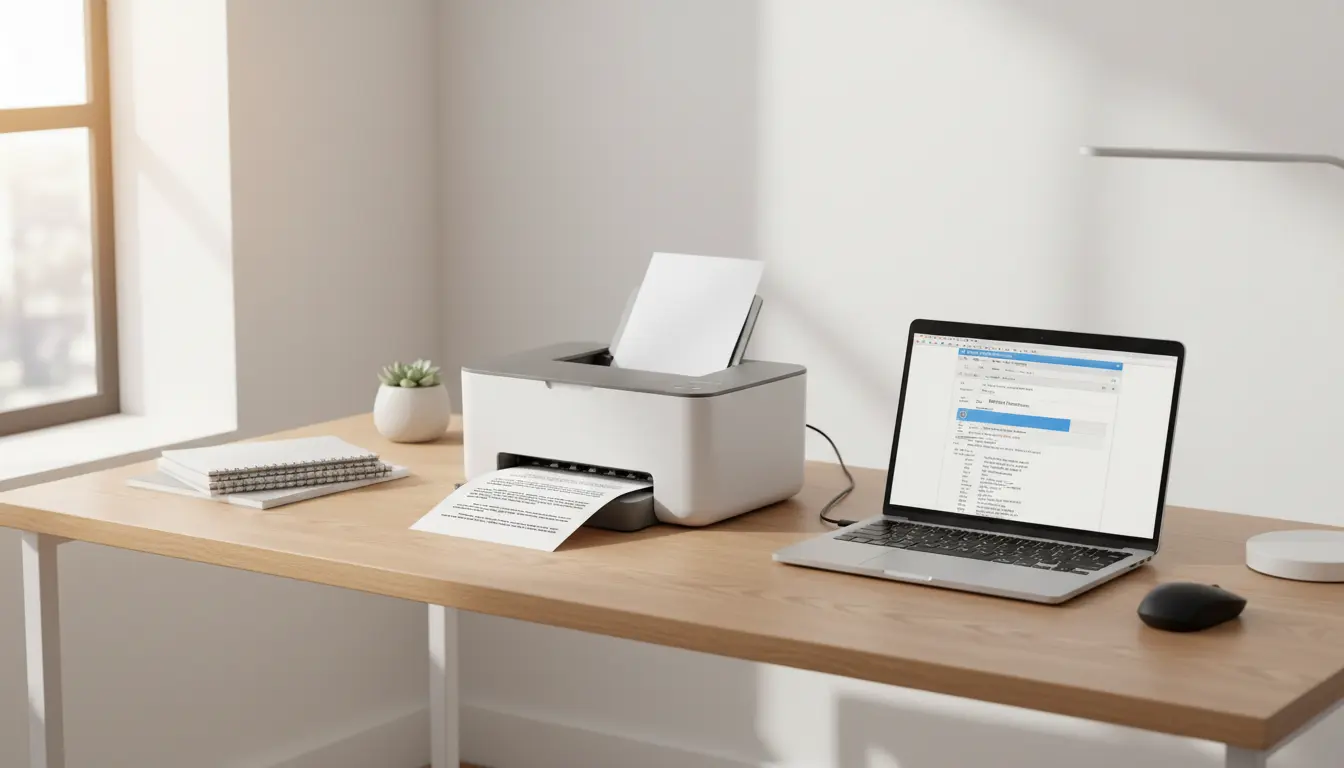

Best Printers Under $300: Affordable Quality for Home and Office
Finding the best printers under $300 can be challenging. You want strong performance, low running costs, and modern features—without paying premium prices. The good news is that many budget‑friendly models now offer wireless printing, duplex (two‑sided) printing, and even smart app control, while still staying under the $300 mark.
In this guide, you’ll learn what to look for in a sub‑$300 printer, which types of printers fit different needs, and how to avoid common mistakes buyers make. By the end, you’ll know exactly how to choose the best affordable printer for home, home office, or small business use.
Why Choose a Printer Under $300?
A printer under $300 hits the sweet spot between cost and capability. At this price range, you can usually expect:

- Reliable everyday performance for documents, homework, and basic graphics
- Wireless connectivity such as Wi‑Fi, Wi‑Fi Direct, AirPrint, and Mopria
- All‑in‑one functionality (print, scan, copy; sometimes fax)
- Decent print speeds suitable for home and small office workloads
- Reasonable print quality for text and color graphics
You avoid overpaying for advanced enterprise features you may never use, but still enjoy more quality and convenience than ultra‑cheap entry‑level printers offer.
Key Features to Look For in Budget Printers
When you compare the best printers under $300, focus on the features that directly affect your day‑to‑day experience.
1. Printer Type: Inkjet vs. Laser
- Inkjet printers under $300
Inkjet models are versatile and handle text and color well. They’re ideal if you print:- School projects
- Photos or marketing materials
- Mixed text‑and‑image documents
- Laser printers under $300
Monochrome laser printers are perfect if you mainly print:- Black‑and‑white documents
- Reports and invoices
- Large volumes of text
Choose inkjet for flexibility and color, and laser if you prioritize speed and crisp black text.
2. Print Speed and Volume
Print speed is measured in pages per minute (PPM). For most home and small office users:
- 10–15 PPM for color inkjet printing is usually enough
- 20–30 PPM for monochrome laser printing is efficient for heavier workloads
Also check the recommended monthly duty cycle, which tells you how many pages the printer can handle per month without excessive wear. For home use, a few hundred pages is often enough; for a small office, aim higher.
3. Print Quality
Print quality depends on:
- Resolution (DPI) – higher DPI is better for fine details
- Ink or toner technology – pigment‑based inks and modern laser toners create sharper text and more durable prints
For basic office work, nearly all printers under $300 deliver adequate quality. If you print photos or graphics regularly, look for higher resolution inkjet models that specialize in color accuracy.
4. Connectivity and Smart Features
Modern printers under $300 often include:
- Wi‑Fi and Wi‑Fi Direct for wireless printing
- Mobile app support for iOS and Android
- Cloud printing via services like Google Drive or Dropbox
- USB and sometimes Ethernet for stable wired connections
These features let you print from laptops, tablets, and smartphones without complicated setup. Smart apps can also show ink or toner levels, provide maintenance tips, and simplify troubleshooting.
5. Running Costs and Cartridge Prices
The biggest hidden expense of any printer is ink or toner. To keep long‑term costs low:
- Check the cost per page for both black and color
- Consider high‑yield or XL cartridges, which reduce the cost per page
- Look at subscription programs or refillable ink systems if they are available under your budget
A cheaper printer with expensive cartridges often costs more in the long run than a slightly pricier model with economical supplies.
All‑in‑One vs. Single‑Function Printers
Many of the best printers under $300 are all‑in‑one (AIO) devices, meaning they print, scan, and copy (and sometimes fax). An AIO is ideal if you:
- Scan IDs, receipts, or contracts
- Need to copy documents quickly without a computer
- Want to digitize paperwork for storage in the cloud
Single‑function printers focus purely on printing. They may offer better speed or durability at a given price, but they lack the flexibility of scanning and copying.
If you have limited space and need multiple capabilities from one device, an all‑in‑one printer under $300 is often the smarter choice.
Home vs. Office Use: Which Budget Printer Fits You?
Different environments demand different strengths. Here is how to match your use case:
For Home and Student Use
Home users and students usually need:
- Solid text quality for essays and forms
- Color printing for charts, presentations, and photos
- Compact size for desks or shelves
- Straightforward Wi‑Fi setup and mobile printing
A compact color inkjet all‑in‑one under $300 is often the best fit here.
For Home Office and Small Business
Home offices and small businesses often prioritize:
- Higher print speeds
- Automatic duplex printing to save paper
- Automatic document feeders (ADF) for scanning multi‑page documents
- Low cost per page for frequent printing
A monochrome laser printer or a business‑oriented inkjet AIO under $300 can cover most of these needs, depending on whether you require color.
How to Choose the Best Printer Under $300
Use these practical steps to narrow down your choices:
- Define your primary use: documents only, documents plus photos, or graphics‑heavy workloads.
- Estimate monthly page volume: light (under 200 pages), moderate (200–700), or heavy (700+).
- Decide on color vs. monochrome: if you rarely need color, a monochrome laser can save money.
- Check connectivity: make sure it supports the devices you actually use.
- Compare cartridge or toner prices: calculate approximate cost per page, not just purchase price.
- Read real‑world reviews: user feedback reveals reliability issues and long‑term performance that specs don’t show.
By following these criteria, you can confidently select a printer that stays within your $300 budget and serves you well for years.
Example Recommendation: A Popular Amazon Printer Under $300
On Amazon.com, one frequently recommended option in this budget segment is the HP OfficeJet Pro 8035 (model availability and price can change, so always verify current details):
- Type: Color inkjet all‑in‑one
- Use case: Home office or small business
- Key features:
- Wireless printing and mobile app support
- Automatic duplex printing
- Built‑in scanner and copier
- Competitive cost per page with high‑yield cartridges
This kind of printer offers a strong balance of price, performance, and features for users who want an affordable yet capable all‑rounder under $300.









