
Navigation Apps Comparison: Which GPS App Is Best for You?
Choosing the right navigation app is more important than ever. Whether you are a daily commuter, a long‑distance traveler, a cyclist, or a delivery driver, your navigation app directly affects how quickly, safely, and stress‑free you reach your destination. In this comprehensive navigation apps comparison, we will explore the strengths and weaknesses of the most popular GPS apps and help you decide which one fits your lifestyle best.
This guide focuses on real‑world usage: accuracy, traffic data, offline access, ease of use, and extra features that may save you both time and fuel. Instead of just listing features, it explains how these apps perform in everyday conditions.
1. What Makes a Good Navigation App?
Before comparing specific navigation apps, it is useful to understand what defines a high‑quality GPS solution. A modern navigation app should do much more than just show a route on the map. It needs to:

- Provide accurate, real‑time traffic data
Congestion, accidents, road closures, and construction zones change constantly. A reliable app reacts quickly, rerouting you to avoid delays. - Offer clear, turn‑by‑turn directions
Voice guidance and easy‑to‑read visuals are essential, especially when driving in unfamiliar areas or heavy traffic. - Support offline maps
When your mobile data signal drops or roaming becomes expensive, offline navigation keeps you on track. - Update maps frequently
New roads, roundabouts, and speed limits appear regularly. Frequent updates prevent outdated routes and wrong turns. - Protect privacy and use data responsibly
Navigation apps collect location data. Transparent settings and privacy‑oriented options are increasingly important for many users.
A strong navigation apps comparison must evaluate each app against these core criteria instead of only looking at brand names or download counts.
2. Google Maps: The All‑Rounder
Google Maps is often the first app people think of when they hear the term “navigation.” It combines mapping, routing, local business search, public transit information, and even indoor maps for malls and airports.
Key Advantages
- Excellent real‑time traffic information
Google uses data from millions of devices to estimate traffic and optimize routes dynamically. - Multi‑mode navigation
You can navigate by car, on foot, by bike, or using public transportation in many cities worldwide. - Strong local search and reviews
Built‑in reviews, photos, and opening hours make it easy to find gas stations, restaurants, and services along your route. - Street View and satellite imagery
Visual previews of streets and buildings help you recognize turns and landmarks before you arrive.
Limitations
- Privacy concerns
Google’s business model relies heavily on data, and some users feel uncomfortable with continuous location tracking. - Interface can feel crowded
Because Google Maps offers so many features, the screen can become busy, especially on smaller phones.
For most people, Google Maps is a reliable default choice, but it is not automatically the best navigation app for every use case.
3. Waze: Community‑Driven Navigation
Waze, also owned by Google, focuses strongly on real‑time, user‑generated information. It is especially popular among commuters and drivers who want to avoid traffic jams and speed traps.
Key Advantages
- Crowdsourced alerts
Drivers can report accidents, police presence, road hazards, and traffic jams in real time. This data is immediately shared with other users. - Aggressive time‑saving routes
Waze often suggests shortcuts through side streets to shave minutes off your drive. - Driver‑centric design
The interface is optimized for driving, showing relevant alerts and ETA clearly.
Limitations
- Data‑hungry and online‑focused
Waze depends heavily on an active data connection and a large user base in your area. - Can route through residential areas
Its shortcuts might take you through narrow streets or neighborhoods that are not ideal for all drivers. - Less suitable for walking or public transport
Unlike Google Maps, Waze primarily targets drivers.
If you drive daily in dense urban areas and want the fastest route with highly interactive traffic reports, Waze can be a powerful tool in your navigation apps comparison.
4. Apple Maps: Best for iOS Ecosystem
Apple Maps has improved significantly in recent years. While early versions received criticism, the app now offers competitive navigation features, especially for iPhone users.
Key Advantages
- Deep integration with iOS
Apple Maps works seamlessly with Siri, Apple Watch, and CarPlay, creating a smooth hands‑free experience. - Clean interface and simple design
The map visuals are clean, easy to understand, and optimized for Apple devices. - Enhanced privacy
Apple emphasizes on‑device intelligence and limits how location data is shared and stored.
Limitations
- Limited availability of some features
Certain advanced functions, like detailed lane guidance or 3D city views, are still rolling out region by region. - Less dominant outside Apple ecosystem
If you switch platforms or use Android, you cannot rely on Apple Maps.
For users deeply invested in the Apple ecosystem, Apple Maps offers a simple, private, and visually appealing navigation option that continues to get better over time.
5. Offline Navigation Apps: HERE WeGo and Others
While always‑online apps are convenient, offline navigation remains essential in many scenarios: rural areas, international travel, and limited data plans. HERE WeGo and similar apps focus on reliable offline maps.
Key Advantages
- Full offline maps with turn‑by‑turn navigation
You can download entire countries or regions and navigate without any internet connection. - Predictable data usage
Offline maps prevent roaming charges and help you stay within your data limit. - Stable performance in remote areas
When other apps struggle with weak signals, offline navigation continues to guide you.
Limitations
- Updates require manual downloads
If you forget to update your offline maps, new roads may not appear. - Fewer real‑time traffic features
Offline navigation cannot always show dynamic congestion or incidents.
If you are planning road trips across regions with poor coverage or expensive roaming, adding an offline‑first solution to your navigation apps toolkit is a smart move.
6. Specialized Navigation: Cycling, Hiking, and Public Transit
Not all navigation apps focus on driving. Many users need precise directions for biking, hiking, or commuting by bus and train.
- Cycling apps
Apps that support dedicated bike lanes, elevation profiles, and route safety can dramatically improve the cycling experience. - Hiking and outdoor navigation
Topographic maps, GPX file imports, and trail data are crucial for hikers and outdoor enthusiasts. - Public transit navigation
Apps that display real‑time arrival times, platform numbers, and transfer details make urban commuting more efficient.
When you build a navigation apps comparison for your personal needs, do not overlook these specialized tools. A combination of a general‑purpose driving app and a niche app often delivers the best results.
7. Privacy, Battery Life, and Data Usage
Many users focus only on routing speed, but technical aspects like privacy, battery life, and data consumption matter just as much.
- Privacy
Some apps keep detailed logs of your location history. Always review privacy settings, disable unnecessary tracking, and consider using apps with strong data protection policies. - Battery life
Continuous GPS usage drains battery quickly. Using dark mode, lowering screen brightness, or plugging into a car charger can minimize the impact. - Data usage
Streaming maps, live traffic, and satellite imagery consume data. Offline maps and reduced map detail levels help control data usage, especially while roaming.
When comparing navigation apps, consider how each one balances performance with these technical constraints.
8. How to Choose the Best Navigation App for You
The “best” navigation app is different for every user. To make a practical decision, ask yourself the following questions:
- Do you prioritize fastest arrival time, simplicity, or privacy?
- Do you mainly drive, walk, cycle, or use public transit?
- How often do you travel in remote areas or abroad with limited connectivity?
- Are you heavily invested in a particular ecosystem such as Android, iOS, or CarPlay?
For many people, the ideal solution is a combination of apps, such as:
- Google Maps or Apple Maps for everyday navigation
- Waze for heavy traffic commuting
- An offline map app for travel and rural areas
By experimenting with several options and adjusting settings to your preferences, you can build a navigation setup that feels intuitive, reliable, and safe.
9. Recommended Product from Amazon
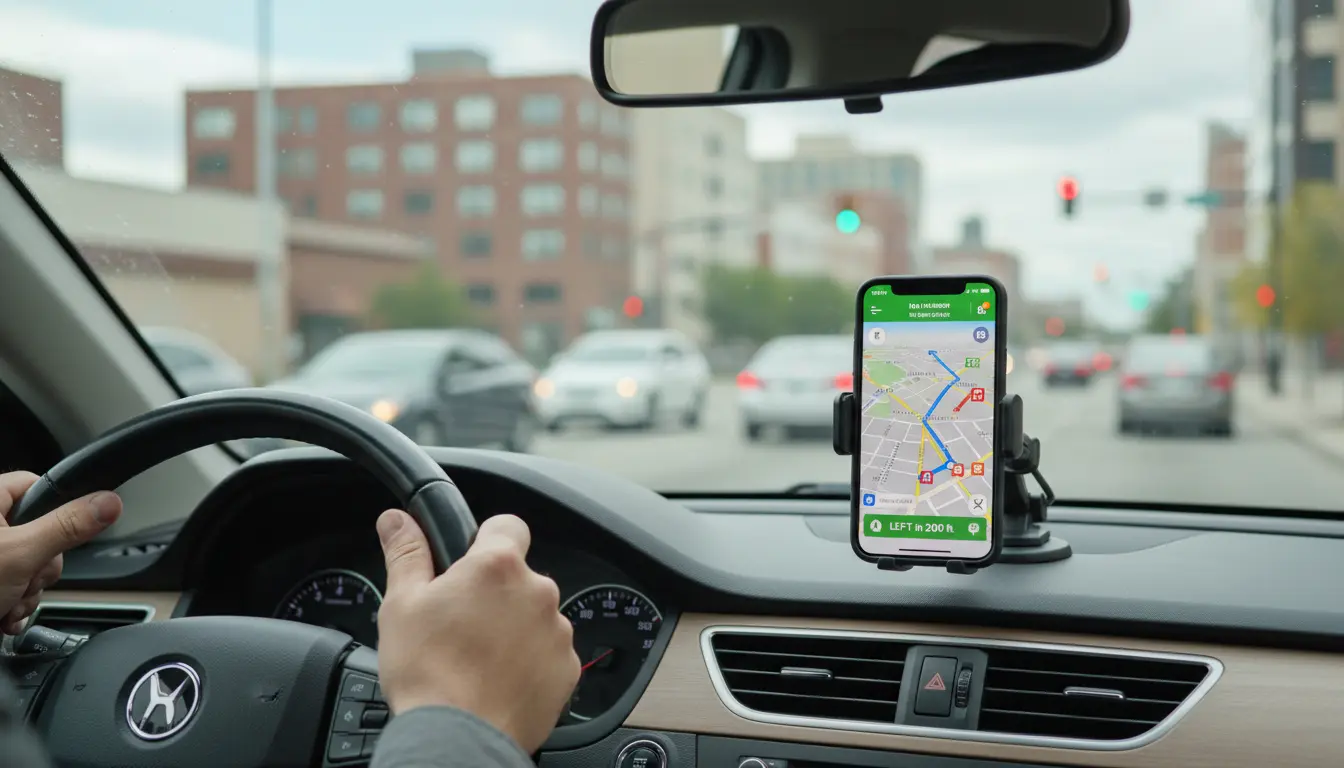
To get the most out of any navigation app, a secure and adjustable phone mount is essential. A popular option on Amazon is a universal magnetic car phone mount designed for dashboards and air vents. It keeps your smartphone stable, within easy reach, and at eye level, helping you follow directions safely without taking your hands off the wheel for long periods.









