
Best Action Cameras and Board Mounts for Surfing and Water Sports
Capturing your best waves and water‑sport sessions is easier than ever with modern action cameras and reliable board mounts. Whether you are surfing, kitesurfing, wakeboarding, or stand‑up paddle boarding, the right setup helps you record stable, high‑quality footage without worrying about losing your gear in the ocean. This guide explains what to look for in an action camera, how to choose the best mount for your board, and how to keep your equipment safe in demanding water conditions.
Why an Action Camera Is Essential for Surfing and Water Sports
Action cameras are designed for harsh environments. They are compact, lightweight, and engineered to handle saltwater, impact, and constant movement. For surfers and water‑sports enthusiasts, these cameras offer several advantages:
- Hands‑free recording: Once you mount the camera on your surfboard or helmet, you can focus completely on your ride.
- Durability: Action cameras typically come with rugged housings and high levels of water resistance.
- Wide‑angle views: Ultra‑wide lenses capture the entire scene, including the wave, the rider, and the surroundings.
- Slow motion and stabilization: Modern sensors and advanced stabilization make even choppy footage look smooth and cinematic.
With the right action camera and board mount combination, you can analyze your technique, share your sessions on social media, and relive your best rides in stunning detail.
Key Features to Look for in an Action Camera for Surfing
When you compare different models for surfing and water sports, focus on the features that matter most in real ocean conditions.
1. Water Resistance and Housing
An action camera for surfing must withstand continuous exposure to saltwater and occasional impacts with the board or waves. Many premium models are water‑resistant without extra housing, but a dedicated waterproof case still offers better protection and peace of mind.
- Check the depth rating (at least 10 m / 33 ft for surface water sports).
- Ensure all doors and seals close securely.
- Rinse the camera and housing with fresh water after each session to prevent corrosion.
2. Image Stabilization and Frame Rates
Surfing involves rapid movement, sudden drops, and constant vibration. Advanced electronic image stabilization (EIS) keeps your footage smooth even when the board shakes.
- Prefer cameras that record at 4K with at least 60 fps for high‑quality slow motion.
- For super slow‑motion replays, look for 120 fps or 240 fps at lower resolutions.
- Good stabilization also helps in low light during sunrise or sunset sessions.
3. Field of View and Lens Options
A wide field of view is ideal for capturing both the surfer and the wave. Some cameras offer multiple digital lens modes:
- Super‑wide or fisheye: Immersive POV from the nose or tail of the board.
- Linear or wide: Less distortion, good for coaching and technique analysis.
- Horizon leveling: Keeps the horizon straight while the board tilts.
Being able to switch field of view modes lets you experiment with different angles and styles.
4. Battery Life and Ease of Use
Water‑sport sessions can last for hours, but your camera will often be recording in short bursts.
- Look for replaceable batteries and consider carrying spares.
- Large, tactile buttons and voice control are helpful when you are wearing gloves or paddling.
- Quick presets for “Surf,” “Water Sports,” or “Action” modes simplify your workflow.
Choosing the Right Board Mount for Surfing
The mount is just as important as the camera. A strong, well‑designed board mount keeps your camera secure in heavy surf and provides stable footage.
1. Adhesive Surfboard Mounts
Adhesive mounts are the most common solution for surfboards and SUPs. They use high‑bond marine‑grade adhesive and a curved base that follows the contour of the board.
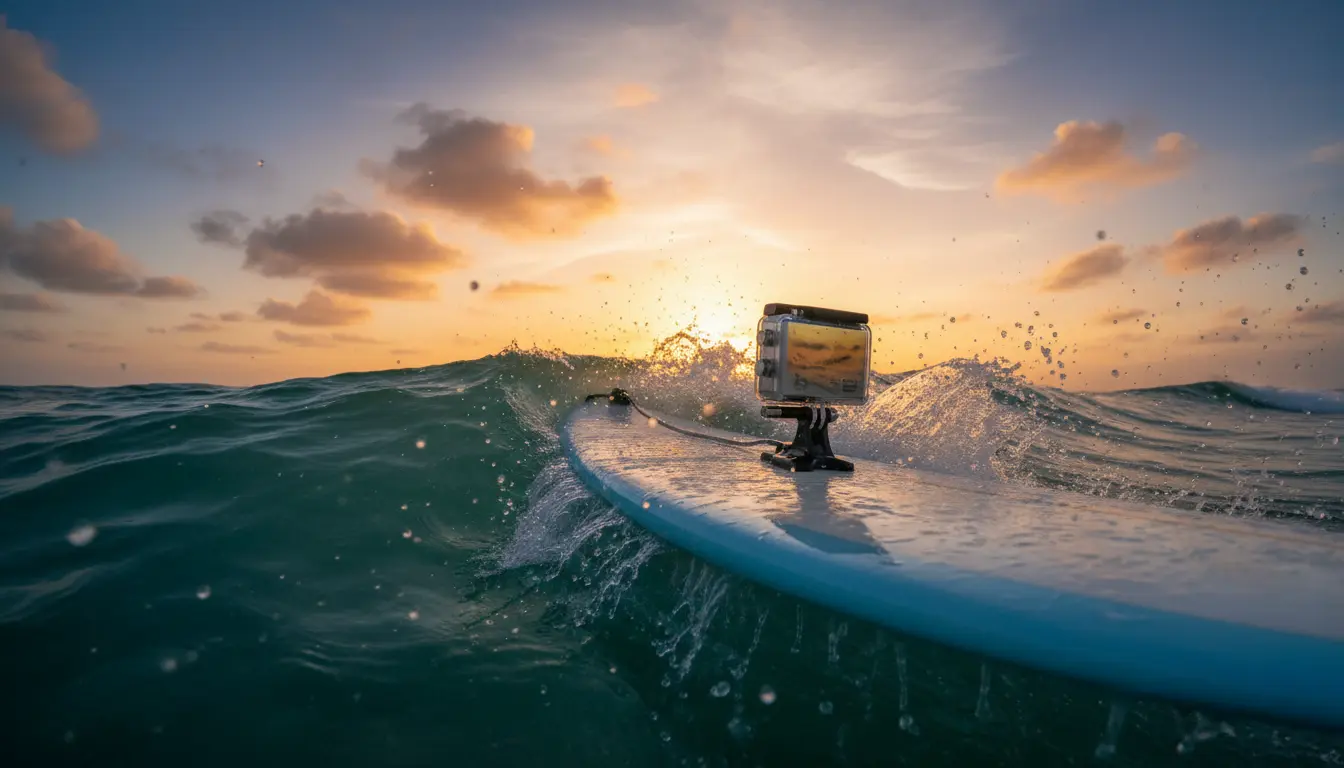
- Placement: The most popular spots are near the nose (looking back at the surfer) or closer to the tail (looking forward toward the wave).
- Installation: Clean the surface thoroughly with isopropyl alcohol, let it dry, then apply the mount and press firmly. Allow at least 24 hours for full adhesion before entering the water.
- Safety tether: Always use a leash or safety tether attached to the mount and camera. This backup line prevents you from losing the camera if the adhesive fails.
2. Removable and Suction‑Cup Mounts
Suction‑cup mounts work best on smooth paddle boards, kayaks, and boats. For pure surfing, they are less reliable in heavy waves, but they can be useful in calmer waters.
- Make sure the surface is flat, smooth, and clean.
- Test the seal on land before paddling out.
- Combine with a floaty backdoor or floating case in case the mount releases.
3. Rail, Fin, and Tail Mounts
Some specialized mounts attach to the rails, fins, or tail pad. These give more creative angles:
- Rail mounts: Capture diagonal shots of the surfer and wave face.
- Fin mounts: Provide a low‑angle perspective from the back of the board.
- Tail mounts: Perfect for capturing the wave behind you and your turns.
Always ensure that any mount you choose does not interfere with your fins, leash plug, or paddling.
Best Camera Angles and Setup Tips
Once you have a reliable camera and mount, experiment with different angles to find your style.
- Nose‑mounted POV: Mount the camera on the nose, aiming back toward you. This captures your stance, turns, and the wall of the wave.
- Tail or rear mount: Place the camera at the tail looking forward. This shows your lines on the wave and the horizon.
- Side‑mounted angle: Using a rail mount, you can film from the side for a cinematic profile view.
Before you paddle out, do a quick check:
- Ensure the mount is secure and the tether properly fastened.
- Confirm that the lens is clean and free of sunscreen or water spots.
- Set your recording mode, stabilization, and field of view.
- Start recording just before you reach the lineup to save battery.
Safety and Maintenance in Saltwater Conditions
Saltwater is harsh on electronics and adhesives, but a simple routine will extend the life of your gear.
- Rinse with fresh water after every session, including the mount and tether.
- Gently wipe the lens with a soft microfiber cloth.
- Inspect the mount base and adhesive periodically for cracks or peeling.
- Store batteries and camera in a dry, cool place away from direct sunlight.
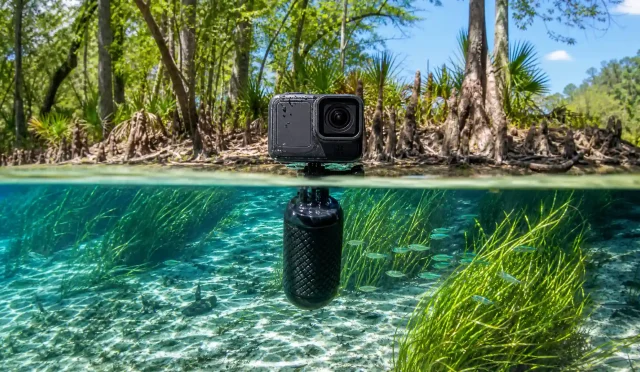
Using a bright‑colored floating handle or floaty case gives you extra protection in case the mount fails or the camera detaches.
Recommended Action Camera and Board Mount on Amazon
A popular and reliable option on Amazon.com for surfers and water‑sports riders is the GoPro HERO13 Black used together with a GoPro Surfboard Mount kit. This combination offers:
- Excellent 4K resolution with advanced HyperSmooth stabilization
- Rugged, waterproof construction suitable for heavy surf
- High‑bond adhesive mounts specifically designed for surfboards and SUPs
- Included camera tethers to reduce the risk of losing your gear
This setup delivers stable, professional‑looking footage and is widely trusted by both beginners and experienced surfers.