
Best Power Products for Home Offices and Hybrid Work
Remote and hybrid work have transformed how we set up our workspaces. Today, your productivity depends not only on your laptop and internet connection, but also on the quality of the power products you use. From power strips to UPS systems, the right devices protect your equipment, reduce downtime, and make your workspace safer and more flexible. In this guide, we’ll walk through the best power products for home offices and hybrid workers, and how to choose them wisely.
Why Reliable Power Matters for Home and Hybrid Workers
When you work from home or in a hybrid model, you no longer have the enterprise‑grade infrastructure of a corporate office. Power outages, voltage fluctuations, overloaded outlets, or messy cables can quickly sabotage an important meeting or deadline.
Reliable power products help you:

- Keep critical devices running during brief outages
- Protect sensitive electronics from surges and spikes
- Organize multiple devices safely at a single workstation
- Charge mobile devices efficiently while on the move
- Maintain a clean, ergonomic desk setup that supports focus
Treating power management as part of your productivity toolkit is essential for any modern knowledge worker.
1. Surge Protectors: First Line of Defense
A surge protector is one of the simplest and most important investments for a home office. It shields your devices from sudden voltage spikes caused by lightning, grid issues, or faulty wiring.
What to look for in a surge protector:
- Joule rating: A higher joule rating means better and longer‑lasting protection. Aim for at least 1000–2000 joules for a typical home office.
- Number and spacing of outlets: Choose a strip with enough outlets for monitors, computers, printers, and chargers. Look for widely spaced outlets to accommodate bulky adapters.
- Indicator lights: A protection indicator shows whether surge protection is still active.
- Data and coax protection (optional): Some models protect Ethernet, phone, or coax lines, useful if you rely on wired connections.
Surge protectors are particularly important in regions with unstable grids or frequent storms, as they significantly reduce the risk of hardware damage.
2. Uninterruptible Power Supplies (UPS): Stay Online During Outages
While surge protectors guard against spikes, UPS systems keep your devices running when the power goes out. This is critical for anyone who joins video calls, works with large files, or manages time‑sensitive tasks.
Key UPS benefits for home offices:
- Battery backup: Gives you several minutes to several hours of runtime, depending on the capacity, so you can save work, finish a call, or safely shut down.
- Voltage regulation: Many UPS units smooth out minor voltage drops or increases, extending the life of your hardware.
- Outlet groups: Some outlets are battery‑backed, while others provide surge protection only. Plug your computer, monitor, and router into the battery‑backed side.
How to size a UPS:
List all devices you want to protect and note their wattage. Add them up and choose a UPS with at least 20–30% more capacity than your total load. This margin keeps the UPS efficient and extends battery health.
3. Smart Power Strips: Efficient and Convenient Power Management
Smart power strips bring automation and energy savings to your workspace. They connect to your Wi‑Fi network or smart home ecosystem, allowing you to control and schedule outlets from your phone or voice assistant.
Advantages of smart power strips for hybrid workers:
- Remote control: Turn devices on or off from anywhere—useful if you forget to power down equipment when rushing to the office.
- Scheduling: Automate power cycles for lamps, printers, or network gear; for example, turn off non‑essential devices every night.
- Energy monitoring: Track power consumption per outlet and identify energy‑hungry equipment.
This kind of control not only saves electricity but also extends the life of your equipment by preventing constant standby mode.
4. USB Charging Stations and GaN Chargers: Powering Mobile Devices
Hybrid workers move between home, coworking spaces, and corporate offices. Portable, high‑efficiency chargers are essential to keep laptops, tablets, and phones charged wherever you are.
Why GaN chargers stand out:
Gallium nitride (GaN) chargers deliver high wattage in a compact body, making them ideal for laptop and multi‑device charging.
Look for:
- Multiple ports (USB‑C and USB‑A): Charge your laptop, smartphone, and earbuds simultaneously.
- Power Delivery (PD) support: Ensures fast charging for compatible devices.
- High wattage (65W–140W): Enough to handle modern laptops and multiple peripherals.
A dedicated charging station on or under your desk also declutters your workspace and keeps cables organized.
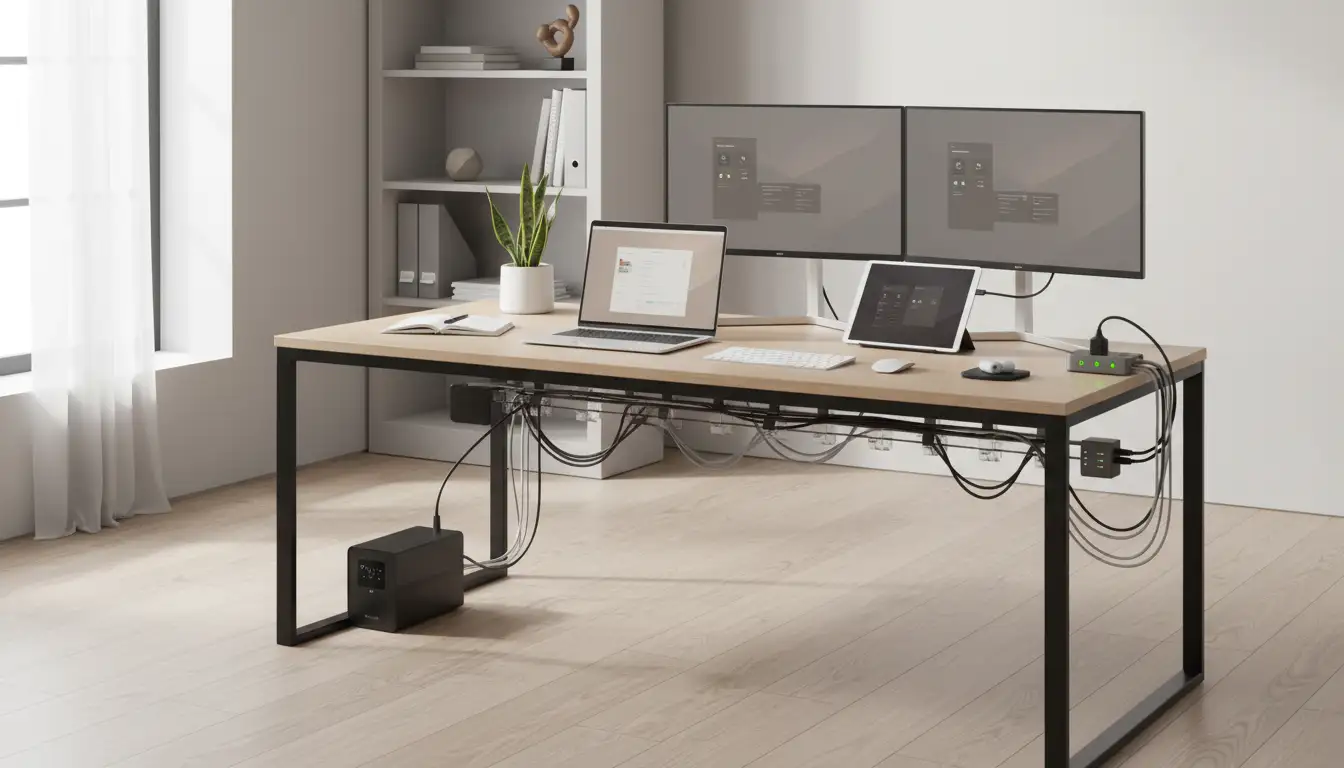
5. Cable Management and Power Hubs for a Clean Desk
Power products aren’t only about electricity; they’re also about ergonomics and safety. Poor cable management can create trip hazards, visual stress, and even overheating if cables get bent or compressed.
Useful tools for cable and power organization:
- Under‑desk power hubs: Mount power strips under your desk to keep cables off the floor.
- Cable trays and raceways: Route power and data cables neatly along walls or under surfaces.
- Velcro ties and labels: Bundle and label cables to quickly identify power lines for each device.
A tidy power setup reduces stress, improves airflow, and makes it easier to troubleshoot or upgrade equipment.
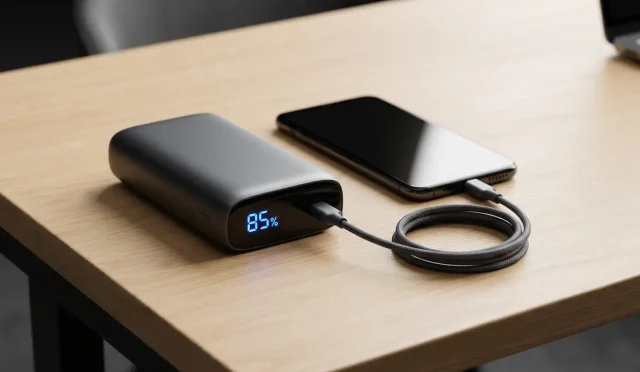
6. Portable Power Banks for Hybrid and On‑the‑Go Work
If you frequently work in cafés, trains, or client spaces, a high‑capacity power bank becomes a lifesaver.
What matters in a power bank:
- Capacity (mAh or Wh): Higher capacity equals more charges. For laptops, pay attention to watt‑hours and output wattage.
- Output ports and wattage: USB‑C PD output of 45–65W or higher can charge many laptops, not just phones.
- Airline compliance: If you travel by air, ensure the battery size complies with airline limits, typically under 100Wh.
With a reliable power bank, you can maintain your productivity flow even when wall outlets are scarce.
7. Safety and Energy Efficiency Best Practices
No matter which power products you choose, following fundamental safety rules is vital:
- Avoid daisy‑chaining multiple power strips or extension cords.
- Do not overload outlets beyond their rated amperage.
- Replace surge protectors every few years or after a major surge.
- Ensure proper ventilation around UPS units and chargers.
- Prefer certified products (UL, CE, or equivalent) from reputable brands.
For energy efficiency, enable power‑saving modes on devices, unplug rarely used equipment, and rely on smart controls to cut phantom loads when you’re away.
8. Building a Future‑Ready Home Office Power Setup
The shift to remote and hybrid work is not a temporary trend. Investing in a robust power ecosystem prepares you for future changes in your role, team structure, and workload.
A future‑ready setup usually includes:
- A high‑quality surge protector or power hub
- A correctly sized UPS for your main workstation
- One or two smart power strips for automation
- A GaN multi‑port USB‑C charger and compact travel adapter
- A reliable, airline‑compliant power bank for mobile work
Together, these products help you stay online, protect your equipment, lower energy costs, and maintain a calm, organized workspace.
Amazon Product Suggestion
A popular and well‑reviewed option on Amazon.com that fits many of the needs discussed is a smart surge protector power strip with USB‑C and USB‑A ports plus overload protection. Look for a model that combines at least six AC outlets, multiple fast‑charging USB ports, and built‑in surge protection to power and protect your entire home office from a single, compact device.