
Smart Home Automation Ideas for Every Room
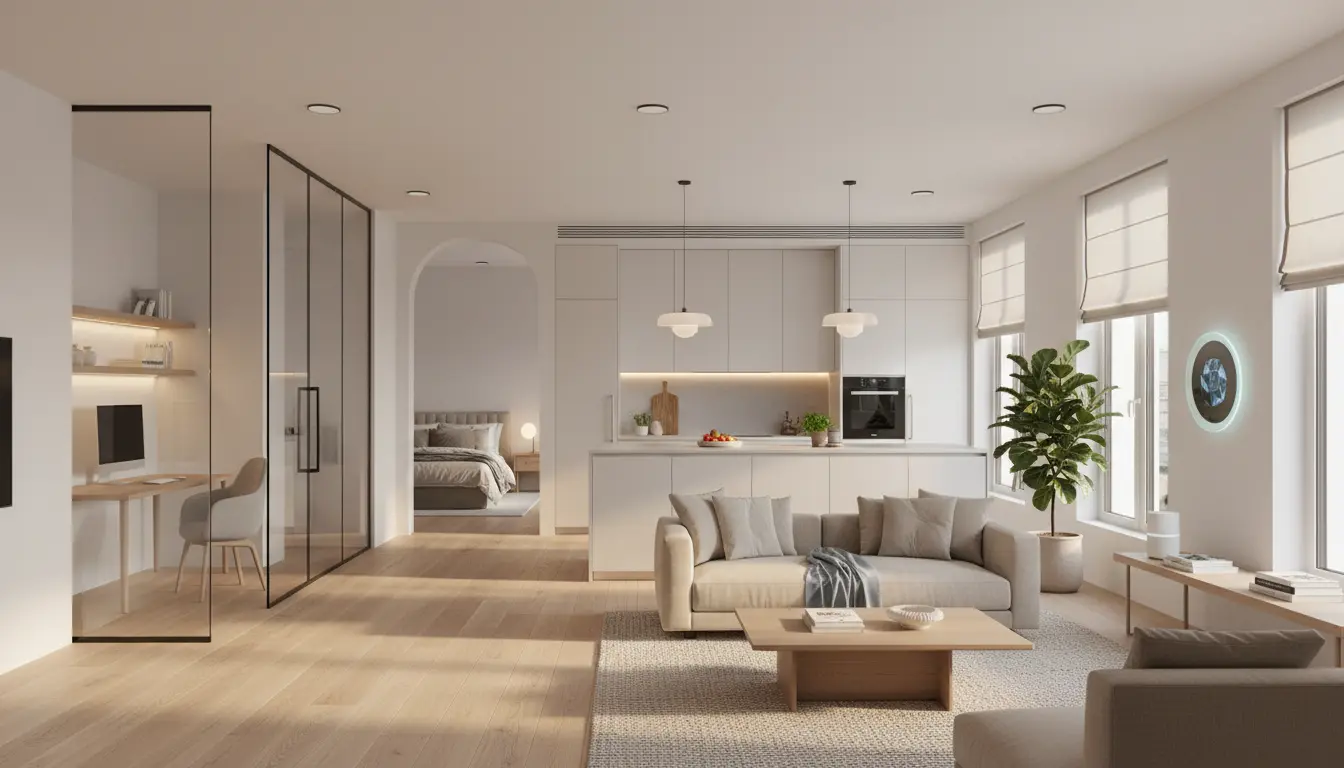
Smart home technology is no longer a luxury; it’s becoming a standard in modern living. By automating different rooms in your home, you can increase comfort, safety, and energy efficiency while also creating a more personalized lifestyle. In this guide, you’ll discover practical smart home automation ideas for every room, along with tips to set them up in a way that feels natural and truly useful.
Living Room: Comfort, Entertainment, and Ambiance
Your living room is usually the main gathering spot, so it’s the perfect place to start with smart home automation.
1. Smart Lighting Scenes
Install smart bulbs or smart switches and connect them to a hub or voice assistant. Create different lighting scenes such as “Movie Night,” “Reading,” or “Relax.” With a single voice command or tap, the lights can dim, change color temperature, or adjust brightness.

2. Voice-Controlled Entertainment
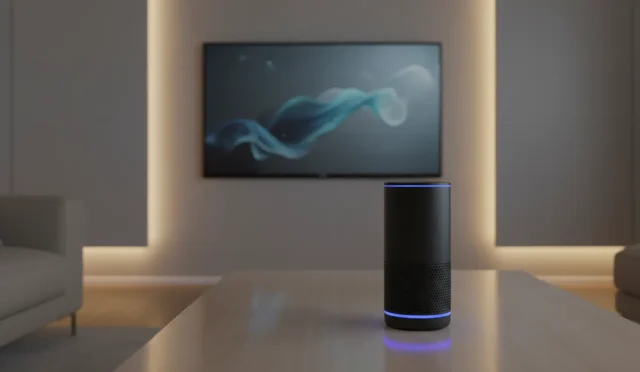
Pair your TV, soundbar, and streaming devices with a smart speaker. You can turn the TV on, adjust the volume, or switch apps with voice commands. This reduces clutter from multiple remotes and makes your entertainment system more accessible to everyone.
3. Automated Climate Control
Combine a smart thermostat with temperature and motion sensors in the living room. The system can lower heating or cooling when the room is empty and optimize the temperature when people are present, improving both comfort and energy savings.
Bedroom: Rest, Relaxation, and Routines
Smart automation in the bedroom should support better sleep, smooth wake-ups, and a calming environment.
4. Wake-Up Light and Smart Shades
Use smart bulbs that gradually increase brightness in the morning to mimic a sunrise. Pair them with smart shades that open slowly at your wake-up time. This natural-light-based routine helps regulate your circadian rhythm and makes waking up less stressful.
5. Night Mode and Sleep Routines
Create an evening routine that automatically dims the lights, switches them to warmer tones, and turns off unnecessary devices at a set time. Voice commands like “Good night” can lock your doors, lower the thermostat, and turn off living room lights while leaving a soft night light on.
6. Bedroom Air Quality and Comfort
Add a smart air purifier or humidifier and connect it to sensors. The device can automatically adjust based on indoor air quality or humidity levels, making the bedroom healthier and more comfortable without manual intervention.
Kitchen: Convenience, Safety, and Efficiency
The kitchen benefits greatly from automation that saves time and prevents accidents.
7. Smart Appliances and Timers
Smart ovens, coffee makers, and dishwashers can start or finish cycles when it’s most convenient for you. For example, schedule the coffee maker to start brewing as your bedroom routine wakes you up, or receive notifications on your phone when the oven reaches the right temperature.
8. Voice-Controlled Cooking Assistance
Use a smart display or speaker in the kitchen to read recipes aloud, set hands-free timers, or convert measurements. While your hands are busy cooking, you simply ask for what you need: timers, steps, or ingredient substitutions.
9. Safety Sensors and Leak Detection
Install water leak sensors under the sink or near the dishwasher. Connect them to your smart home system so you get instant alerts if a leak occurs. You can also integrate smoke and gas detectors that send notifications to your phone, even when you’re not at home.
Bathroom: Hygiene, Comfort, and Subtle Automation
Automation in the bathroom focuses on subtle improvements that make daily routines more pleasant and efficient.
10. Motion-Activated Lighting
Use motion sensors to trigger low-level lights at night. This way, you don’t have to fumble for switches or shock your eyes with bright lighting in the middle of the night.
11. Smart Mirrors and Speakers
A smart mirror or a small smart speaker can provide weather updates, news briefings, or your daily schedule while you get ready. This helps you plan your day without checking your phone constantly.
12. Humidity and Ventilation Control
Connect a humidity sensor to your smart exhaust fan. The fan can automatically turn on when humidity rises after a shower and turn off once levels return to normal. This helps prevent mold and keeps the bathroom fresh without you having to remember to toggle the fan.
Home Office: Productivity, Focus, and Security
A smart home office setup supports deep work, clear communication, and a professional environment for remote work.
13. Focus Lighting and Scene Control
Use smart lighting that adjusts color temperature based on the time of day. Cooler, brighter light during working hours helps you stay alert, while warmer light towards the evening signals your brain to wind down. Create a “Work Mode” scene that turns on your desk lamp, powers your monitor, and silences non-essential notifications.
14. Smart Plugs for Equipment
Connect your printer, secondary monitor, or chargers to smart plugs. You can turn them off automatically after work hours to save energy and avoid phantom power draw. A single voice command or button can shut down your office at the end of the day.
15. Enhanced Security and Access
Install a smart lock or smart doorbell at the entry to your workspace, especially if you have a separate office room or studio. You can see who is at the door, unlock it remotely for deliveries, or keep interruptions under control during important calls.
Hallways, Entryway, and Whole-Home Automation
Don’t ignore transition spaces and shared systems that affect every room.
16. Entryway Automation
Set up a “Leaving Home” and “Arriving Home” routine. When you leave, a single command can turn off all lights, lock doors, adjust the thermostat, and arm your security system. When you arrive, motion at the entryway can trigger lights, adjust the temperature, and even start your favorite music playlist.
17. Centralized Control and Voice Assistants
Place smart speakers or smart displays strategically in main areas like the kitchen or living room. This makes it easier for everyone in the household to control devices, check cameras, or run scenes without opening an app.
18. Energy Monitoring and Optimization
Use smart plugs and smart meters to track which devices consume the most power. Over time, you can adjust automations—such as turning off rarely used devices or scheduling heavy appliances—to reduce your energy bill while keeping your comfort level high.
Tips for Creating a Natural, “Organic” Smart Home Experience
To keep your smart home feeling organic rather than complicated or artificial, follow these simple principles:
- Start Small and Expand
Automate one room or a single routine first, such as bedtime lighting or entryway lights. Once that works smoothly, add more devices or scenes. - Use Automations, Not Just Voice Commands
Voice control is convenient, but true smart automation reacts to your presence, time of day, and habits. Routines based on schedules and sensors create a seamless experience that feels natural. - Keep Devices Within One Ecosystem When Possible
Choose compatible devices and a central platform (like Alexa, Google Home, or Apple Home). A unified ecosystem reduces glitches and makes set-up easier. - Regularly Review and Adjust Routines
As your lifestyle changes, revisit your automations. Delete routines you don’t use, simplify triggers, and fine-tune schedules to keep everything efficient and relevant.
Recommended Smart Home Product on Amazon
To get started with smart home automation in almost any room, a versatile smart speaker with a screen is extremely useful. On Amazon.com, you can consider a device like the Echo Show 8 (3rd Gen). It combines a smart speaker with a display, allowing you to:
- Control lights, thermostats, and cameras from one interface
- View live feeds from security cameras or video doorbells
- Follow step-by-step recipes in the kitchen
- Make video calls and manage your calendar in your home office
This type of device becomes the central hub for your multi-room smart home automation system.