
Best Wearable Devices for Seniors: Safety, Health and Ease of Use
As people age, staying safe, healthy, and independent becomes more important than ever. Modern wearable technology offers powerful tools to help seniors live more confidently, while giving peace of mind to their families. From fall‑detection watches to simple emergency pendants and advanced fitness trackers, today’s wearables are designed to be both smart and easy to use.
In this article, we explore the best wearable devices for seniors, what features matter most, and how to choose the right device. We will focus on safety, health monitoring, and usability, so you can make an informed decision that fits real daily needs, not just tech trends.
Why Wearable Devices Matter for Seniors
Wearable devices are no longer just trendy accessories. For older adults, they can literally be life‑saving tools. These devices help seniors:
- Call for help quickly in an emergency
- Monitor vital health data in real time
- Stay active and track daily movement
- Maintain independence while staying connected to family or caregivers
Instead of relying solely on check‑ins or landline phones, wearables create an invisible safety net. They work at home, outdoors, and often even while traveling. This constant support helps reduce anxiety for both the senior and their loved ones.
Key Features Seniors Should Look For
Not every smartwatch or fitness tracker is designed with seniors in mind. When choosing a wearable for an older adult, focus on features that improve safety, comfort, and ease of use.
1. Emergency SOS and Fall Detection
For many families, the main reason to buy a wearable device is emergency support. Two critical features stand out:
- Emergency SOS button: With a single press, the device can call preset contacts or an emergency response center. This is essential if the senior feels unwell, gets lost, or faces any unsafe situation.
- Automatic fall detection: Many seniors are at risk of falls. Some smartwatches and medical alert devices use motion sensors to detect a hard fall and trigger an alert. If the wearer does not respond within a short time, the device can automatically call for help.
These features can dramatically shorten response times during emergencies and reduce the risk of serious complications.
2. Health Monitoring and Vital Signs
Health‑focused wearables can track key data such as:
- Heart rate and resting heart rate
- Irregular heart rhythm alerts (for some models)
- Blood oxygen level (SpO2)
- Sleep patterns and sleep quality
- Daily steps and active minutes
For seniors with chronic conditions like heart disease, diabetes, or sleep apnea, this information can be extremely valuable. Many devices sync with smartphone apps, making it easy to share long‑term trends with doctors or caregivers.
3. Ease of Use and Readability
A wearable device is only useful if the senior can actually operate it without frustration. Look for:
- Large, high‑contrast displays with clear fonts
- Simple, intuitive menus
- Physical buttons in addition to touchscreens
- Voice assistants for hands‑free commands (where available)
The setup process also matters. Some families prefer to configure the device for the senior, while others want the older adult to handle it alone. Choose a device that matches your comfort level with technology.
4. Comfort, Design and Battery Life
Wearables must feel good to wear all day, or they will end up in a drawer. Consider:
- Lightweight design and soft, adjustable bands
- Water resistance for showering or washing hands
- At least one full day of battery life, ideally several days
- Simple charging methods (magnetic chargers, clear indicators)
Medical alert pendants are often very light, while smartwatches may be a bit heavier but more versatile. Some seniors prefer a discrete look; others enjoy a stylish watch‑like design.
Types of Wearable Devices for Seniors
Different seniors have different lifestyles and comfort levels with technology. Fortunately, there are several categories of wearable devices to choose from.
1. Medical Alert Systems and Pendants
These are classic emergency response devices designed especially for older adults. They usually include:
- A wearable pendant or wristband with an SOS button
- A base station or cellular connection to reach a monitoring center
- 24/7 emergency response service
Pros:
- Very simple to use
- Highly reliable for emergency calls
- Often monitored by professional operators
Cons:
- Limited extra features beyond emergency alerts
- Some require monthly subscription fees
- Design can feel “medical” rather than modern
Medical alert systems are ideal for seniors who want straightforward emergency protection without complex apps and settings.
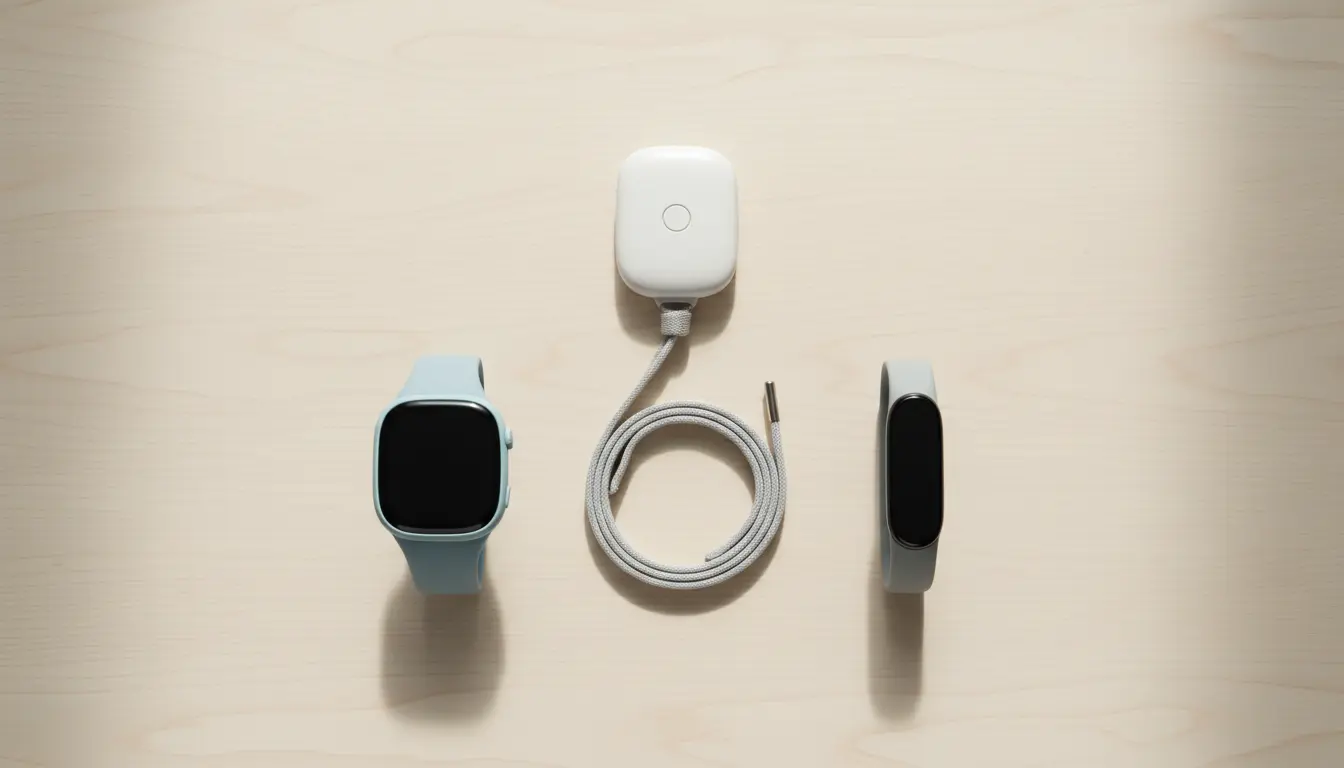
2. Smartwatches with Senior‑Friendly Features
Modern smartwatches combine communication, fitness, and safety in one device. The best options for seniors offer:
- Fall detection and emergency SOS
- Heart rate monitoring and activity tracking
- GPS location for outdoor safety
- Smartphone notifications for calls and messages
Pros:
- Multi‑purpose device: watch, phone companion, health tracker
- More stylish and modern than typical medical alert pendants
- Often support apps, reminders, and calendars
Cons:
- Shorter battery life (usually 1–3 days)
- Slightly more complex interface
- Requires pairing with a smartphone in most cases
Smartwatches are ideal for tech‑savvy seniors who want both safety and smart features in a single wearable.
3. Fitness Trackers and Activity Bands
Some seniors prioritize staying active rather than focusing on emergency alerts. Fitness trackers can:
- Count steps and active minutes
- Monitor heart rate during exercise
- Track sleep duration and quality
- Provide gentle reminders to move throughout the day
Pros:
- Slim, lightweight design
- Long battery life (often 5–7 days or more)
- Easy to wear 24/7
Cons:
- May lack SOS and fall detection features
- Often depend heavily on smartphone apps
These devices suit seniors who are already independent and active but want motivation and feedback on their daily habits.
4. Specialized Health Wearables
A growing category of wearables focuses on specific medical needs, for example:
- Devices for continuous ECG monitoring
- Wearables that track breathing or detect sleep apnea patterns
- Blood pressure monitors with wearable cuffs or sensors
These can be especially useful for seniors with known heart or respiratory conditions. However, they are usually meant to complement, not replace, regular medical visits.
How to Choose the Right Wearable for a Senior
Selecting the best wearable device for an older adult depends on individual needs rather than brand hype. Use these questions to guide your decision:
- What is the main goal?
- Emergency protection?
- Health monitoring?
- Motivation to stay active?
- A mix of all three?
- How comfortable is the senior with technology?
- Do they use a smartphone regularly?
- Would they be comfortable learning a simple app?
- Do they prefer physical buttons over touchscreens?
- Where will the device be used most?
- Only at home, or also outdoors and while traveling?
- Is GPS tracking or cellular connectivity important?
- Is there a budget or subscription limit?
- Some devices require monthly fees for monitoring services.
- Others work with a one‑time purchase but rely on personal contacts instead of professional centers.
In many cases, family members help manage the device and review the health data. Look for models that support caregiver access, shared dashboards, or emergency contact lists.
Practical Tips for Successful Use
Buying a wearable device is only the first step. To get real value from it:
- Set up the device together. Walk through the basic functions with the senior. Show how to use the SOS button, how to check the time, and how to charge it.
- Customize alerts. Adjust volume, vibration, and screen brightness so that alerts are noticeable but not overwhelming.
- Create a charging routine. Connect charging to a daily habit, such as placing the device on the charger during evening TV time or overnight.
- Review data regularly. For health‑tracking devices, look at weekly or monthly reports with the senior, and share important changes with healthcare providers.
This shared approach helps the senior feel confident and also strengthens communication between them and their family or caregivers.
Example Product Recommendation (Amazon)
One popular, senior‑friendly option on Amazon.com is the Apple Watch SE 3 with fall detection and emergency SOS (GPS or GPS + Cellular models). It offers:
- Built‑in fall detection and hard‑fall alerts
- Emergency SOS calling
- Heart rate monitoring and irregular rhythm notifications
- Activity rings to encourage gentle daily movement
- Easy‑to‑read display and voice assistant support
For seniors who already use an iPhone or are comfortable with modern technology, this smartwatch combines safety, health tracking, and everyday convenience in one wearable device.