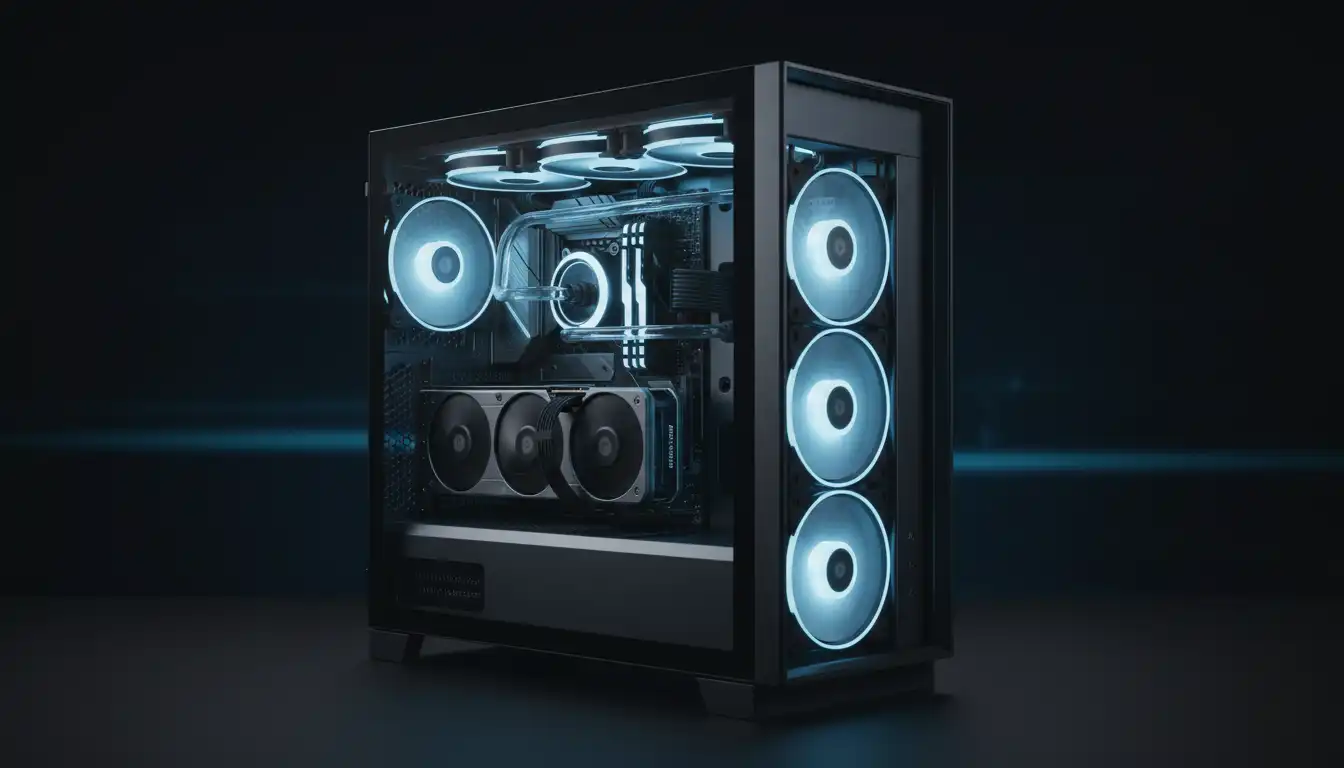

Top 5 Best PC Case Fans for Silent Cooling Performance
Building a quiet and efficient PC requires more than a powerful processor or graphics card. Effective cooling plays a critical role in maintaining system stability, extending component lifespan, and creating a comfortable computing experience. Many users focus heavily on CPU coolers and GPUs, but often overlook the importance of selecting the best PC case fans for silent cooling performance.
Modern case fans are designed to deliver high airflow while minimizing noise levels. Whether you are building a gaming PC, workstation, content creation system, or home office computer, choosing the right fans can significantly improve thermal performance without turning your setup into a noisy machine.
In this guide, we will explore the top 5 best PC case fans for silent cooling performance, explain what makes a fan truly quiet, and help you select the ideal solution for your build.
Why Silent Cooling Matters
A silent PC offers several advantages beyond simple comfort. Excessive fan noise can become distracting during gaming sessions, video editing, streaming, or everyday productivity tasks.
Quality silent cooling solutions provide:
- Better airflow management
- Lower component temperatures
- Reduced system noise
- Improved hardware longevity
- Enhanced gaming experience
- Greater energy efficiency
The best quiet case fans combine advanced blade designs, fluid dynamic bearings, vibration-dampening materials, and PWM fan control to maintain an optimal balance between cooling performance and acoustic comfort.
What to Look for in a Silent PC Case Fan
Before selecting a fan, consider several important factors.
Airflow Performance
Airflow is commonly measured in CFM (Cubic Feet per Minute). Higher CFM ratings indicate a fan’s ability to move more air through the case.
Noise Level
Manufacturers typically rate noise in decibels (dBA). Fans operating below 25 dBA are generally considered very quiet.
Static Pressure
Static pressure becomes important when mounting fans behind dust filters, radiators, or restrictive panels. High static pressure fans push air more effectively through obstacles.
Bearing Technology
Premium bearings improve durability and reduce noise. Popular options include:
- Fluid Dynamic Bearings (FDB)
- Hydrodynamic Bearings
- Magnetic Levitation Bearings
- Self-Stabilizing Oil Pressure Bearings
PWM Control
PWM fans automatically adjust fan speed based on system temperatures, providing quieter operation during light workloads and increased cooling when necessary.
1. Noctua NF-A12x25 PWM
Why It Stands Out
The Noctua NF-A12x25 PWM is widely regarded as one of the best PC cooling fans available today. Noctua has built a reputation for exceptional engineering, and this model demonstrates why enthusiasts consistently recommend it.
Key Features:
- Exceptional airflow efficiency
- Premium Sterrox liquid-crystal polymer construction
- Ultra-tight blade clearance
- Advanced PWM control
- Low vibration design
Performance:
The NF-A12x25 delivers outstanding airflow while maintaining remarkably low noise levels. Even at higher RPMs, it produces a smooth acoustic profile that avoids irritating tones and turbulence.
Best For:
- High-end gaming PCs
- Silent workstation builds
- Air-cooled systems
- Premium custom PCs
Users seeking maximum cooling performance with minimal noise often consider this fan the benchmark in silent cooling technology.
2. be quiet! Silent Wings Pro 4
Premium Silence Meets Powerful Cooling
As the name suggests, be quiet! specializes in low-noise cooling solutions. The Silent Wings Pro 4 represents the company’s flagship fan technology.
Key Features:
- Optimized fan blade geometry
- Fluid Dynamic Bearing
- Adjustable speed settings
- Anti-vibration mounting system
- Excellent static pressure
Performance:
This fan excels in both airflow and radiator applications. Its ability to maintain strong cooling performance while producing minimal noise makes it a favorite among enthusiasts and professionals.
Best For:
- Water cooling systems
- Gaming rigs
- Professional workstations
- Noise-sensitive environments
The Silent Wings Pro 4 consistently ranks among the best quiet PC fans available on the market.
3. Arctic P12 PWM PST
Best Budget Silent Cooling Fan
Not everyone wants to spend premium prices on case cooling. The Arctic P12 PWM PST offers impressive value without sacrificing performance.
Key Features:
- Affordable pricing
- PWM sharing technology
- High static pressure
- Fluid dynamic bearing
- Efficient airflow design
Performance:
Despite its budget-friendly cost, the Arctic P12 delivers cooling performance that rivals significantly more expensive competitors. It remains quiet even during moderate workloads and scales effectively under load.
Best For:
- Budget gaming PCs
- Mid-range builds
- Multi-fan configurations
- Value-focused users
Many builders consider the Arctic P12 one of the best airflow fans for the money.
4. Corsair AF120 Elite
Reliable Cooling with Modern Features
Corsair continues to dominate the PC hardware market with products that balance performance, aesthetics, and reliability. The AF120 Elite exemplifies this philosophy.
Key Features:
- AirGuide technology
- Low-friction bearing
- PWM fan control
- Strong airflow output
- Long operational lifespan
Performance:
The AF120 Elite focuses on maximizing airflow throughout the chassis. Its blade design directs air efficiently toward critical components while maintaining relatively low noise levels.
Best For:
- Gaming systems
- RGB-focused builds
- Mid-tower cases
- Everyday performance PCs
Users who want dependable airflow and quiet operation often place the AF120 Elite near the top of their consideration list.
5. Phanteks T30-120
Enthusiast-Level Cooling Performance
The Phanteks T30-120 has become a favorite among PC enthusiasts seeking premium cooling efficiency.
Key Features:
- Extra-thick 30mm design
- High airflow capability
- Outstanding static pressure
- Multiple performance modes
- Durable construction
Performance:
The thicker frame allows the T30-120 to move more air while maintaining efficient operation. It can operate quietly during everyday use and deliver exceptional cooling when system demands increase.
Best For:
- High-performance gaming PCs
- Overclocked systems
- Radiator installations
- Enthusiast builds
This fan demonstrates that powerful cooling and low acoustic output can coexist in a single package.
How to Optimize Case Fan Placement
Even the best PC case fans cannot perform efficiently if installed incorrectly.
Front Intake
Front-mounted intake fans pull cool air into the case. This position often provides the greatest impact on overall airflow.
Rear Exhaust
Rear exhaust fans remove hot air generated by internal components and help maintain airflow direction.
Top Exhaust
Hot air naturally rises. Top-mounted exhaust fans assist in removing accumulated heat from the system.
Positive Air Pressure
Maintaining slightly more intake airflow than exhaust airflow helps reduce dust buildup and improves cooling efficiency.
Recommended configuration:
- 2–3 front intake fans
- 1 rear exhaust fan
- 1–2 top exhaust fans
This setup creates balanced airflow while supporting silent operation.
Silent Cooling Tips for Maximum Efficiency
Selecting quality fans is only part of the equation. Consider these additional strategies:
Use PWM Curves
Customize fan speed curves in BIOS or motherboard software to reduce unnecessary fan noise.
Clean Dust Filters
Dust restricts airflow and forces fans to work harder.
Manage Cables
Proper cable management improves internal airflow and cooling efficiency.
Choose a Well-Ventilated Case
A case with mesh panels and unrestricted airflow helps fans operate more effectively.
Reduce Vibrations
Use rubber mounting pads and anti-vibration screws whenever possible.
Which PC Case Fan Is the Best Overall?
Each fan on this list serves different needs.
- Best Overall: Noctua NF-A12x25 PWM
- Best Premium Option: be quiet! Silent Wings Pro 4
- Best Budget Choice: Arctic P12 PWM PST
- Best Airflow Fan: Corsair AF120 Elite
- Best Enthusiast Fan: Phanteks T30-120
For most users, the Noctua NF-A12x25 PWM delivers the ideal combination of airflow performance, acoustic comfort, durability, and reliability.
Final Thoughts
Finding the best PC case fans for silent cooling performance requires balancing airflow, static pressure, noise levels, and overall value. Fortunately, modern cooling technology allows users to enjoy powerful thermal performance without excessive noise.
Whether you choose the premium engineering of Noctua, the ultra-quiet design of be quiet!, the outstanding value of Arctic, the reliability of Corsair, or the enthusiast-focused power of Phanteks, upgrading your case fans can dramatically improve your PC’s cooling efficiency and user experience.
Investing in high-quality silent cooling fans not only lowers temperatures but also creates a more enjoyable computing environment for years to come.
Amazon Product Recommendation
Recommended Product:
Noctua NF-A12x25 PWM 120mm Premium Quiet Fan









