
How to Choose Between Android, iPadOS and Windows Tablets
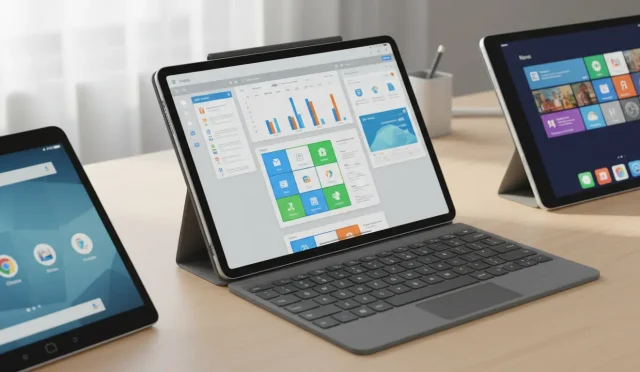
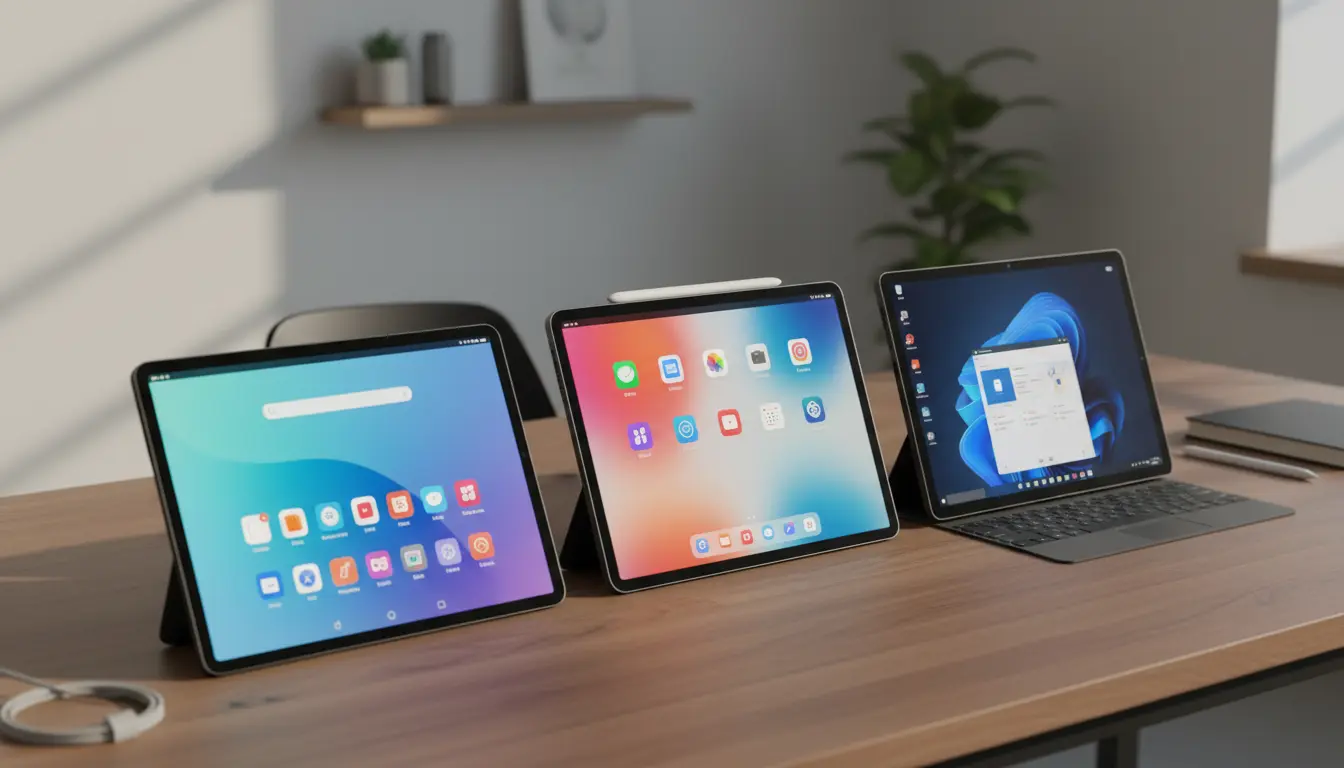
Choosing a new tablet is no longer as simple as picking the biggest screen or the lowest price. Today, the operating system is the most important factor because it shapes your apps, performance, accessories and even how long you can use the device. The three main options are Android, iPadOS and Windows. Each platform has clear strengths and weaknesses that fit different types of users.
In this guide, you’ll learn how to decide which ecosystem is right for you by looking at budget, performance, app ecosystem, productivity, gaming, creativity, and long‑term support.
1. Start With Your Main Use Case
Before comparing technical details, define what you want the tablet for:

- Casual media consumption (YouTube, Netflix, web, social media)
- Note‑taking and studying
- Work and productivity (Office, multitasking, remote work)
- Digital art, music creation and video editing
- Gaming and cloud gaming
- Replacing a laptop
Your primary use case should guide your choice:
- If you want the smoothest, most optimized tablet experience, iPadOS stands out.
- If you need flexibility and choice at many price points, Android tablets are ideal.
- If you want a true laptop replacement that runs desktop software, a Windows tablet is often the best fit.
2. Budget and Price–Performance Ratio
Android Tablets: Maximum Variety
Android tablets cover everything from ultra‑cheap models to premium flagships:
- Entry level: Great for kids, basic streaming and browsing.
- Mid‑range: Solid screens, decent performance, suitable for students.
- High‑end: Powerful chips, 120 Hz displays, stylus support, desktop‑style modes.
If your budget is limited or you want value for money at a specific price point, Android offers the widest choice.
iPadOS Tablets: Higher Price, High Value
iPads usually sit in the mid–to–high price range, but they provide:
- Strong performance even on base models
- Long software support and good resale value
- Accessories like Apple Pencil and Magic Keyboard
If you can afford to pay a bit more initially, an iPad often feels fast and relevant for many years, which can make it cost‑effective over time.
Windows Tablets: Laptop Replacement Pricing
Windows tablets (like 2‑in‑1 devices) tend to be priced like laptops:
- Mid–range and premium pricing dominates
- Often include or support keyboard covers
- Designed to run full Windows apps
If you need to replace both a tablet and a laptop with a single device, a Windows tablet can be a smart investment, even if the upfront cost is higher.
3. App Ecosystem and Software Availability
iPadOS: Best Optimized Tablet Apps
Apple’s App Store offers excellent tablet‑optimized apps:
- Pro‑level creativity tools (drawing, music, video)
- Smooth, touch‑friendly productivity apps
- Education and note‑taking apps designed specifically for the iPad
If you rely on quality apps and a polished user experience, iPadOS is often the strongest ecosystem.
Android: Flexible, but Quality Varies
The Google Play Store has a massive library, but:
- Some apps are still phone‑first and just scaled up
- Quality varies between manufacturers and screen sizes
However, Android shines in customization, niche apps, emulators and alternative app stores. For users who like control and flexibility, this ecosystem is attractive.
Windows: Full Desktop Apps
Windows tablets run full desktop software, which is a major advantage:
- Microsoft Office, professional tools, development environments
- Legacy business and productivity apps
- True file system and multitasking
If your work depends on Windows‑only programs, choosing a Windows tablet gives you flexibility that mobile platforms cannot fully match.
4. Productivity and Multitasking
iPadOS for Serious but Mobile Productivity
iPadOS offers:
- Split‑screen, Slide Over and Stage Manager (on supported models)
- Excellent keyboard and trackpad support
- Deep integration with iCloud and other Apple devices
For writers, students, consultants and mobile professionals, an iPad can deliver near‑laptop productivity, especially if you already use a Mac or iPhone.
Android for Flexible Workflows
Modern Android tablets support:
- Multi‑window modes
- Desktop‑style interfaces (on some brands)
- Great integration with Google services
If you live in the Google ecosystem and want to mix entertainment, light productivity and creativity, Android can adapt to your workflow.
Windows for Full Laptop Replacement
Windows tablets are designed as PCs that can become tablets:
- Full multitasking with overlapping windows
- Desktop‑class browsers and plug‑ins
- Rich support for printers, peripherals and business networks
If you frequently work with complex spreadsheets, corporate VPNs or development tools, a Windows tablet will feel more like a familiar computer than a mobile device.
5. Creativity, Gaming and Media Consumption
Creativity
- iPadOS: Leading choice for digital artists, musicians and video editors. The Apple Pencil offers low latency and high precision, and there is a rich ecosystem of creative apps.
- Android: Stylus support and drawing apps are improving, especially on premium devices. Good option for hobbyists or users who want creativity features without paying top Apple prices.
- Windows: Excellent for professional creatives who need desktop applications (e.g., full Photoshop, DAWs, 3D tools) with stylus support.
Gaming
- Android: Wide game choice, emulation and cloud gaming services. Good for casual and mid‑core gamers.
- iPadOS: Highly optimized games and strong performance on modern chips. Great for both casual and more demanding titles.
- Windows: Best for PC‑style gaming if you choose a powerful enough device. Supports many classic and modern PC games, plus cloud gaming.
Media Consumption
All three platforms handle streaming and reading well, but:
- Android and iPadOS generally offer longer battery life for media.
- Windows tablets are versatile, but running full Windows can drain the battery faster on some models.
If your primary use is watching videos, reading and browsing, you can choose based on screen quality, speakers and battery life, not just the OS.
6. Ecosystem, Accessories and Long‑Term Support
Ecosystem Integration
- iPadOS: Integrates seamlessly with iPhone, Mac, Apple Watch and iCloud. Ideal if you’re already inside the Apple ecosystem.
- Android: Works well with Android phones, Chromebooks and Google services (Drive, Photos, Docs).
- Windows: Connects naturally with Windows PCs, OneDrive and Microsoft 365.
Choose the tablet platform that fits the devices and services you already use most.
Accessories
- iPadOS: High‑quality first‑party keyboards and styluses, plus a strong third‑party accessory market.
- Android: Quality depends on brand; some offer excellent pens and keyboards.
- Windows: Keyboard covers are common, and you can connect many standard PC peripherals.
Software Updates and Lifespan
- iPads typically receive many years of OS updates, which extends their useful life.
- Android support varies by brand; premium models from major manufacturers usually fare best.
- Windows updates are long‑term, but performance and battery life depend heavily on hardware.
If longevity and resale value matter, iPadOS usually performs strongly, with premium Android and Windows devices also offering good staying power.
7. Quick Recommendations
- Choose Android if you want:
- Maximum choice at every budget level
- Deep customization and flexible app sources
- A balance of entertainment, light productivity and gaming
- Choose iPadOS if you want:
- The most polished tablet experience
- Excellent creative and productivity apps
- Long software support and strong ecosystem integration
- Choose Windows if you want:
- A true laptop replacement
- Full desktop software and advanced multitasking
- Strong compatibility with workplaces and business tools
Example Product Suggestions on Amazon.com
These are representative examples you can search for on Amazon.com (availability and exact models may vary):
- Android tablet suggestion:
“Samsung Galaxy Tab S11” – a high‑end Android tablet with a sharp display, S Pen support and strong performance.
- iPadOS tablet suggestion:
“Apple iPad Air (M3)” – a powerful, thin iPad that supports Apple Pencil and keyboard accessories, ideal for both creativity and productivity.
- Windows tablet suggestion:
“Microsoft Surface Pro 9” – a 2‑in‑1 Windows device that functions as both a tablet and a laptop with optional keyboard and stylus.