
iPadOS vs Android: Which Tablet Makes More Sense for Content Creators?
Choosing the right tablet has become one of the most important decisions for modern content creators. Whether you produce videos, manage social media, edit photos, sketch digital art, or write long-form content, your tablet plays a central role in your overall workflow. The two dominant choices—iPadOS and Android tablets—offer powerful ecosystems, but they serve creators in different ways. Understanding these differences helps you invest your money wisely and build a long‑term, efficient creative setup.
The Importance of Platform and Ecosystem for Creativity
Content creation isn’t only about hardware specs. It is largely shaped by the ecosystem, available apps, optimization, accessory support, and long‑term software updates. iPadOS has built a reputation for offering a streamlined and tightly integrated environment, while Android gives users more flexibility and customizability. Your priorities will determine which side fits you better.
iPadOS for Content Creators: A Polished Ecosystem
iPadOS has become the industry‑standard choice for many professionals. One of the biggest advantages of iPadOS is its superior app ecosystem. Apps like Procreate, Final Cut Pro for iPad, LumaFusion, Affinity Photo, Notability, and Adobe Premiere Rush are incredibly optimized and often better performing than their Android counterparts.
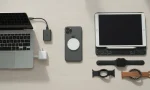
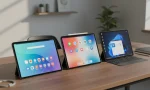
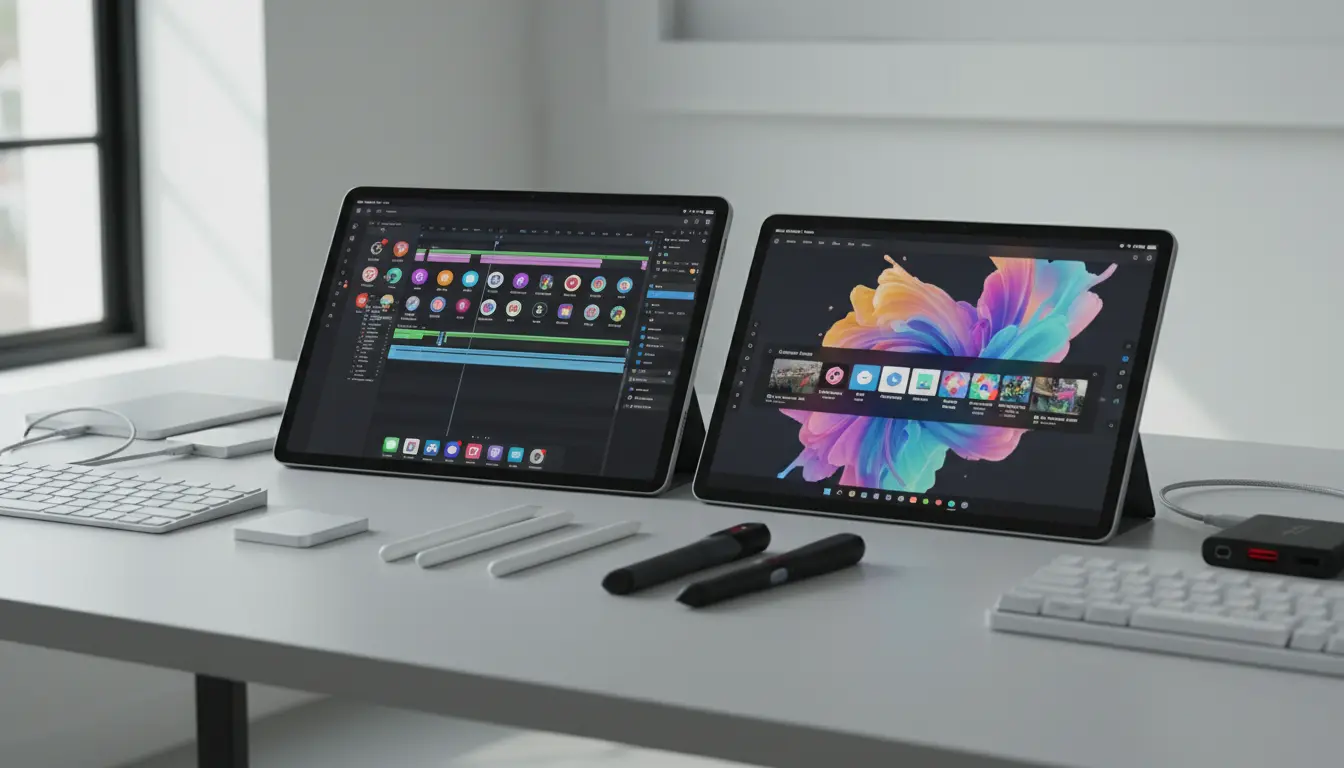
Apple’s hardware‑software optimization helps creators work smoothly with minimal crashes or lag. The Apple Pencil is also one of the most responsive styluses on the market, offering near‑zero latency, pixel‑perfect precision, and natural tilt/pressure sensitivity. For digital artists, the Apple Pencil alone can be a deciding factor.
Another major benefit is long‑term support. iPads typically receive years of updates, which improves stability and protects your investment. If you’re planning to use your tablet for at least four to five years, iPadOS offers a more reliable future.
iPadOS Limitations to Consider
However, iPadOS is not perfect. Its file management has improved significantly, but Android still offers deeper control for power users. Some creators may feel limited by iPadOS’s closed system. You cannot install third‑party apps from outside the App Store, and certain desktop‑level workflows remain restricted.
Additionally, iPads tend to be more expensive. Accessories—such as the Magic Keyboard or Apple Pencil—add to the total cost. For budget‑focused creators, this can be a challenge.
Android Tablets for Content Creators: Flexibility and Freedom
Android tablets have grown dramatically in capability thanks to brands like Samsung, Lenovo, and Xiaomi. Modern Android tablets offer excellent display quality, high refresh rates, and strong performance. Samsung’s Galaxy Tab S series, for example, has become a favorite among creators who need flexibility.
The biggest advantage of Android is freedom. You can install apps from multiple sources, customize your interface, manage files like on a PC, and use various keyboard or stylus accessories. Android tablets also integrate seamlessly with Google Workspace, allowing productivity‑focused creators to work with ease.
For video editors, apps like CapCut, Kinemaster, and VN Video Editor work extremely well on Android devices. For digital artists, Clip Studio Paint, Sketchbook, and Infinite Painter offer powerful tools similar to iPad apps.
Where Android Falls Short
Despite its flexibility, Android faces challenges when it comes to professional‑grade creative apps. Certain high‑end apps like Procreate and Final Cut Pro are exclusive to iPadOS. Additionally, stylus responsiveness varies between brands. Although the Samsung S Pen performs well, not all Android tablets support a premium stylus experience.
Android update cycles are also inconsistent. Some tablets receive only two or three major updates, which affects long‑term value.
The Creative Workflow Breakdown: iPadOS vs Android
1. Digital Art
- iPadOS wins due to Procreate, advanced Apple Pencil support, and overall smoother brush rendering.
- Android is strong but app options vary by brand.
2. Video Editing
- iPadOS is more polished with Final Cut Pro and LumaFusion.
- Android is improving rapidly with CapCut and VN, but may lack advanced features.
3. Photo Editing
- iPadOS offers better optimization for apps like Affinity Photo and Adobe Lightroom.
- Android provides solid alternatives but performance varies.
4. Productivity & Writing
- Android excels with multitasking, file management, and customizability.
- iPadOS offers a clean interface but with more restrictions.
5. Budget & Value
- Android has more affordable models with great performance.
- iPadOS offers premium quality but at a higher price.
Who Should Choose iPadOS?
Select iPadOS if you:
- Produce visual art and want the best stylus experience
- Edit high‑quality videos professionally
- Want long‑term stability and consistent updates
- Prefer industry‑leading creative apps
- Need seamless integration with other Apple devices
Who Should Choose Android?
Choose an Android tablet if you:
- Work with customizable workflows
- Prefer deeper file system control
- Want a budget‑friendly device
- Use tools like Google Workspace or prefer non‑Apple ecosystems
- Need flexibility in app installation and customization
Final Verdict: Which Tablet Is Better for Content Creators?
Both platforms offer powerful tools, but your creative workflow should guide your decision. If your priority is premium creative apps, stable performance, and professional‑grade stylus support, iPadOS is the superior choice. But if you prefer customization, affordability, and a more open system, Android tablets deliver excellent value.
Ultimately, the best tablet depends on your artistic style, editing needs, and budget. If you can clearly define your workflow, picking the right device becomes easy.
Recommended Tablet for Android Creators
If you are looking for the ultimate Android powerhouse to elevate your creative workflow, we highly recommend the Samsung Galaxy Tab S11 Ultra AI WiFi Model. With its massive 14.6-inch display, this tablet provides a canvas large enough for complex video timelines and detailed digital illustrations.
Powered by advanced AI features and equipped with 12GB of RAM and 256GB of storage, it handles multitasking with ease. The included S Pen offers a natural writing and drawing experience, while the 11,600 mAh battery ensures you can create all day without interruption. Whether you are using the 13MP Dual Camera for quick content captures or leveraging its high-speed WiFi connectivity, the SM-X930 model in sleek Gray is a top-tier choice for any professional.