
The Ultimate Guide to the Best Tablets for University Students: Mastering PDFs, Research, and Presentations
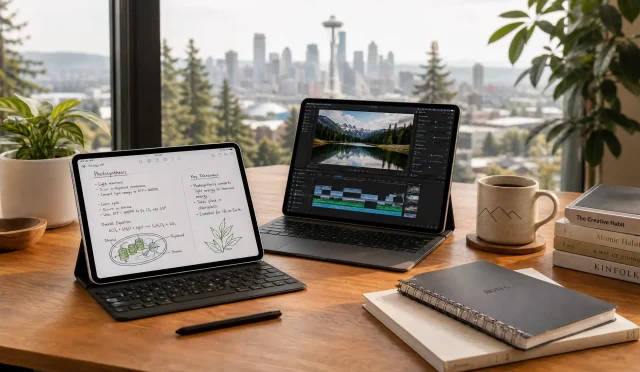
The modern university experience has shifted from heavy backpacks filled with physical textbooks to sleek, digital ecosystems. Today, a high-performance tablet serves as the central hub for a student’s academic life. Whether you are highlighting complex medical journals, synthesizing data for a thesis, or delivering a high-stakes business presentation, the right device can significantly enhance your productivity. This guide explores the best tablets for university students, focusing on the essential pillars of academic success: PDF management, intensive research, and professional presentations.
Why Tablets Have Become Essential for Higher Education
Traditional laptops remain powerful, but tablets offer a level of versatility that fits the dynamic lifestyle of a student. The ability to switch from a laptop-like typing interface to a digital canvas for handwritten notes provides a cognitive advantage. Research suggests that handwriting notes helps with memory retention more effectively than typing. Furthermore, the portability of a tablet allows you to study in cramped library cubicles, on public transit, or in outdoor campus spaces without feeling weighed down.
Mastering PDF Annotation and Document Management
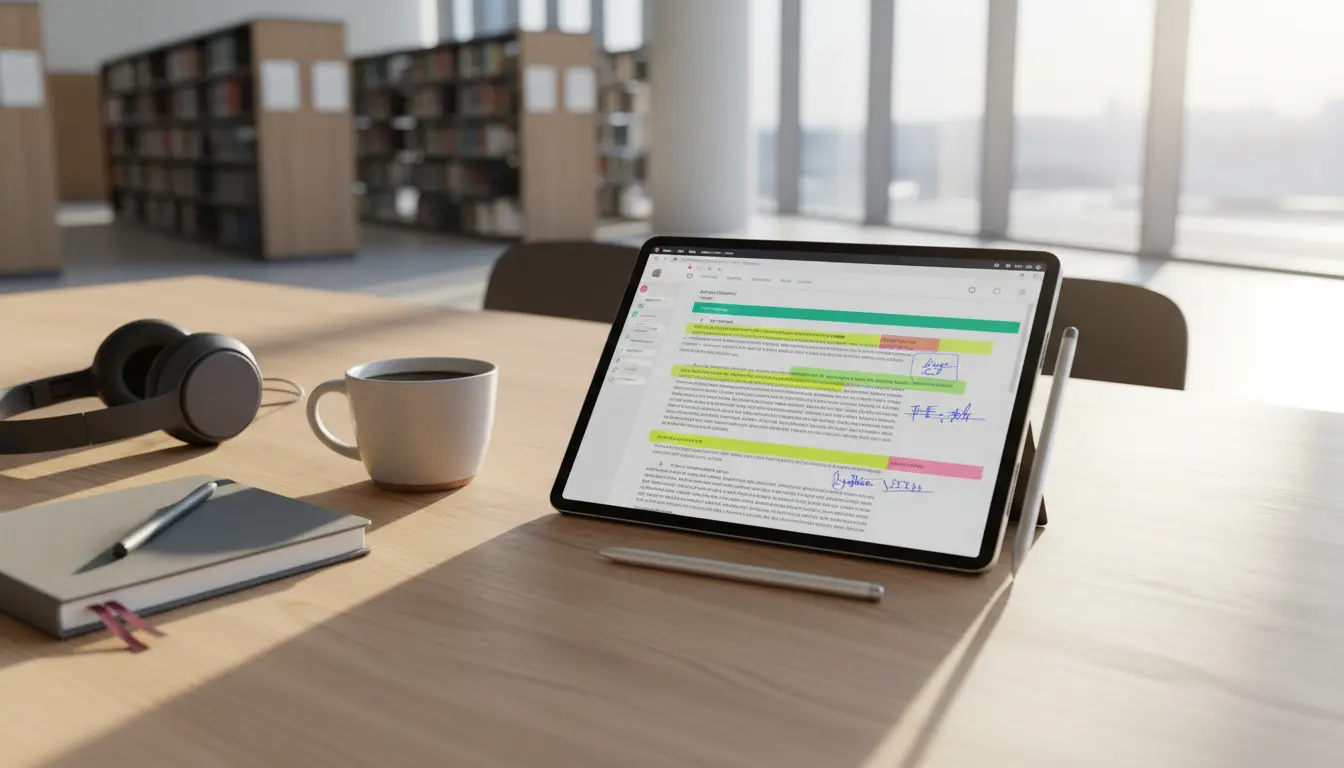
University students encounter hundreds of PDFs every semester. Reading these documents on a phone is impossible, and printing them is expensive and environmentally unfriendly. A tablet with a high-resolution display and stylus support transforms how you interact with academic literature.

When choosing a tablet for PDF work, look for a screen with a 3:2 or 4:3 aspect ratio. These dimensions more closely mimic a physical sheet of paper compared to widescreen 16:9 displays. High-end tablets like the iPad Pro or the Microsoft Surface Pro offer “Liquid Retina” or “PixelSense” displays that make text look crisp, reducing eye strain during long night sessions.
Software also plays a vital role. Apps such as GoodNotes, Notability, and LiquidText allow students to search through handwritten notes, record lectures while writing, and link different parts of a PDF together. This creates a non-linear study environment where information is interconnected rather than siloed.
Streamlining Research with Multitasking Capabilities
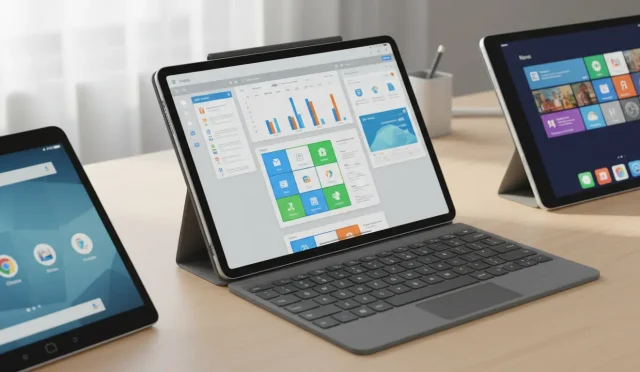
Research involves more than just reading; it requires managing multiple tabs, citation managers, and note-taking apps simultaneously. Modern tablets have evolved to handle these demanding workflows. Features like “Split View” on iPadOS or “Multi-Window” on Android allow you to keep a browser open on one side while drafting your summary on the other.
For students in STEM or social sciences, RAM is a critical factor. To ensure your tablet doesn’t lag when you have twenty Chrome tabs and a heavy PDF open, aim for at least 8GB of RAM. The integration of cloud services like Google Drive, OneDrive, and Dropbox ensures that your research is backed up and accessible across all your devices. This seamless synchronization prevents the “lost file” nightmares that often plague students during finals week.
Delivering Impactful Presentations
The final stage of many university projects is the presentation. A tablet can be your greatest ally in the lecture hall. Most modern tablets support USB-C or HDMI output, allowing you to connect directly to projectors. Using a tablet as a teleprompter or a remote control for your slides gives you the freedom to move around the room, engaging more effectively with your audience.
Apps like Canva, Microsoft PowerPoint, and Keynote have been optimized for touch interfaces. You can use a stylus to draw directly on your slides during a live presentation to emphasize a point or explain a complex diagram. This interactive element often results in higher grades and better peer engagement.
Top Tablet Recommendations for 2026
The All-Rounder: iPad Air (M2 Chip)
The iPad Air strikes the perfect balance between price and performance. With the M2 chip, it handles intensive multitasking with ease. It supports the Apple Pencil Pro, which offers haptic feedback and squeeze gestures, making PDF annotation feel incredibly natural. For most students, this is the gold standard for academic utility.
The Productivity Powerhouse: Microsoft Surface Pro 11
If your course requires specific Windows-only software (like advanced Excel macros or specialized engineering tools), the Surface Pro 11 is the best choice. It is a full-fledged PC in a tablet form factor. The built-in kickstand is a lifesaver for research sessions in the library, and the Type Cover keyboard is widely considered the best in its class.
The Media and Note-Taking King: Samsung Galaxy Tab S9
Samsung’s flagship tablet features a stunning AMOLED display that makes it the best device for students who also consume a lot of video content. Unlike Apple, Samsung includes the S-Pen in the box, providing immediate value. The “DeX Mode” transforms the Android interface into a desktop-like experience, which is excellent for writing long research papers.
Essential Accessories for the Digital Student
To maximize your tablet’s potential, you should invest in a few key accessories. A high-quality stylus is non-negotiable for PDF work. A keyboard cover is essential for those 2,000-word essays. Additionally, consider a matte screen protector; these “paper-like” films provide friction for the stylus, making the writing experience feel like pen on paper rather than plastic on glass.
Battery Life and Longevity
A tablet is only useful if it lasts through your back-to-back lectures. Look for devices that promise at least 10 hours of active web usage. Most premium tablets now support fast charging, allowing you to get a 50% boost during a quick coffee break. Furthermore, consider the software support lifecycle. iPads generally receive updates for 6-7 years, ensuring your investment lasts throughout your entire undergraduate and graduate journey.
Conclusion: Choosing Your Academic Partner
Selecting the best tablet for university depends on your specific major and budget. However, the transition to a digital-first workflow is a proven way to stay organized and efficient. By focusing on a device that excels in PDF handling, supports robust research multitasking, and simplifies presentations, you set yourself up for a more streamlined and successful academic career.
Top Recommendation: Apple iPad Air 11-inch (M3 Chip)
The Apple iPad Air 11-inch with the M3 chip is the ultimate powerhouse for university life. Engineered for Apple Intelligence, it effortlessly handles complex research and multitasking. Its stunning Liquid Retina Display provides a paper-like reading experience for PDFs, while the Wi-Fi 6E and all-day battery life ensure you stay connected from the first lecture to late-night study sessions. Compact, powerful, and future-proof, it is the best investment for any student.