
Best Camera and Microphone Combinations for Motovlogging
Motovlogging has grown from a niche hobby into a massive content category on YouTube and other platforms. Viewers don’t just want to watch your rides; they want to feel like they’re on the bike with you. To create that immersive experience, you need a camera and microphone combination that delivers sharp video and clear, wind‑free audio. In this guide, you’ll learn how to choose the right gear, which features to prioritize, and how to build a reliable setup for every ride.
1. What Makes a Good Motovlog Setup?
A strong motovlog setup balances three things: image quality, audio clarity, and practicality on the bike.
- Image quality: At least 1080p, ideally 4K at 30–60fps for smooth footage.
- Audio clarity: External mic support is crucial; built‑in mics rarely handle wind and engine noise well.
- Practicality: Compact size, helmet‑mount options, good battery life, and simple controls you can use with gloves.
You don’t need the most expensive action camera on the market. A well‑matched action camera and helmet microphone can outperform a premium camera with poor audio any day.
2. Choosing the Right Camera for Motovlogging
When you choose a camera for motovlogs, focus on these core features:
2.1 Video Resolution and Frame Rate
Motovlog viewers expect smooth, detailed footage:
- 4K at 30 or 60fps makes your rides look crisp and cinematic.
- 1080p at 60fps is still more than enough for YouTube and saves storage.
Higher frame rates also help when you ride on bumpy roads; your footage stays fluid instead of jittery.
2.2 Image Stabilization
Strong digital or optical stabilization keeps the horizon level and reduces vibration from the handlebars, road, and engine. Cameras built for action sports usually include advanced stabilization modes that are ideal for motorcycles.
2.3 Field of View Options
A wide field of view shows more of your surroundings and gives that “rider’s perspective” feeling. Many motovloggers prefer:
- Wide for immersive riding footage
- Linear or narrow modes for talking‑head shots to reduce fisheye distortion
Being able to switch between these modes in‑camera is valuable when you change angles.
2.4 Durability and Weather Resistance
Motovlogging rarely happens only on sunny days. Look for:
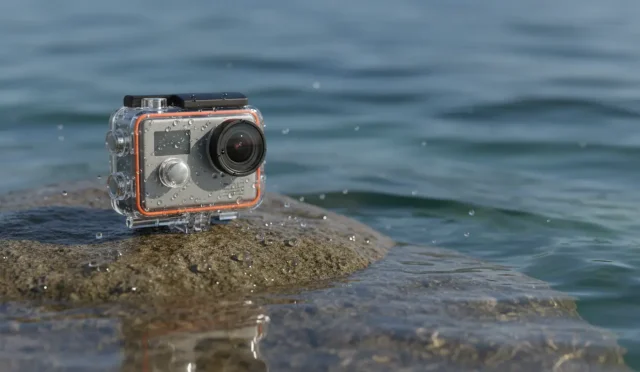
- Weather‑resistant or waterproof housing
- Solid mounting ecosystem for helmets, chin mounts, and handlebars
- Replaceable lens covers or protective cases in case of debris or falls
A tough camera lets you ride with confidence in rain, fog, and dust.
3. Why External Microphones Matter So Much
Even an average camera can produce great motovlogs if the audio is clean. Viewers will forgive a slightly noisy video, but they will click away from wind‑blasted audio in seconds.
3.1 Common Audio Problems in Motovlogs
- Constant wind noise inside or outside the helmet
- Overpowering engine and exhaust sound that drowns out your voice
- Muffled speech due to helmet padding and position
- Volume spikes when you accelerate or turn your head
An external motorcycle helmet microphone solves most of these issues when placed correctly and paired with a windscreen.
3.2 Types of Microphones for Motovlogging
The two most common types are:
- Lavalier (lapel) microphones: Small, discreet, easy to hide inside the helmet padding. This is the most popular choice for motovloggers.
- Mini shotgun microphones: Better for off‑bike commentary or mounting on the camera when you’re walking around, but not as practical inside a helmet.
For in‑helmet voice recording, a lavalier mic with a foam and furry windscreen is usually the best option.
4. Building a Reliable Camera–Mic Combination
To create a solid motovlog system, treat your camera and microphone as a single integrated unit, not two separate gadgets.
4.1 Essential Components
A typical motovlog combination includes:
- An action camera with external mic support
- A 3.5mm microphone adapter or dedicated audio module
- A lavalier microphone with at least a foam windscreen
- Helmet mounts (often a chin mount for the most natural POV)
- Cable routing inside the helmet to keep everything secure and comfortable
4.2 Ideal Mounting Positions
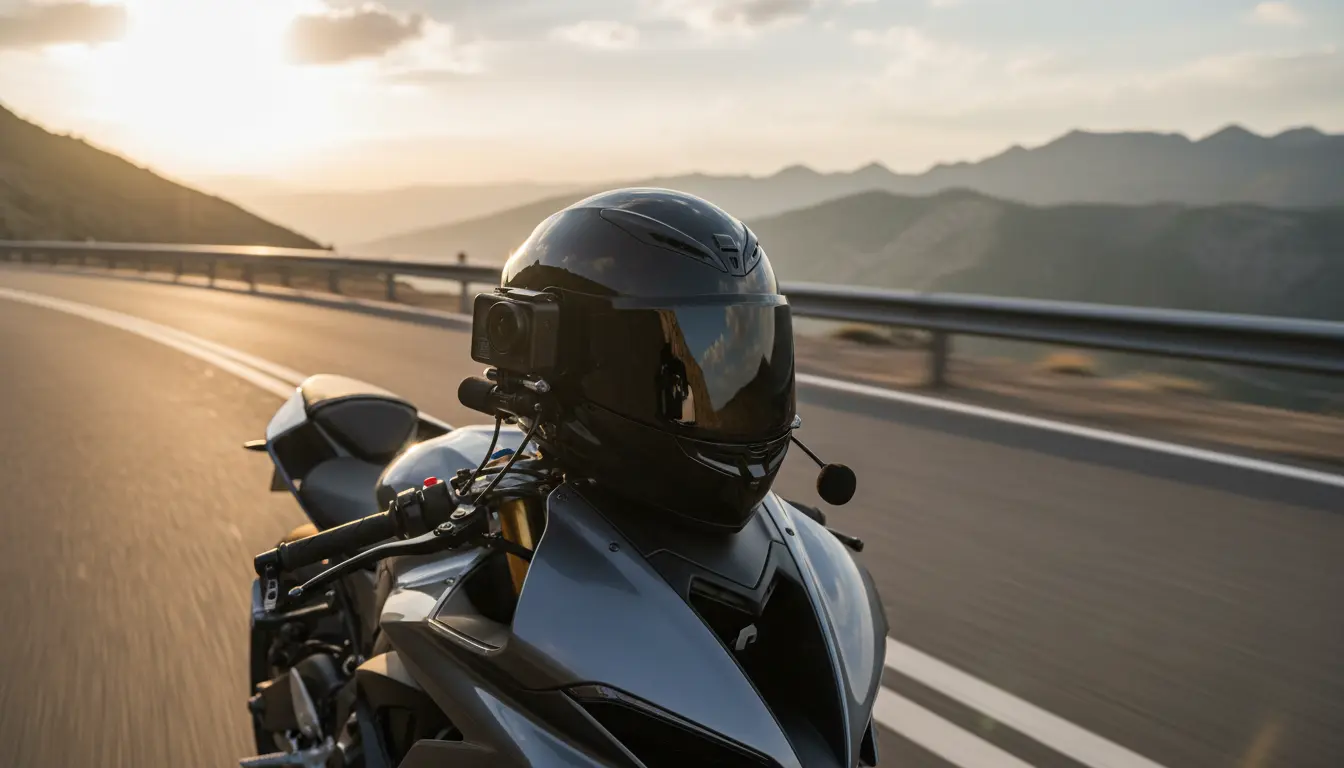
- Camera: Chin mount or side mount on the helmet. Chin mounting offers the most natural field of view and lines up well with your voice.
- Microphone: Inside the helmet, usually near the cheek pad, slightly off from your mouth to reduce breath noise.
Once you find a spot that minimizes wind and breathing sounds while keeping your voice clear, mark or remember that position so you can replicate it after cleaning or moving padding.
4.3 Cable Management Tips
Loose cables are unsafe and can be annoying:
- Run the mic cable under the helmet padding to keep it hidden.
- Use small adhesive cable clips or tape if needed.
- Ensure nothing interferes with your visor mechanism or neck seal.
Good cable management makes your motovlog setup feel natural and unobtrusive.
5. Audio Settings and Wind Noise Reduction
Even the best camera and microphone combination needs correct settings.
5.1 In‑Camera Audio Settings
Where available, adjust:
- Input level / mic sensitivity: Keep peaks out of the red to avoid clipping.
- Wind reduction or low‑cut filter: Helps cut low‑frequency rumble caused by wind and engine noise.
- Stereo vs mono: Mono is usually enough for voice and keeps file sizes smaller.
Record a short test clip before riding and listen with headphones. Make small adjustments until your voice stays clear when you speak at normal volume.
5.2 Physical Wind Protection
Digital filters can’t fix everything. You still need physical protection:
- Use a foam windscreen plus a furry windshield (deadcat) on the lavalier mic.
- Position the mic behind the cheek pad or a fabric layer to add another barrier to airflow.
- Avoid placing the mic directly in front of vents or the mouth opening.
These simple steps dramatically reduce harsh wind noise and create a more professional sound.
6. Power, Storage, and Reliability on Long Rides
Long rides demand a motovlog rig that can record for hours without failure.
6.1 Battery Management
- Carry spare batteries for your camera or use an external power bank if your camera allows recording while charging.
- Turn off features you don’t need (Wi‑Fi, Bluetooth, high‑bitrate modes) to extend battery life.
- Record in segments rather than one long clip so you don’t lose everything if something goes wrong.
6.2 Memory Cards and File Safety
- Use high‑quality, high‑speed microSD cards from reputable brands.
- Format the card in‑camera before a long ride.
- Avoid filling the card completely; leave some headroom for safety.
Reliable storage ensures you don’t lose your best ride footage due to corruption or card errors.
7. Example Camera and Microphone Combination (Amazon Suggestion)
On Amazon.com, a widely used, budget‑friendly motovlog combo is:
- Camera: GoPro HERO13 Black (or a recent GoPro/modern action camera with external mic support)
- Microphone: Affordable 3.5mm lavalier microphone kit with foam and furry windshields
- Accessory: Official or compatible 3.5mm mic adapter plus a helmet chin mount
This type of kit offers excellent stabilization, 4K video, and clear in‑helmet audio when set up correctly, making it a strong starting point for new motovloggers who want professional‑looking, organic content.