
Low Latency Gaming Mode TVs: The Ultimate Guide for Smooth, Responsive Gameplay
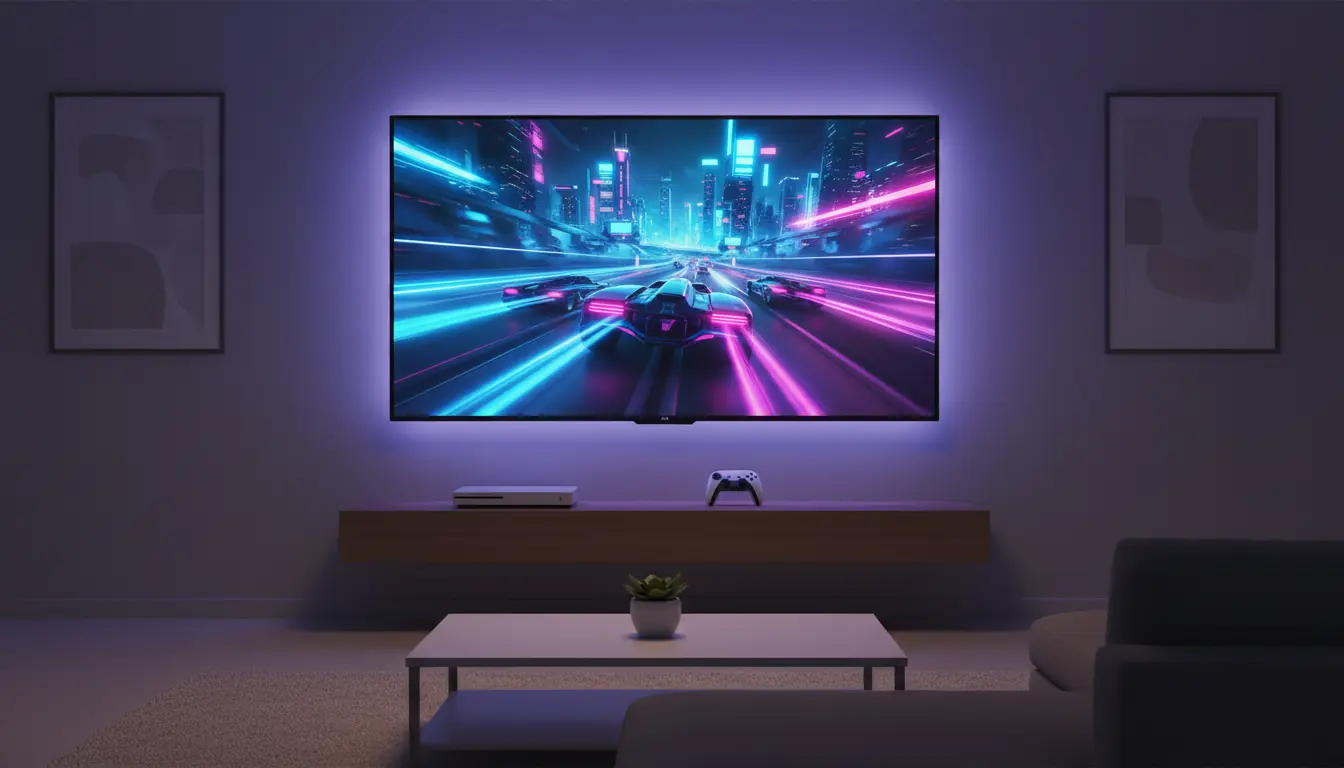
If you are a gamer, you know that a split second can decide whether you win or lose. That’s exactly why low latency gaming mode TVs have become essential for console and PC gamers who play on a big screen. A TV that looks great for movies is not always good enough for gaming. You also need fast response, minimal input lag, and features that work perfectly with modern consoles like PlayStation 5 and Xbox Series X.
In this guide, you’ll learn what low latency gaming mode is, why it matters, which features you should look for, and how to optimize your TV for the best gaming experience. At the end, you’ll also find an example product recommendation from Amazon to help you get started.
What Is Low Latency Gaming Mode on a TV?
Low latency gaming mode (often called “Game Mode”) is a special picture preset on many modern TVs that reduces input lag. Input lag is the time it takes for your TV to display what your console or PC sends.


When Game Mode is on, the TV disables or reduces heavy image processing, such as motion smoothing, noise reduction, and advanced upscaling. These features look nice in movies, but they slow down response time. By simplifying the processing pipeline, the TV reacts faster to your controller inputs.
For competitive players, especially in shooters, fighting games, or racing titles, this faster response can make gameplay feel more accurate, responsive, and immersive.
Why Low Latency Matters for Gaming
Input lag may not be obvious when you’re watching a movie, but in gaming it has a direct impact on your performance. Imagine pressing the jump button and your character reacts a fraction of a second later. That delay can ruin timing-based actions like parries, combos, or perfectly timed headshots.
A low latency gaming TV reduces:
- Controller delay: Your inputs feel instant.
- On‑screen delay: Movements track your commands in real time.
- Motion blur and smearing: Fast moving scenes look clearer and more controlled.
For single‑player games, low latency means more natural control and smoother camera movements. For online and competitive games, it can literally be the difference between winning and losing.
Key Features to Look for in a Low Latency Gaming TV
When choosing a TV for gaming, don’t just look at resolution and size. Pay attention to these gaming‑specific features:
1. Input Lag (ms)
Input lag is measured in milliseconds. For serious gaming, aim for:
- Under 20 ms: Excellent for competitive gaming
- 20–30 ms: Very good for most gamers
- Above 40 ms: Noticeable delay, not ideal for fast games
Most gaming TVs with low input lag advertise this number in their specs or in gaming reviews. Always check up‑to‑date measurements from trusted reviewers.
2. Refresh Rate: 120Hz vs 60Hz
A higher refresh rate means the TV can display more frames per second.
- 60Hz TVs are fine for many console titles locked at 30 or 60 fps.
- 120Hz gaming TVs are better for next‑gen consoles and high‑frame rate PC gaming. Games that support 120 fps look smoother, more fluid, and more responsive.
If you play competitive shooters, racing games, or esports titles, a 120Hz panel with low latency is a major advantage.
3. HDMI 2.1 Support
Modern consoles and GPUs benefit from HDMI 2.1 gaming TVs. HDMI 2.1 supports:
- 4K at 120Hz for ultra-smooth visuals
- Variable Refresh Rate (VRR) to reduce tearing
- Auto Low Latency Mode (ALLM) to switch to Game Mode automatically
A 4K 120Hz TV with HDMI 2.1 is currently the sweet spot for future‑proof gaming.
4. Variable Refresh Rate (VRR) and FreeSync / G‑SYNC Compatible
VRR synchronizes the frame rate of your console or PC with the refresh rate of your TV. This reduces screen tearing and stuttering, which are common when frame rates fluctuate.
Look for:
- AMD FreeSync Premium or NVIDIA G‑SYNC Compatible support
- Smooth visuals without flicker or artifacts
- Stable gameplay in demanding, graphically intense titles
5. HDR Performance and Color Quality
Low latency is critical, but picture quality also matters. The best gaming TVs combine low input lag and high HDR performance:
- Bright highlights for realistic explosions and lighting
- Deep blacks for better contrast in dark scenes
- Wide color gamut for vibrant, lifelike images
OLED and high‑end QLED TVs often offer the best mix of HDR and gaming performance, though they may cost more than budget gaming TVs with low latency.
How Game Mode Works and How to Enable It
Most modern TVs have a dedicated Game Mode or Game Optimizer. When enabled, the TV:
- Turns off heavy post‑processing
- Uses a low latency picture pipeline
- Often provides specialized gaming settings like black stabilizer, VRR toggles, or FPS counters
To enable it:
- Open your TV’s Settings menu.
- Look for Picture Mode, Special Viewing Mode, or Game.
- Turn on Game Mode or Auto Low Latency Mode (ALLM).
- For HDMI 2.1 devices, ensure your console or GPU is connected to a port marked Game, 4K/120, or eARC/4K120.
Consult your TV’s manual or manufacturer support page for exact steps, as names and menus differ across brands.
Optimizing Your TV for the Best Gaming Experience
Once Game Mode is enabled, you can fine‑tune additional settings for the most responsive and visually appealing experience.
1. Disable Extra Motion Processing
Turn off:
- Motion smoothing / TruMotion / MotionFlow
- Noise reduction and digital clean view
- Extra sharpening filters
These add processing time and may produce unnatural soap‑opera effects in games.
2. Adjust Input and Console Settings
On your console or PC:
- Set output resolution to match your TV (e.g., 4K 60Hz or 4K 120Hz)
- Enable VRR, FreeSync, or G‑SYNC Compatible if available
- Turn on HDR in both system and in‑game settings
On next‑gen consoles, make sure you enable 120Hz support and set your TV to the correct HDMI input mode (often called “Enhanced” or “4K120”).
3. Use Game‑Oriented Picture Presets
Many TV brands now include gaming picture presets that are optimized for low latency while still offering good color accuracy. You can tweak:
- Brightness and contrast for your room environment
- Black level to avoid crushed details in shadows
- Color temperature for natural skin tones
Save these settings to a dedicated Game profile so you can quickly switch between gaming and movie viewing.
Low Latency Gaming Mode vs Standard Picture Modes
Standard picture modes like Cinema, Sports, or Dynamic often prioritize image enhancement over speed. They may:
- Add heavy motion interpolation
- Introduce extra processing buffers
- Increase input lag significantly
In contrast, low latency gaming mode prioritizes responsiveness. While you might lose a little bit of post‑processing polish, the improvement in control and timing is worth it for any serious gamer.
For movie nights, you can always switch back to your preferred cinema or filmmaker mode.
Product Recommendation: LG C5 Series 55-Inch Class OLED evo AI 4K Smart TV (2025)
The LG C5 OLED (OLED55C5PUA) is the latest evolution in gaming displays, specifically engineered for those who demand zero compromises. As a 2025 model, it features the advanced α11 AI Processor, which powers AI Super Upscaling 4K to make even older games look incredibly sharp.
For gamers, this TV is a powerhouse. It supports a native 144Hz refresh rate (an upgrade over previous 120Hz models), providing ultra-smooth motion that is essential for competitive shooters and racing games. With four HDMI 2.1 ports, it fully supports VRR (Variable Refresh Rate), NVIDIA G-Sync, and AMD FreeSync Premium, ensuring your gameplay remains tear-free. The dedicated Game Optimizer menu and Auto Low Latency Mode (ALLM) guarantee that your input lag stays at industry-leading minimums, while the OLED evo panel delivers perfect blacks and infinite contrast for a truly immersive HDR experience.
You can find the LG C5 OLED on Amazon.com to check the latest pricing and availability for the 55-inch model.