
Best Tablets for Texas Oil and Gas Field Workers
Texas oil and gas field workers need more than a consumer tablet with a protective case. On a drilling pad, pipeline route, compressor station, or remote lease road, a device must support real decisions under heat, dust, vibration, and limited connectivity. The best tablet helps crews open work orders, review schematics, capture inspection photos, confirm locations, and submit reports before the shift ends. It should reduce friction rather than create another piece of equipment to protect.
Why Rugged Tablets Matter in Texas Fields
Texas heat, rain, grit, and oily gloves punish electronics. A rugged tablet is built for this reality. It uses sealed ports and tough glass.
Start with an IP rating. IP65 generally indicates protection from dust and water jets, while IP68 or IP69K can offer more robust sealing depending on the manufacturer’s stated test conditions. Look for MIL-STD-810H testing for drop, vibration, and temperature exposure in demanding field conditions.
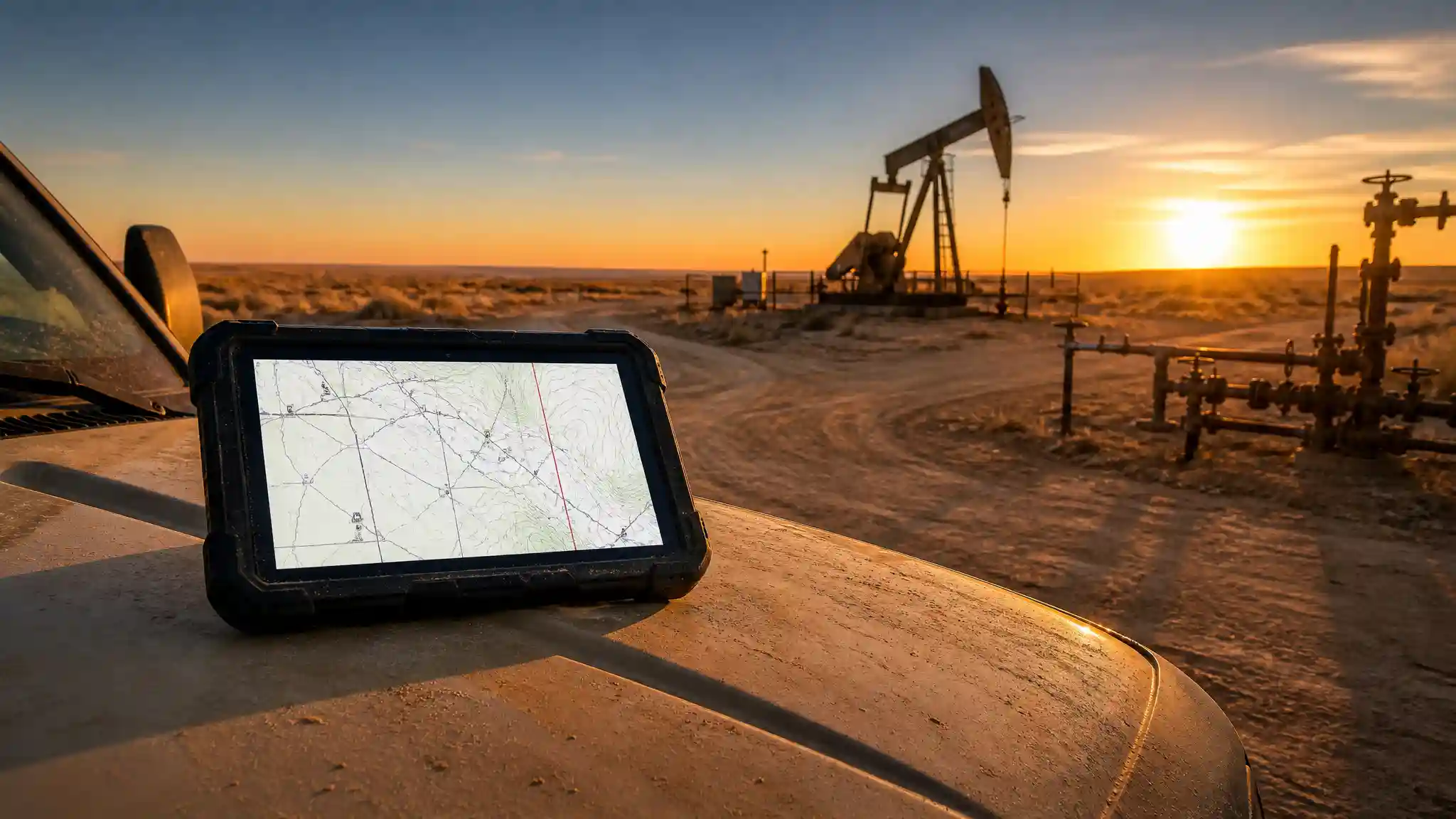
Sunlight readability also matters. A bright display lets an operator check a digital oilfield map without moving into a truck cab or shading the screen with a hard hat. Aim for a screen designed for outdoor viewing, and test it with the gloves the crew actually wears. A glove-friendly touchscreen saves time during inspections and reduces the temptation to remove PPE.
Choose the Right Operating System
The best operating system depends on the tools already used by the company. Android rugged tablets often provide strong mobility, camera access, GPS, and flexible app support. They work well for mobile field data collection, electronic forms, asset tracking, and photos. Windows rugged tablets suit teams that must run desktop-only software, detailed spreadsheets, legacy maintenance applications, or engineering programs.
Ask which software handles work orders, safety documentation, equipment maintenance, and production reporting today. Confirm that the chosen device supports the required browser, mobile-device management system, authentication method, and peripherals. This compatibility check prevents expensive deployments that force crews back to paper.
Connectivity for Remote Worksites
Reliable connectivity makes a tablet useful beyond the office. In Texas oil and gas operations, coverage can vary dramatically between a highway, a lease road, and a remote facility. An LTE or 5G tablet can keep a supervisor connected when site Wi-Fi is unavailable. Built-in GPS supports route verification, geotagged photos, and location-based inspection records.
Offline capability is equally important. The field app should allow workers to download maps, checklists, manuals, and forms before leaving reliable service. It should store entries securely and sync them once a connection returns. This workflow protects productivity during outages and makes remote field reporting more dependable.
Battery, Charging, and Accessories
Long shifts demand more than a large battery number on a product page. Screen brightness, cellular use, GPS, cold or heat, and heavy applications all affect runtime. Choose a tablet that can cover the intended shift with normal use, then plan for charging in vehicles, trailers, or control rooms. A hot-swappable battery is valuable for crews that cannot pause a critical task.
Accessories turn a field tablet into a practical work tool. A hand strap reduces drops when workers climb stairs or carry documents. A vehicle mount keeps maps and dispatch information visible without holding the device. A shoulder strap, docking station, active stylus, and barcode scanner may also improve specific workflows. Select only the accessories that match the job; unnecessary hardware adds weight and complexity.
Screen Size and Performance Balance
An eight-inch rugged tablet is easier to carry during rounds and ladder work. A ten- or eleven-inch model offers more room for P&IDs, wellsite diagrams, maintenance manuals, and split-screen tasks. Larger screens can improve readability, but they may be awkward in one hand. Let the most frequent task determine the size.
For performance, prioritize enough memory and storage for offline files, photos, and the required applications. Fast startup, responsive navigation, and dependable cameras matter more than gaming-level specifications. A capable rear camera records corrosion, valve positions, leaks, and equipment labels; however, crews should always follow site photography policies. NFC, USB-C, Bluetooth, and optional barcode scanning can connect a tablet to access systems and industrial workflows.
Security and Fleet Management
Oilfield data can include production figures, site photos, maintenance histories, and operational records. Companies should protect that information with device encryption, secure sign-in, remote lock or wipe, and controlled app deployment. Enterprise mobility management gives IT teams a way to configure devices consistently, apply updates, and remove access when a tablet is lost or reassigned.
A shared-device policy also helps. Assign clear responsibility for charging, cleaning, storage, and damage reporting. Train workers to inspect seals, ports, mounts, and charging cables. Simple routines extend device life and protect the investment across a large fleet.
How to Make a Smart Purchase
Before buying, create a short field test. Load the actual inspection app, sample forms, maps, and manuals. Use the device outdoors, in a vehicle mount, with gloves, and in the locations where crews work. Check battery behavior, visibility, camera quality, GPS accuracy, and offline sync. Invite operators, mechanics, HSE staff, and supervisors to identify obstacles before a company-wide rollout.
Compare the total cost of ownership, not just the purchase price. Include protective accessories, cellular plans, mounting, spare batteries, software licenses, warranty coverage, repairs, and replacement time. A more durable tablet can cost more initially but may reduce downtime and replacement costs when it fits the workflow.
Final Recommendation
For a versatile field-focused option, consider the AGM PAD P2 Active Rugged Android 14 Tablet. Its Amazon listing describes an 11-inch display, waterproof and drop-proof case, GPS, compass, OTG support, and an 8,000 mAh battery. Confirm current availability, specifications, carrier compatibility, and site requirements before ordering. View it on Amazon.