
Best Webcams for Remote Workers in New York
New York remote workers need a webcam that makes them look composed, credible, and clear, whether they are joining a client call from a Manhattan apartment, a Brooklyn co-working desk, or a temporary workspace between meetings. The best webcam for remote work is not simply the model with the largest resolution number. It is the one that handles changing light, frames you naturally, connects without friction, and supports the platforms your team uses every day.
Why New York Professionals Need a Better Webcam
Remote work in New York rarely happens in a perfectly controlled studio. Morning calls may take place near a bright window, while late meetings can happen under warm apartment lighting. A dedicated webcam gives you more control than a built-in laptop camera and helps colleagues focus on your ideas rather than soft images or awkward framing.
For hybrid employees, freelancers, consultants, and creators, video conferencing has become part of daily professional communication. A clear image supports introductions, presentations, interviews, and collaboration. It also creates consistency when you move between home, office, and shared workspaces.
Prioritize 1080p Video Quality for Everyday Calls
For most remote workers, a 1080p webcam offers the practical balance between sharp video and simple performance. It provides a noticeably cleaner picture than many older laptop cameras without requiring a complicated setup. Choose Full HD if you spend most of your time in Zoom meetings, Google Meet sessions, Microsoft Teams calls, interviews, or internal check-ins.
A 4K webcam can be useful if you record video content, demonstrate products, crop your frame during editing, or want extra detail for important presentations. However, resolution alone does not guarantee a better result. A well-tuned 1080p image with good lighting often looks more professional than a poorly placed 4K camera. Consider your internet connection, computer performance, and actual meeting habits before paying for more pixels.
Look for Low-Light Correction and Reliable Autofocus
New York apartments and workspaces often combine window light, ceiling fixtures, lamps, and changing weather. Low-light correction helps a webcam brighten your face and preserve detail when conditions are less than ideal.
Autofocus also makes a visible difference. It keeps your face sharp when you lean forward, show a document, or move slightly during a conversation. A fixed-focus camera can work well when you always sit in the same position, but autofocus offers more flexibility for active meetings. If your work requires demonstrations, choose a webcam with responsive focus instead of relying on software sharpening.
Choose the Right Field of View
A webcam field of view determines how much of your space appears on screen. A narrower view can keep attention on you and limit visual distractions in a compact home office. A wider angle suits group calls, whiteboard explanations, or situations where you need to show more of your desk.
For many solo professionals, a medium field of view creates the most natural remote meeting setup. Position the camera at eye level, leave modest space above your head, and avoid placing it too close to your face. This simple adjustment makes your video calls look calmer and more confident. Test the frame before an important meeting, especially if you use a virtual background.
Make Audio and Privacy Part of the Decision
Many webcams include built-in microphones, but microphone quality varies. A noise-canceling microphone can help reduce nearby keyboard sounds, air-conditioning noise, and general city ambience. Still, a headset or separate USB microphone may deliver clearer audio for frequent presentations, sales conversations, or podcast-style recordings.
Privacy deserves equal attention. A webcam with a physical privacy shutter lets you block the lens when you are not on a call. This small feature offers reassurance in a shared apartment or busy home office. You should also check whether the webcam works smoothly with your operating system and preferred video conferencing tools. Plug-and-play USB webcams save time when you switch desks or computers.
Match the Webcam to Your Work Style
Budget-conscious remote workers should focus on dependable 1080p video, automatic light correction, and easy USB connectivity. These essentials cover routine meetings without adding unnecessary complexity. Mid-range users may benefit from improved autofocus, a privacy cover, and better low-light performance.
Professionals who host webinars, lead training sessions, or create content can consider a 4K webcam with manual image controls. Those controls let you adjust exposure, white balance, framing, and contrast for a more polished remote work setup. If your desk changes often, look for a compact camera with a secure monitor clip and a tripod option. Mobility matters when your workday moves across the city.
Build a Professional Video Call Setup
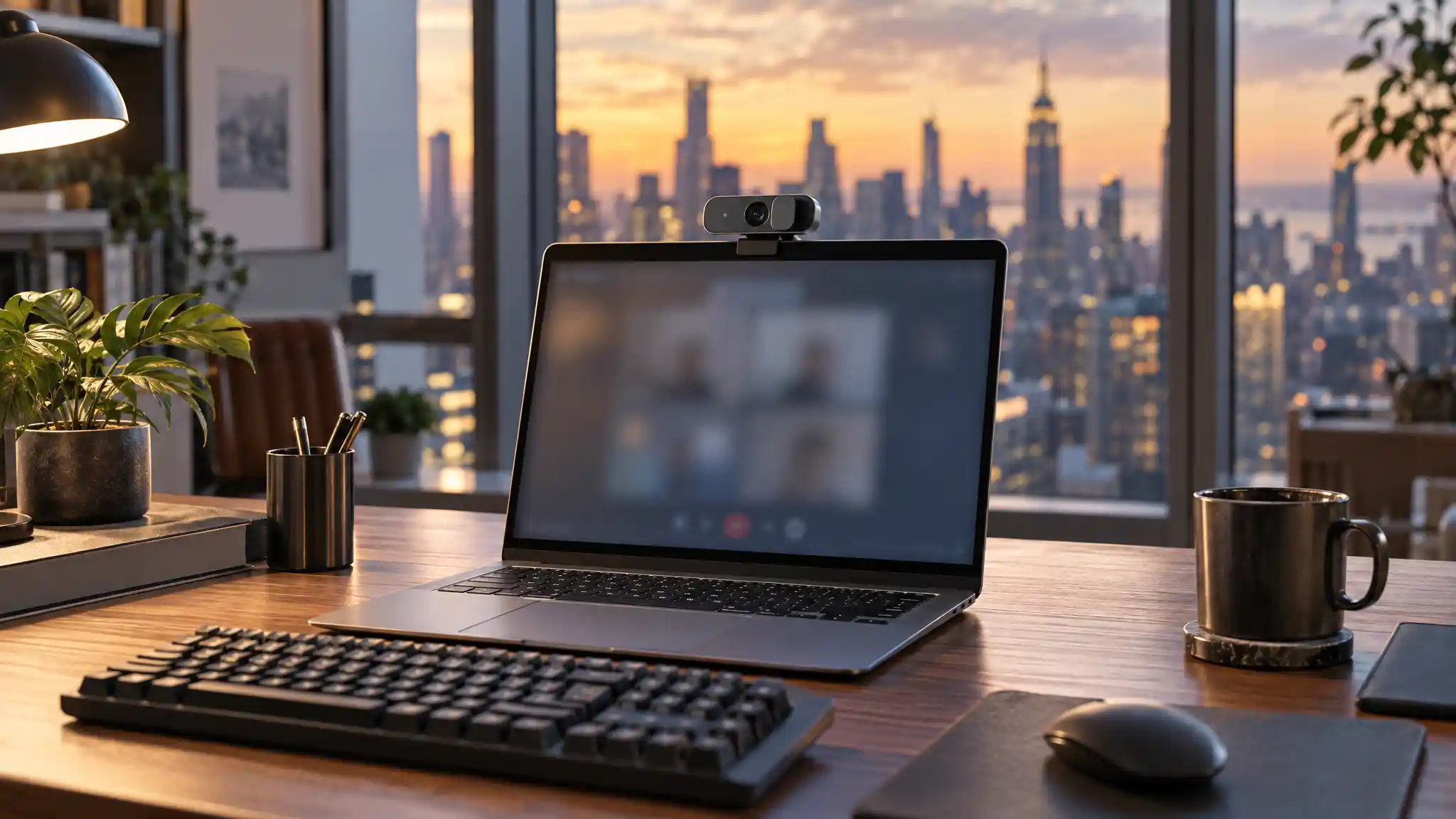
Even the best webcam benefits from thoughtful placement. Put a soft light source in front of you rather than behind you. Clean the lens, raise the camera to eye level, and choose a background that looks tidy but not sterile. A simple lamp, neutral wall, or organized shelf can create a welcoming visual environment.
Before a key call, open your video conferencing app and check framing, lighting, audio, and connection quality. Close unnecessary programs to help your computer run smoothly. These small habits make your equipment more effective and help you arrive prepared. The goal is not to build a television studio; it is to communicate clearly and comfortably.
Final Recommendation for New York Remote Workers
For a practical everyday choice, consider the Logitech Brio 101 Full HD 1080p Webcam. Amazon lists auto-light correction, a built-in microphone, a privacy shutter, USB-A connectivity, and compatibility with Teams, Google Meet, and Zoom. Its straightforward feature set suits remote professionals who want a simple upgrade for regular calls. Check the current listing details before purchasing because price, availability, and specifications can change.
The right webcam should fit your workspace, workload, and comfort level. Select the features you will use, improve your lighting, and test your setup before important conversations. With a clear image and confident framing, you can make every remote meeting feel more professional, build trust quickly, and communicate naturally through even the busiest New York workdays.
Amazon Product Recommendation
Logitech Brio 101 Full HD 1080p Webcam on Amazon