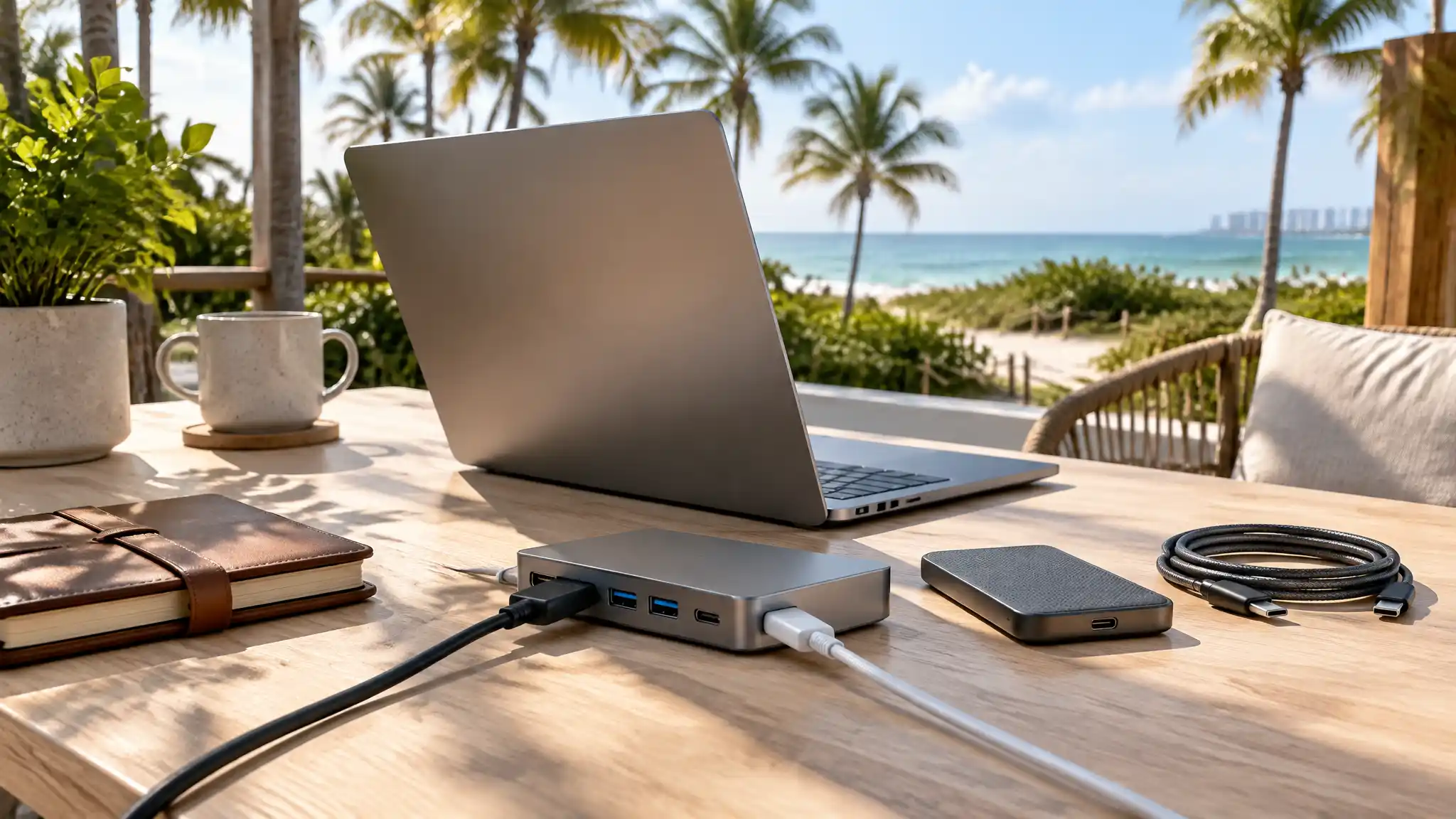

Best USB-C Hubs for Digital Nomads in Florida
Florida’s coastline, café culture, and flexible workspaces make it appealing to people who earn from anywhere. Yet a productive day still depends on reliable gear. A laptop alone rarely handles an external display, portable SSD, webcam, mouse, charger, and memory cards at the same time. That is why the best USB-C hubs for digital nomads in Florida focus on practical connectivity rather than impressive-looking port counts.
A USB-C hub turns one laptop connection into a compact workstation. It can provide video output, USB data ports, card readers, wired networking, and pass-through charging in a small travel-friendly device. The right choice keeps a remote worker organized during a coworking session, a hotel stay, or a long afternoon at a shared table. Instead of carrying several adapters, you create one repeatable setup that works wherever the day takes you.
Why Florida Digital Nomads Need a Dependable Hub
Florida introduces a few real-world demands that buyers should consider. Heat, humidity, frequent movement, and changing work locations can expose weak cables and poorly ventilated accessories. A compact USB-C multiport adapter with an aluminum shell can travel easily, but it should not become uncomfortably hot during charging or video calls. Choose a model with a solid connector, strain relief, and enough spacing between ports for ordinary plugs.

Connectivity also varies by venue. Café Wi-Fi can be busy, while some apartments and coworking spaces offer faster, more stable wired internet. A hub with a Gigabit Ethernet port gives remote professionals a valuable fallback for client calls, uploads, and cloud backups. It will not improve an unreliable internet service by itself, but it can deliver a steadier connection than crowded wireless networks when Ethernet is available.
Power matters just as much. Look for USB-C Power Delivery that supports the charging needs of your laptop, then leave room for the hub’s own power use. A 100W PD charging hub, for example, does not necessarily send 100W to every computer. Check the manufacturer’s stated pass-through output and pair the hub with an adequately rated charger. This simple check prevents battery drain during demanding workdays.
Essential Ports for a Mobile Workstation
Start with the ports you use every week. Most nomads benefit from HDMI, at least two fast USB ports, USB-C Power Delivery, and a compact cable. An HDMI USB-C hub makes it easier to connect to a hotel television or external monitor for research, editing, spreadsheets, and presentations. Confirm both your laptop’s display capability and the hub’s supported resolution and refresh rate before you rely on it for a client meeting.
Fast data connections are important for photographers, video editors, developers, and anyone moving project files. USB 3.0 or faster ports can support a portable SSD, but transfer speed depends on every link in the chain: laptop, hub, cable, and drive. A portable USB-C dock with SD and microSD card slots can also save time when you import footage or photos without packing a separate card reader.
Avoid paying for ports you will never use. A slim five-in-one model suits someone who needs charging, HDMI, and a few peripherals. A seven-in-one or nine-in-one design better fits creators who use storage, cards, displays, and Ethernet. Larger desktop docks can add capability, but they often reduce the simple, lightweight setup that makes travel work manageable.
Choosing Video Output Without Surprises
Single-display support is usually enough for a mobile desk. If you need two external screens, verify the exact operating-system behavior, including whether the device supports extended displays or only mirrored output. Mac and Windows laptops can behave differently with the same accessory. A clear compatibility check is more useful than a generic “universal” claim on a product page.
Power, Heat, and Everyday Reliability
Florida’s warmth makes sensible accessory care worthwhile. Do not leave a hub, laptop, or battery in a parked car, and keep the hub clear of towels, bags, or other materials that trap heat. During high-load tasks, connect only the accessories you need. A warm metal hub is not always a fault, but extreme heat, repeated disconnects, or charging interruptions are signs to stop and inspect the setup.
Use quality cables, especially for charging and external drives. A capable hub cannot compensate for a damaged cable or an underpowered charger. Secure the hub on a dry, flat surface when possible, and disconnect it by holding the connector instead of pulling the cable. These habits protect the port on your laptop and extend the life of a travel tech accessory.
Hub Versus Docking Station: Pick for Your Routine
A hub and a docking station serve overlapping but different roles. A USB-C hub is generally smaller and designed for daily portability. It works well when you move between a condo, café, library, and airport. A docking station often offers more ports, more display options, and sometimes its own power supply. It makes more sense for a semi-permanent home base.
A Smart Purchase Checklist
Before buying, list your laptop model, charger wattage, monitor resolution, and required peripherals. Then compare the hub’s specifications against that list. Look for transparent information about display limits, Power Delivery pass-through, data speeds, Ethernet capability, cable length, and warranty terms. Read current reviews for patterns involving heat, intermittent connections, or compatibility—not just the overall star rating.
Final Recommendation
For a balanced, travel-focused option, consider the Anker USB-C Hub, 7-in-1 Multi-Port USB Adapter on Amazon. Its listed features include 4K at 60Hz HDMI, up to 85W Power Delivery, USB-A and USB-C data ports, plus SD and microSD card readers. Those connections cover the needs of many mobile professionals without requiring a larger desktop dock. Confirm compatibility with your specific laptop and charger before ordering, since device support and Amazon availability can change.
A USB-C hub should reduce friction, not add another technical concern. Choose one around your actual work habits, verify its power and display limits, and protect it from heat and moisture. With the right compact accessory, Florida digital nomads can build a reliable workspace almost anywhere they find a strong signal and a comfortable seat.