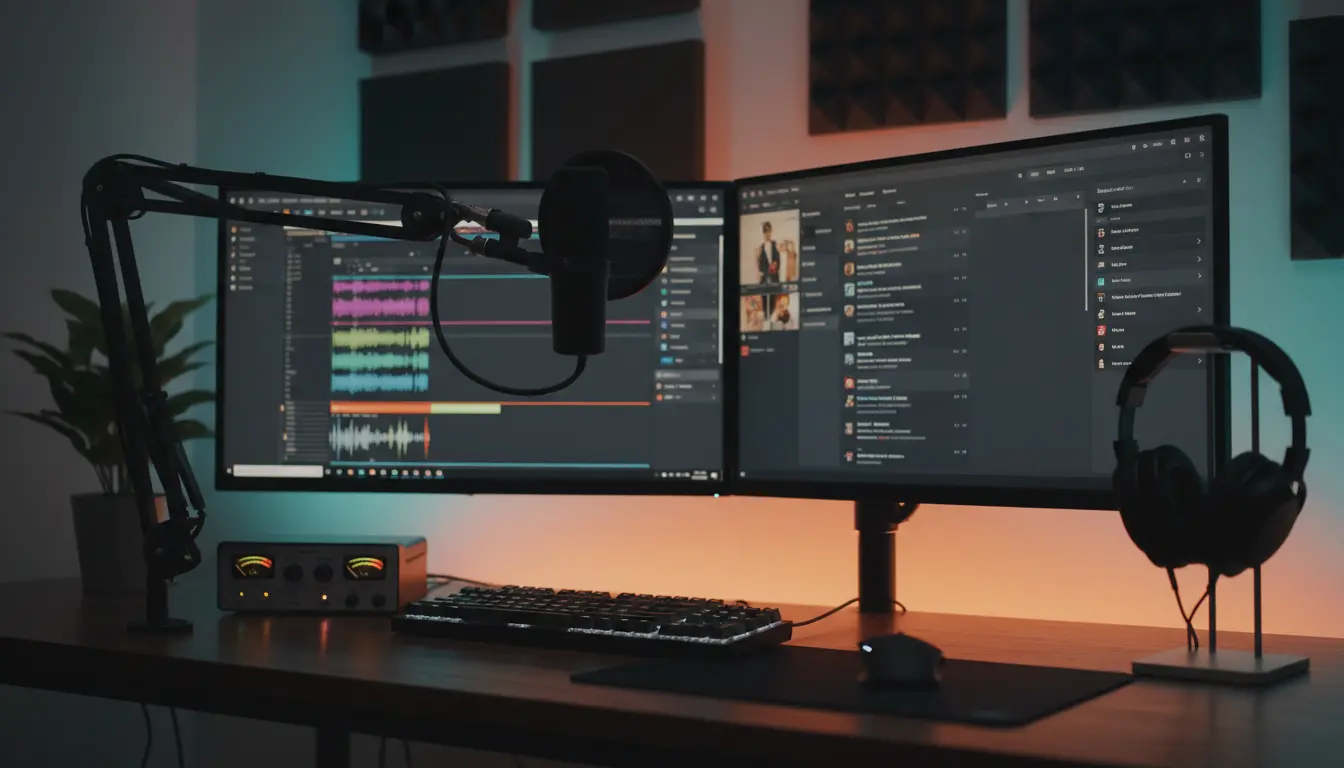

If you’re building a podcast or streaming setup, the two most important pieces of audio gear you’ll buy are your microphone and your audio interface (often called a “sound card” in everyday speech). Get these right and your voice will sound clean, engaging, and consistent. Get them wrong, and you’ll fight noise, thin tone, and gain problems on every recording. This guide walks you through how microphones and interfaces work together, which specs matter, how to pick the right combo for your content and room, and how to future‑proof your investment.
Microphone types: dynamic vs. condenser
- Dynamic microphones: Robust, less sensitive to room noise, and great for untreated spaces. They handle plosives and loud voices well, and typically need more gain from your interface. Podcasters and streamers love classics like broadcast‑style dynamics because they reject background noise and keep the focus on your voice.
- Condenser microphones: More detailed and sensitive, capturing nuance and air. They require phantom power (48V) and a quieter space because they pick up more room reflections, keyboard clicks, and fan noise. They can sound “bigger” and more hi‑fi when the room is treated.
A simple rule: if your room is not acoustically treated and you can hear your PC fan, keyboard, or street noise, start with a dynamic mic. If you have a treated room and want extra detail, consider a condenser.
Polar patterns and voice focus
A cardioid pattern is most common for voice—it captures sound in front and rejects the rear, which reduces room noise and echo. Supercardioid and hypercardioid patterns focus even tighter but can be more sensitive to mic positioning. Omnidirectional mics hear everything in the room; skip these unless you’re intentionally recording roundtable discussions in a treated space.
Frequency response and proximity effect
Look for a mic with a smooth presence boost around 2–5 kHz for intelligibility without harshness. Dynamics often exhibit proximity effect—bass buildup when you get close—which can make your voice sound warm and radio‑like. Use a pop filter and experiment with distance (5–10 cm) and angle to balance warmth and clarity.
USB vs. XLR microphones
- USB microphones: Plug‑and‑play, built‑in analog‑to‑digital conversion, and easy monitoring. Ideal for beginners, solo creators, and travel setups. Downsides: limited upgrade path and often higher self‑noise compared to a good XLR chain.
- XLR microphones: Require an audio interface, but deliver better preamps, cleaner gain, and more control. They scale with you—swap mics, add outboard gear, integrate mixers, and expand to multi‑mic sessions.
If you see yourself growing the show, XLR is the safer long‑term choice. If you need simplicity today, a quality USB mic can absolutely produce professional results with proper technique.
Audio interface essentials
Your interface converts your mic’s analog signal into digital audio your computer can record. Key specs and features:
- Clean gain: Dynamic mics often need 55–65 dB of gain. Check that your interface’s mic preamps can deliver enough quiet gain without hiss. If not, add an inline preamp/booster (e.g., a clean 20–25 dB) to avoid cranking noisy gain.
- Phantom power: Required for condenser mics; your interface should supply stable 48V.
- Headphone amp quality: You need loud, clean monitoring with low output impedance to avoid distortion with sensitive headphones.
- Latency and drivers: For live streaming, stable low‑latency drivers (ASIO on Windows, Core Audio on macOS) are crucial for real‑time monitoring and syncing with video.
- Connectivity and I/O: Start with 2 inputs for voice and possible guest or instrument. If you plan roundtables, look for 4+ inputs or an interface that can be expanded via ADAT later.
- Loopback: Built‑in loopback routes system audio (music, guests on Zoom, game audio) back into your streaming software without complex virtual mixers—very useful for creators.
Sample rate, bit depth, and formats
Record at 24‑bit for headroom and set your sample rate to 48 kHz for video/streaming workflows (standard in broadcast). For pure audio podcasts, 44.1 kHz also works, but 48 kHz keeps things consistent with video platforms. Avoid unnecessarily high rates that strain CPU without audible benefit.
Gain staging and noise control
- Set your interface gain so your peaks land around −12 dBFS to −6 dBFS while speaking at your typical loudness. This prevents clipping and leaves headroom for processing.
- Keep the mic 5–10 cm away, slightly off‑axis to reduce plosives, and use a pop filter or foam windscreen.
- Kill noise at the source: turn off fans you don’t need, use a quiet keyboard, and isolate your PC tower if possible.
- Treat first reflections with simple panels or a portable vocal booth; even a thick blanket behind you can noticeably reduce room echo.
Processing chain for a polished voice
Minimal processing goes a long way:
- High‑pass filter around 70–90 Hz to remove rumble.
- Light compression (2:1 to 3:1, slow attack, medium release) to even dynamics.
- Subtle de‑essing if your S sounds are sharp.
- Gentle EQ: a small presence boost (2–4 dB at 3–5 kHz) and, if needed, a slight low‑mid cut (200–300 Hz) to clear muddiness.
- Loudness: For podcasts, target around −16 LUFS (mono around −19 LUFS). For streams, keep levels consistent and avoid clipping at the platform encoder.
Monitoring and routing for streams
- Use closed‑back headphones to avoid bleed into the mic.
- If your interface supports hardware/direct monitoring, blend input with system playback to avoid distracting latency.
- With loopback, route music, game, and guest audio into OBS while keeping your mic on a separate track for post‑processing or VOD cleanup.
Budget‑to‑pro upgrade paths
- Entry level: A solid dynamic USB mic with onboard gain and a headphone jack gets you 80% of the way there. Add a boom arm and pop filter.
- Intermediate: XLR dynamic mic + 2‑in/2‑out interface with clean preamps and loopback. Consider an inline preamp if your mic is low‑output.
- Advanced: Multi‑input interface or broadcast mixer with channel EQ, compression, mix‑minus for remote guests, and expandability for in‑studio panels.
Common pitfalls to avoid
- Underpowering a low‑output dynamic mic with a weak preamp. Result: hiss and thin tone. Fix: use an inline booster or a higher‑gain interface.
- Ignoring the room. Even a pricey mic will sound amateur in a reflective space.
- Over‑processing. Heavy compression and sharp EQ can introduce artifacts and listener fatigue.
- USB overload. Plugging multiple USB devices into the same hub can cause dropouts; prefer direct motherboard ports for your interface.
Future‑proofing your setup
Choose gear that scales:
- XLR microphones with stable resale value.
- Interfaces with reliable drivers, loopback, and enough headroom for dynamics.
- Modular accessories: shock mount, boom arm, pop filter, and basic acoustic treatment you can reuse in any room.
Quick decision checklist
- Room untreated and slightly noisy? Choose a dynamic cardioid mic.
- Planning multi‑guest shows now or soon? Pick an interface with 4+ preamps or ADAT expandability.
- Streaming games or interviews? Prioritize loopback and low latency.
- Want “radio voice” warmth? Work proximity effect with a dynamic mic and proper mic technique.










