
Console-Compatible Soundbars and Speakers: A Practical, Buyer-Friendly Guide
Gaming is no longer “just visuals.” Modern consoles deliver immersive positional audio, cinematic soundtracks, and punchy effects that can transform the feel of a game. Yet many players still rely on thin TV speakers that flatten explosions, bury dialogue, and blur directional cues. If you want clearer voices, wider soundstage, and deeper bass without turning your living room into a full home theater build, a console-compatible soundbar or speaker system is often the smartest upgrade.
This guide explains what “compatible” really means, how to choose the right setup for your console, and which features matter most for real gameplay—not marketing hype. You’ll also find a short Amazon product recommendation at the end.
Why “Console Compatibility” Matters More Than You Think
When people say a soundbar “works with a console,” they often mean it produces sound—anything will do that. True compatibility means the sound system integrates cleanly with your console’s audio settings, your TV, and your preferred play style. That includes:



- Stable connection methods (especially HDMI ARC/eARC)
- Correct decoding support for surround formats
- Minimal delay for fast-paced games
- Easy switching between console, streaming apps, and voice chat needs
A soundbar can sound great for movies but still feel “off” in games if it introduces latency or collapses positional audio. That’s why console-friendly features deserve attention.
Soundbar vs. Speakers for Console Gaming: Which Fits Your Setup?
Both options can deliver excellent results; the right choice depends on your room, budget, and tolerance for complexity.
Soundbars: Clean, Simple, Effective
A soundbar is typically the fastest path to an audio upgrade. You get:
- One main unit (plus optional subwoofer/rears)
- Simple wiring
- Good virtual surround and dialog clarity
- Strong value in small-to-medium rooms
If you want a tidy living room setup and still crave impactful effects, soundbars shine.
Powered Speakers or Speaker Systems: More Control, Bigger Potential
If you’re willing to place two speakers properly and manage cabling, you can gain:
- More natural stereo imaging
- Stronger separation for footsteps and direction cues
- More upgrade flexibility
For competitive players who care about precise positioning, a good 2.0 or 2.1 speaker setup can feel surprisingly “accurate,” even without simulated surround.
The Best Connection Options for Consoles (Ranked)
Your connection choice affects both quality and convenience.
1) HDMI eARC / ARC (Best Overall)
If your TV and soundbar support HDMI eARC, that’s usually the top choice. It enables higher bandwidth audio and smoother control.
- eARC is ideal for advanced formats and stable syncing.
- ARC still works well for many setups, just with more limitations.
Tip: Many players prefer connecting the console to the TV and letting the TV send audio to the soundbar via ARC/eARC. This simplifies switching inputs.
2) Optical (TOSLINK) (Reliable, but Limited)
Optical is stable and common, but it can restrict advanced surround formats. It’s a solid fallback when ARC/eARC causes handshake issues.
3) Bluetooth (Convenient, Not Ideal for Gaming)
Bluetooth can introduce delay and compression. It’s fine for casual listening, but for gaming—especially shooters and rhythm titles—it’s usually not the best.
4) AUX/Analog (Last Resort)
Analog works, but you typically lose surround capabilities and can pick up noise. Use it only when nothing else is available.
Audio Formats and Surround: What to Look For
To get a truly immersive experience, check supported formats and how your console outputs audio.
- Dolby Atmos: Great for height effects and a bigger bubble of sound when paired with a compatible soundbar/TV chain.
- Dolby Digital: Still widely used and reliable.
- DTS support: Helpful depending on your media and device chain, though not required for everyone.
- PCM: Often the cleanest, simplest option when you want minimal processing and fewer compatibility issues.
Remember: You don’t need every format on the box. You need the one your console + TV + sound system can actually pass through reliably.
Low Latency Matters: Don’t Ignore Audio Delay
For gaming, responsiveness is everything. Even small delays can make gunshots feel disconnected or ruin timing-based games. Look for:
- Low-latency modes (often called “Game Mode”)
- Strong HDMI syncing behavior
- Good lip-sync performance across TV apps and console gameplay
If you notice delay, try switching console audio output between bitstream and PCM, and test different TV audio settings. Many issues come from the TV’s processing, not the soundbar itself.
Virtual Surround vs. True Surround: What’s Realistic?
You’ll see terms like “3D audio,” “virtual surround,” and “spatial sound” everywhere.
- Virtual surround uses psychoacoustics to simulate direction from fewer speakers. It can work well in smaller rooms and at normal volumes.
- True surround uses physical rear speakers (and sometimes upward drivers) for more consistent positioning.
If you play story-driven titles and want cinematic impact, a soundbar with a subwoofer and good surround processing is excellent. If you play competitive shooters and care about precise rear cues, consider adding rears or choosing a system designed for accurate placement.
Subwoofer or No Subwoofer?
A subwoofer is not just “more bass.” It can reduce strain on the main bar/speakers and deliver cleaner mids for dialogue and footsteps.
- For action games and open-world titles: a sub adds weight and realism.
- For apartment living: choose a sub with adjustable levels or night mode.
- If you hate booming bass: prioritize a system with tight tuning, not just power.
A well-controlled subwoofer improves immersion without turning everything into a rumble.
Room Size and Placement: The Hidden Performance Factor
Even premium gear can sound disappointing if placed poorly. To get better results:
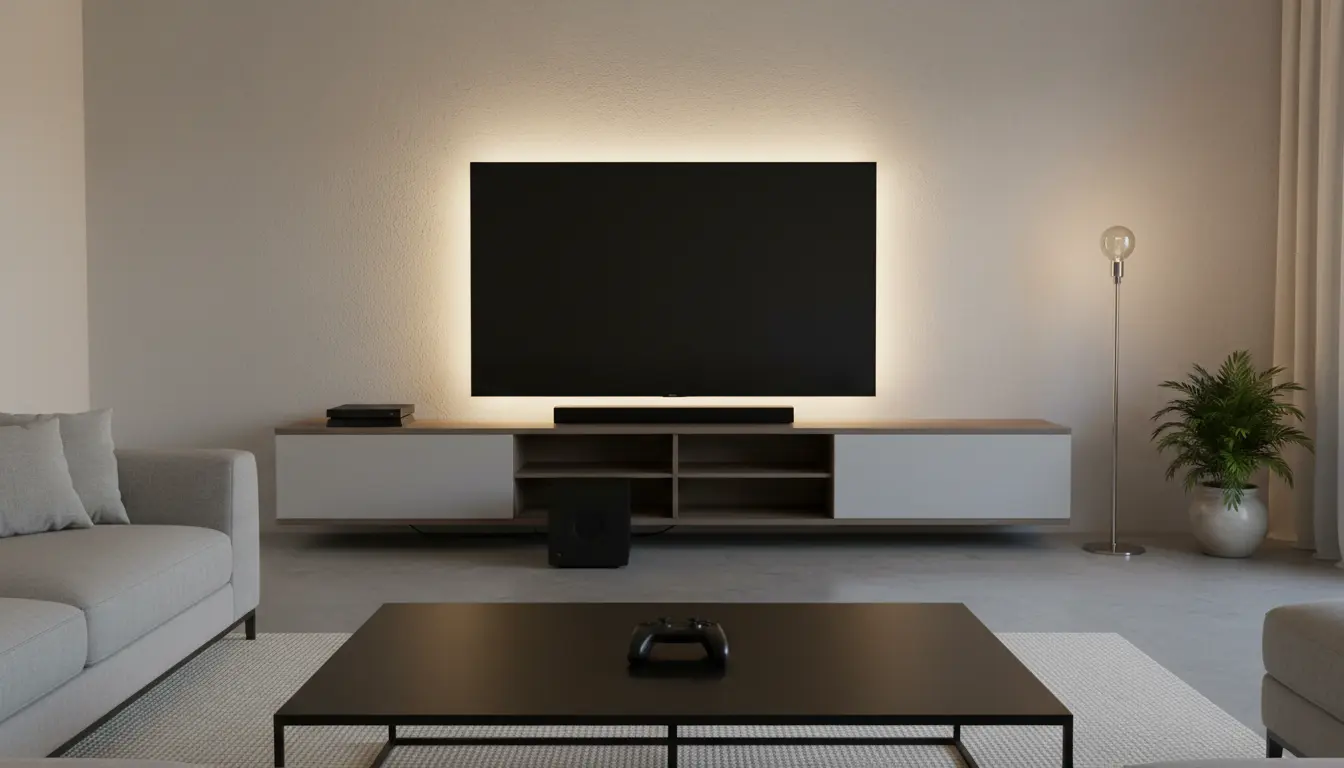
- Keep the soundbar centered under the TV, not inside a cramped shelf.
- Avoid blocking side-firing drivers if your bar uses them.
- Place a subwoofer near a wall for fuller bass, then adjust by ear to avoid muddiness.
- If using stereo speakers, aim for symmetry: equal distance from the main seat and slight toe-in.
A simple placement correction can feel like a free upgrade.
Gaming Features That Actually Help
Marketing lists can be long, but these features tend to matter:
- HDMI passthrough (useful if you connect console → soundbar → TV, depending on your TV ports)
- CEC control (one remote convenience; can be finicky, but helpful)
- Auto input switching (nice for households with multiple devices)
- Clear dialogue enhancement (for RPGs, cutscenes, and noisy mixes)
If a system includes an app-based EQ, that’s a bonus. Being able to reduce boomy lows and lift dialogue can improve clarity more than you’d expect.
Common Compatibility Mistakes (and How to Avoid Them)
- Assuming every HDMI port is eARC
Many TVs have only one ARC/eARC port. Make sure you use the correct one. - Overpaying for specs your TV can’t pass through
If your TV can’t pass certain formats, you may not benefit unless you change the connection chain. - Ignoring console audio settings
Consoles often let you choose between bitstream, PCM, Atmos, etc. A quick adjustment can fix dropouts or delay. - Buying huge systems for tiny rooms
In small rooms, clarity and tuning often beat raw power.
A Quick Buying Checklist
Before you buy, confirm:
- Your TV has
ARCoreARCon HDMI - Your soundbar supports HDMI ARC/eARC (ideally eARC)
- You can place the unit properly (width, clearance, wall mount)
- There is a game/low-latency mode
- It supports the surround format you plan to use (Dolby Atmos/Dolby Digital/PCM)
- You have a plan for nighttime play (night mode, dynamic range control)
One Amazon Product Recommendation (Search on Amazon.com)
Sony HT-S400 2.1ch Soundbar with Wireless Subwoofer
It’s a straightforward, console-friendly 2.1 setup that typically offers strong plug-and-play behavior, clearer audio than TV speakers, and a subwoofer for impactful gaming without building a full receiver-based system.