
Do You Really Need a 4K Screen Tablet to Watch 4K Content?
In the last few years, 4K has become a buzzword in the tech world. Streaming platforms proudly display the “4K Ultra HD” label, TV manufacturers focus on 4K panels, and now tablets are also marketed as “4K-ready” devices. But a common question remains: do you actually need a 4K screen tablet to enjoy 4K content? Or can you still get a great experience on a lower‑resolution device?
This article breaks down how 4K works on tablets, what really affects your viewing quality, and when investing in a 4K tablet is worth it — all in clear, practical terms.
What Does 4K Really Mean on a Tablet?
4K, also called Ultra HD (UHD), refers to a resolution of around 3840 x 2160 pixels. On large TVs (55″ and above), that huge number of pixels makes a clear, visible difference compared to Full HD (1920 x 1080).
On a tablet, though, the story changes:
- Most tablets are between 8 and 13 inches.
- At that size, even 2K or 1440p (around 2560 x 1440) or high‑quality 1080p screens already have a very high pixels‑per‑inch (PPI).
- When PPI is high enough, the human eye has a hard time distinguishing individual pixels at normal viewing distances.
In simple terms:
On a small screen, you don’t always see the full benefit of 4K, even if the content is 4K.
Can You Watch 4K Content on a Non‑4K Tablet?
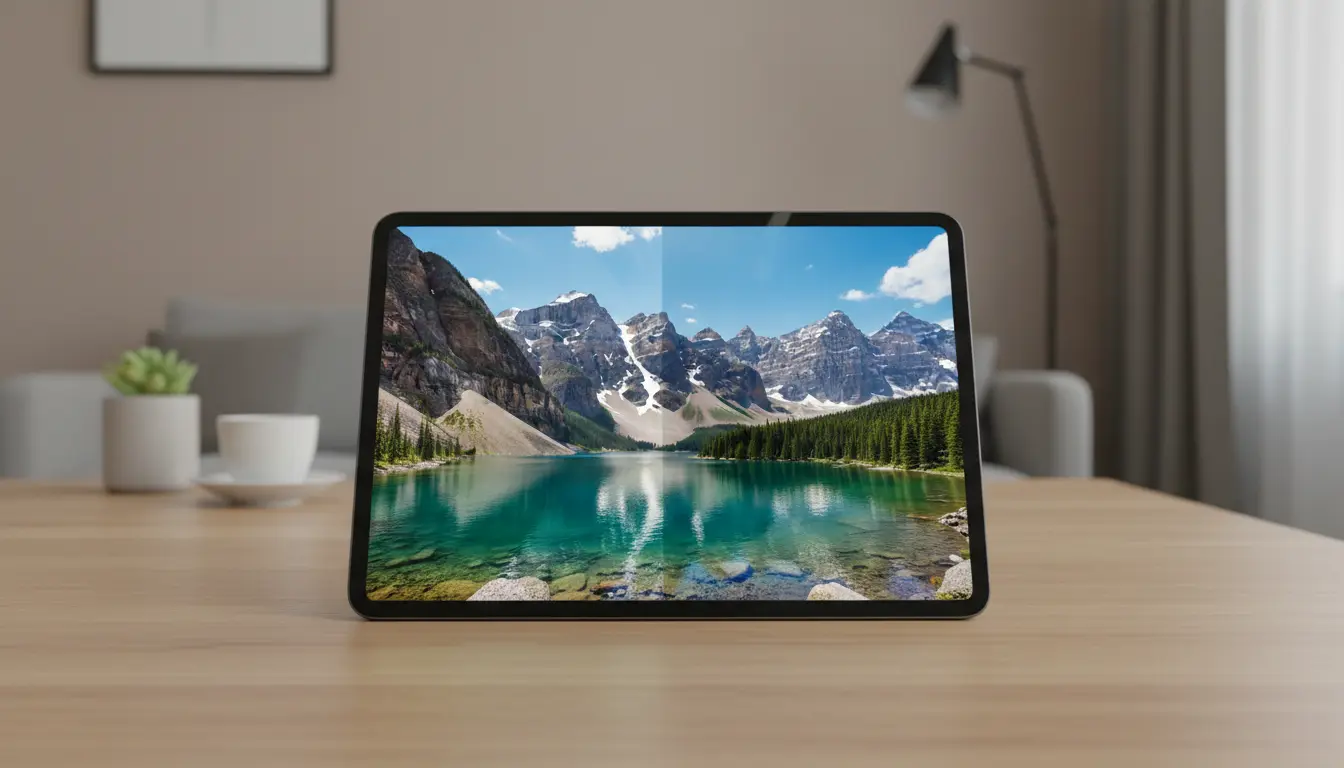
Yes, and this is a crucial point: you can absolutely watch 4K content on a non‑4K tablet.
Here’s what actually happens technically:
- The streaming app (Netflix, YouTube, Prime Video, etc.) receives a 4K video stream.
- Your tablet downscales that 4K signal to match its native resolution (for example, 1080p or 1440p).
- Because the original source is very detailed, the final image often looks sharper and cleaner than a native 1080p stream.
So even if your tablet doesn’t have a 4K display, using 4K source content can still improve:
- Fine details
- Texture quality
- Overall clarity
This is similar to how a high‑resolution photo still looks great even when you view it on a smaller, lower‑resolution screen.
What Actually Matters More Than 4K Resolution?
Resolution is just one factor in picture quality. On a tablet, other features often have a bigger impact on your viewing experience:
1. Screen Size and Pixel Density (PPI)
- An 11‑inch tablet with a 2K (or 1440p) display often looks extremely sharp.
- The higher the PPI, the harder it is to see individual pixels, even if the display is not 4K.
A well‑calibrated 2K screen on a medium‑size tablet can look very close to 4K at normal distances.
2. Panel Quality (IPS, OLED, mini‑LED)
- OLED and AMOLED tablets offer:
- Deeper blacks
- Higher contrast
- More vibrant colors
- IPS LCD can still look great, but black levels and contrast usually fall behind OLED.
- Mini‑LED improves brightness and contrast compared to standard LCD.
Often, better panel technology beats higher resolution. A non‑4K OLED tablet can look more impressive than a 4K LCD tablet in real use.
3. Color Accuracy and HDR Support
For movies and series, color and dynamic range matter a lot:
- HDR (High Dynamic Range) support (HDR10, Dolby Vision, etc.) gives:
- Brighter highlights
- More detail in dark scenes
- More realistic, cinematic look
- Good color accuracy makes skin tones and scenes look natural instead of washed out or oversaturated.
A tablet with reliable HDR and accurate colors will often provide a better cinematic feel than a basic 4K panel with no HDR.
4. Brightness and Reflections
If you watch content:
- Outdoors
- Near windows
- In bright rooms
then brightness and anti‑reflection coating become more important than resolution. A dim 4K display in bright light can look worse than a bright 1080p one.
5. Audio Quality
Video quality is only half the story. For entertainment, speakers matter:
- Dual or quad speakers
- Dolby Atmos support
- Good stereo separation
These elements improve immersion much more than going from 2K to 4K on a small screen.
Streaming Platforms, Bitrate, and Internet Speed
Another overlooked factor is bitrate, which is how much data per second the service uses for the video stream.
- A high‑bitrate 1080p or 1440p stream can look better than a heavily compressed 4K stream.
- If your internet speed or data limit is low, you might not even get true 4K quality, even if the app says 4K.
Also consider:
- 4K streams consume more data and require a faster, more stable internet connection.
- On mobile connections, this can quickly drain your data plan.
If you don’t have strong, reliable Wi‑Fi, chasing 4K on a tablet may not be that practical.
When Does a 4K Screen Tablet Make Sense?
You might genuinely benefit from a 4K screen tablet if:
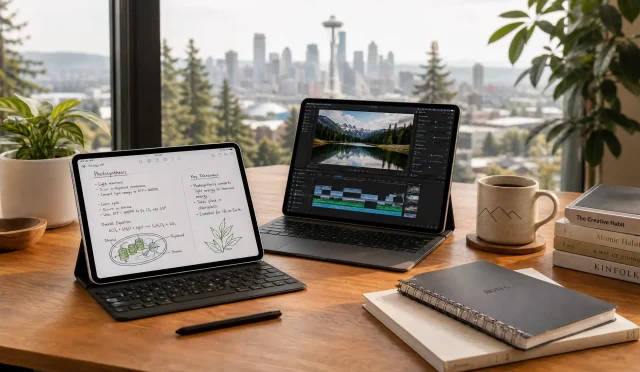
- You’re a content creator or professional
- Photo and video editors who need to inspect fine details and work with 4K timelines benefit from native 4K.
- Designers and digital artists might appreciate the extra clarity for zoomed‑out views and precise work.
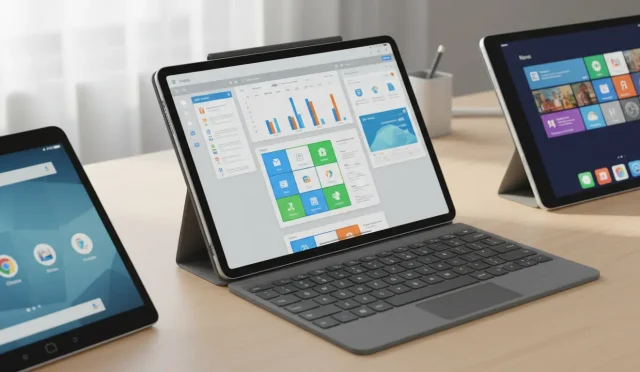
- You often connect your tablet to a larger 4K display
- Using your tablet as a media hub or secondary display for a TV or monitor can justify 4K, especially in desktop modes.
- You are extremely detail‑sensitive
- Some people are very sensitive to image sharpness and can see subtle differences, especially at close distances.
- You want maximum future‑proofing
- If you plan to keep the same device for many years, a 4K tablet might stay “high‑end” for longer, especially as apps and services evolve.
In these specific situations, investing in a 4K tablet can be worthwhile.
When You Don’t Need a 4K Tablet
For many users, especially those asking “Do I really need it?”, the honest answer is often no.
You probably don’t need a 4K tablet if:
- You mainly watch:
- Netflix, YouTube, Disney+, Prime Video
- Social media videos, short clips, or casual content
- Your current or planned tablet has:
- At least a 1080p or 2K display
- Decent brightness and color
- Good speakers
- You use the tablet more for:
- Web browsing
- Social media
- Reading, note‑taking, and light productivity
In these cases, a good 2K or high‑quality 1080p screen is more than enough to enjoy 4K content that’s being downscaled. You’ll still get sharp, clean visuals without paying a premium for 4K hardware.
Battery Life, Performance, and Cost
Higher resolution is not free. A 4K display on a tablet typically means:
- More GPU load to drive all those pixels
- Potentially shorter battery life at the same brightness level
- Higher device cost
If you care about battery endurance and budget, a slightly lower‑resolution, high‑quality panel can be a smarter and more balanced choice.
So, Do You Really Need a 4K Tablet for 4K Content?
In practical, everyday use, the conclusion is:
- No, you don’t need a 4K screen tablet to enjoy 4K content.
- A high‑quality 1080p or 2K tablet with a good panel, strong brightness, accurate colors, and solid speakers will deliver an excellent experience.
- 4K on a small tablet is more of a nice‑to‑have luxury, especially valuable for professionals or very detail‑focused users, not a strict requirement for enjoying movies and shows.
If your goal is organic, real‑world value, focus on:
- Panel type (OLED / good IPS)
- Brightness and HDR
- Audio quality
- Battery life
- Reliable performance
rather than chasing 4K resolution alone.
Example Tablet Recommendation (Amazon.com)
If you’re looking for a strong balance of screen quality, performance, and value without obsessing over 4K, consider something like the Samsung Galaxy Tab S11 series on Amazon.com:
- High‑resolution AMOLED display (not necessarily 4K, but extremely sharp)
- Excellent contrast and color reproduction
- Great for streaming, gaming, and productivity
- Strong performance and good battery life
This type of tablet delivers an outstanding multimedia experience without requiring a full 4K panel, which aligns perfectly with the idea that you don’t strictly need 4K resolution for enjoying 4K content.