
eSIM Dual-SIM Management: Practical Scenarios for Separating Work and Personal Life
As smartphones become central to both our professional and personal lives, maintaining boundaries between work and private communications is increasingly important. eSIM technology has transformed dual-SIM management by eliminating the need for physical SIM cards, making it easier to switch carriers, add plans on the fly, and clearly separate work and personal usage. In this guide, we’ll explore practical, real-world scenarios for using eSIM to manage two lines on one device, along with tips for privacy, cost control, travel, security, and productivity. You’ll also find SEO-friendly best practices embedded throughout, ensuring your content strategy benefits from relevant semantic signals.
What Is eSIM and How Dual-SIM Works
An eSIM (embedded SIM) is a programmable digital SIM integrated into your smartphone or wearable. Instead of swapping physical cards, you activate carrier profiles digitally. With dual-SIM devices, you can run:
- One eSIM + one physical SIM, or
- Dual eSIM profiles (varies by phone model and OS support)
This setup lets you assign one line for work and another for personal use. You can label each line, set default lines for calls/data, and control which line rings during specific hours.

Why Separate Work and Personal Lines?
- Professionalism: Use a dedicated business number for clients and colleagues without exposing your personal number.
- Focus and Wellbeing: Silence work notifications outside office hours without losing access to personal calls and messages.
- Expense Tracking: Separate billing for reimbursements and taxes.
- Security: Apply stricter security and compliance settings to your work line while keeping personal usage free of corporate oversight.
- Travel Flexibility: Keep your primary number active while adding a local or data-only plan for roaming.
Practical Scenarios and Setups
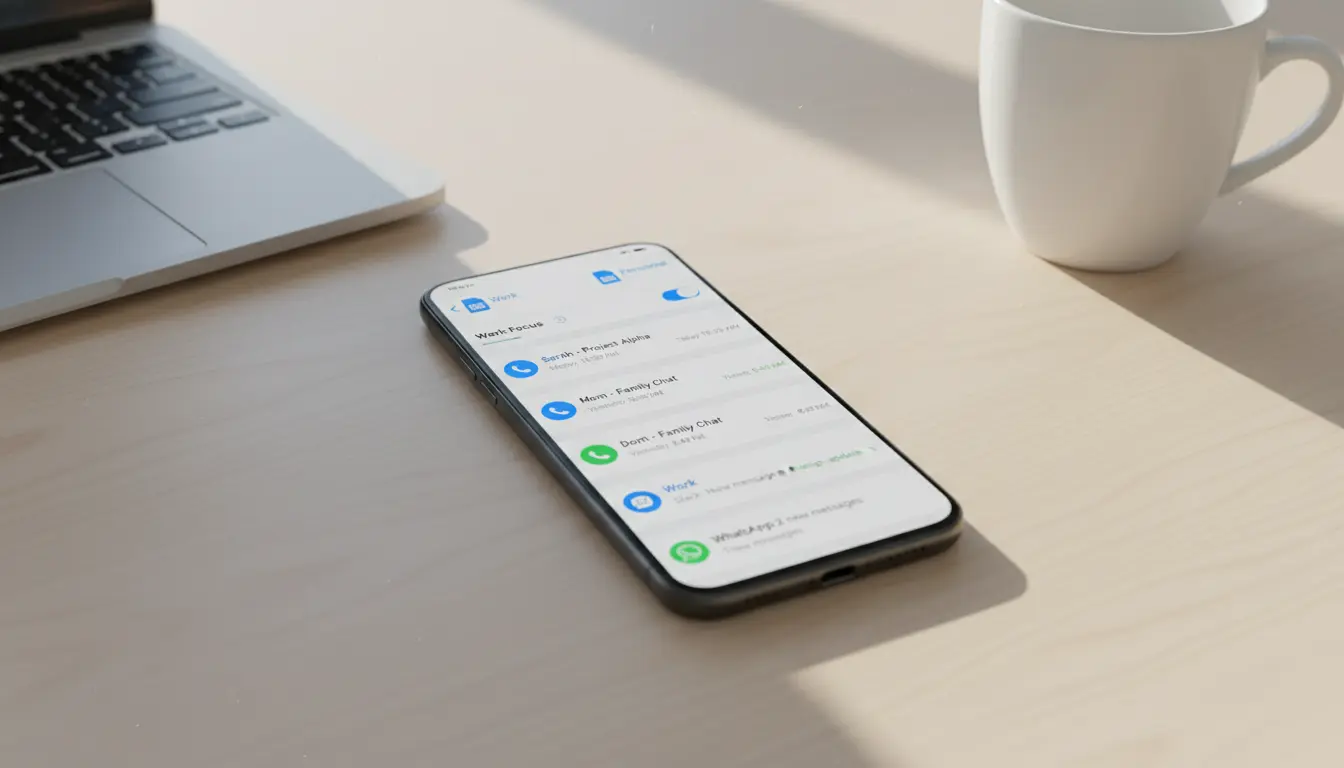
- Office Hours Control with Focus Modes
- Scenario: You want your personal life to remain uninterrupted during work, and vice versa.
- Setup:
- Label lines “Work” and “Personal.”
- Set the “Work” line as default for weekdays 9–6 using Focus or Do Not Disturb schedules.
- Silence the “Work” line after hours, but allow priority contacts (e.g., manager) to bypass.
- Benefit: Clean context switching and fewer interruptions.
- Client-Facing Professionals (Sales, Freelance, Consulting)
- Scenario: You regularly share a number with clients.
- Setup:
- Use the “Work” eSIM for voice/SMS tied to your CRM or business WhatsApp.
- Enable call recording or compliance features (where legal) and route calls via your business line.
- Set distinct voicemail greeting for the Work line.
- Benefit: Professional presence and better tracking.
- Entrepreneurs and Side-Hustles
- Scenario: One device must cover both your day job and side business.
- Setup:
- Assign business calls/SMS to the Work eSIM; keep social and family on Personal.
- Use separate contact groups and caller ID branding for the Work line.
- Benefit: Clear boundaries and better brand consistency.
- International Travel and Roaming
- Scenario: Avoid high roaming fees without losing reachability.
- Setup:
- Keep Personal line active for incoming OTPs and essential calls.
- Add a local eSIM data plan for affordable internet.
- Route calls over VoIP on the data line; disable cellular data on the Personal line to prevent roaming charges.
- Benefit: Lower costs, constant availability.
- Remote Work and BYOD (Bring Your Own Device)
- Scenario: Your company wants control over work data but not your personal device.
- Setup:
- Activate the corporate eSIM with MDM (Mobile Device Management) policies.
- Restrict corporate apps and data to the Work line; leave Personal untouched.
- Benefit: Compliance without invading personal privacy.
Other
- Privacy-Conscious Users
- Scenario: You don’t want your personal number circulating online.
- Setup:
- Publish your Work number on websites and marketplaces; keep Personal private.
- Rotate or replace Work eSIM profiles as needed without hardware changes.
- Benefit: Fewer spam calls and stronger privacy.
- Cost Optimization and Carrier Mix-and-Match
- Scenario: You want the best value across voice, SMS, and data.
- Setup:
- Use a budget-friendly Work plan for unlimited calls/SMS.
- Keep a fast Personal data plan with premium coverage.
- Set data default to Personal; voice default to Work, or vice versa.
- Benefit: Tailor costs to actual usage.
- Content Creators and Influencers
- Scenario: Separate fan/community interactions from personal circles.
- Setup:
- Route public-facing DMs and business inquiries to the Work line and linked apps.
- Keep two-factor authentication (2FA) on the Personal number for better account security segmentation.
- Benefit: Reduced risk and better audience management.
- Parents and Family Coordinators
- Scenario: Shared responsibilities require clarity.
- Setup:
- Use Work line for school, caregivers, and family logistics.
- Keep Personal line for close friends and family only.
- Benefit: Streamlined coordination without overflow.
- Startup Teams and Temporary Projects
- Scenario: Project-based numbers for short-term collaborations.
- Setup:
- Spin up a temporary eSIM number for the project.
- Deactivate it when the project ends, preserving your main numbers.
- Benefit: Flexibility and clean offboarding.
Best Practices for eSIM Dual-SIM Management
- Label Clearly: Name each line and assign distinct ringtones.
- Default Settings: Choose default line for calls, messages, and data. You can allow calls from the non-default line if supported.
- Contact Segmentation: Tag or group contacts by line (e.g., CRM contacts vs personal).
- Notification Rules: Use Focus modes or profiles to schedule when each line can ring.
- Voicemail and IVR: Configure professional greetings on the Work line with clear expectations (response times, alternative channels).
- Security and Compliance:
- Use strong PINs and eSIM profile locks.
- Enable device encryption and biometric unlock.
- For corporate lines, enroll in MDM and enforce separate work profiles (on Android) or supervised settings (iOS enterprise).
- Backup and Recovery:
- Keep carrier QR codes or activation details secure.
- Understand your device’s eSIM transfer process before switching phones.
- Roaming Strategy:
- Compare local eSIM data plans before travel.
- Disable data on the home line; keep voice as needed.
- Analytics:
- Review per-line usage and costs monthly.
- Adjust defaults based on call vs data patterns.
Device and Platform Considerations
- iOS: Supports multiple eSIMs with one or two active at a time (model-dependent). Offers robust Focus, label customization, and per-line defaults.
- Android: Many flagships support dual eSIM or eSIM + physical SIM with Work Profile separation via Android Enterprise.
- Wearables and Tablets: Some support secondary eSIM for data or number sharing; check carrier compatibility.
Common Pitfalls and How to Avoid Them
- Misrouted Calls: Double-check which line is set as default and whether your dialer prompts for line selection.
- Mixed Messaging Threads: Some apps tie conversations to a default line—verify before mass messaging clients.
- Roaming Bill Shock: Ensure data roaming is disabled on the non-travel line and confirm which profile has cellular data.
- Lost Activation Details: Store eSIM QR codes in a secure password manager.
- Compliance Gaps: If subject to regulations (HIPAA, GDPR, PCI), confirm that the Work line’s apps and storage meet requirements.
eSIM for Teams and IT Admins
- Zero-Touch Onboarding: Provision work lines remotely to employee devices.
- Policy Enforcement: Apply per-line restrictions (e.g., data-only, Wi‑Fi calling).
- Rapid Reassignment: Reclaim or reassign eSIM profiles when roles change.
- Auditing: Track usage and compliance without inspecting personal data.
Future Trends
- Smarter Profiles: Context-aware switching based on time, location, or calendar.
- Integrated Business Suites: Unified number management across phone, VoIP, and collaboration apps.
- Wider Carrier Support: More competitive travel eSIMs and global plans.
Quick Setup Checklist
- Acquire a second number via eSIM for Work (or Personal).
- Label lines distinctly; set icons/colors if available.
- Choose default line for calls, messages, and data.
- Configure Focus schedules and notification rules.
- Set professional voicemail on the Work line.
- Secure eSIM with PIN; store activation info safely.
- Test call/SMS routing and roaming behavior before travel.
Conclusion
eSIM dual-SIM management makes it practical to separate your work and personal lives without juggling multiple devices. With the right setup—clear labels, scheduled focus modes, tailored voicemail, and smart roaming strategies—you can maintain professionalism, protect privacy, reduce costs, and boost productivity. Whether you’re a freelancer, frequent traveler, or an IT admin deploying at scale, eSIM is a flexible, future-ready solution.









