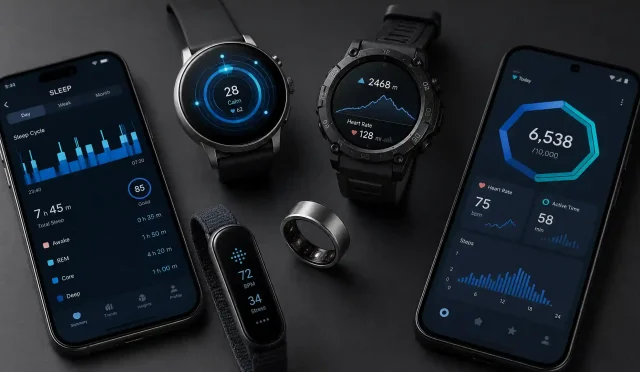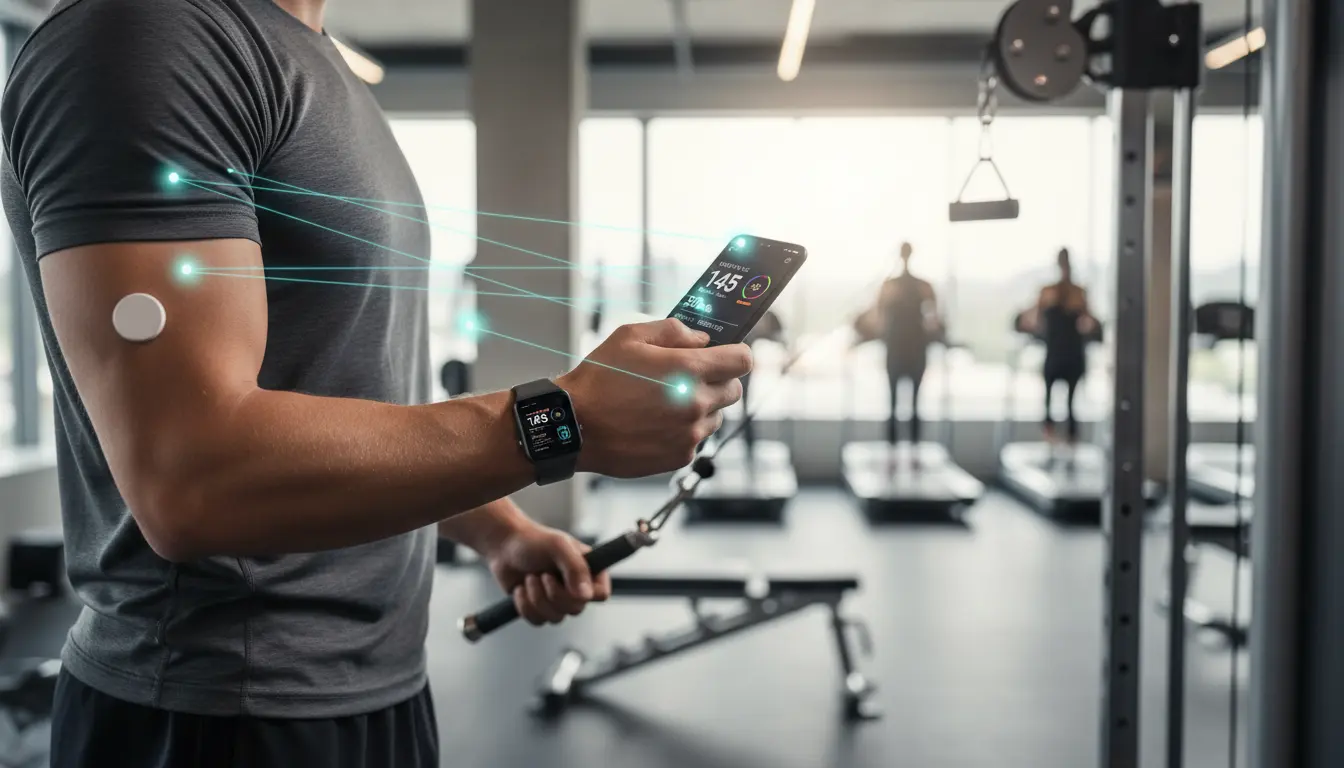

Integrating fitness applications with wearables, health platforms, and backend services is no longer a luxury—it’s a growth imperative. Whether you are building a new wellness product or connecting an existing app to Apple Health, Google Fit, Garmin, or Strava, a strategic integration plan can boost user engagement, drive retention, and unlock data-driven insights that fuel personalization. This comprehensive guide explains the architecture, standards, security, performance, and analytics best practices to help you deliver seamless, scalable, and compliant fitness app integrations.
Why Fitness App Integrations Matter
- Unified user experience: Users expect their step counts, workouts, heart rate trends, and sleep metrics to sync automatically across devices and apps.
- Personalization: Aggregated data enables smarter recommendations—from adaptive training plans to recovery guidance.
- Retention and virality: Social and gamified integrations (e.g., Strava segments, Apple Activity rings) increase stickiness.
- Monetization: Enhanced features such as advanced analytics or premium coaching can be gated behind connected services.
Core Integration Models
- Device-to-App via SDKs
- Use vendor SDKs (e.g., Garmin Connect IQ, Polar, Fitbit) for real-time metrics like heart rate, cadence, and GPS.
- Pros: Rich sensor access, low latency. Cons: Vendor lock-in, device fragmentation.
- Platform Aggregators (Apple Health, Google Fit)
- Apple HealthKit (iOS) and Google Fit (Android) provide standardized schemas for steps, workouts, sleep, and nutrition.
- Pros: Centralized permissions, broader coverage. Cons: Platform constraints, varying granularity.
- Cloud-to-Cloud REST APIs
- Connect to Strava, Nike Run Club, Whoop, and others via OAuth 2.0 and webhooks for historical and ongoing data.
- Pros: Reliable sync, server-side processing. Cons: Rate limits and data latency.
- Middleware and iPaaS
- Use integration platforms (iPaaS) for data mapping, retries, and monitoring without heavy custom code.
- Pros: Faster time-to-market. Cons: Ongoing costs and abstraction complexity.
Data Standards and Schemas
- Adopt a canonical internal schema to normalize steps, workouts, heart rate, VO2 max, HRV, and sleep stages across sources.
- Use ISO 8601 for timestamps, UTC normalization, and consistent units (e.g., meters, seconds, bpm).
- Map raw fields to a unified model (e.g., Apple HKQuantityTypeIdentifierStepCount → steps, Strava “moving_time” → active_duration).
- Maintain provenance metadata: source app, device model, firmware version, and sampling frequency.
Authentication and Authorization
- Implement OAuth 2.0 with PKCE for secure mobile flows.
- Request the minimum scope necessary; show transparent consent dialogs explaining data usage.
- Securely store refresh tokens server-side, rotate access tokens, and handle token revocation gracefully.
- For HealthKit, use on-device permissions and avoid transmitting sensitive data unless strictly necessary.
Privacy, Compliance, and Consent
- Respect regional privacy laws (GDPR, CCPA) and health data rules. Provide data export, deletion, and consent withdrawal.
- Use data minimization: collect only what provides clear user value.
- Anonymize or pseudonymize data for analytics; separate PII from health metrics.
- Provide clear privacy policy and surface in-app just-in-time notices for new data categories (e.g., sleep or menstrual health).
Architecture and Scalability
- Event-driven ingestion: Use webhooks and message queues (e.g., Kafka, SQS) to process incoming updates asynchronously.
- Idempotent processing: Deduplicate events with stable identifiers and version timestamps.
- Rate-limiting and backoff: Respect partner API limits; implement exponential backoff and intelligent retry policies.
- Caching and batching: Batch writes to your datastore and cache frequently accessed summaries to reduce API calls.
- Observability: Add end-to-end tracing (e.g., OpenTelemetry), structured logs, and dashboards for ingestion lag, error rates, and partner-specific health.
Data Quality and Reconciliation
- Validate ranges (e.g., heart rate between 30–220 bpm), sampling intervals, and GPS sanity checks.
- Merge overlapping workouts from multiple sources using heuristics: start/stop times, GPS overlap, and device confidence.
- Conflict resolution: Prefer the highest-fidelity source per metric (e.g., chest strap for HR vs wrist).
- Recompute aggregates when late-arriving data or corrected workouts appear.
Performance on Mobile
- Use background tasks judiciously; defer heavy sync to charging + Wi-Fi when possible.
- Employ incremental sync: query deltas since the last successful timestamp.
- Compress payloads (gzip) and prefer binary formats (e.g., protobuf) when appropriate.
- Provide clear UI states: syncing, last updated, conflicts, and manual refresh.
Security Best Practices
- Encrypt in transit (TLS 1.2+), encrypt at rest (AES-256), and isolate secrets with a vault.
- Principle of least privilege for service accounts; rotate keys regularly.
- Perform threat modeling: replay attacks on webhooks, token theft, fake device data injections.
- Validate webhook signatures from providers (e.g., Strava’s X-Hub-Signature).
Testing and Certification
- Create contract tests per integration partner; mock rate limits and error codes.
- Test edge cases: daylight savings time shifts, leap days, time zone travel, offline workouts, and partial GPS loss.
- If partners offer certification or sandbox environments, use them early to catch schema deviations.
Analytics and Personalization
- Build feature stores for derived metrics: training load, acute:chronic ratio, recovery scores, sleep efficiency.
- Segment users by behavior (runners vs lifters vs cyclists) and tailor nudges, content, and goals.
- Use cohort analysis to measure the impact of new integrations on engagement and retention.
- Respect privacy when running experiments; avoid using sensitive categories without explicit consent.
Product UX Considerations
- Clear value proposition: “Connect your watch to unlock personalized coaching and richer insights.”
- Onboarding checklists: show supported devices, step-by-step connection flows, and expected sync times.
- Error recovery: human-readable messages with next steps (e.g., re-auth, check permissions).
- Transparency: let users view and manage connected services, data types shared, and revoke access easily.
Roadmap and Partner Strategy
- Prioritize integrations by market share and audience overlap: Apple Health, Google Fit, Strava, Garmin, Fitbit.
- Maintain a public status page for integration health and a changelog of breaking changes.
- Negotiate partner relationships for early access to API updates and higher rate limits.
Example Integration Flow (Strava)
- User taps “Connect Strava.”
- App launches OAuth with PKCE; user grants permissions.
- Your backend stores tokens securely; subscribes to Strava webhooks.
- When a new activity is created, Strava sends a webhook.
- Backend fetches activity details, validates, normalizes, and upserts.
- Analytics pipelines update weekly training load and personal records.
- UI shows synced activity, badges, and personalized recommendations.
Measuring Success
- Key metrics: connection conversion rate, daily sync success rate, ingestion latency, percent of users with >1 connected service, retention uplift, and feature adoption.
- Quality metrics: duplicate activity rate, anomaly flags per 1,000 activities, reconciliation success rate.
- Business impact: premium conversion lift and reduced churn among connected users.
A great fitness app integration strategy balances coverage, quality, security, performance, and user trust. By standardizing schemas, implementing robust auth and privacy controls, designing a resilient ingestion pipeline, and elevating UX transparency, you can deliver organic growth driven by real user value.