
Vlogging With Action Cameras: Stable Video Without a Gimbal
Creating smooth, cinematic vlogs used to mean carrying bulky gimbals, heavy DSLRs, and lots of accessories. Today, modern action cameras make it possible to shoot stable, high‑quality video in a compact, lightweight setup. Thanks to advanced electronic stabilization, smart mounting options, and thoughtful shooting techniques, you can record professional‑looking footage without ever touching a gimbal.
This guide explains how to achieve stable video with action cameras, which settings to use, what accessories really help, and how to build a simple, travel‑friendly vlog kit.
Why Action Cameras Are Ideal for Vlogging
Action cameras are designed for movement. Their wide‑angle lenses, rugged bodies, and waterproof designs make them perfect for creators who want to vlog while walking, biking, traveling, or doing outdoor activities.
Key advantages for vloggers:
- Compact and lightweight – You can hold them for long sessions without fatigue.
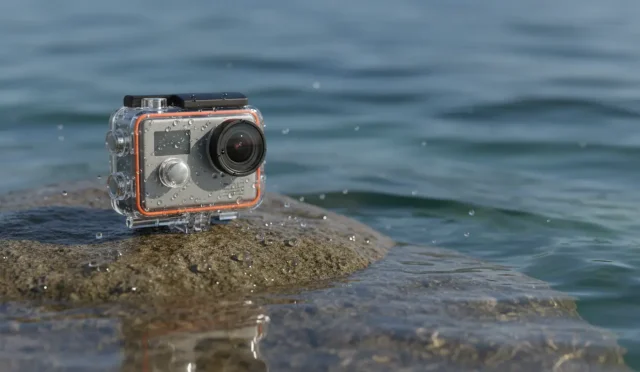
- Rugged and weather‑resistant – Ideal for travel, adventure, and daily carry.
- Excellent electronic stabilization – Modern models can smooth out shakes almost as well as a mechanical gimbal.
- Wide field of view – Perfect for handheld talking‑head shots and immersive POV clips.
Because of these benefits, many creators use action cameras as their primary vlog cameras, especially when they need to stay mobile and discreet.
How Action Camera Stabilization Works (Without a Gimbal)
Most current action cameras rely on electronic image stabilization (EIS) rather than mechanical systems. The camera records a slightly wider frame than what you see, then crops and repositions each frame to counteract your movements.
Common stabilization technologies include:
- Standard EIS – Basic digital correction that reduces small shakes.
- Advanced modes (e.g., HyperSmooth, RockSteady, Horizon Steady) – More aggressive algorithms that keep the horizon level and minimize jitters, even during running or biking.
- In‑camera horizon leveling – The camera digitally rotates the image to keep your shot straight, which looks more professional and cinematic.
Because the stabilization is built in, you don’t need to carry a gimbal. The camera does the hard work for you, as long as you shoot with the right settings and techniques.
Best Settings for Smooth Vlog Footage
To get the most out of your action camera’s stabilization, configure your settings carefully. Small changes can dramatically improve the stability and overall look of your video.
1. Resolution and Frame Rate
- Use 4K if your camera and storage allow it; you gain extra detail and flexibility for cropping.
- Choose 60 fps when you are walking, running, or moving quickly. Higher frame rates create smoother motion and allow for slow‑motion sequences in editing.
- For slower, cinematic shots or talking‑head segments, 30 fps can be enough and saves storage.
2. Field of View (FOV)
- A wide or super‑wide FOV naturally hides shakes better because movements appear smaller in a wider frame.
- For talking‑head vlogs where distortion is a concern, select a linear or slightly cropped FOV that still allows stabilization room but keeps faces looking natural.
3. Stabilization Mode
- Turn on the highest‑quality stabilization mode your camera offers for handheld walking shots.
- For static tripod shots, you can reduce or turn off stabilization to avoid unnecessary digital artifacts.
- If available, enable horizon leveling for scenes where a straight horizon is important, such as landscapes or cityscapes.
4. Shutter Speed and ISO
Stable footage is not only about shake reduction; it’s also about motion clarity and noise control.
- Aim for a shutter speed roughly double your frame rate (e.g., 1/120 for 60 fps). This preserves natural motion blur and avoids jittery, overly sharp movement.
- Use auto ISO with a capped maximum (for example, ISO 1600), so the camera doesn’t push noise too high in low light.
- In bright conditions, consider using an ND filter to keep shutter speed in a cinematic range.
Shooting Techniques for Gimbal‑Free Stability
Even with excellent digital stabilization, your technique matters. The way you move and hold the camera will strongly affect how smooth your vlog looks.
1. The “Ninja Walk”
When walking and talking to the camera:
- Bend your knees slightly and walk softly.
- Keep steps short and roll your feet from heel to toe.
- Hold the camera close to your body to reduce arm bounce.
This style of movement, often called the ninja walk, greatly minimizes vertical shake and makes your stabilization system more effective.
2. Two‑Handed Grip or Short Selfie Stick
Avoid holding the camera by the body with one hand only. Instead:
- Use a short selfie stick or mini grip and hold it with two hands when possible.
- Keep your elbows close to your torso to create a natural shock absorber.
A slightly extended grip not only smooths motion but also improves framing and makes your vlog feel more immersive.
3. Controlled Pans and Tilts
Fast, jerky camera moves are hard to stabilize digitally. To keep pans and tilts smooth:
- Rotate your whole upper body, not just your wrists.
- Move slowly and deliberately, especially in tight spaces or when showing details.
- Pause briefly on important subjects so your audience has time to look.
Essential Accessories for Stable Vlogging
You can stay gimbal‑free and still add a few carefully chosen accessories to upgrade stability and usability.
1. Mini Tripod or Grip
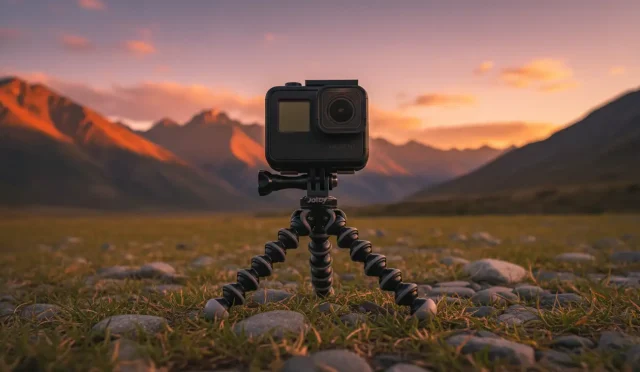
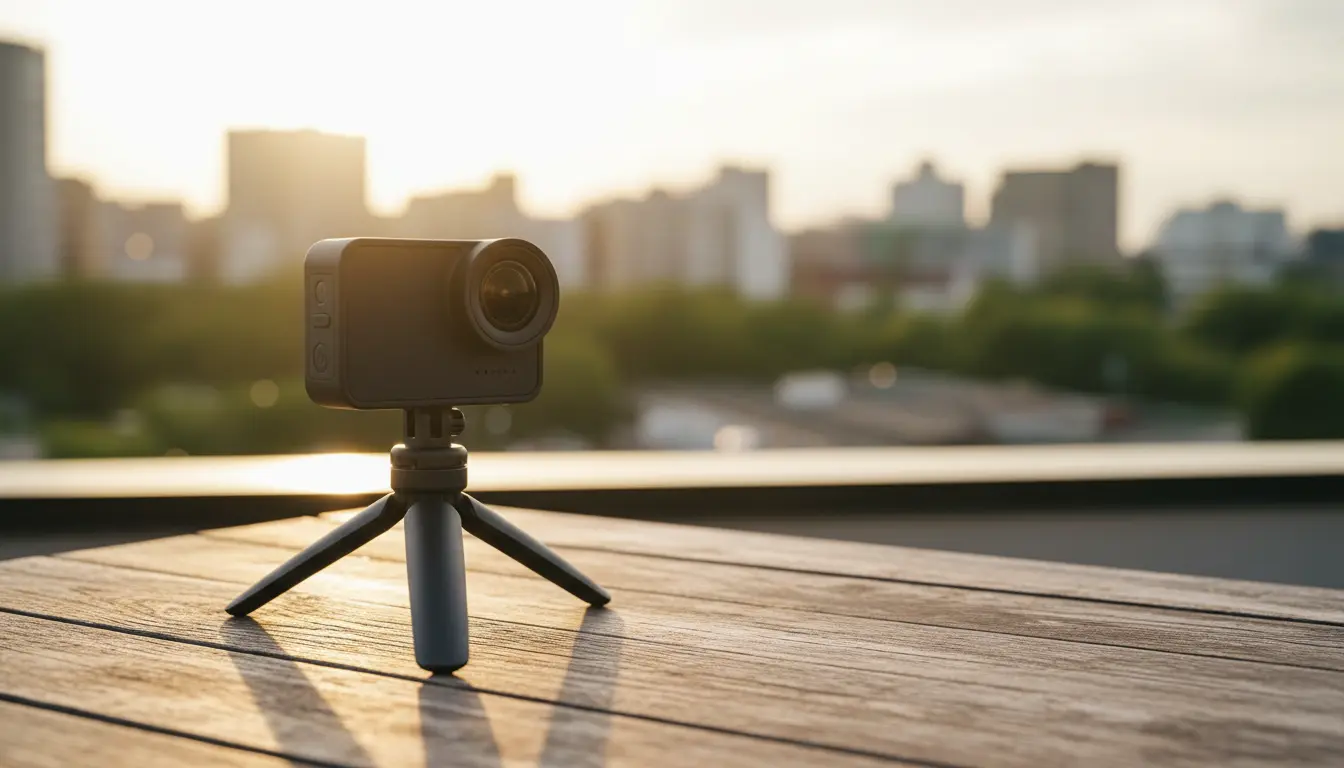
A compact tripod / grip combo works as a handle, desk stand, and static mount. It lets you switch quickly between handheld vlog mode and fixed shots for product reviews, tutorials, or talking‑head segments.
2. Chest or Head Mount
For POV content:
- Chest mounts keep the footage relatively stable and natural, especially for walking, hiking, or cycling.
- Head mounts create a more immersive perspective but can feel shakier; stabilization helps compensate.
These mounts free your hands while maintaining an engaging, first‑person angle.
3. Magnetic or Clamp Mounts
Modern action cameras often support magnetic quick‑release systems and clamps that attach to poles, tables, backpacks, or car interiors. Secure mounting reduces vibration and gives your viewers creative angles without extra gear.
4. Optional ND Filters
Neutral density filters don’t stabilize footage directly, but they help you maintain proper shutter speed on bright days, preventing choppy motion. This makes movement look more cinematic and consistent.
Audio: The Other Half of a Professional Vlog
Stable video is crucial, but bad audio will still ruin an otherwise great vlog. Many action cameras now support external microphones, but even with built‑in mics, you can improve quality:
- Use a foam windscreen or deadcat to reduce wind noise when vlogging outdoors.
- When possible, record in quieter environments or position yourself with the wind at your back.
- If your camera supports it, consider a compact wireless microphone for clearer voice recording and more natural sound.
Viewers are more forgiving of minor shakes than they are of noisy, muffled audio, so treat sound quality as seriously as video stability.
Editing Tips to Enhance Stability and Flow
Post‑production gives you a final opportunity to refine your footage and enhance stability.
- Enable Stabilization in Software (If Available)
Some editing tools offer an extra layer of digital stabilization. Use it gently so the footage doesn’t look warped or overly cropped. - Cut Out Shaky Segments
Trim transitions where you start or stop recording, reposition the camera, or change mounts. These moments usually contain the worst shakes and add no value to the story. - Use Shorter Clips in Fast‑Moving Scenes
When motion is intense, keep clips short and dynamic. Frequent cuts hide minor shakes and maintain energy. - Color Correct for Consistency
Balanced contrast and color make your vlog feel more polished and professional, reinforcing the impression of high production value.
Building a Simple, Gimbal‑Free Vlog Kit
You don’t need a complicated setup to start creating stable, organic vlogs. A minimalist kit might include:
- A modern action camera with strong EIS
- A short selfie stick / mini tripod
- One or two mounts (chest, clamp, or magnetic)
- A basic windscreen or small external mic
- Optional ND filters for bright outdoor shooting
With this kit, thoughtful camera settings, and the right shooting habits, you can produce stable, engaging vlog content that feels natural and authentic—without ever packing a gimbal.
Suggested Amazon Product
You can explore the GoPro HERO13 Black on Amazon as a versatile, gimbal‑free vlogging camera. It offers advanced electronic stabilization, horizon leveling, excellent 4K performance, and strong accessory support, making it a reliable choice for creators who want smooth, stable footage in a compact form factor.