
Portable Smart Display and Speaker Combos: The Future of Connected Living
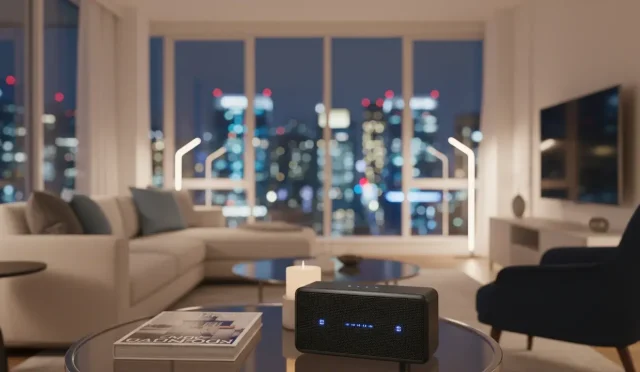
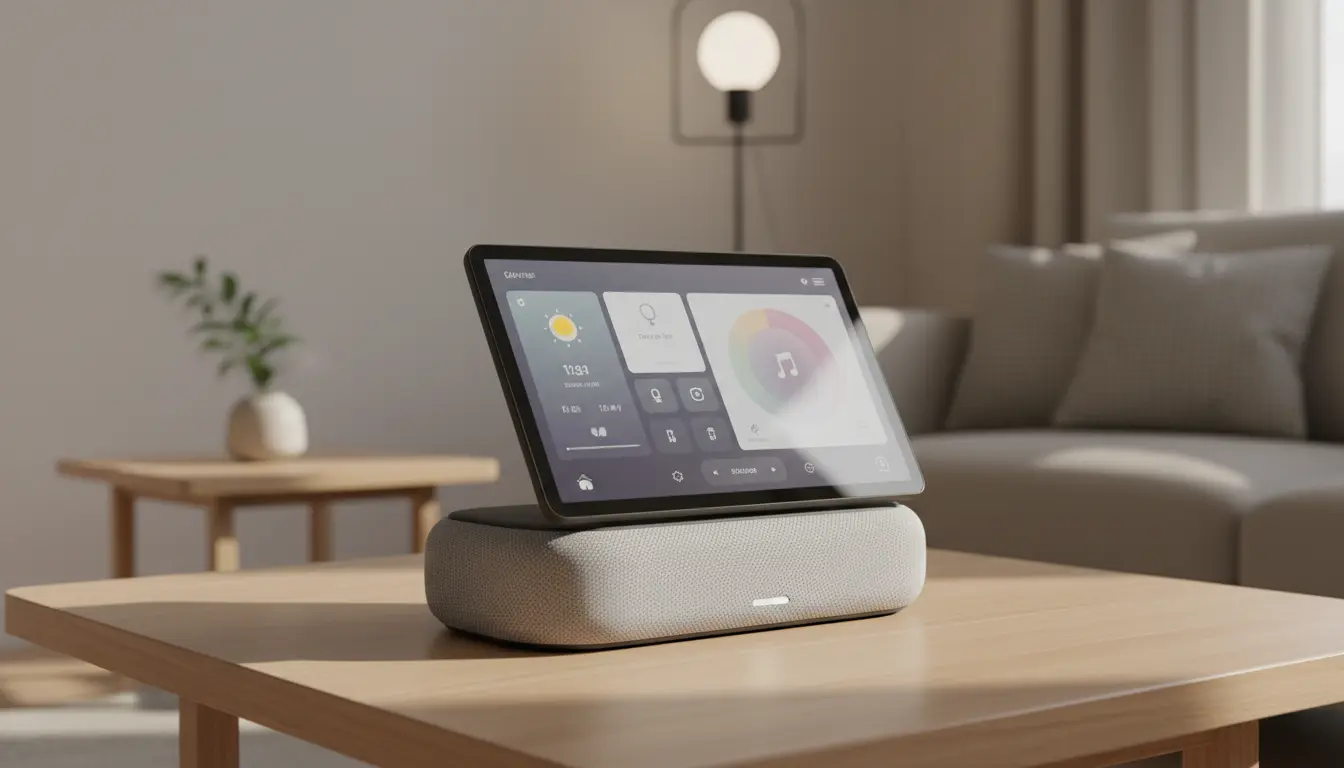
In today’s hyper–connected world, portable smart display and speaker combos are quickly becoming the centerpiece of modern homes. These compact devices blend the visual power of a tablet with the audio performance of a wireless speaker and the intelligence of a voice assistant. As a result, they help you manage your day, control your smart home, enjoy entertainment, and stay in touch with loved ones—all from a single, portable hub.
This article explains what portable smart display and speaker combos are, why they are gaining popularity, and how to choose the right one for your needs. It also covers real–world use cases, essential buying criteria, and a recommended product at the end.
What Is a Portable Smart Display and Speaker Combo?
A portable smart display and speaker combo is a device that combines:
- A touchscreen display
- A built–in smart speaker
- A voice assistant (such as Alexa or Google Assistant)
- Wireless connectivity, usually Wi‑Fi and Bluetooth
- A rechargeable or dockable battery system for mobility
Instead of buying a separate smart speaker and tablet, you get a unified device that you can move around your home. You can place it in the kitchen while cooking, take it to the living room for music and movies, or use it on your desk for productivity and video calls.
Key Benefits of Portable Smart Display + Speaker Combos
1. True Mobility Around the Home
Unlike traditional smart displays that must stay plugged into a power outlet, portable models let you carry them from room to room. This mobility means you can:
- Watch recipes while cooking in the kitchen
- Follow workout videos in the bedroom or living room
- Listen to podcasts on the balcony or patio
- Take your virtual meetings to the quietest corner of your home
The ability to move the device freely makes the smart assistant feel present wherever you are.
2. All‑in‑One Entertainment Hub
These devices act as compact home entertainment centers. With a single gadget, you can:
- Stream music from Spotify, Apple Music, or Amazon Music
- Watch shows and movies from services like Netflix, Prime Video, or YouTube
- View photos and albums from your cloud storage
- Follow live sports scores and news with visuals
The integrated display adds context and depth that a standalone speaker cannot provide. Album art, lyrics, video, and visual controls all sit within easy reach.
3. Smart Home Control with Visual Feedback
A major advantage of a smart display over a regular speaker is visual control. From one screen, you can:
- Turn lights on or off and adjust brightness
- Change thermostat settings and monitor indoor climate
- View live feeds from smart cameras and video doorbells
- Lock or unlock smart locks (depending on your ecosystem)
Visual dashboards make it easier to manage multiple devices at once. Rather than memorizing voice commands, you tap icons and sliders, which is especially useful for guests or less tech‑savvy family members.
4. Enhanced Communication and Video Calls
With a front‑facing camera (on most models), you can handle:
- Video calls with family and friends
- Remote meetings for work
- Quick check‑ins using drop‑in or intercom features
The built‑in speaker offers clearer audio than a typical laptop or phone, and the screen provides a more natural face‑to‑face experience. For remote workers and families living apart, this combination becomes an essential communication tool.
5. Personal Assistant for Daily Productivity
A portable smart display and speaker combo can act as your digital assistant throughout the day:
- Set alarms, timers, and reminders
- Manage to‑do lists and shopping lists
- Check weather, traffic, and calendar events
- Get visual step‑by‑step instructions for tasks or recipes
Because the display shows your agenda, upcoming meetings, and notifications, it helps you stay focused and organized without constantly checking your phone.
Important Features to Consider Before Buying
When evaluating different smart display and speaker combos, focus on the features that truly impact your daily experience.
1. Audio Quality and Speaker Design
Sound performance is crucial. Look for:
- Full‑range drivers for balanced audio
- Passive radiators or subwoofers for deeper bass
- 360‑degree sound or front‑facing stereo drivers
- Support for high‑quality streaming codecs, when possible
If you plan to use the device mainly for music or movie watching, prioritize a model with a robust speaker setup rather than just a thin tablet speaker.
2. Display Size and Resolution
The display determines how comfortable it is to watch content and read text:
- 7–inch screens are compact and fit small spaces like bedside tables
- 8–10–inch screens are better for kitchen counters and living rooms
- HD or higher resolution ensures crisp video and sharp text
Choose a size that suits where you’ll use the device most often. A portable display should be big enough to see across the room, but still light enough to carry.
3. Battery Life and Charging Style
True portability depends on battery design:
- Look for at least several hours of active screen‑on usage
- Some models use dockable charging bases you can place in different rooms
- Others rely on standard cables but still offer battery operation
A dock can turn the device into a stationary hub when charging, while still allowing you to pick it up and move at any time.
4. Voice Assistant and Ecosystem Compatibility
Most devices are built around a specific voice assistant, such as Amazon Alexa or Google Assistant. Consider:
- Which smart home products you already own
- Which streaming services you use
- How comfortable you are with each ecosystem
If your lights, plugs, and thermostat all work with Alexa, it makes sense to choose an Alexa‑enabled display speaker for seamless integration.
5. Privacy and Security Options
Because these devices have microphones (and often cameras), privacy is important:
- Physical camera shutters or covers
- Microphone mute buttons with clear LED indicators
- Local processing for some commands (where supported)
- Transparent privacy policies from the manufacturer
Being able to quickly disable audio and video monitoring offers peace of mind, especially in bedrooms or children’s rooms.
Real‑World Use Cases for Portable Smart Displays
In the Kitchen
A portable smart display and speaker combo shines in the kitchen:
- Follow guided recipes with step‑by‑step visuals
- Set multiple timers while cooking different dishes
- Ask for measurement conversions and nutritional info
- Stream your favorite cooking shows or background music
You can start a recipe in the kitchen, then carry the device to the dining table to continue watching or listening as you eat.
In the Home Office
For those who work remotely, these devices provide:
- Quick access to calendar and reminders
- Hands‑free calling and video conferencing
- Background music or focus playlists
- Voice‑activated task management
Their compact size and strong audio make them perfect for small desks or shared workspaces.
In the Bedroom or Living Room
In more relaxed spaces, the device becomes:
- A smart alarm clock with sunrise lighting (if integrated)
- A digital photo frame when idle
- A media hub for movies, series, and casual listening
- A control center for smart lighting and mood scenes
You can start a movie in the living room, then move the device to the bedroom to finish watching it in bed.
Tips for Getting the Most Out of Your Device
To maximize the value of your portable smart display and speaker combo:
- Customize the home screen with widgets for weather, calendar, news, and frequently used apps.
- Link your music and video services in the settings so voice commands can access your subscriptions instantly.
- Create smart home routines that run multiple actions with a single command, such as dimming lights and starting a playlist in the evening.
- Adjust brightness and night mode settings so the screen remains comfortable in low light.
- Use voice and touch together: ask for a playlist by voice, then fine‑tune volume or track selection via the display.
Recommended Product on Amazon
One highly regarded example on Amazon.com is the Amazon Echo Show 8 (3rd Gen, if available in your region). It offers:
- An 8‑inch HD smart display that’s ideal for kitchens, living rooms, and desks
- A powerful speaker system with rich, room‑filling sound
- Deep integration with Alexa and the wider Amazon smart home ecosystem
- Video calling, streaming services, and a photo frame mode
If you’re looking for a well‑balanced portable smart display and speaker combo that delivers strong performance at a reasonable price, the Echo Show line is a solid place to start.