
Smart Displays with Built‑In Home Monitoring: The New Heart of the Connected Home
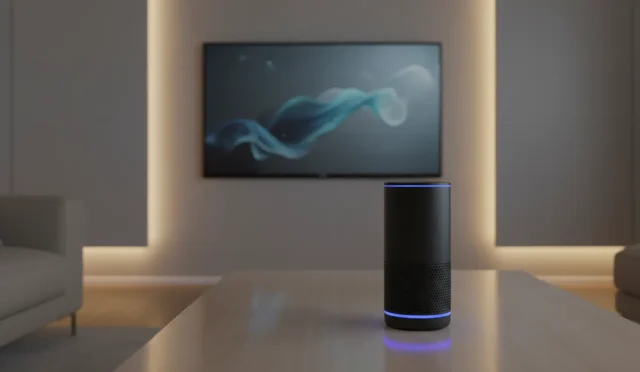
Smart homes are no longer just about turning lights on with your voice. In modern homes, smart displays with home monitoring features are evolving into the core hub of daily life. These devices combine a touchscreen, powerful speakers, and an always‑ready voice assistant with an integrated camera and sensors, giving you a complete control center for your home.
In this article, we will explore what makes these smart displays unique, how they enhance home security and comfort, what to look for before buying, and why they are becoming essential for families and remote workers.
What Are Smart Displays with Home Monitoring Features?
Smart displays with internal home monitoring are voice‑assistant devices (such as Alexa or Google Assistant) that include:
- A built‑in camera
- Microphones and speakers
- A touchscreen for visual control
- Software designed specifically for home security and remote monitoring
Unlike a basic smart speaker, these devices let you see and interact with your home environment. You can watch a live video feed from the built‑in camera, check who is at the door, or monitor your living room while you are away.
Because they integrate with other smart home devices, they can serve as the main dashboard for:
- Smart lighting
- Smart thermostats
- Smart locks
- Indoor and outdoor security cameras
This makes them a powerful all‑in‑one solution for both convenience and safety.
Key Benefits of Smart Displays with Built‑In Home Monitoring
1. Real‑Time Remote Monitoring
The core advantage is real‑time access to your home from anywhere. Using a smartphone app or a secure web interface, you can:
- Open a live view of the room where the smart display is placed
- Talk to family members or pets through two‑way audio
- Check if lights or appliances were left on
Parents often use this feature as a digital window into the home, especially when children return from school before them. Pet owners also value the ability to check on their animals and interact with them during the day.
2. Enhanced Home Security and Peace of Mind
Smart displays with home monitoring act as an extra indoor security camera. When combined with motion detection and notifications, they can:
- Send alerts when unexpected movement is detected
- Record short video clips when activity is sensed
- Work as part of a larger smart home security system
Some models connect seamlessly to doorbell cameras and door locks. You can see who is ringing, talk to the visitor, and even unlock the door — all from the smart display screen or directly from your phone.
This combination of visual confirmation, two‑way communication, and remote control provides a strong sense of safety and peace of mind whether you are at home or away.
3. Visual Control Center for Your Smart Home
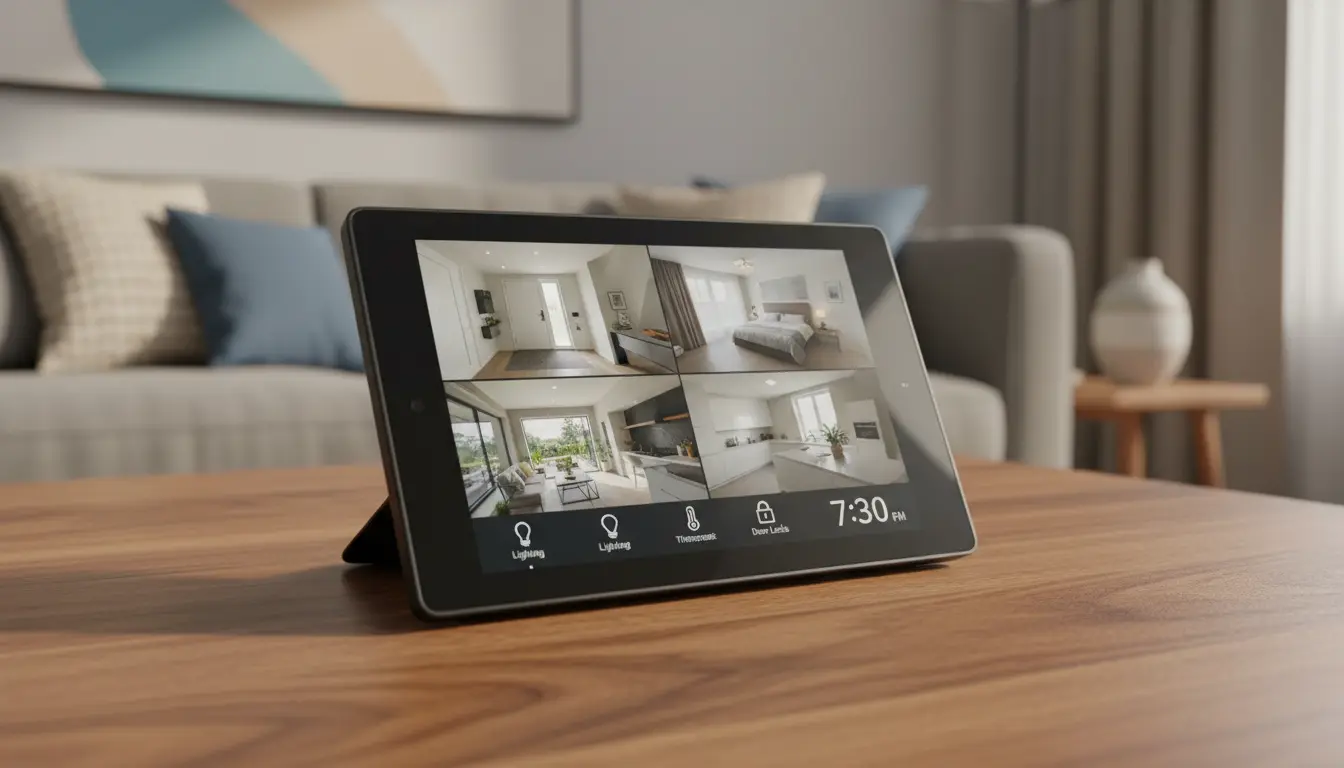
Because of the touchscreen interface, these devices turn into a visual dashboard for your entire smart home ecosystem. Instead of juggling multiple apps, you can:
- Adjust lighting scenes
- Change the thermostat temperature
- View security camera feeds in a grid
- Start routines like “Good Night” or “Away Mode”
The home monitoring features become even more useful when you see all your devices and rooms at a glance. With a tap or a simple voice command, you can secure the house, dim the lights, and set the alarm.
4. Communication and Video Calling Hub
Smart displays are also powerful communication tools. With the built‑in camera and microphone, you can:
- Make video calls to family and friends
- Join online meetings while working from home
- Leave video messages for other household members
Some devices even support drop‑in or instant video connections between rooms. This makes it easy to check on kids in the playroom or talk to someone in the kitchen without shouting across the house.
When combined with home monitoring features, the smart display becomes both a security device and a family communication center.
5. Entertainment and Daily Assistance
Beyond monitoring and security, these smart displays remain excellent for:
- Streaming videos and music
- Watching recipes step‑by‑step while cooking
- Checking calendars, reminders, and to‑do lists
- Displaying photos, weather, and news updates
The best part is that all these functions work together. You can stream content while keeping an eye on the live camera view, or receive home security alerts while following a cooking tutorial.
Privacy and Security Considerations
Because these devices include cameras and microphones, privacy is one of the most important topics to consider.
Look for models that offer:
- Physical camera shutters you can slide over the lens
- Separate microphone mute buttons with clear LED indicators
- End‑to‑end encrypted video calling and secure remote access
- Detailed privacy settings that let you control when the camera can be used
Most reputable brands allow you to disable home monitoring features when you are at home or during specific times. You can also restrict who can access the live view and how long recordings are stored.
Taking the time to configure these options properly ensures you get maximum security without sacrificing personal privacy.
How to Choose the Right Smart Display with Home Monitoring
When selecting a smart display designed for indoor monitoring, keep these factors in mind:
- Screen Size and Resolution
- Smaller (5–8 inch) screens are ideal for bedside tables or small kitchens.
- Larger (10+ inch) displays are better for living rooms and main control hubs.
- Higher resolution makes video feeds and calls clearer.
- Camera Quality and Field of View
- Look for HD or better resolution for sharp live video.
- A wider field of view lets you monitor a larger part of the room.
- Some models offer auto‑framing or tilt adjustments.
- Integration with Your Ecosystem
- Choose a device that works smoothly with your existing smart home platform (Alexa, Google Home, or others).
- Check compatibility with your current indoor security cameras, smart locks, and lights.
- Audio Quality
- Good speakers are essential for clear two‑way communication and entertainment.
- Better microphones improve voice recognition and call quality.
- Privacy Controls and Software Updates
- Make sure the brand has a strong reputation for regular security updates.
- Physical privacy controls are a necessity, not a luxury.
- Extra Features
- Motion detection, person detection, or sound detection
- Customizable routines for when you leave or arrive home
- Integration with video doorbells and alarm systems
By carefully comparing these aspects, you can find a device that not only fits your budget but also provides reliable, long‑term home monitoring.
Who Benefits Most from These Devices?
Smart displays with built‑in home monitoring are especially valuable for:
- Families with children, who want a friendly way to stay connected and keep an eye on the home
- Remote workers, who use video calls frequently and appreciate having a dedicated communication and control hub
- Pet owners, who want to watch and talk to their pets while away
- Frequent travelers, who appreciate remote access to a trusted view inside their home
Because they serve multiple roles — security, communication, entertainment, and control — these devices feel natural and organic within modern daily routines.
Amazon Product Suggestion
As a practical example, you can consider the Amazon Echo Show 8 (latest generation) on Amazon.com. It offers:
- An HD smart display with a built‑in camera
- Alexa voice assistant integration
- Home monitoring features with remote live view
- Strong audio performance for calls and media
This model is a balanced option for users who want all‑in‑one smart home control and reliable indoor monitoring without taking too much space.