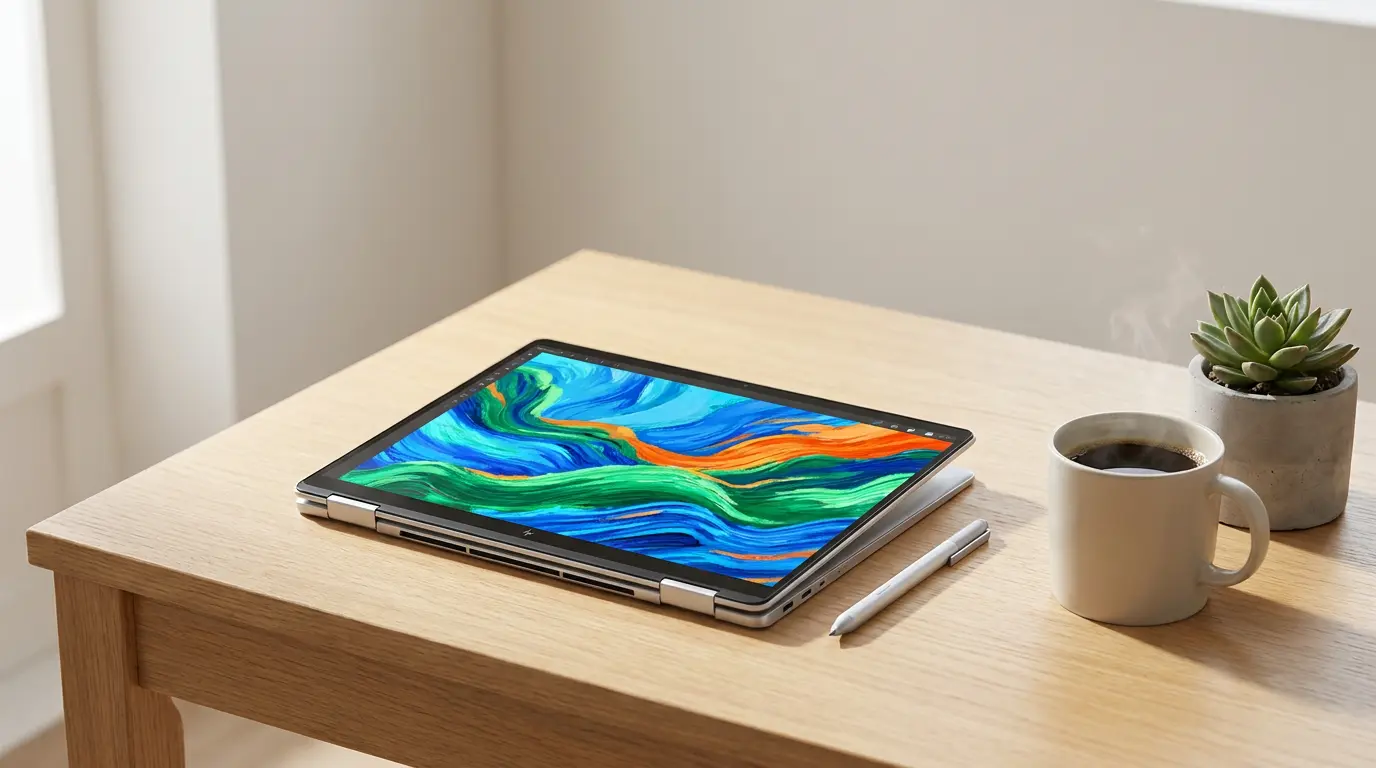

Top 5 Best 2-in-1 Laptops for Digital Artists and Note-Taking
If you are a digital artist, student, or creative professional, choosing the right device can transform how you work and create. A 2-in-1 laptop combines the power of a traditional computer with the flexibility of a tablet, making it perfect for sketching, drawing, and efficient note-taking. In this guide, we explore the top 5 best 2-in-1 laptops for digital artists and note-taking, while highlighting key features like stylus support, display quality, and performance.
Why Choose a 2-in-1 Laptop for Digital Art and Notes?
A 2-in-1 laptop offers unmatched versatility. You can switch between laptop mode for productivity and tablet mode for creative tasks. This flexibility is ideal for artists who need precision and students who want seamless handwritten notes.
Modern devices now feature high-resolution touchscreens, pressure-sensitive stylus pens, and long battery life. These improvements make them a strong alternative to dedicated drawing tablets.
1. Microsoft Surface Pro 9
The Microsoft Surface Pro 9 stands out as one of the best 2-in-1 laptops for digital artists. It delivers a sleek design combined with powerful performance.
- Display: 13-inch PixelSense touchscreen with vibrant colors
- Stylus Support: Surface Slim Pen 2 with excellent pressure sensitivity
- Performance: Intel Core processors ensure smooth multitasking
- Portability: Lightweight and easy to carry
Artists love the responsive pen experience, while students benefit from seamless note-taking apps like OneNote. The Surface Pro 9 also integrates well with Windows creative software such as Adobe Photoshop and Illustrator.
2. Apple iPad Pro (with Magic Keyboard)
Although technically a tablet, the iPad Pro becomes a powerful 2-in-1 device when paired with the Magic Keyboard.
- Display: Liquid Retina XDR display with exceptional color accuracy
- Stylus: Apple Pencil (2nd generation) offers industry-leading precision
- Performance: M2 chip handles demanding creative apps effortlessly
- App Ecosystem: Access to Procreate, Notability, and more
The iPad Pro is a favorite among digital illustrators due to its smooth drawing experience. Its note-taking capabilities also shine with apps like GoodNotes.
3. HP Spectre x360 14
The HP Spectre x360 14 combines premium design with strong performance, making it ideal for both artists and professionals.
- Display: OLED touchscreen with deep contrast and vivid colors
- Stylus Support: Included HP Tilt Pen
- Build Quality: Durable and stylish aluminum chassis
- Battery Life: Long-lasting for all-day usage
This laptop excels in both creative workflows and productivity tasks. Its 360-degree hinge allows easy switching between modes, making it perfect for sketching or writing notes.
4. Lenovo Yoga 9i
The Lenovo Yoga 9i offers a balanced mix of performance, portability, and creative features.
- Display: 4K touchscreen option for detailed artwork
- Stylus: Integrated stylus storage
- Audio: Premium sound quality for multimedia users
- Performance: Reliable Intel processors
Artists appreciate its precise pen input, while students enjoy its convenience for digital note-taking. The Yoga 9i also stands out for its elegant design and solid battery life.
5. Dell XPS 13 2-in-1
The Dell XPS 13 2-in-1 is known for its ultra-portable design and premium build.
- Display: Edge-to-edge touchscreen with sharp resolution
- Stylus: Dell Active Pen compatibility
- Design: Thin, lightweight, and modern
- Performance: Efficient for everyday creative tasks
This device suits users who prioritize portability without sacrificing performance. It works well for sketching, annotation, and general productivity.
Key Features to Look For
When choosing a 2-in-1 laptop for digital art and note-taking, focus on these features:
- Stylus Compatibility: Ensure it supports a pressure-sensitive pen
- Display Quality: Look for high resolution and color accuracy
- Battery Life: Long battery ensures uninterrupted creativity
- Performance: Choose a device with sufficient RAM and CPU power
- Portability: Lightweight designs improve usability on the go
These factors directly impact your workflow and overall experience.
How 2-in-1 Laptops Improve Productivity
Using a 2-in-1 laptop simplifies your workflow. You can sketch ideas, convert them into digital art, and take notes—all on one device. This eliminates the need for multiple tools.
Students benefit from organizing handwritten notes digitally, while artists can instantly edit and share their work. The integration of creative software further enhances efficiency.
Are 2-in-1 Laptops Good for Professional Artists?
Yes, many modern 2-in-1 laptops meet professional standards. Devices like the Surface Pro 9 and iPad Pro provide excellent pen precision and display accuracy.
However, professionals working on highly complex projects may still prefer dedicated drawing tablets or high-performance laptops. For most users, though, a 2-in-1 offers the perfect balance of creativity and convenience.
Tips for Getting the Best Experience
- Use high-quality stylus pens for better control
- Calibrate your display for accurate colors
- Choose apps optimized for touch and pen input
- Keep your device updated for performance improvements
These simple steps can significantly enhance your digital art and note-taking experience.
Final Thoughts
The best 2-in-1 laptops for digital artists and note-taking combine flexibility, performance, and creativity. Whether you choose the Surface Pro 9, iPad Pro, HP Spectre x360, Lenovo Yoga 9i, or Dell XPS 13 2-in-1, you will gain a powerful tool that adapts to your needs.
Each device offers unique strengths, so your final choice should depend on your workflow, budget, and preferred ecosystem. Investing in the right device will help you create, learn, and stay productive with ease.
Amazon Product Recommendation
If you want a reliable all-in-one option, consider the Microsoft Surface Pro 9 Bundle (with keyboard and pen) available on Amazon. It offers excellent value for artists and students looking for a complete package.









