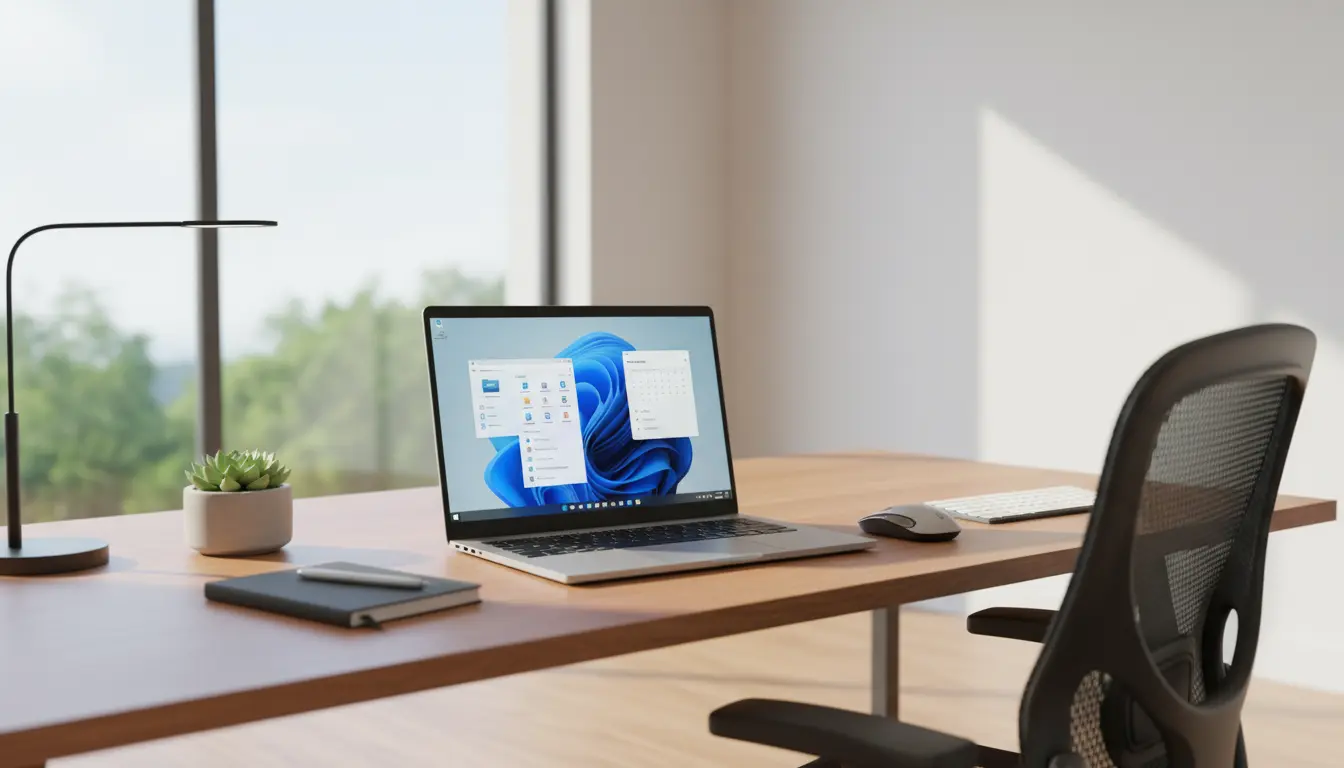

Windows 11 24H2 New Features: The Ones That Actually Matter in Practice
Windows 11 24H2 is not just another routine update; it is a feature-packed release that focuses on real-world productivity, performance, and security. While many updates sound impressive on paper but add little value in daily use, 24H2 introduces improvements that you will notice as soon as you start working, gaming, or multitasking on your PC.
This update refines the Windows 11 experience rather than reinventing it, making the operating system more efficient, responsive, and intelligent. From better power management on laptops to smarter AI‑driven features and enhanced accessibility options, Windows 11 24H2 is clearly designed with practical usage scenarios in mind.
Smarter Performance and Power Efficiency
One of the most valuable improvements in Windows 11 24H2 is enhanced performance optimization, particularly on modern hardware. Users with newer CPUs and laptops will benefit from smarter power management and more efficient background task handling.
The operating system now allocates resources more intelligently, ensuring foreground apps get priority while unnecessary background processes are reduced. You will notice:
- Faster app launches for frequently used programs
- Smoother multitasking with multiple tabs and windows open
- Better battery life on laptops thanks to more efficient scheduling
These tweaks may seem subtle, but they add up to a more responsive system that feels snappier in everyday use, without requiring new hardware.
Deeper AI Integration That Saves Time
With Windows 11 24H2, Microsoft leans further into AI, but in more practical ways. Features like improved AI-powered suggestions, smarter search, and more context‑aware assistance aim to reduce the time you spend looking for files, apps, or settings.
For example, the search experience is more accurate and faster, surfacing relevant documents, emails, and system tools based on recent activity. Instead of manually browsing folders, users can rely on smarter indexing and ranking to quickly reach what they need.
Additionally, certain AI enhancements help with:
- Better window layout suggestions when you connect external displays
- More relevant recommendations in Start and Settings
- Intelligent background optimization to keep the system responsive
These AI upgrades are not just gimmicks; they are tuned to streamline everyday workflows, especially for power users and professionals.
Enhanced Snap Layouts and Multitasking Experience
Windows 11’s Snap Layouts were already popular among users who work with multiple apps side by side. In 24H2, this feature becomes even more efficient.
The updated Snap Layouts offer:
- More consistent behavior when docking and undocking laptops
- Improved suggestions based on your usual window arrangements
- Smoother transitions between single-screen and multi-screen setups
For users who regularly switch between meetings, documents, browsers, and design tools, this means less time rearranging windows and more time focused on work. The small refinements in window management result in a noticeably better multitasking experience.
Stronger Security Without Getting in the Way
Security is one of the core focus areas in Windows 11 24H2, but Microsoft has managed to tighten defenses without making the operating system feel restrictive.
The update introduces stronger default protections, better memory integrity enforcement, and improved app isolation. Behind the scenes, these enhancements work to reduce the attack surface for ransomware, malware, and phishing attempts.
From a practical perspective, users benefit from:
- A more secure system by default, even without deep configuration
- More reliable SmartScreen checks when downloading files
- Stronger protection for sensitive data in enterprise environments
For businesses and professional users, this means fewer vulnerabilities and a more trustworthy platform, without sacrificing usability.
Refined Accessibility for Real‑World Usability
Another area where Windows 11 24H2 adds genuine value is accessibility. The built‑in tools are now more capable, inclusive, and easier to use.
Key improvements include:
- More accurate live captions for different audio sources
- Better voice access controls that respond more naturally
- Enhanced contrast settings and text clarity for users with visual impairments
These features are not limited to a small group; many users benefit from clearer visuals, improved voice control, and more readable text in everyday scenarios. Accessibility in 24H2 is less about checkboxes and more about real usability.
Improved File Explorer and System Consistency
File Explorer continues to evolve in Windows 11 24H2 with a focus on practicality and modern design. While visually aligned with the rest of Windows 11, it now behaves more consistently and offers better navigation.
Users can expect:
- Smoother scrolling and faster folder opening
- More consistent right‑click menus and context actions
- Better integration with cloud storage services
For professionals who spend a large part of their day browsing files, documents, and project folders, these refinements translate into a more efficient and less frustrating experience.
Gaming and Graphics Enhancements That Matter
Gamers also gain tangible benefits from Windows 11 24H2. Updates to graphics and scheduling pipelines, as well as better support for modern GPUs, lead to more stable frame rates and reduced stuttering in many titles.
Combined with DirectStorage and improved latency optimizations, 24H2 helps unlock more of your hardware’s potential. Whether you are gaming casually or streaming content, the operating system is now better optimized for demanding, graphics‑heavy workloads.
Why Windows 11 24H2 Is Worth Installing
What makes Windows 11 24H2 stand out is not a single flashy feature, but the accumulation of incremental improvements focused on real-world usage. The update:
- Makes systems feel faster and more responsive
- Extends battery life on portable devices
- Strengthens security in the background
- Enhances multitasking for productivity
- Improves accessibility for a wider range of users
For individuals and organizations seeking a stable, efficient, and modern desktop environment, Windows 11 24H2 delivers meaningful upgrades rather than superficial changes. It is an update designed to quietly improve your daily workflow, whether you are working, creating, studying, or gaming.









