
5 Genius Ways to Use Smart Plugs in Your Home (That Actually Make Life Easier)
Smart plugs look simple—just a small adapter between your wall outlet and a device. But once you combine a WiFi smart plug with schedules, voice assistants, and a solid smart home app, you unlock upgrades that feel like you “leveled up” your home without renovating anything.
This guide explains five genuinely practical, high-impact ways to use smart plugs. You’ll learn what to plug in, how to automate it, and how to keep everything safe and reliable. I’ll also weave in LSI keywords naturally to keep the article SEO-friendly and organic.
Before You Start: What Smart Plugs Do (and What They Don’t)
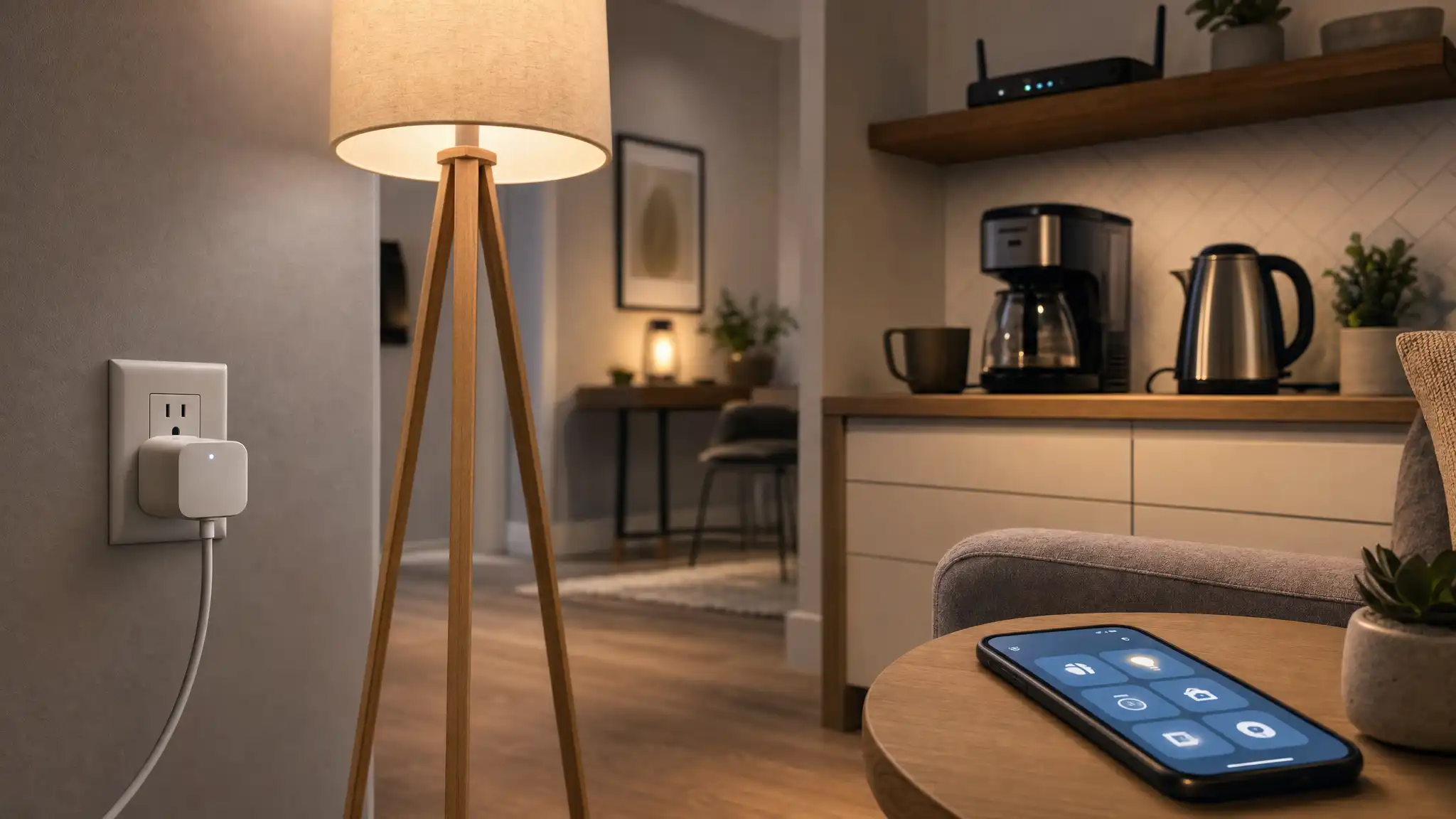
A smart plug gives you remote control outlet functionality: you can turn power on/off from your phone, set schedules, and sometimes track usage through energy monitoring. Many models also work with voice control—for example, an Alexa compatible plug or Google Assistant smart plug.
If a device must be physically switched on (like some heaters), you’ll need to confirm it resumes operation when power returns. The best results come from devices that stay “ready” when plugged in, such as lamps, fans, coffee makers with mechanical switches, or routers.
1) Create “Instant Routines” for Lamps and Mood Lighting
One of the most satisfying smart plug wins is turning any lamp into scheduled, voice-controlled lighting—without swapping bulbs. Plug a bedside lamp or living-room floor lamp into a smart plug timer, then automate it.
How to use this geniusly:
- Schedule your lamp to turn on 15 minutes before sunset so the home feels welcoming.
- Set a bedtime routine: “Turn off living room” at 11:30 PM so you don’t fall asleep with lights on.
- Use a “movie mode” scene that turns off bright lamps and leaves one soft corner lamp on.
Why it works:
Lighting changes your home’s vibe instantly, and smart plugs make it effortless. You also avoid the “did I leave the light on?” loop because you can check your smart home app anywhere.
Pro tip: If you want it to look lived-in while you’re out, enable away mode (randomized on/off) for one or two lamps. That’s a simple step toward home security automation without installing cameras.
2) Cut “Phantom Power” and Reduce Waste Automatically
Many electronics draw power even when “off.” TVs, game consoles, speakers, printers, and chargers can sip energy in the background—this is phantom power (also called vampire power).
With a smart plug, you don’t have to remember to unplug things manually. You can schedule shutdown windows or kill power with one tap.
Best devices for this:
- TV + soundbar
- Gaming console setups
- Printer/scanner
- Desktop speakers/subwoofer
- Phone/laptop chargers (when not needed)
Make it smart, not annoying:
- Schedule the entertainment center to turn off at 1:00 AM daily.
- Turn it back on at 5:00 PM so you never notice the automation.
- If your plug supports energy monitoring, check the usage after a week and identify which devices waste the most.
Why it’s genius:
You reduce wasted electricity without changing your habits. You also protect devices from staying warm 24/7 for no reason, which can help with longevity.
3) Automate Your Morning With a Coffee or Tea Station
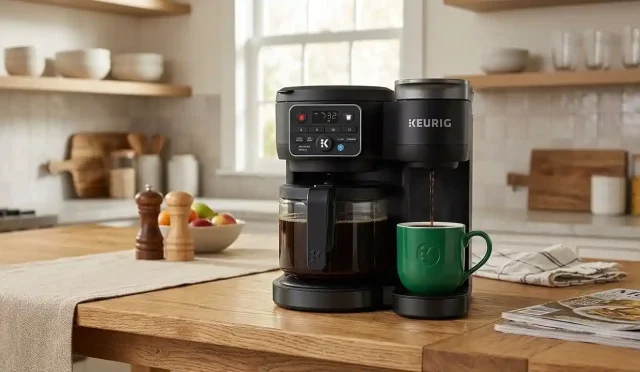
If your coffee maker (or kettle) can safely resume operation when power is applied—and uses a mechanical on/off switch—smart plugs can turn mornings into a one-step routine.
A simple “good morning” automation:
- At 7:10 AM, smart plug turns on.
- Coffee maker begins brewing (only if it’s designed for that).
- At 7:25 AM, the plug turns off automatically.
Safety rules you must follow:
- Don’t automate devices that require supervision unless the manufacturer confirms it’s safe.
- Avoid high-watt appliances that exceed the plug’s rating.
- Keep cords and surfaces dry and ventilated.
Upgrade idea:
Create a “Morning Routine” in your assistant: “Good morning” turns on the kitchen plug, a hallway lamp, and maybe a small fan. If you already use home automation routines, this becomes a daily quality-of-life boost.
4) Keep Your Internet Stable With Scheduled Router Refreshes
Wi-Fi routers and modems sometimes get sluggish. A weekly restart can prevent random slowdowns and reduce troubleshooting time. Using a smart plug here is one of the most underrated tricks in the smart home world.
How to do it:
- Plug your router (or modem) into a smart plug.
- Schedule a restart once a week at 4:00 AM.
- Create an automation: off for 30 seconds, then on again.
Why it’s genius:
- You stop “mystery buffering” before it starts.
- You save time by preventing issues rather than reacting.
Important caution:
If you work overnight, have smart alarms, or use internet-based security devices, schedule carefully. Also, if you have a separate modem and router, restarting the modem first and router second can help. A reliable plug and stable WiFi smart plug connection matter here.
5) Build a Simple, Effective “Away” Security Setup (No Subscriptions)
Smart plugs can mimic presence. This is especially useful if you travel or return home late. The goal is not Hollywood-level security—it’s to make your home look active.
What to plug in:
- A living-room lamp near a window
- A hallway lamp
- A small radio (optional, at low volume)
Automation ideas:
- Weekdays: lamp on at 7:30 PM, off at 10:45 PM
- Weekends: lamp on at 8:30 PM, off at midnight
- Add randomized timing if your app supports away mode
Make it feel natural:
- Don’t turn every light on at once.
- Use one or two lights only—too many looks staged.
- Combine with voice control when you’re nearby: “Turn on entry lamp.”
This is a practical form of home security automation that costs very little and requires almost no maintenance.
Bonus: Smart Plug Best Practices (Reliability + Safety)
To keep your setup stable and organic (not “techy but fragile”), follow these guidelines:
- Name devices clearly in your app: “Living Room Lamp,” not “Plug 1.”
- Prefer plugs with strong reviews for stability and a good smart home app experience.
- If you need multiple devices in one area, consider a smart power strip instead of stacking adapters.
- Use plugs that support your ecosystem: an Alexa compatible plug for Alexa households, or a Google Assistant smart plug if you live in Google Home.
- For advanced logic, consider IFTTT smart plug workflows (only if you actually need them). Simple schedules beat complicated automations.
Recommended Amazon Product (1 Suggestion)
Kasa Smart Plug Mini (HS103) — a popular compact WiFi smart plug option on Amazon that’s widely used for voice control, scheduling, and remote control outlet automations.