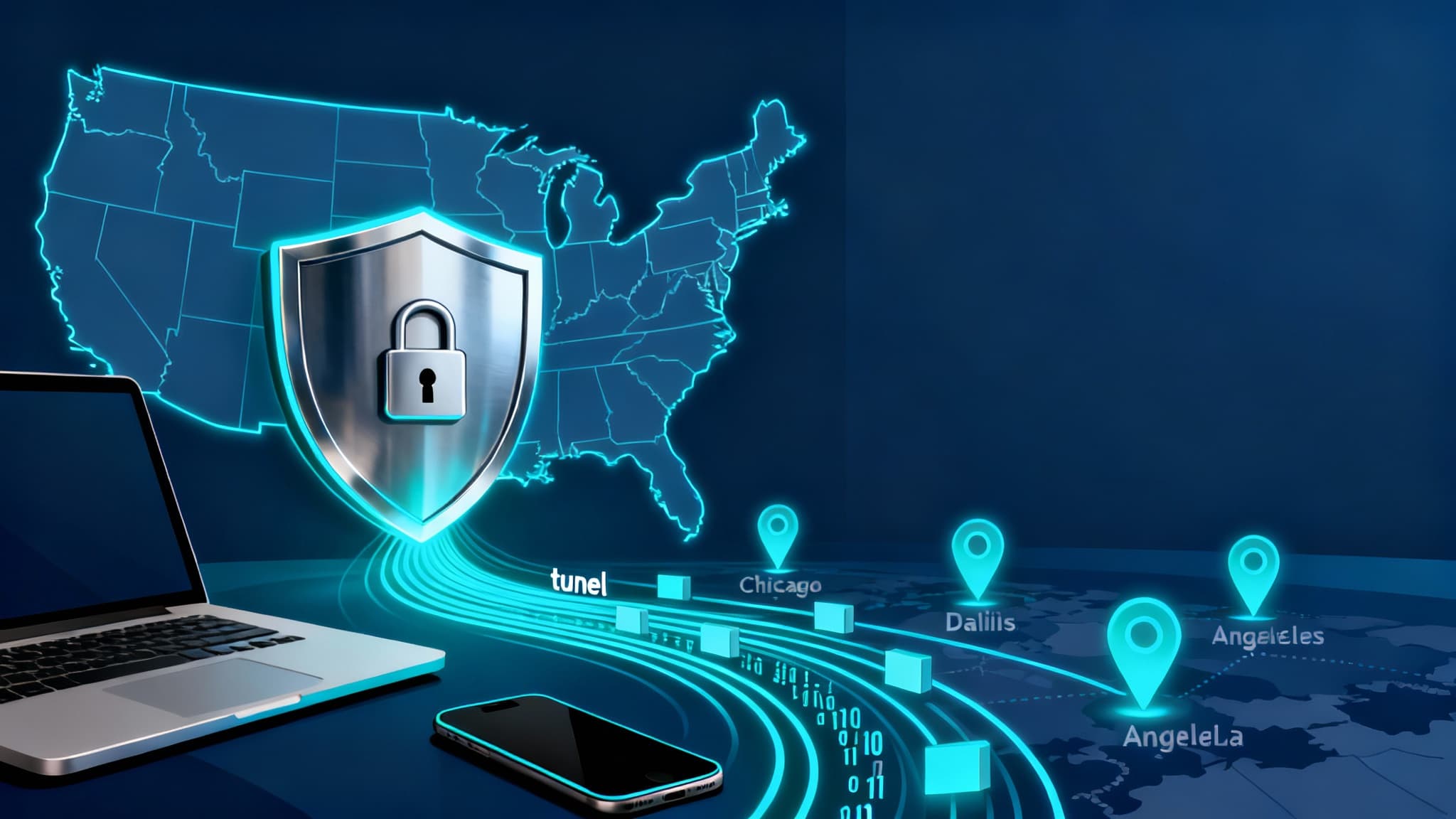

A Virtual Private Network (VPN) is a secure, encrypted tunnel between your device and the internet. Instead of connecting directly to websites or apps, your traffic passes through a VPN server first. This masks your IP address, encrypts your data in transit, and helps shield your online activity from ISPs, advertisers, hackers, and even some forms of government or corporate tracking. For users in the United States, a VPN is particularly useful for privacy, securing public Wi‑Fi, bypassing geo‑blocks, and maintaining consistent access to services while traveling or working remotely.
Below is a practical, US‑focused overview that explains how VPNs work, why you might need one, key features to look for, and common use cases—plus smart tips to get the most out of your VPN.
How a VPN Works in Simple Terms
- Encryption: A VPN encrypts your internet traffic using protocols like WireGuard, OpenVPN, or IKEv2/IPsec. This encryption helps prevent eavesdropping by Wi‑Fi snoops, rogue hotspots, or compromised networks.
- IP Masking: The VPN server replaces your real IP address with the server’s IP. This makes it harder for websites and services to pinpoint your location or tie activity to your home IP.
- Secure Tunneling: Your data travels through a protected “tunnel” to the VPN server, reducing the risk of interception during transit.
When Is a VPN Necessary in the US?
- Public Wi‑Fi Security: Coffee shops, airports, hotels, and libraries often use open networks that are easy to snoop on. A VPN encrypts your traffic so passwords, emails, and banking sessions are better protected.
- Remote Work and BYOD: If you access company resources from home or on the road, a VPN adds an essential security layer and may be required by corporate policy, especially for regulated industries (finance, healthcare).
- Privacy From ISPs: In the US, ISPs can analyze traffic patterns. A VPN helps limit profiling by encrypting what you do online. While it won’t make you invisible, it reduces the data your ISP can aggregate.
- Streaming While Traveling: US residents who travel domestically or abroad may face content libraries that differ from home. A reputable VPN can help you maintain access to services you already pay for when you’re away, in line with provider policies.
- Price Discrimination and Shopping: Some sites display different prices based on region or browsing history. A VPN may help you compare offers more neutrally.
- Safer Torrenting and P2P: A VPN can reduce exposure of your IP address to peers when using legal P2P distribution. Always comply with US copyright laws.
- Avoiding Bandwidth Throttling: Some ISPs throttle specific traffic types. A VPN’s encryption can make throttling less targeted, though it won’t defeat network congestion or data caps.
- Gaming Stability: Gamers sometimes use VPNs to avoid DDoS targeting and to test connections to different server routes, potentially improving latency or stability.
Essential VPN Features for US Users
- No‑Log Policy (Audited): Look for independently audited, clearly written no‑log policies. Understand what metadata is retained and for how long.
- Strong Protocols: WireGuard and OpenVPN are widely trusted for speed and security. Support for IKEv2 can be helpful on mobile devices due to fast reconnections.
- Kill Switch: If the VPN drops, a kill switch blocks traffic so your real IP doesn’t leak.
- DNS and IPv6 Leak Protection: Ensures your requests don’t bypass the tunnel through default DNS or IPv6 routes.
- US and Global Server Coverage: Multiple US cities (e.g., New York, Chicago, Dallas, Los Angeles) plus international locations for travel flexibility.
- Performance and Streaming Support: Consistent speeds for 4K streaming, video calls, cloud apps, and gaming; some providers offer optimized streaming servers.
- Multi‑Hop and Obfuscation: Extra layers for users who want additional privacy or to disguise VPN traffic on restrictive networks.
- Split Tunneling: Route sensitive apps through the VPN while letting others use your normal connection for speed.
- Device Limits and App Quality: Native apps for iOS, Android, Windows, macOS, Linux, and router firmware support for whole‑home coverage.
US‑Focused Use Cases and Best Practices
- Work From Home Security: Install the VPN on your laptop and phone, enable auto‑connect on untrusted Wi‑Fi, and use a kill switch. Combine with strong passwords, a password manager, and MFA for critical accounts.
- Streaming at Home: If you’re using a VPN for streaming, pick servers close to your location to minimize buffering. Keep in mind each streaming provider’s terms of use.
- Smart TVs and Consoles: If your TV or console lacks a native VPN app, configure the VPN on your router or a virtual router on a desktop. This protects all devices at once.
- Travel Within the US: Hotel and airport Wi‑Fi are notorious for weak security. Auto‑connect, verify the SSID, and avoid accessing sensitive accounts without the VPN.
- Small Business Owners: Set up site‑to‑site tunnels for branch offices or remote teams, enforce VPN use on employee devices, and log only what’s essential for operations.
Limitations and What a VPN Doesn’t Do
- Not a Magic Cloak: A VPN hides your IP and encrypts traffic in transit, but it doesn’t remove cookies, stop fingerprinting, or prevent logged‑in platforms from knowing who you are.
- Doesn’t Replace Antivirus/EDR: Use endpoint security to detect malware and phishing. A VPN complements, not replaces, other layers of protection.
- Speed Trade‑Offs: Encryption and routing add overhead. Choose nearby servers for better performance and consider WireGuard for faster throughput.
- Legal and Policy Considerations: Follow US laws and service terms. A VPN is a privacy tool—not a license to violate policies.
How to Choose a VPN Provider in the United States
- Transparent Ownership and Jurisdiction: Favor providers with clear ownership, transparent leadership, and a privacy‑friendly legal environment, backed by independent audits or court‑tested policies.
- Consistent Speeds in the US: Look for providers with multiple high‑bandwidth US data centers and positive third‑party speed tests.
- Clear Privacy Documentation: Data retention, payment anonymization options, and Warrant Canaries (if offered) should be plainly documented.
- Reliable Customer Support: 24/7 chat or fast email response times, robust setup guides, and clear troubleshooting steps.
- Fair Pricing and Trials: Evaluate plans that match your device count and bandwidth needs. Some offer money‑back windows; always verify the current terms on the provider’s site.
Advanced Tips for Power Users
- Use Split Tunneling Strategically: Send banking and email through the VPN, keep low‑risk streaming local to conserve bandwidth.
- Pair With a Private DNS and Encrypted DNS (DoH/DoT): Reduce DNS leakage and domain spying.
- Rotate Servers Periodically: Especially if you need to minimize profiling across sessions.
- Consider Multi‑Hop: Route through two VPN servers for an extra privacy layer, accepting the speed trade‑off.
- Harden Your Browser: Combine your VPN with tracker blockers, privacy‑respecting browsers, and strict cookie settings.
- Router‑Level Setup: Protect every device (smart speakers, cameras, TVs) and simplify management with a single VPN connection at the router.
Quick Setup Checklist
- Pick a reputable US‑friendly provider with audited no‑logs and WireGuard support.
- Enable kill switch, leak protection, and auto‑connect on untrusted networks.
- Choose the closest server for speed; switch if performance dips.
- Test for leaks using a trusted DNS/IP leak test site.
- Keep apps updated and pair with MFA, password manager, and endpoint security.
Bottom Line
For US users, a VPN is a practical, everyday privacy tool that strengthens your security posture—especially on public Wi‑Fi, for remote work, and for maintaining consistent access while traveling. It’s not a cure‑all, but when combined with good digital hygiene, a VPN meaningfully reduces risk, limits data collection, and can improve your overall internet experience.








