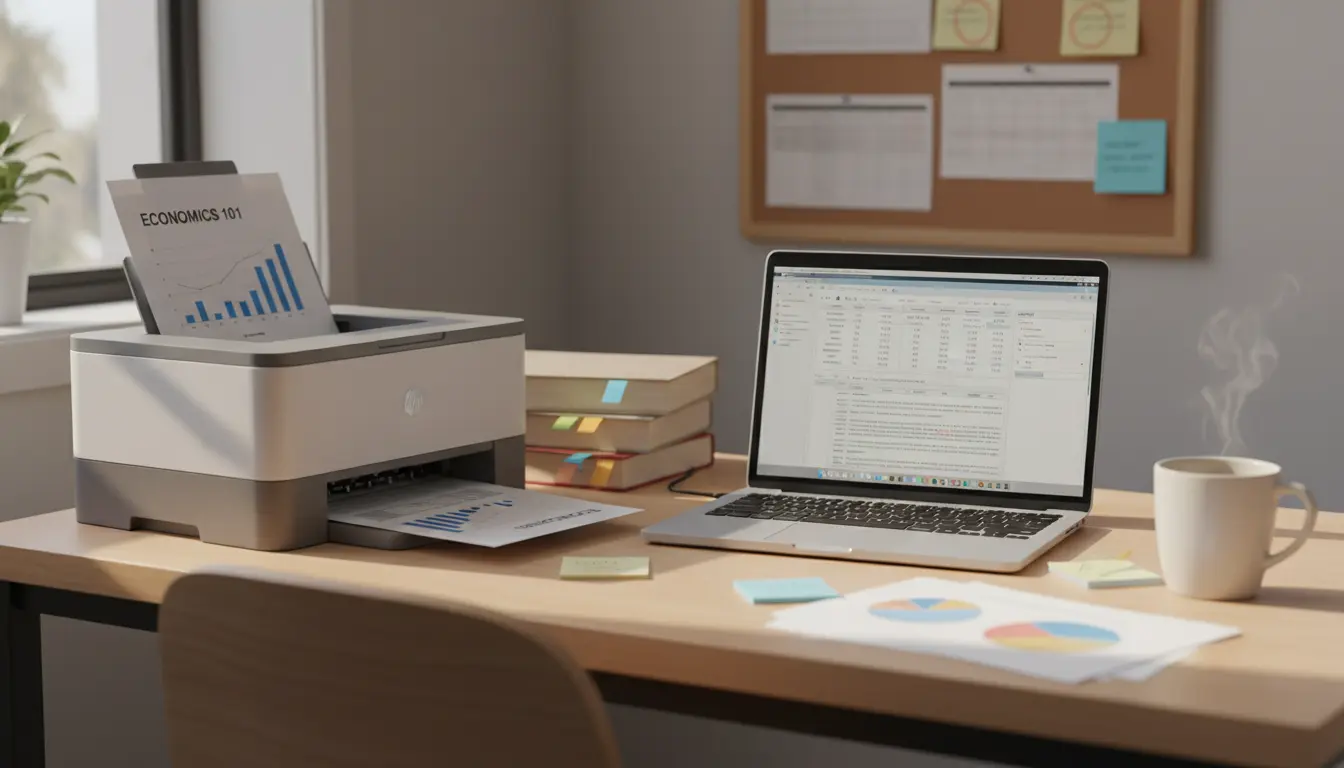

The Best Student Printers
Choosing the best student printer can feel overwhelming. Between tight budgets, small dorm rooms, and diverse coursework—from essay writing to lab reports and portfolio prints—students need a printer that’s affordable, reliable, compact, and easy to use. This guide breaks down what matters most, compares key technologies, and recommends the features that deliver the best value for students. It’s crafted to be search‑friendly and helpful, with natural semantic coverage for broader visibility.
What Makes a Printer Ideal for Students?
Students typically need a printer that strikes a balance between initial cost, long‑term running costs, and convenience. The ideal student printer should:
- Be affordable to buy and economical to run.
- Offer sharp text for essays and reports.
- Print moderately fast without sacrificing quality.
- Fit in small spaces and connect easily to laptops and phones.
- Support scanning for assignments, forms, and notes.
These needs lead most students to consider three main categories: inkjet, laser, and ink tank (supertank) printers.


Inkjet vs. Laser vs. Ink Tank: Which is Best for Students?
- Inkjets: Great all‑rounders. They print excellent color graphics and acceptable text. Best for students in arts, design, or those who print charts and images regularly. Watch for ink costs—standard cartridges can be pricey.
- Laser Printers (Monochrome): Perfect for essay‑heavy majors. They deliver crisp, smear‑free text, fast print speeds, and lower cost per page for black‑and‑white printing. Color lasers exist, but they’re pricier.
- Ink Tank/Supertank: These use refillable tanks instead of cartridges, slashing the cost per page. Ideal for high‑volume printing and long‑term savings. Upfront price is higher, but refills last months.
If you print mostly text, a monochrome laser all‑in‑one is often the most cost‑effective. If you print color graphics or photos, choose an inkjet or ink tank model with pigment black ink for sharp text and dye color inks for vivid images.
Key Features Students Should Prioritize
- Cost per Page (CPP): The most important number after the purchase price. Look for XL cartridges, toner with high yields, or refillable tanks to drive costs down.
- Print Speed: Measured in ppm (pages per minute). For students, 20–30 ppm for mono laser and 8–15 ppm for color inkjet is comfortable.
- Print Quality: Pigment black ink yields sharper, smear‑resistant text. Photo‑centric students should look for high dpi and good color accuracy.
- All‑in‑One (AIO) Convenience: Scanning and copying are essential for forms, notes, and handouts.
- Wireless & Mobile Printing: Ensure compatibility with AirPrint, Mopria, or the manufacturer’s mobile app. Cloud printing can save time before deadlines.
- Duplex (Two‑Sided) Printing: Cuts paper costs and reduces bulk in binders.
- Footprint & Noise: Dorm‑friendly printers should be compact and quiet.
- Duty Cycle & Reliability: Check monthly duty cycles and maintenance reviews to avoid downtime during exams.
Smart Budgeting: Total Cost of Ownership
Don’t just chase the lowest sticker price. A $100 printer with expensive cartridges can cost more over a year than a $180 printer with cheap ink or toner. Estimate monthly page volume and choose a device with low CPP. Ink tanks often win for heavy usage, while mono lasers excel for the essay‑only crowd.
Connectivity and Ease of Use
Modern student printers should offer:
- Wi‑Fi Direct for quick device‑to‑printer connections.
- Simple setup via app, QR‑based onboarding, and driverless printing on major OSes.
- Scan‑to‑PDF and scan‑to‑cloud for easy submission workflows.
- Optional Ethernet if shared in a student apartment.
Sustainability and Paper Handling
- Automatic duplexing and draft modes reduce resource use.
- Recycled paper compatibility and eco cartridges/tanks help lower waste.
- If you frequently print multi‑page readings, a 150–250 sheet tray minimizes refills.
- Look for Energy Star or similar certifications to reduce power consumption.
Use‑Case Recommendations
- Essay‑Focused Majors (Humanities, Social Sciences): A compact monochrome laser AIO with duplex printing and low CPP is a strong pick.
- Mixed Coursework (Business, STEM): A pigment‑black inkjet AIO or a color laser if charts and color handouts matter; prioritize speed and reliability.
- Creative Fields (Design, Architecture, Media): A photo‑friendly inkjet or ink tank with high dpi, wide color gamut, and borderless printing; consider models that support heavy or specialty paper.
- Heavy Volume Dorm/Shared Apartment: Ink tank AIO with refillable bottles to keep costs predictable and low.
Tips to Keep Costs Down and Prints Sharp
- Use draft mode for practice prints; switch to standard or high quality for final submissions.
- Print in grayscale when color isn’t required.
- Schedule batch printing to reduce warm‑up cycles and save time.
- Keep firmware updated for security and better connectivity.
- Store paper in a dry place to avoid jams and fuzzy text.
- Clean printheads (inkjet) and use recommended paper weights.
Security and Reliability for Campus Life
While student printing may seem low risk, securing your printer prevents misuse on shared networks:
- Change default admin passwords.
- Disable unused protocols and guest access.
- Use secure Wi‑Fi and update firmware.
- Consider printers with private release or PIN print if you share devices.
Bottom Line
The best student printer isn’t the most expensive—it’s the one that matches your workload, space, and budget. If you print mostly text, go with a reliable monochrome laser AIO for fast, crisp pages at low cost. If you need color regularly—especially for graphs, projects, or photos—an inkjet or ink tank AIO offers the versatility and quality you need. Prioritize low cost per page, duplex printing, and easy mobile connectivity to make your print workflow smooth and affordable throughout the semester.
HP LaserJet M234sdw (Monochrome Laser, All-in-One)
- Best for: Students who mostly print essays, reports, and readings (humanities, social sciences, business).
- Why it’s a great choice:
- Low cost per page with efficient toner yields.
- Fast, crisp text ideal for deadlines and bulk printing.
- All-in-one convenience (scan/copy) for forms and notes.
- Automatic duplex (two-sided) printing saves paper.
- Wireless/mobile printing via AirPrint/Mopria + HP Smart app.
- Compact and relatively quiet—dorm-friendly.
- Considerations:
- Black-and-white only. If you regularly need color charts or photos, see the color alternative below.
Canon PIXMA G3270 (Ink Tank, All-in-One)
- Best for: Students who print a mix of text, color charts, and occasional photos.
- Why it’s a great choice:
- Very low cost per page thanks to refillable tanks.
- Solid color accuracy for presentations and projects.
- Wireless setup and all-in-one scanning/copying.
- Considerations:
- Upfront cost can be higher than cartridge inkjets.
- Text sharpness is good but not as razor-crisp as laser.
Quick summary:
- Mostly text = HP LaserJet M234sdw
- Mixed text + color = Canon PIXMA G3270









