
NVMe Gen4 vs Gen5 SSD: Heat, Throttling, and Real-World Performance
Choosing between an NVMe Gen4 and Gen5 SSD looks simple on paper: Gen5 offers higher peak speeds, so it must be better—right? In reality, storage performance is shaped by heat, firmware behavior, controller design, NAND type, and how you actually use your PC. Sequential numbers on the box rarely match what you feel day to day. This guide explains the practical differences with a focus on temperature (ısı), thermal throttling (trottle), and real-world performance so you can buy the right drive for gaming, content creation, or professional workloads.
1) The Big Spec Difference: Bandwidth Isn’t the Same as Speed
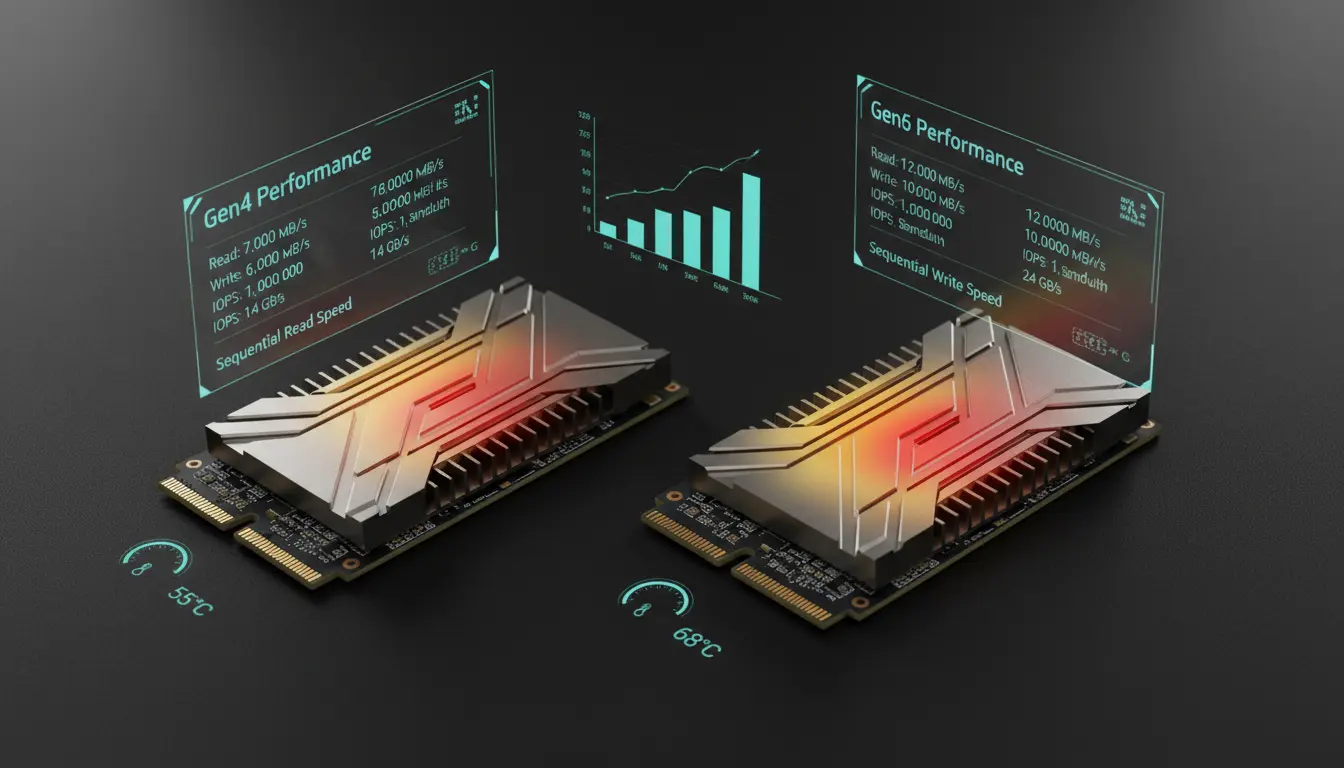
PCIe bandwidth sets the ceiling, not the experience. Gen4 NVMe drives typically top out around 7,000–7,500 MB/s sequential reads, while Gen5 models often advertise 10,000–14,000+ MB/s. That jump sounds dramatic, but most everyday tasks are limited by random I/O, CPU overhead, and application patterns—not sustained sequential transfers.
If your workload is mostly launching apps, loading games, compiling code, browsing large photo catalogs, or general office use, the gap between a good Gen4 and Gen5 can feel small. Gen5 shows its strengths in scenarios like large continuous transfers, high-end video workflows, and certain professional use cases that push sustained throughput and queue depth.



2) Heat: Why Gen5 Runs Hotter
Gen5 SSDs often consume more power under load because they push more data per second. Higher throughput can mean higher controller activity and more heat output. Many Gen5 drives use advanced controllers that are powerful but thermally demanding. As a result:
- A Gen4 SSD can often run comfortably with a basic motherboard heatsink.
- A Gen5 SSD frequently benefits from a dedicated M.2 heatsink, good case airflow, and sometimes even an active cooling solution (small fan) in cramped builds.
This doesn’t mean Gen5 is “bad”—it means Gen5 is less forgiving if your case airflow or M.2 placement is not ideal. If your M.2 slot sits under a hot GPU backplate, a Gen5 drive can approach temperature limits quickly during heavy transfers.
3) Thermal Throttling: What It Is and When You’ll Notice It
Thermal throttling happens when the SSD controller hits a temperature threshold and intentionally reduces performance to protect itself. When this triggers, you might see:
- Sequential writes dropping from multi-GB/s to much lower speeds
- Long file transfers starting fast and then slowing sharply after a short burst
- Inconsistent benchmark results between runs
In practice, throttling matters most when you do sustained operations: copying huge files, exporting long videos, writing large datasets, or running disk-heavy tasks continuously. For casual usage, throttling might never appear. For creators or professionals, it can define your “real” performance more than peak specs.
Gen4 drives can throttle too, but Gen5 drives reach critical temps faster in many systems. The difference is not just the interface—it’s the controller power profile and thermal density.
4) Real-World Performance: Where You’ll Actually Feel the Difference
Let’s break down common scenarios:
Gaming load times:
Modern games benefit more from CPU decompression, asset streaming design, and overall system balance than from going Gen4 to Gen5. A quality Gen4 drive can already deliver excellent game loading. Gen5 may show small gains in some titles, but it’s rarely transformative.
Windows and app responsiveness:
Boot times, app launches, and general responsiveness depend heavily on random reads, latency, and OS behavior. Here, Gen5 doesn’t automatically “feel” faster. A high-end Gen4 SSD with strong firmware and DRAM can match or beat a weaker Gen5 in perceived speed.
Content creation (4K/8K video, RAW photo pipelines):
This is where Gen5 can shine—especially if you move large media files, use fast scratch disks, or run workflows that sustain reads/writes. But only if the drive can hold performance without throttling and your workload exceeds what Gen4 already handles comfortably.
Large file transfers and backups:
Gen5 can start extremely fast. However, sustained performance depends on the drive’s SLC cache behavior and thermals. If your transfer exceeds the cache or you hit heat limits, speeds can fall dramatically. A well-cooled Gen5 with a strong controller can maintain impressive rates; a poorly cooled Gen5 may perform like a mid-range drive after throttling.
5) The SLC Cache Factor: Why Writes Can Collapse
Most consumer NVMe SSDs use a dynamic SLC cache to accelerate writes. When you write data, the SSD temporarily stores it in a faster mode, then later folds it into TLC/QLC. Once the cache fills—especially during very large writes—write speed can drop.
This matters for “real performance” because many benchmarks test short bursts that live entirely inside cache. For long transfers, the steady-state write speed is what you experience. Some Gen4 drives with well-tuned cache behavior can feel more consistent than Gen5 drives that are thermally constrained or have aggressive caching.
6) DRAM vs DRAM-less: Hidden Difference That Affects Consistency
Not all SSDs are built the same. A Gen5 label doesn’t guarantee top-tier behavior. In some workloads, a Gen4 drive with DRAM can outperform a Gen5 DRAM-less drive, especially under heavier multitasking or random I/O. DRAM helps the SSD manage mapping tables efficiently, improving consistency. Some DRAM-less drives rely on HMB (Host Memory Buffer), which can be fine, but implementation quality varies.
If you care about sustained consistency and pro-like usage, controller quality and DRAM presence often matter more than Gen4 vs Gen5 alone.
7) Cooling Recommendations: How to Avoid Throttling
If you choose Gen5, plan for cooling like you would for a high-end CPU or GPU—within reason. Practical steps:
- Use your motherboard’s M.2 heatsink (and ensure proper contact)
- Improve case airflow: front intake and top/rear exhaust
- Avoid placing the SSD in the hottest slot (often the one under the GPU), if you have options
- Consider an aftermarket heatsink for Gen5 in small cases
- Monitor temps with SSD utilities and watch for performance drops during long writes
A well-cooled Gen5 drive can deliver strong sustained throughput. A hot Gen5 drive often becomes “Gen5 on paper, Gen4 in real life.”
8) So Which One Should You Buy?
Choose NVMe Gen4 if:
- You want the best price/performance ratio
- You mainly game, browse, stream, and do general productivity
- You want lower heat and less risk of thermal throttling
- You’re building in a compact case or have limited airflow
Choose NVMe Gen5 if:
- You do heavy content creation, large project transfers, or workstation-like workloads
- You can provide solid cooling and airflow
- You value peak and sustained throughput (not just marketing speeds)
- You’re future-proofing and don’t mind paying more for incremental gains
In many builds, a high-quality Gen4 SSD is the smarter, more balanced choice. Gen5 makes sense when your workload can actually use it and your system can keep it cool.
Amazon.com Product Suggestion (1 item)
- Crucial T700 PCIe Gen5 NVMe M.2 SSD (Heatsink version) — A strong Gen5 option for users who want high throughput and prefer a model designed with better thermal management in mind.









