
Mobile video creation drives modern social media channels, including TikTok, Instagram Reels, and YouTube Shorts. For a long time, video creators demanded professional, desktop-class tools inside a smartphone workflow. Adobe officially answered this call by launching its dedicated Adobe Premiere mobile app on the Android platform. Following its successful debut on iOS, this lightweight yet feature-packed mobile editor brings intuitive controls, AI-driven speed, and advanced multi-track capabilities directly to millions of Android users worldwide for free.
The Evolution of Mobile Content Creation
Smartphones serve as complete production studios for modern digital storytellers. Content creators capture, edit, script, and publish entire video projects without touching a traditional desktop computer. However, mobile editors frequently force creators to compromise. Many applications clutter timelines with aggressive advertisements, watermark finished exports, or hide core functionality behind strict paywalls.
Adobe Premiere on Android eliminates these creative hurdles. Built natively for modern mobile hardware, the app delivers a smooth, distraction-free environment without annoying pop-ups or forced watermarks. Creators can edit high-resolution clips at the speed of inspiration. Whether you film daily vlogs, educational tutorials, or fast-paced social clips, this application bridges the gap between casual editing and professional studio polish.
High-Performance Core Features on Android
Adobe engineered this mobile editor to match the demands of rapid content creation while maintaining desktop-level editing accuracy.
Precision Multi-Track Timeline
Editing multi-layered content requires smooth timeline navigation. Adobe Premiere on Android features a responsive multi-track timeline that allows users to seamlessly stack video layers, background music, overlay text, and voiceovers. Frame-accurate editing tools let you split, trim, crop, or merge video clips with pinpoint precision. This level of granular control ensures perfect timing when cut-matching music beats or trimming subtle reaction shots.
Studio-Quality Audio with Enhance Audio
Poor audio quality ruins good video content faster than shaky camera footage. Microphones on mobile devices frequently capture unwanted ambient noise, windy backgrounds, or harsh room echo. Adobe integrates its industry-leading Enhance Audio feature straight into the mobile interface. With a single tap, intelligent algorithms reduce background noise and isolate vocal frequencies, instantly converting casual smartphone recordings into clear, studio-grade narration.
Built-in Adobe Stock Assets and Creative Templates
Speed up your creative production using extensive built-in media libraries. The application includes immediate access to free stock footage, sound effects, royalty-free audio tracks, and customizable video templates designed by top creators. You can jumpstart video projects using pre-built title presets and seamless video transitions, or import personalized media assets directly from your local storage or cloud accounts.
Advanced AI Tools Powered by Adobe Firefly
Artificial intelligence transforms traditional editing workflows, saving creators countless hours during post-production. Adobe Premiere on Android integrates generative AI tools powered by the Adobe Firefly engine, elevating what creators can accomplish on a mobile phone.
- Generative Fill: Modify video frames dynamically by adding or removing elements using simple text prompts.
- Image-to-Video Generation: Turn static imagery into dynamic video clips to fill gaps in your story.
- AI Sound Effect Generation: Produce custom audio effects matched specifically to the atmosphere of your scene.
These generative AI features run smoothly on Android smartphones running Android 13 or higher with a minimum of 5GB RAM, giving creators unprecedented generative power on the go.
Streamlined Workflow Without Paywalls or Watermarks
A major advantage of Adobe Premiere on Android is its accessible pricing model. The core editing experience remains completely free. You can edit and export videos in crisp 4K resolution without paying subscription fees or bearing forced branding on your exports.
For creators who rely on heavy generative workflows, optional upgrades offer additional generative AI credits and expanded cloud storage options. Additionally, upcoming updates promise further ecosystem integration, allowing users to seamlessly transition mobile project files to Premiere Pro on desktop computers for advanced color grading and complex visual effects.
Recommended Amazon Gear for Mobile Video Creators
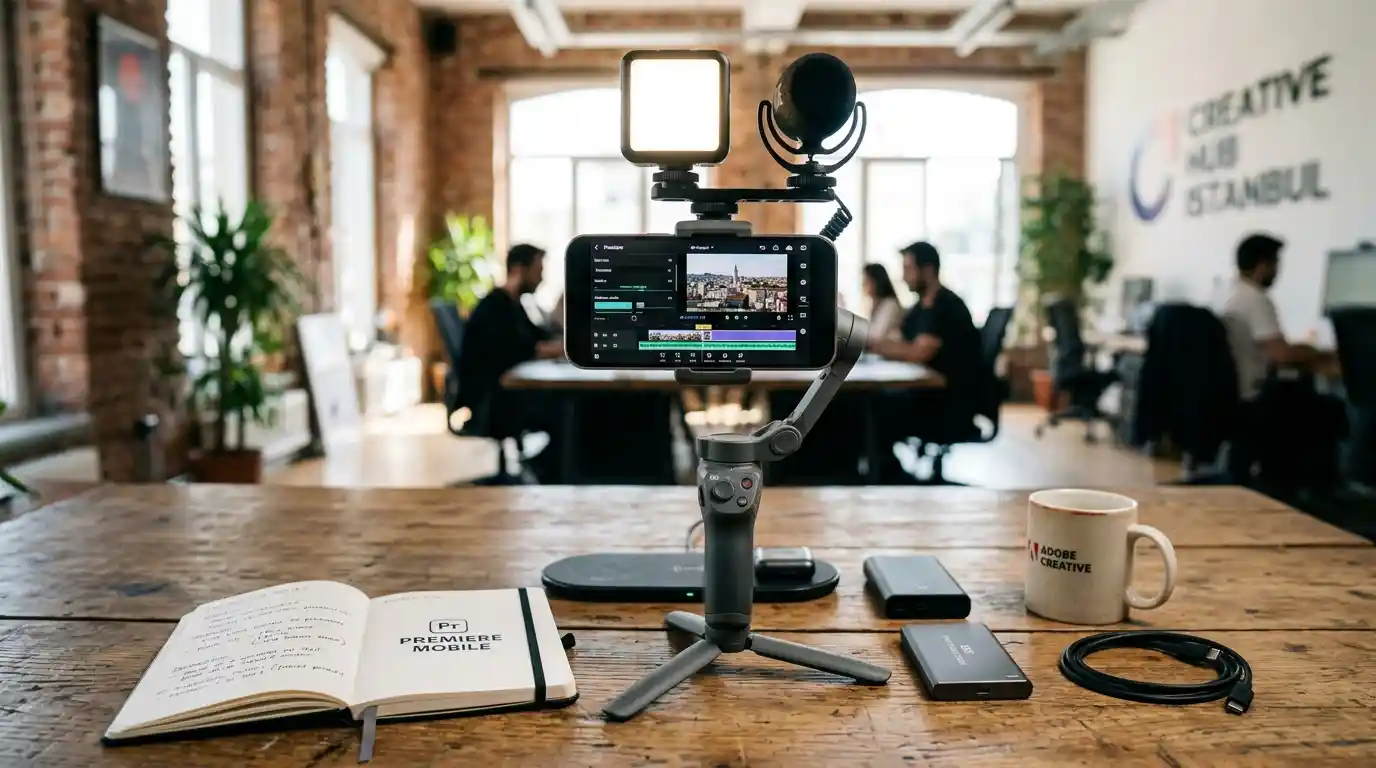
To maximize your video production quality when editing on Android, pairing powerful software with proper hardware tools is essential. A stable grip and steady footage significantly improve raw source material before you apply mobile edits.
- Amazon Product Recommendation:DJI Osmo Mobile 6 Smartphone Gimbal Stabilizer
- Why you need it: While Adobe Premiere handles multi-track editing, audio enhancements, and transitions on software level, the DJI Osmo Mobile 6 guarantees smooth, cinematic camera motion at the capture stage. Featuring 3-axis stabilization, built-in extension rod, and ActiveTrack tracking software, it turns your Android smartphone into a complete professional filmmaking rig.