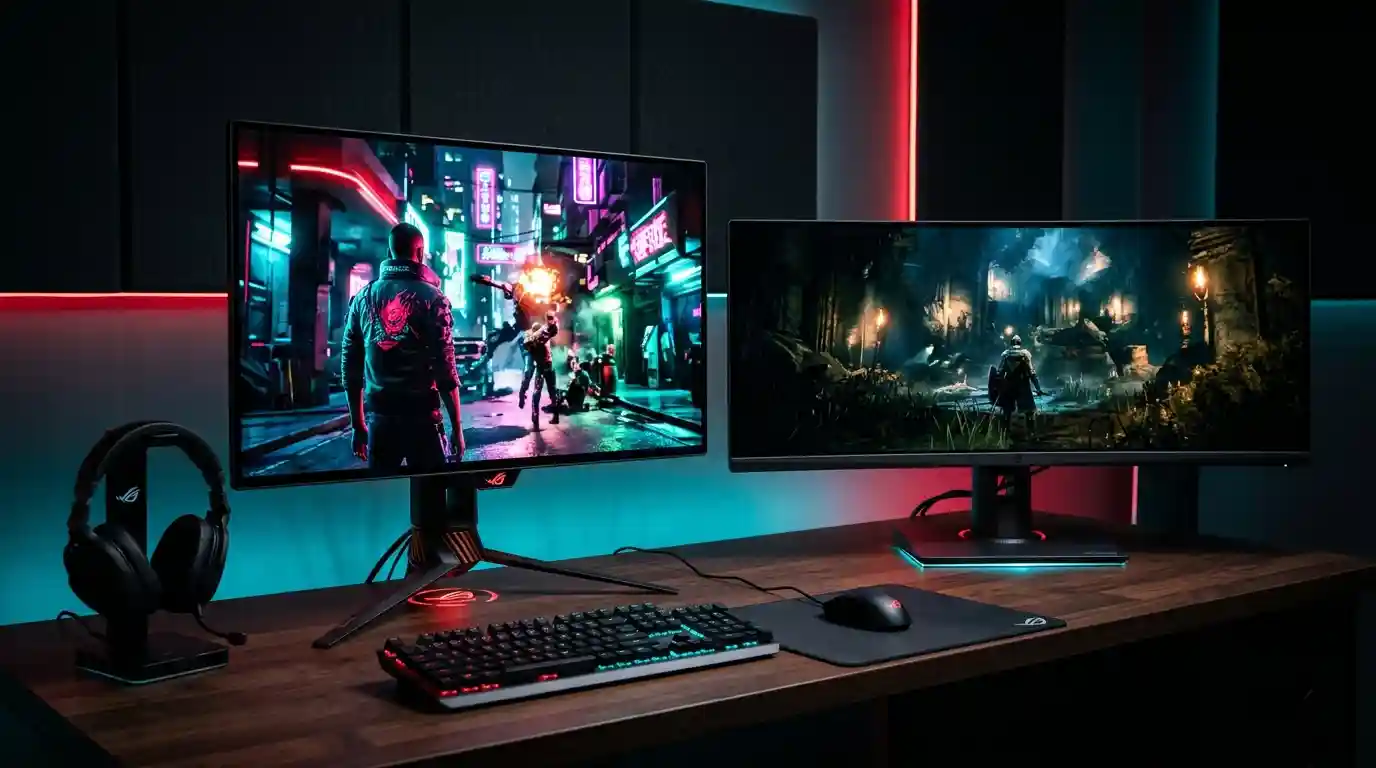

ASUS Black Friday 2026 OLED monitors give shoppers more to consider than a discount sticker. Announced on November 12, the lineup covers ROG gaming displays, ProArt creative monitors, and ZenScreen portable screens, with advertised savings reaching 30%. The useful question is not simply which model costs less. It is which screen suits your room, daily workload, and preferred games without making you pay for features you rarely use.
Start With Your Room, Not the Refresh Rate
Room lighting can change how a display looks throughout the day. ASUS organizes its gaming recommendations around bright, mixed, and controlled lighting environments, a sensible starting point for anyone comparing OLED gaming monitors.
For desks near windows, ASUS highlights options including the ROG Strix OLED XG27AQWMG and ROG Swift OLED PG32UCDM3. The former combines Tandem WOLED technology with a TrueBlack Glossy finish, while the latter uses QD-OLED and BlackShield film. Their different approaches target reflections while preserving convincing blacks.
In mixed lighting, consider the matte ROG Swift OLED PG27AQDP or glossy ROG Strix OLED XG27AQDMGR. For rooms where curtains or blinds control daylight, ASUS points toward QD-OLED models such as the XG27AQDMES and XG27ACDMS. Choose the finish for your actual desk rather than assuming glossy or matte always wins.
Match Resolution and Speed to Your Games
The lineup offers distinct priorities. The 27-inch XG27AQWMG pairs 2560 x 1440 resolution with 280Hz, while the PG27AQDP reaches 480Hz at the same resolution. Those specifications make refresh rate an important comparison for players who prioritize competitive action.
Meanwhile, the 32-inch PG32UCDM3 delivers 3840 x 2160 resolution at 240Hz. Its larger 4K workspace may appeal to buyers who want detailed games alongside everyday desktop use. Before choosing, consider whether your computer can deliver the frame rates that justify the screen.
Avoid treating the highest number as an automatic upgrade. A monitor should support how you play, not pressure you into replacing other hardware unnecessarily.
Check Console Features Beyond the HDMI Label
For console users, 4K OLED monitors deserve a closer look at supported input modes. ASUS highlights HDMI 2.1 connectivity for modern console modes, including 4K at 120Hz on compatible displays. Selected models also offer dual-mode switching between detailed 4K output and faster Full HD operation.
The announcement names the XG32UQDMS, XG32UCWG, and PG32UCWM among its console-oriented examples. Some ROG 1440p monitors also accept 4K console signals and downscale them to their native resolution. However, supported input refresh rates vary by model.
ASUS additionally describes a console HDR mode that follows the HGIG tone-mapping curve. Check the individual specification sheet rather than assuming every display supports identical console features.
Give Creative Work Its Own Shortlist
A gaming specification does not answer every creative requirement. ProArt OLED displays target creators through professional color accuracy, multiple HDR formats, calibration tools, and varied connectivity.
The PA279CDV and PA329CDV combine 4K resolution with 120Hz refresh rates in 27-inch and 32-inch formats. The PA27USD and PA32USD raise that refresh rate to 240Hz while retaining 4K resolution. These choices let creators compare screen size and motion performance within the same family.
If editing occupies most of your day, examine calibration options and connections before chasing gaming extras. ASUS positions ProArt around creative workflows, but buyers should still verify the exact features their software and equipment require.
Consider Portable OLED for Flexible Workspaces
ZenScreen portable monitors address a different problem: adding screen space when a permanent desktop setup is impractical. The ZenScreen OLED MQ16FC offers a 16-inch panel with 1920 x 1200 resolution.
The ZenScreen Duo OLED MQ149CD instead provides two foldable 14-inch OLED panels, each with 1920 x 1200 resolution. That layout gives mobile professionals another way to arrange documents, communication tools, and reference material. Compare the physical setup and connectivity with your laptop before deciding which format fits your routine.
Understand Protection and the Real Offer
ASUS OLED Care includes model-dependent tools that help reduce burn-in risk. ROG options include pixel cleaning and image-shifting functions, while supported proximity sensors switch the display to a black image when users step away. ProArt protection features can detect static elements and adjust brightness.
These measures reduce risk rather than eliminate it. ASUS also states that eligible models in selected regions include three-year warranties covering burn-in. Confirm local terms before purchasing.
Finally, remember that “up to 30%” describes the campaign ceiling, not a guaranteed reduction on every screen. Compare the final retailer price, exact model number, warranty, and delivery conditions.
Keep a shortlist of two or three displays and compare them against the same needs. Note your room lighting, available desk space, main applications, and connected devices. This simple approach helps separate genuinely useful improvements from impressive specifications that might not change your experience, especially when several discounted models compete for your attention.
Source: