
Best Cameras for Gym and Fitness Content Creation: A Complete Guide
Creating high-quality gym and fitness content is no longer optional if you want to grow on platforms like YouTube, TikTok, and Instagram. Viewers expect sharp video, clean audio, and dynamic shots that show your workouts clearly. The good news: you don’t need to be a professional filmmaker to achieve this. With the right camera and a basic setup, you can film professional-looking fitness content that builds trust and authority.
In this guide, you’ll learn what to look for in the best cameras for gym and fitness content, the difference between popular camera types, and which features matter most for creators who film in gyms, home studios, or outdoors.
Why Camera Choice Matters for Fitness Creators
Your workouts might be excellent, but if your video is grainy or shaky, people stop watching. A good camera helps you:
- Show correct form with sharp, detailed video
- Build trust by looking professional and consistent
- Record in low light conditions common in indoor gyms
- Capture smooth movement during fast exercises like HIIT, CrossFit, and functional training
The right camera doesn’t just improve image quality; it also makes filming easier and faster so you can focus on training, not on fiddling with settings.
Key Features to Look For in a Gym/Fitness Camera
1. Reliable Autofocus
In fitness content, you move constantly. You might walk toward the camera, perform squats, or jump in and out of frame. Fast and accurate autofocus is crucial so your face and body stay sharp.
Look for:
- Face and eye detection autofocus
- Tracking autofocus that follows you as you move
- Good performance in low light
Mirrorless cameras from Sony, Canon, and Panasonic are known for strong autofocus systems that are ideal for fitness creators.
2. Image Stabilization
Gyms can be tight spaces. You often handhold the camera or use a small tripod. Image stabilization keeps footage smooth during:
- Walking shots (entering the gym, warm-up walks)
- POV style training clips
- Handheld talking-head segments
In-body image stabilization (IBIS) plus stabilized lenses give the best results, but even digital stabilization can help if you move around a lot.
3. 4K Video and High Frame Rates
For modern platforms, 4K resolution is the standard for sharp, detailed content. This is especially useful when:
- Cropping your footage for vertical content (Reels, Shorts)
- Showing fine details in muscle engagement and form
High frame rates (60 fps or more) let you create smooth slow-motion clips, perfect for showing technique on complex lifts and explosive exercises.
4. Low-Light Performance
Many gyms are poorly lit or have mixed lighting. A camera with:
- A larger sensor (APS‑C or full-frame)
- Good high-ISO performance
will reduce grain and noise, making your video look clean even in dark corners of the gym.
5. Flip Screen and Mic Input
A fully articulating (flip-out) screen is extremely helpful if you film yourself alone. You can see:
- Whether you’re in frame
- If focus and exposure look correct
- How your posture and angles appear on camera
A 3.5 mm mic input allows you to plug in a lavalier or shotgun microphone for clearer voice recording, which matters a lot for tutorials, voiceovers, and coaching-style videos.
Types of Cameras for Fitness Content
Mirrorless Cameras
These are the most popular choices for serious fitness creators.
Pros:
- Excellent image quality
- Interchangeable lenses for wide shots, close-ups, and portraits
- Strong autofocus and 4K video features
Best for: Creators who want professional-looking content and plan to grow their channel or brand long term.
Compact / Point-and-Shoot Cameras
Compact vlogging cameras are smaller and simpler.
Pros:
- Easy to carry in your gym bag
- Often have flip screens and decent autofocus
- Simple menus and automatic modes
Best for: Beginners who want a step up from smartphones without dealing with interchangeable lenses.
Action Cameras
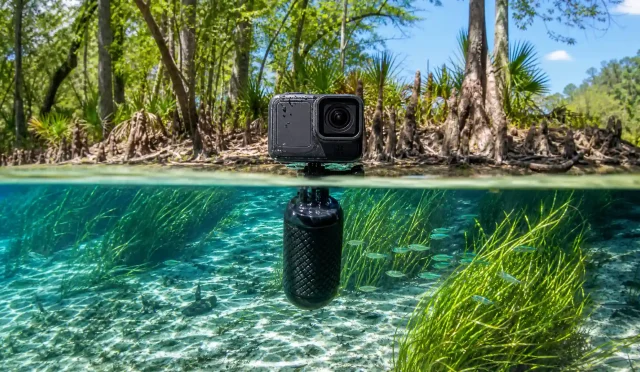
Action cameras like GoPro are tiny and durable.
Pros:
- Great for intense, close-up workout angles
- Excellent stabilization
- Weatherproof and rugged
Best for: Supplementary angles (POV, barbell-mounted shots, outdoor workouts), not as your only main talking-head camera.
Smartphones
Modern flagship smartphones can record impressive video.
Pros:
- You already own one
- Easy editing and posting directly from the phone
- Good stabilization and portrait modes
Best for: Absolute beginners or creators on a strict budget. You can always upgrade to a dedicated camera later.
Practical Tips for Filming Gym and Fitness Content
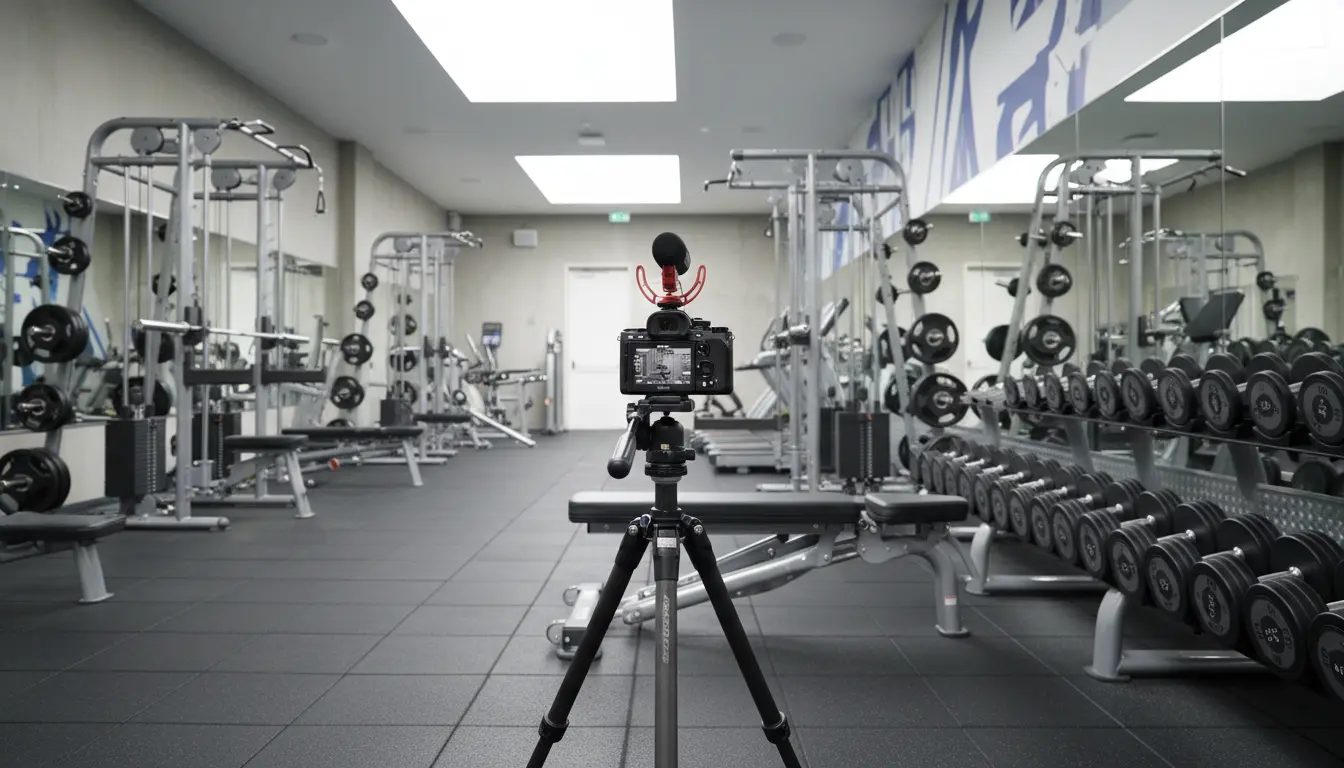
1. Use a Stable Tripod or GorillaPod
A small, flexible tripod lets you position the camera:
- Low for deadlifts and hip thrusts
- High for overhead presses
- At eye level for talking directly to the camera
Stable framing makes your motion the focus, not camera shake.
2. Pay Attention to Lighting
If the gym is dark, try:
- Filming near windows for natural light
- Facing the main light source rather than having it behind you
- Using a small portable LED light for your face during talking segments
Good lighting makes almost any camera look better.
3. Record Good Audio
Viewers will forgive slightly imperfect video more than bad audio. Consider:
- A small shotgun mic mounted on the camera
- A wireless lavalier mic clipped to your shirt for noisy gyms
- Recording voiceovers later if the gym is too loud
Clear audio makes your instructions and coaching easier to follow.
4. Shoot in Both Horizontal and Vertical
To get more content from each session:
- Film wider, horizontal shots for YouTube
- Reframe or film separate vertical clips for TikTok, Instagram Reels, and YouTube Shorts
A 4K camera allows you to crop without losing much quality.
Recommended Camera for Gym/Fitness Content (Amazon Example)
A popular and versatile option available on Amazon is the Sony ZV‑E10 (body-only or with kit lens).
Why it works well for fitness creators:
- Excellent autofocus with face and eye tracking
- APS‑C sensor for good low-light performance
- Flip-out screen, perfect for solo filming
- 4K video and slow motion options
- Compact and lightweight for carrying in your gym bag
Pairing the Sony ZV‑E10 with a wide-angle lens and an external microphone creates a powerful, creator-focused setup suitable for both beginners and intermediate fitness influencers.