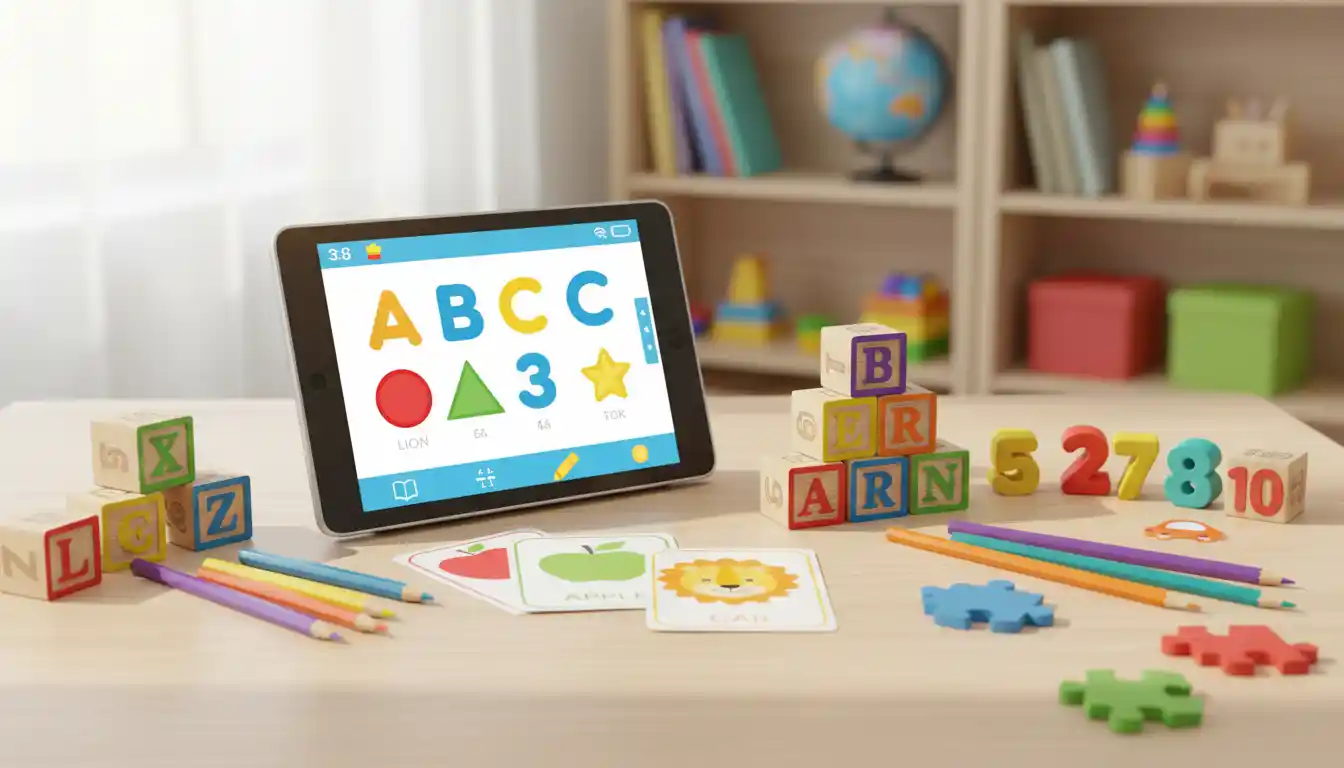

Technology has become a valuable part of early childhood education when parents use it wisely. Educational tablets offer interactive learning experiences that help preschoolers and young children develop essential skills while keeping screen time meaningful. Instead of simply entertaining children, the right educational tablet can encourage creativity, improve problem-solving abilities, strengthen reading skills, and introduce basic mathematics through engaging activities.
Parents often wonder which educational tablet provides the best balance between learning, entertainment, safety, and affordability. This guide explores everything you should know before choosing the best educational tablets for preschoolers and young kids, helping you make an informed decision that supports your child’s growth.
Why Educational Tablets Are Becoming Popular
Modern educational tablets are designed specifically for children’s developmental stages. Unlike regular tablets, these devices include parental controls, age-appropriate content, durable protective cases, and learning applications developed with educators.

When used in moderation, educational tablets can support:
- Early literacy development
- Number recognition
- Vocabulary building
- Creative thinking
- Hand-eye coordination
- Logical reasoning
- Memory improvement
- Independent learning habits
Children enjoy learning through colorful games, interactive stories, music, puzzles, and educational videos that make lessons feel fun rather than challenging.
Features to Look for in Educational Tablets
Choosing the right tablet involves more than selecting the newest model. Parents should evaluate several important features before making a purchase.
Child-Friendly Design
Young children frequently drop or mishandle electronic devices. A durable tablet with a shockproof case protects the device from accidental falls. Rounded edges and lightweight construction also make tablets easier for little hands to hold comfortably.
Strong Parental Controls
Parental controls remain one of the most important features. They allow parents to:
- Limit screen time
- Approve downloads
- Monitor educational progress
- Block inappropriate websites
- Restrict online purchases
- Create multiple child profiles
These settings help create a safer digital environment.
Educational Content
The best educational tablets include access to high-quality learning apps covering subjects such as:
- Reading
- Writing
- Mathematics
- Science
- Music
- Art
- Geography
- Foreign languages
A tablet with a broad educational library provides long-term learning value as children grow.
Battery Life
Young children often use tablets during travel, waiting rooms, or family trips. A battery lasting eight to twelve hours reduces interruptions and keeps learning sessions enjoyable.
Display Quality
Bright, clear screens with eye comfort settings improve the viewing experience. Adjustable brightness and blue light reduction features can help reduce eye strain during short learning sessions.
Educational Benefits of Tablets for Preschoolers
Educational tablets can support early childhood development when adults guide their use. Interactive activities encourage children to explore concepts actively instead of passively watching videos.
Reading Development
Many educational apps introduce phonics, letter sounds, and vocabulary through animated storytelling. Interactive books encourage children to tap words, hear pronunciations, and practice reading aloud.
Mathematics Skills
Counting games, matching activities, and simple arithmetic exercises help preschoolers understand numbers naturally through repetition and visual learning.
Creativity
Drawing applications, music creation tools, and storytelling games inspire imagination. Rather than consuming content, children become active creators.
Problem-Solving
Puzzles and logic games strengthen reasoning skills while encouraging persistence and independent thinking.
How Much Screen Time Is Appropriate?
Educational technology should complement—not replace—traditional learning activities.
Parents can encourage balance by combining tablet learning with:
- Outdoor play
- Reading printed books
- Arts and crafts
- Building blocks
- Family conversations
- Physical activities
Short educational sessions combined with real-world experiences create healthier learning habits than unlimited screen exposure.
Choosing Age-Appropriate Learning Apps
The quality of educational apps matters more than the number installed.
Look for applications that include:
- Interactive lessons
- Positive reinforcement
- No excessive advertisements
- Clear educational goals
- Offline learning options
- Age-based difficulty levels
Apps that gradually increase in complexity help children stay challenged without becoming frustrated.
Safety Should Always Come First
Online safety remains essential even for preschool-aged children.
Parents should:
- Update software regularly
- Use password protection
- Disable unnecessary internet access
- Review downloaded applications
- Monitor activity reports
- Discuss responsible technology use
Creating healthy digital habits early helps children become responsible technology users as they grow older.
Comparing Educational Tablets with Standard Tablets
Many parents ask whether they should purchase a children’s tablet or simply use a standard tablet.
Educational tablets generally provide:
- Better durability
- Kid-focused software
- Simplified interfaces
- Stronger parental controls
- Curated educational libraries
- Lower risk of inappropriate content
Standard tablets offer greater flexibility but often require significantly more setup to create a child-friendly experience.
Encouraging Independent Learning
One advantage of educational tablets is that they encourage children to solve simple challenges independently.
Interactive lessons reward curiosity and allow children to progress at their own pace. This gradual independence builds confidence while maintaining an enjoyable learning environment.
Parents still play an essential role by discussing what children learn, asking questions, and extending lessons into everyday life.
Tips for Getting the Most from Educational Tablets
Parents can maximize educational value by following a few practical strategies.
- Set daily learning goals.
- Choose educational apps before entertainment apps.
- Participate in learning activities together.
- Encourage questions after each lesson.
- Rotate apps regularly to maintain interest.
- Combine digital learning with hands-on activities.
- Celebrate progress instead of focusing only on scores.
These habits help children view technology as a learning tool rather than just a source of entertainment.
Common Mistakes Parents Should Avoid
Many families unintentionally reduce the educational value of tablets.
Avoid these common mistakes:
- Allowing unlimited screen time
- Downloading too many games
- Ignoring parental controls
- Using tablets as babysitters
- Skipping educational interaction
- Choosing apps based only on popularity
Balanced supervision creates a much healthier learning experience.
Long-Term Learning Value
Educational tablets continue supporting learning as children develop. Many platforms regularly add new lessons covering reading comprehension, coding basics, mathematics, science experiments, and creative activities suitable for older children.
Selecting a tablet with expandable educational content provides better long-term value than purchasing a device children quickly outgrow.
Parents should also consider software updates, customer support, and compatibility with future educational applications.
Final Thoughts
Finding the best educational tablets for preschoolers and young kids involves balancing educational quality, safety, durability, and ease of use. A thoughtfully chosen educational tablet can become a valuable learning companion that supports literacy, creativity, mathematics, and independent thinking.
Technology should always complement real-life experiences rather than replace them. Children benefit most when parents remain actively involved, encourage discussion, and connect digital lessons with everyday activities. By selecting high-quality educational content and maintaining healthy screen time habits, families can create positive learning experiences that continue well beyond the preschool years.
The ideal educational tablet is not necessarily the most expensive one. Instead, it is the device that best matches your child’s age, interests, developmental needs, and learning style while providing a secure environment for exploration and growth.
Recommended Amazon Product
Amazon Fire HD 10 Kids Pro Tablet – A durable children’s tablet featuring a kid-friendly protective case, comprehensive parental controls, access to thousands of educational apps, excellent battery life, and a large display designed to support learning, reading, creativity, and age-appropriate entertainment.