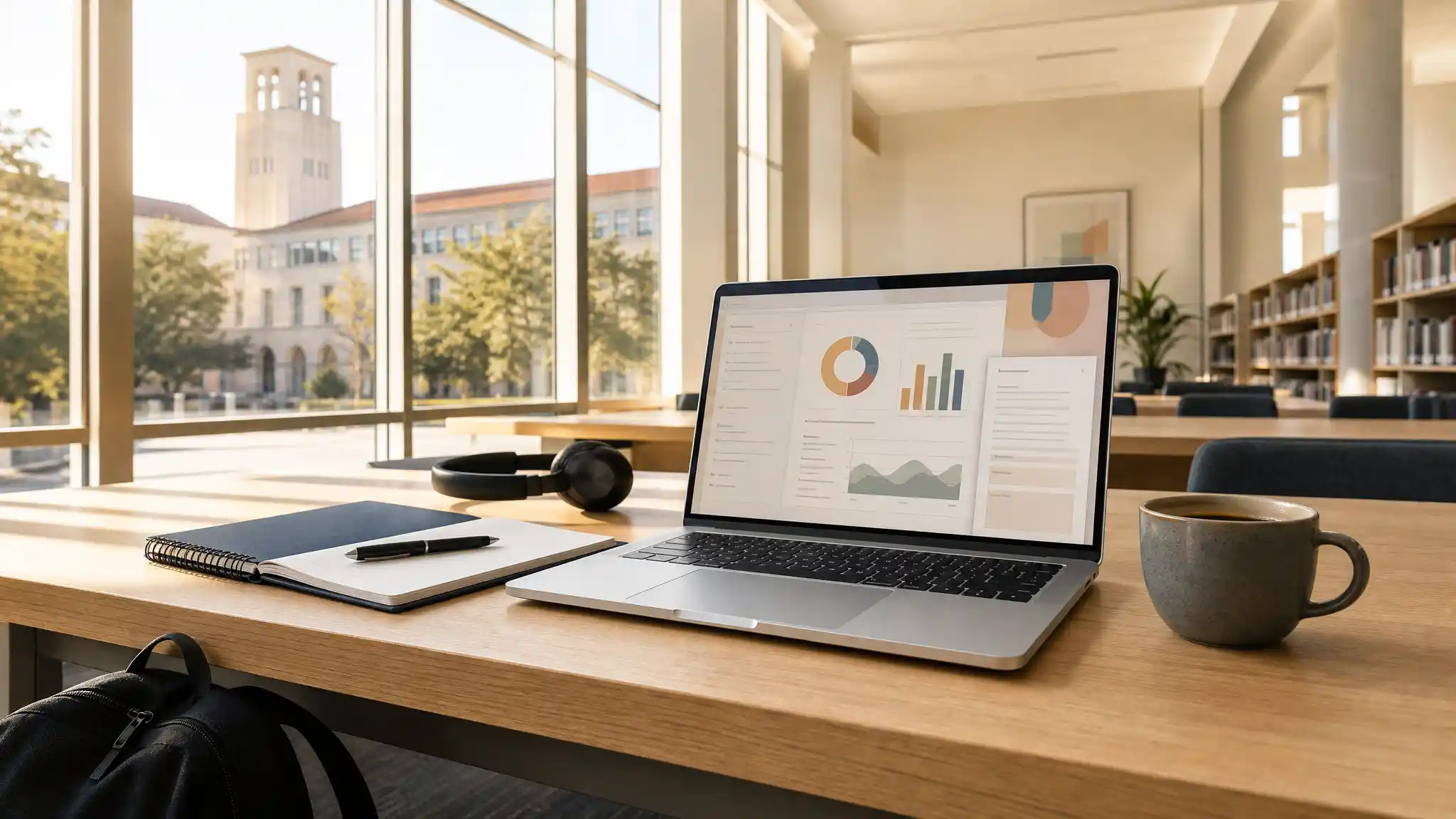

Best Laptops for Texas University Students: A Practical Buying Guide
Choosing the best laptops for Texas university students requires more than comparing prices or picking the newest model. Students need dependable technology that supports lectures, research, online assignments, group work, and daily life on campus. Whether you study engineering in Austin, business in Dallas, design in Houston, or liberal arts in San Antonio, the right device can make your academic routine smoother and more productive.
A strong college laptop should balance performance, portability, battery life, and price. Texas students often move between residence halls, libraries, coffee shops, large lecture rooms, and study spaces, so a heavy or short-lived device can quickly become frustrating. Before buying, consider your degree requirements, the programs you will use, and how long you want the laptop to remain useful.
Start With Your Major and Daily Workload
Your academic program should guide your purchase. A student who mainly writes essays, creates presentations, joins video calls, and conducts web research can succeed with a lightweight student laptop that has a reliable processor, 8GB of RAM, and solid battery life. A Chromebook can work for these basic needs, but it may not support every desktop application required by a university course.

Students in computer science, engineering, architecture, filmmaking, animation, and graphic design need more power. These programs may require coding environments, CAD software, data analysis tools, virtual machines, or creative applications. For that reason, students in technical fields should look for at least 16GB RAM, a modern multi-core processor, and a 512GB SSD storage drive. A dedicated graphics card can also help students who create 3D models, edit video, or work with advanced visual projects.
Business and communications students often benefit from a Windows laptop or MacBook that handles Microsoft Office, spreadsheets, online collaboration platforms, and multitasking without slowing down. The best laptop for college should not only open files quickly; it should also remain responsive when you have multiple browser tabs, documents, and video meetings open at the same time.
Prioritize Battery Life and Portability
Texas university campuses can be large, and students may spend the entire day away from their dorm or apartment. A portable laptop with long battery life gives you flexibility to attend class, study in the library, and complete work between activities without searching for an outlet.
Look for a device that offers enough battery capacity for a typical class day. While manufacturer estimates can vary, a laptop designed for all-day battery life is a smart investment. Fast charging also adds convenience when you only have a short break before your next lecture.
Weight matters as well. A 13-inch or 14-inch laptop is usually easier to carry in a backpack than a 15-inch or 16-inch model. However, students who frequently work with spreadsheets, coding windows, timelines, or design tools may appreciate a larger screen. The ideal option depends on whether you value a compact laptop for students or a broader workspace for demanding academic tasks.
Choose Enough RAM and Storage From the Beginning
RAM affects how smoothly your laptop runs while multitasking. For general university work, 8GB RAM is the minimum practical choice. It supports note-taking, web browsing, streaming lectures, and productivity software. However, 16GB RAM offers more room for future coursework and is the better choice for students who expect to use several programs at once.
Storage also deserves attention. A 256GB SSD may be enough for students who store most documents in cloud services. Yet a 512GB SSD gives you more freedom to save large files, downloaded course materials, software, images, and videos. Fast SSD storage helps applications launch quickly and keeps your computer feeling responsive during busy semesters.
Avoid choosing a laptop only because it has a low price. Models with limited memory or slow storage may seem affordable at first, but they can become restrictive before graduation. Buying a durable laptop with balanced specifications can protect your budget over the long term.
Windows, macOS, or ChromeOS?
The operating system is another important decision. Windows laptops offer broad compatibility with academic software and are often ideal for engineering, business, science, and computer-related programs. They come in many price ranges, making it easier to find a budget laptop for college without sacrificing essential features.
MacBooks are popular among students because they combine strong performance, premium build quality, excellent battery life, and easy integration with other Apple devices. They are especially appealing for writing, media production, design, and general productivity. However, students should confirm that their department’s required software works on macOS before committing.
ChromeOS devices can suit students who primarily use browser-based tools such as Google Docs, email, learning management systems, and online research platforms. A Chromebook is usually affordable and simple to use, but it may not be appropriate for specialized programs. Always review your university laptop requirements before selecting one.
Look for Connectivity and Useful Features
The best laptops for Texas university students should include practical ports and wireless features. USB-C connectivity is especially useful for charging, external displays, storage drives, and docking stations. HDMI can help when you need to connect to classroom projectors or presentation screens. Wi-Fi 6 or newer can also improve wireless performance in crowded campus environments.
A high-quality webcam and clear microphone matter more than many students expect. Online office hours, virtual presentations, hybrid classes, and job interviews all depend on reliable video communication. A comfortable keyboard, responsive trackpad, and bright screen can also improve your study experience every day.
Do not overlook durability. College life can be demanding, so choose a laptop with a sturdy design and consider a protective sleeve or backpack compartment. A warranty or accidental-damage plan may provide extra confidence if you travel often or carry your laptop across campus daily.
Set a Realistic College Laptop Budget
Students should define a budget before shopping. Entry-level devices may handle basic coursework, but mid-range models usually provide better performance, longer battery life, and more future value. Instead of focusing only on the initial price, consider the total value of the device over four years.
Students should also check department recommendations before making a final decision. For example, Texas Tech University provides technology purchasing guidance and notes that some colleges, including engineering, architecture, education, and business, may have specific recommendations. Review the university’s technology purchase recommendations before you buy.
Final Thoughts
The right laptop should support your coursework without becoming a distraction or limitation. Focus on your degree, required software, portability needs, and budget. A lightweight laptop with dependable battery life may be perfect for general studies, while a high-performance laptop is a better fit for technical or creative programs. By choosing carefully, Texas university students can invest in a device that supports both academic success and everyday campus life.
Amazon Product Recommendation
For a balanced option for general coursework, consider the HP 14″ Laptop 2026 Edition with 8GB RAM and 256GB SSD. It is listed with a lightweight 14-inch format, Windows 11, Microsoft 365 inclusion, and specifications suitable for writing, research, online classes, and routine productivity tasks. Always verify the current price, configuration, and software compatibility before purchasing.









