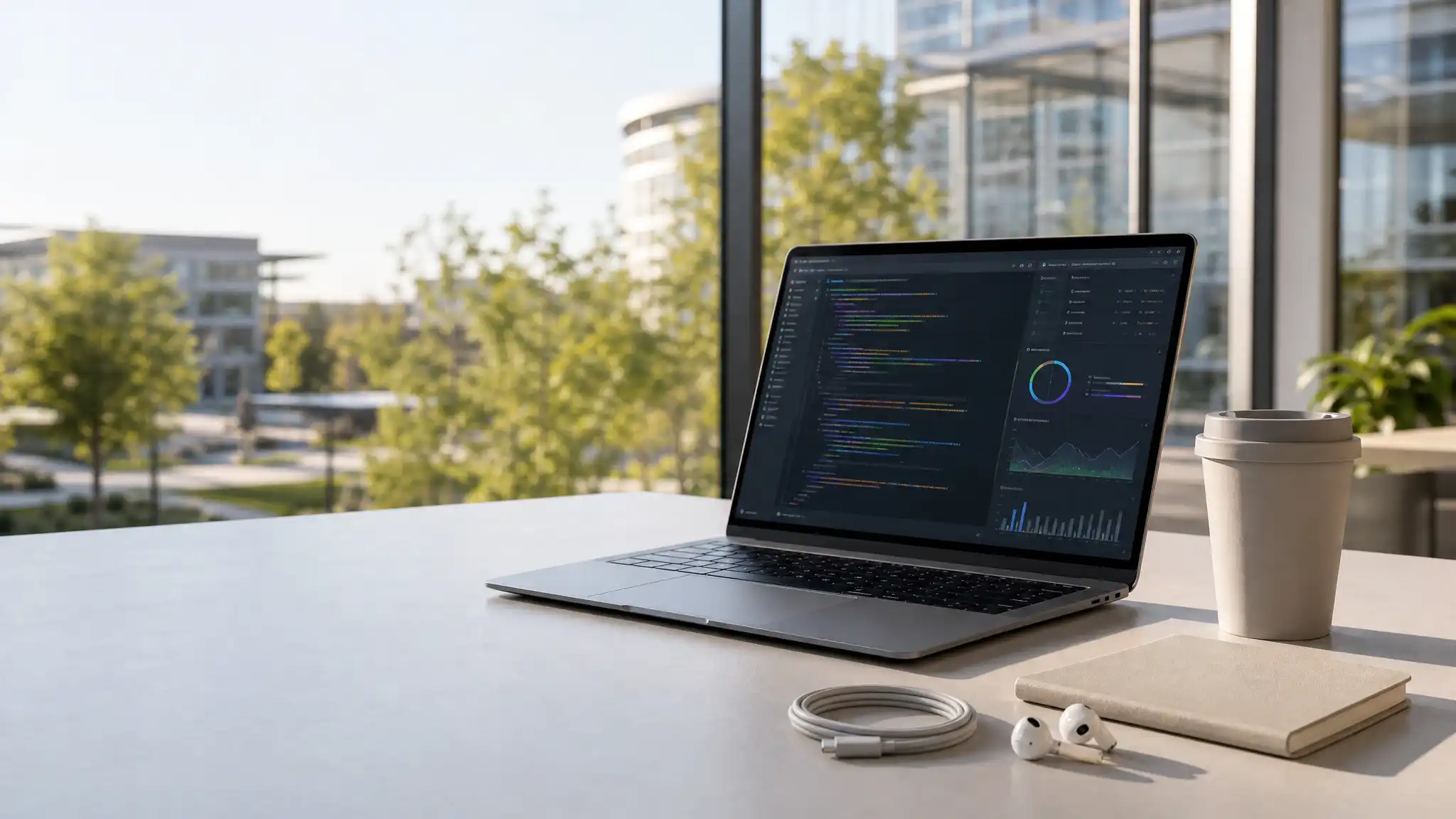

Best Laptops for Tech Interns in Silicon Valley
Silicon Valley tech internships move quickly. One morning you may review pull requests, then join a product demo, build a prototype, analyse data, or present findings to a cross-functional team. Your software development laptop therefore needs to be more than a device for taking notes. It should support reliable coding, developer productivity, secure access, and focused work from the office, home, café, or shuttle.
The best laptops for tech interns balance performance, portability, battery life, and long-term value. Rather than chasing the most expensive specification, choose a machine that fits the work you will actually do. A front-end intern has different priorities from a machine learning or mobile-development intern. Still, a few fundamentals help almost every candidate make a confident decision.
Choose Performance That Matches Your Role
Start with the processor, memory, and storage. For web development, product operations, design collaboration, and general software engineering, a modern multi-core processor, 16GB of RAM, and a 512GB SSD create a capable baseline. This configuration handles browser tabs, video calls, local development tools, containers, and documentation without constant slowdowns.


Data science, AI experimentation, game development, and virtual-machine workloads may demand more. In those cases, 24GB or 32GB of memory gives you useful breathing room, while a larger SSD accommodates datasets, repositories, and local environments. If your team expects GPU acceleration, check the exact framework and cloud workflow before paying for a dedicated graphics card. Many interns use remote development environments or cloud computing instead of running demanding models locally.
Choose consistently responsive hardware instead.
Prioritize Portability and All-Day Battery Life
Interns often travel between stand-ups, meeting rooms, campus events, and temporary workspaces. A lightweight laptop reduces friction every day. Models around 13 to 14 inches usually offer the strongest mix of portability and usable screen space, while 15-inch devices suit people who prefer a larger workspace and do not commute far.
Battery life matters because outlet access is never guaranteed. Look for credible real-world battery testing, not only a manufacturer estimate. Aim for a machine that can cover a typical workday of browsing, coding, messaging, and calls with sensible power settings. USB-C charging adds flexibility, especially when you want one compact charger for your laptop and phone.
A sharp display also improves your routine. A bright, anti-glare panel makes it easier to work near windows or outdoors. Good text clarity reduces fatigue when you inspect code or spreadsheets for hours. Do not overlook keyboard comfort and a precise trackpad; both shape your productivity more than a marginal processor upgrade.
Select an Operating System for Your Stack
macOS laptops remain popular in startups and product teams because they combine strong battery efficiency with a Unix-based development environment. They also offer a straightforward route into iOS development. However, the best choice depends on your company’s tooling, not on office culture alone.
Windows laptops provide broad software compatibility and many configurations across price ranges. They can be excellent for enterprise tools, engineering applications, and teams that rely on Windows-specific workflows. Linux support is equally important for many developers. You can select a laptop with excellent native Linux compatibility or use a supported development setup when that suits your project.
Before you buy, ask your manager or onboarding contact about required software, device-management policies, VPN access, and any restrictions on personal machines. This small step prevents avoidable setup problems during your first week.
Do Not Compromise on Connectivity and Security
A practical intern laptop needs dependable connectivity. Wi-Fi performance, Bluetooth stability, a quality webcam, and clear microphones all matter for hybrid work. Check for enough ports for your current accessories. At minimum, USB-C or Thunderbolt connectivity helps with charging, high-speed storage, displays, and docking stations. An HDMI port or a compact adapter can save time before a presentation.
Security deserves equal attention. Choose a device with regular operating-system updates, disk encryption, secure biometric sign-in where available, and a reputable warranty. Use a password manager, multi-factor authentication, and automatic backups from day one. These habits protect personal work and company access far better than hardware alone.
Build a Budget Around Total Value
The best student laptop is not automatically the cheapest one. Consider the total cost of ownership: warranty coverage, accessories, storage needs, repair options, and how long the laptop will remain useful after your internship. A well-configured machine with 16GB memory and sufficient storage may last through university and your first full-time role.
If you work with a limited budget, prioritize memory, SSD capacity, battery life, and build quality over cosmetic extras. Refurbished business laptops can be sensible when they come from a trusted seller and include a clear return policy. Students should also check whether their university, employer, or software vendors offer legitimate educational pricing.
Make the Final Decision With Your Workflow in Mind
List the tools you expect to use: an IDE, browser, collaboration apps, local databases, design software, virtual machines, or data notebooks. Then identify the bottleneck. If you spend most of your day in cloud tools, portability and battery life may beat raw power. If you compile large projects or process local data, memory and cooling deserve more weight.
Whenever possible, test a keyboard, screen, and trackpad in person. Read current reviews, compare configurations rather than brand names, and leave room in your budget for a protective sleeve, backup drive, or ergonomic accessories. The right laptop should disappear into your workflow, allowing you to learn quickly, communicate clearly, and contribute confidently.
Amazon Product Recommendation
For a balanced option, consider the Apple 2026 MacBook Air 13-inch with an M5 chip, 16GB unified memory, and 512GB SSD. Its compact 13.6-inch form factor, Wi-Fi 7, and specified memory and storage make it a relevant option for many coding and collaboration workflows. Confirm employer compatibility before ordering.









