
Cord-Cutting Guide and Cost Calculator: How to Ditch Cable, Save Money, and Stream Smarter
Cutting the cord doesn’t just mean canceling your cable subscription—it’s a strategic shift to tailor your entertainment around what you actually watch while optimizing monthly costs. This comprehensive guide walks you through how cord-cutting works, the true cost of streaming, how to build your channel lineup, and a simple framework to calculate your monthly total. We’ll also cover hidden fees, smart hardware choices, and tips to keep your setup future‑proof and budget‑friendly.
What Is Cord-Cutting?
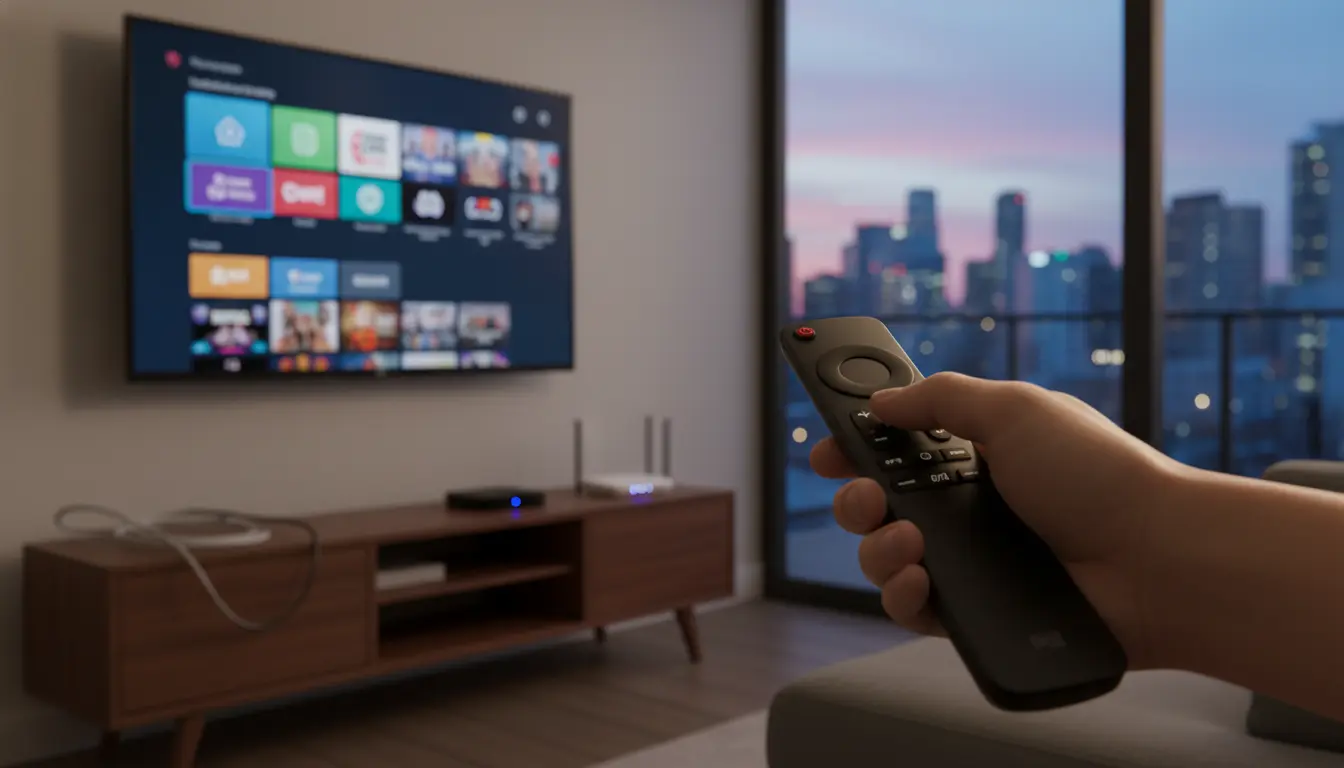
Cord-cutting is the process of replacing traditional cable or satellite TV with internet‑based streaming services. Instead of paying for large bundles, you choose on-demand platforms (like Netflix or Prime Video) and live TV streamers (like YouTube TV or Sling). The benefit is control: pick only what you need, cancel any time, and often save money compared with cable’s rising prices and equipment fees.
Step 1: Audit Your Current Cable Costs
Start by listing everything you pay for today:
- Base TV package
- DVR and set-top box rentals (often per room)
- Regional sports fees and broadcast TV fees
- Taxes and surcharges
- Internet cost (whether bundled or standalone)
Total these to see your real monthly spend. Many households discover they pay 20–40% more than the advertised cable price due to fees and equipment rentals.
Step 2: Identify Your Must‑Have Channels and Content
Make two lists:
- Live channels you truly watch (sports, local news, kids, lifestyle, premium)
- On‑demand shows and originals you follow
This shapes your streaming stack. If live sports and local channels matter, you’ll likely want a “vMVPD” (virtual cable alternative) like YouTube TV, Hulu + Live TV, Sling TV, or Fubo.
Step 3: Choose the Right Streaming Services
- Live TV options:
- YouTube TV: Broad channel lineup, unlimited DVR, strong local coverage.
- Hulu + Live TV: Live channels + Hulu library + Disney+/ESPN+ bundle options.
- Sling TV: Cheaper, customizable skinny bundles; fewer locals.
- Fubo: Sports-centric, excellent for soccer and regional sports (availability varies).
- On‑demand:
- Netflix, Prime Video, Disney+, Max, Apple TV+, Paramount+, Peacock—mix and match based on your shows.
- Niche add‑ons:
- Sports (NBA League Pass, NFL+, MLS Season Pass), anime (Crunchyroll), British TV (BritBox/Acorn), documentary/arthouse (Mubi/Curiosity Stream).
Pro tip: Rotate subscriptions. Keep 2–3 services active at a time and switch monthly as you finish shows. Annual plans can save money if you use a service year‑round.
4: Hardware for a Smooth Streaming Experience
- Streaming devices: Roku, Amazon Fire TV, Apple TV, Chromecast with Google TV. Pick one platform and standardize for simplicity.
- Smart TV apps: Convenient but sometimes slower to update; a dedicated streaming stick can be faster and longer‑supported.
- Antenna for locals: An HD indoor/outdoor antenna can deliver ABC/CBS/NBC/FOX and PBS free in many areas. Use a site like AntennaWeb or the FCC’s DTV maps to check reception.
- DVR for antenna: Networked tuners (e.g., Tablo, HDHomeRun) add whole‑home OTA recording without cable fees.
5: Internet Speed and Data Caps
- For 4K streaming on multiple TVs, 300–500 Mbps is comfortable; for HD on a couple of screens, 100–200 Mbps often suffices.
- Check data caps. Some ISPs cap at 1–1.2 TB. Heavy 4K streaming can approach caps; consider unlimited data add‑ons or plan your usage.
- Optimize Wi‑Fi: Place the router centrally, consider Wi‑Fi 6 routers or mesh systems for larger homes.
Step 6: Hidden Costs to Watch For
- Regional sports network (RSN) surcharges inside live TV plans
- 4K add‑on fees
- Extra streams or family plans
- Premium channel add‑ons (HBO/Max, Starz, Showtime)
- ISP modem rentals—buy your own DOCSIS modem when possible to avoid monthly fees
Step 7: Simple Cord‑Cutting Cost Calculator
Use this framework to estimate your monthly total:
- Internet
- Standalone internet plan:
I
- Live TV (optional)
- One vMVPD plan (YouTube TV, Sling, etc.):
L
- On‑Demand Services
- Sum of selected on‑demand apps:
D = d1 + d2 + ... + dn
- Add‑ons and Fees
- Premium channels:
P - ISP equipment or unlimited data add‑on:
E - Taxes/fees (if applicable):
T
Estimated monthly total:
- Total = I + L + D + P + E + T
Compare “Total” with your current cable bundle (including all fees and equipment). Many households find savings of 15–50%, especially if they skip live TV or rotate services.
Example scenario:
- Internet: $60 (I)
- Live TV: Sling Orange + Sports Extra $55 (L)
- On‑Demand: Netflix ($15.50), Disney+ ($8), Apple TV+ ($10) ⇒ D = $33.50
- Premium: None (P = $0)
- Equipment: Own modem (E = $0)
- Taxes/fees: Minimal (T ≈ $2)
- Total ≈ $150.50
If your cable bundle was $210 with fees, you save ~$59.50/month.
Step 8: Advanced Savings Tactics
- Annual or bundle discounts: Disney+/Hulu/ESPN+ bundles, Apple One, or carrier promos.
- Student/partner deals: Some services offer student pricing; mobile carriers include streaming perks.
- Share with household profiles: Stay within terms of service; leverage family plans where allowed.
- Antenna + free streaming: Pair OTA channels with free ad‑supported TV (FAST) like Pluto TV, Tubi, The Roku Channel, and Freevee.
Step 9: Keep It Organized
- Spreadsheet or notes app: Track renewal dates, monthly and annual costs.
- Calendar reminders: Set reminders 3–5 days before renewal to reassess.
- Avoid subscription creep: Cancel services you haven’t used in a month.
When Live TV Is Worth It
If you care about regional sports, local newscasts, or channel surfing, a vMVPD is often simpler. You’ll pay more than a purely on‑demand setup, but still avoid cable boxes, long contracts, and many hidden fees.
Quick Setup Checklist
- List your must‑watch channels and shows.
- Choose either a vMVPD or an antenna for live content.
- Pick 1–3 on‑demand services for originals and back catalogs.
- Confirm your internet speed and data policy.
- Select a streaming device platform and standardize it across TVs.
- Calculate your total and set reminders to reassess quarterly.








