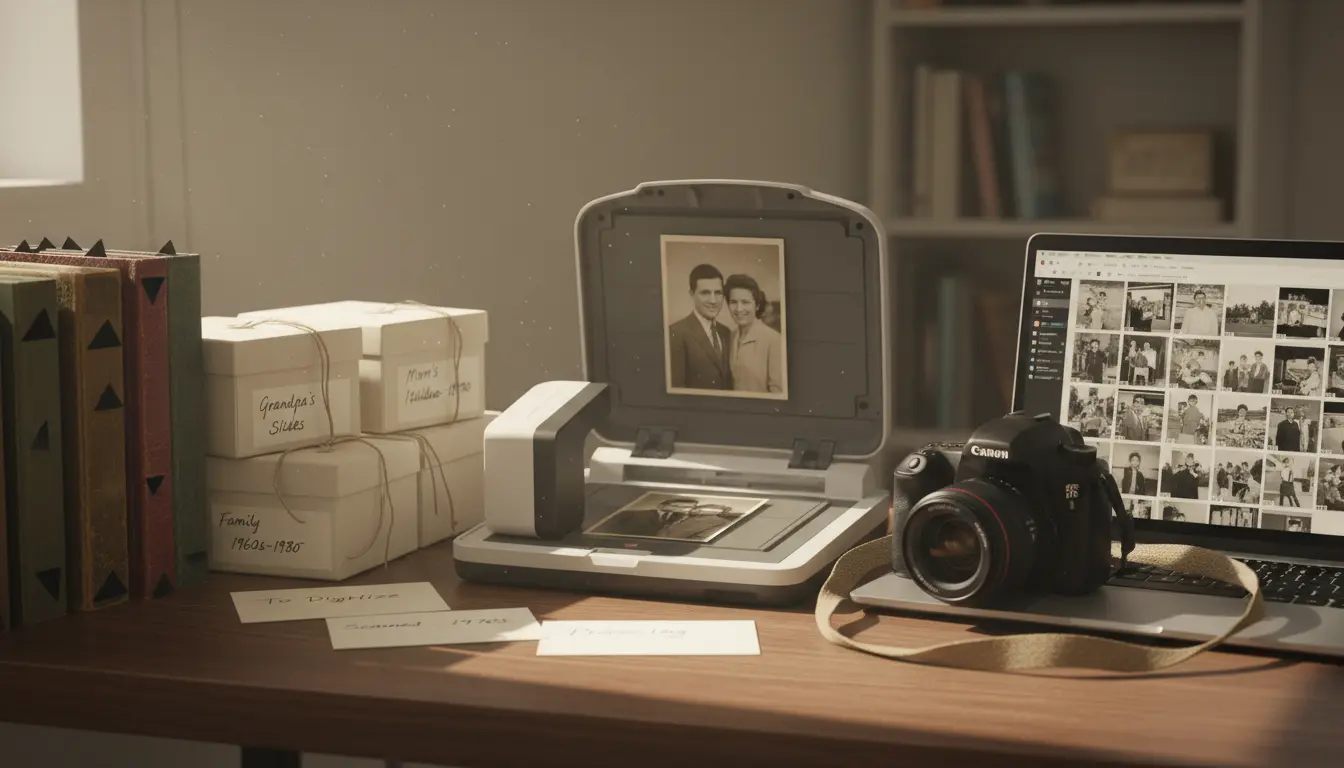

In today’s visually driven world, family photo archives are more than just a collection of pictures—they’re living narratives that preserve identity, culture, and memory across generations. From dusty shoeboxes filled with prints to cloud-based galleries synced across devices, the way we create, organize, and share family photos has evolved dramatically. For families, photographers, and memory-keepers alike, building a sustainable, searchable, and secure family photo archive—and sharing it meaningfully—can be both a creative and strategic endeavor. This guide explains how to structure, digitize, optimize for search, and share family photos in ways that protect privacy while maximizing discoverability and long-term preservation.
What Is a Family Photo Archive and Why It Matters
A family photo archive is a curated, organized repository of visual history—photos, videos, scanned documents, and metadata—that collectively tell the story of a family. Well-maintained archives serve several purposes:
- Memory preservation: Maintaining context—names, dates, locations—prevents images from becoming “mystery photos.”
- Cultural continuity: Photos capture traditions, migrations, and milestones that help future generations understand their roots.
- Emotional connection: Sharing curated albums strengthens bonds among relatives, especially across distances.
- Historical value: Properly tagged and stored images can contribute to community and genealogical research.
Digitizing and Preserving Old Family Photos
Before sharing widely, prioritize preservation:

- High-resolution scanning: Use at least 600 DPI for prints and higher for slides/negatives. Save master files in non-destructive formats like TIFF, and export JPEG copies for sharing.
- Color correction and restoration: Gently restore faded tones and remove dust using non-destructive editing tools. Always keep the untouched master originals.
- Redundant backups: Apply the 3-2-1 rule—three copies, on two different media, with one offsite or in the cloud. Consider a NAS device plus an encrypted cloud backup for resilience.
- Consistent file naming: Adopt a schema such as YYYY-MM-DD_Location_Event_Sequence (e.g., 1998-06-14_Istanbul_Graduation_001). This improves searchability and prevents duplicates.
Metadata and Tagging: The Key to Searchability
Metadata transforms photos into findable assets. Attach useful context:
- Descriptive captions: Who, what, where, when, and why. Include surnames and maiden names for genealogical consistency.
- Keywords and tags: Tag family members, locations, events, and traditions. Use standardized spellings to avoid fragmentation.
- Geotagging: Add location data to travel and event photos for map-based browsing.
- Face recognition: Calibrate your app’s facial recognition, then verify names manually to avoid mislabeling.
Tip: Keep a simple metadata checklist so that everyone in the family can contribute consistently.
Organizing Your Photo Library for Long-Term Use
Structure matters:
- Hierarchical folders: Year > Month > Event is intuitive, but you can also create cross-cutting “smart albums” that auto-group by tag, person, or location.
- Curate, don’t hoard: Select “hero” shots, remove duplicates, and keep out-of-focus images only if they hold unique historical value.
- Version control: Maintain edited versions alongside masters, clearly labeled. Avoid overwriting originals.
- Periodic audits: Schedule quarterly cleanups to consolidate, rename, and retag new additions.
Privacy and Permissions in Family Photo Sharing
Ethical sharing respects boundaries:
- Obtain consent: Especially for children and private events. Share within closed groups when appropriate.
- Control visibility: Use album-level passwords, invite-only links, or private family networks.
- Sensitive content: Avoid posting addresses, identifiable school logos, or medical details. Blur or crop where needed.
- Ownership clarity: Establish family guidelines on who can download, edit, or republish photos.
Choosing the Right Platforms for Sharing
Different goals call for different platforms:
- Private cloud galleries: Ideal for family-only access, large libraries, and raw file support. Look for features like facial recognition, album comments, and collaborative tagging.
- Social networks: Good for highlights and casual engagement, but compress images and limit archival control. Always keep originals elsewhere.
- Shared drives and NAS: Great for power users who want full control, custom permissions, and local speed with remote access.
- Photo books and prints: Tangible keepsakes that complement digital archives. Export high-resolution, color-managed files for best results.
SEO for Public Family Photo Pages and Blogs
If you maintain a public-facing family site or blog, SEO ensures your stories and images are discoverable:
- On-page optimization: Use descriptive titles (e.g., “Smith Family Archives: Istanbul Heritage and Wedding Memories”), compelling H1s, and scannable H2/H3 sections.
- Alt text and captions: Describe the subject, location, and context. Alt text improves accessibility and helps search engines understand the content.
- Structured data: Implement schema markup for images, articles, and events to enable rich results.
- Internal linking: Connect related galleries, timelines, and family biographies to improve dwell time and crawlability.
- Image performance: Compress images without sacrificing quality, serve next-gen formats (e.g., WebP/AVIF), and use responsive sizes to boost Core Web Vitals.
Storytelling: Turning Archives into Narratives
Photos resonate when framed by story:
- Thematic albums: “Migrations,” “Weddings,” “First Days of School,” or “Summer Traditions” help viewers follow a thread.
- Timeline approach: Map significant dates and places; pair images with anecdotes, recipes, or oral histories.
- Multiple voices: Invite relatives to add captions, voice notes, or short essays to enrich context.
Accessibility and Inclusivity
Make your archive welcoming:
- Clear alt text and readable contrast on websites.
- Translations or bilingual captions for international families.
- Subtitles on video clips. Provide transcripts for recorded oral histories.
Security and Data Protection
Protect what you share:
- Encryption at rest and in transit for cloud storage.
- Strong, unique passwords and two-factor authentication on every platform.
- Access logs and role-based permissions for large families.
- Regular export and integrity checks to catch bit rot or sync errors.
Maintenance: Building a Sustainable Workflow
A sustainable archive is a habit:
- Intake ritual: After events, import, cull, tag, and back up immediately.
- Family “tag nights”: A monthly session to identify faces and fill in missing details.
- Annual highlights: Publish a year-in-review album or photo book to celebrate progress.
- Succession planning: Document where the archive lives, how it’s organized, and who inherits stewardship.
Ethical Considerations for AI and Automation
AI can accelerate curation:
- Use AI grouping for scenes, faces, and locations—but verify.
- Respect opt-outs: Not everyone wants their face recognized or shared.
- Avoid deepfake or synthetic content in family archives; authenticity is foundational to trust and heritage.
From Archive to Community
Thoughtful sharing can foster community:
- Private newsletters or blogs that showcase a “Photo of the Month.”
- Collaborative projects with older relatives to annotate historical photos.
- Contributions to local history groups or museums—with clear permissions and credits.
By combining careful preservation, consistent metadata, privacy-conscious sharing, and SEO best practices, you can transform a scattered set of images into a living, searchable, and meaningful family photo archive that grows with your story.








