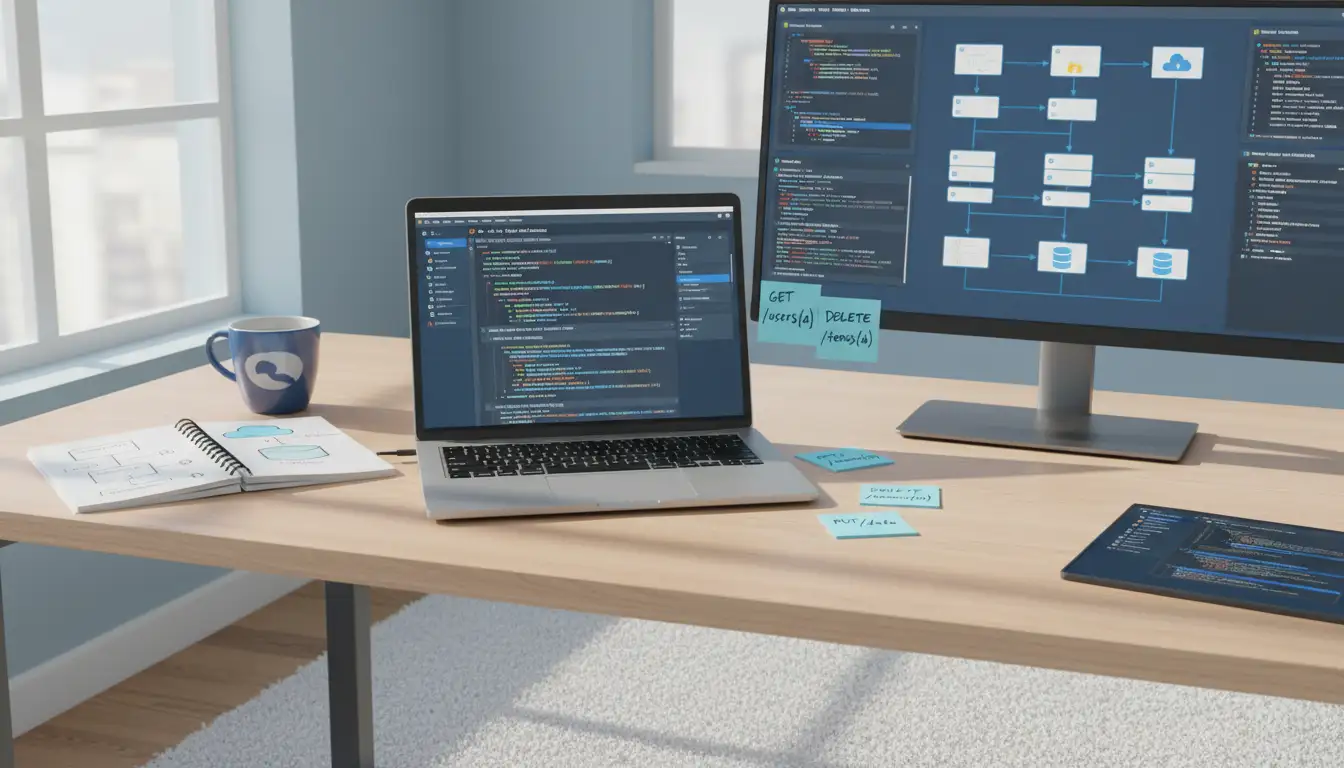

How to Write Software Documentation: Globally Accepted Best Practices
Writing high‑quality software documentation is just as important as writing clean code. Good documentation helps developers understand your system, reduces onboarding time, improves collaboration, and lowers maintenance costs. When done well, it becomes a living asset that supports the entire lifecycle of your product—from initial design to long‑term support.
This article explains how to write software documentation using globally accepted best practices. We will cover planning, structure, style, tools, and maintenance so you can create documentation that is clear, useful, and easy to keep up to date.
1. Start with a Clear Documentation Strategy
Before you write a single word, define a strategy:
- Identify your audience
Ask who will use this documentation:- Backend or frontend developers?
- QA engineers or DevOps teams?
- End users, power users, or administrators?
- Stakeholders or product owners?
- Define documentation goals
Clarify what your documentation should enable users to do:- Integrate with an API in under 30 minutes
- Deploy the system in a specific environment
- Understand architecture decisions and constraints
- Debug the most common errors
- Choose the right documentation types
A complete documentation set usually includes:- Getting Started guides (quick wins, first setup)
- How‑to guides (specific tasks, step‑by‑step)
- Reference documentation (API specs, configuration)
- Architecture & design docs (diagrams, decisions)
- FAQ and troubleshooting (common questions and errors)
Deciding this early prevents you from writing random, disconnected documents and helps you build a coherent documentation system.
2. Follow a Clear and Consistent Structure
A predictable structure makes your documentation easier to navigate and maintain. Consider adopting a standard pattern such as:
- Title – Short, descriptive, and action‑oriented where relevant.
- Overview – What this document covers and who it is for.
- Prerequisites – Required knowledge, tools, or permissions.
- Step‑by‑step sections – Ordered tasks or explanations.
- Examples – Code or configuration snippets that actually run.
- Best practices & tips – Common pitfalls and recommendations.
- References & links – Related documents and external resources.
For large projects, organize content in a documentation site with a sidebar or table of contents that groups topics logically (e.g., “Getting Started”, “Guides”, “Reference”, “Operations”).
3. Use Clear, Concise, and Consistent Language
The global best practice is to write documentation in plain, international English that is:
- Simple and direct
Prefer short sentences and avoid unnecessary jargon.- Instead of: “Utilize the aforementioned endpoint in order to facilitate user creation.”
- Write: “Use this endpoint to create a user.”
- Active voice over passive voice
- Instead of: “The server is started by running this command.”
- Write: “Run this command to start the server.”
- Consistent terminology
Decide on one term and use it everywhere. For example, if you call them “users”, do not switch between “users”, “accounts”, and “customers” without reason. Create a short terminology or glossary page for larger systems. - Inclusive and neutral
Avoid idioms, cultural references, or humor that may confuse non‑native readers. Focus on clarity over style.
4. Integrate Code Examples and Realistic Use Cases
Documentation without examples is hard to apply in real projects. Globally accepted best practices recommend:
- Provide minimal, complete, and verifiable examples
Code samples should be:- As short as possible
- Directly copy‑pasteable
- Tested and kept in sync with the actual code
- Show real scenarios
Instead of generic placeholders, use realistic data and workflows. For example, demonstrate how to:- Create a user, assign roles, and log in
- Call an API endpoint with authentication and error handling
- Configure a production‑ready deployment
- Highlight expected output and errors
Show both:- The expected successful response
- Typical failure cases and how to handle them
This approach makes your documentation actionable and decreases the learning curve.
5. Align Documentation with the Development Workflow
The most common reason documentation becomes outdated is that it is treated as an afterthought. Industry‑standard practice is to integrate documentation into your existing development process:
- Documentation as part of “Definition of Done”
A feature is not “done” until:- Relevant pages are updated
- New APIs are documented
- Breaking changes are reflected in changelogs or migration guides
- Use version control for documentation
Store documentation in the same repository as the code so:- Changes can be reviewed via pull/merge requests
- Documentation and code history stay together
- Rollbacks and branch‑specific docs are simple
- Automate where possible
Use tools to:- Generate API reference from annotations or OpenAPI/Swagger definitions
- Build static documentation sites on each commit
- Validate links, code examples, and formatting
When documentation is embedded in your CI/CD pipeline, it is far more likely to stay current and reliable.
6. Make Documentation Easy to Discover and Navigate
High‑quality documentation is not just well written; it is also easy to find and explore:
- Provide a clear entry point
Offer a “Start Here” or “Getting Started” page for:- New users
- New contributors
- New maintainers or SREs
- Use meaningful headings and subheadings
This helps both readers and search engines understand your structure. Each heading should answer a specific question or describe a clear topic. - Add search functionality
If you publish a documentation site, include a search bar. Many popular static site generators offer built‑in or pluggable search modules. - Cross‑link related content
At the end of a page, suggest:- Follow‑up guides
- Deeper technical references
- Troubleshooting pages for common issues
7. Document Architecture and Design Decisions
Mature teams document not only “how to use” the system, but also “why the system is designed this way”:
- High‑level architecture diagrams
Show:- Services, databases, and external dependencies
- Data flows and key integrations
- Security and networking boundaries
- Architecture Decision Records (ADRs)
For major decisions, briefly record:- The context and problem statement
- Alternatives considered
- The final decision and reasoning
- Consequences and trade‑offs
- Constraints and non‑goals
Explain what your system deliberately does not support. This reduces misunderstandings and helps future contributors avoid breaking fundamental assumptions.
8. Keep Documentation Maintained and Measurable
Documentation is a living artifact. Global best practices emphasize continuous maintenance:
- Assign ownership
Each documentation area should have clear owners (e.g., “API team owns API docs”, “Platform team owns deployment docs”). Ownership encourages accountability. - Review and update regularly
- Schedule periodic audits of critical documents
- Mark pages with last updated dates
- Deprecate or archive outdated pages clearly
- Collect feedback from users
Add simple ways to gather input, such as:- “Was this page helpful?” rating
- Links to open documentation issues
- Internal feedback channels for your team
- Measure impact
Track indicators such as:- Reduced support tickets for known issues
- Faster onboarding time for new developers
- Fewer misunderstandings during feature hand‑offs
These signals help you prioritize which parts of the documentation need improvement.
9. SEO‑Friendly and Readable Technical Documentation
Even internal documentation benefits from search‑friendly writing, and public docs must be optimized for search engines to attract organic traffic:
- Use descriptive titles and headings
Include natural variations of your main topic in:- Page titles
- H1/H2 headings
- Introductory paragraphs
- Write for humans first, search engines second
Avoid keyword stuffing. Instead, naturally include related terms that users might search for when they need help with:- Software documentation best practices
- API documentation and developer onboarding
- Technical writing standards and templates
- Structure content for skimming
Use:- Short paragraphs
- Bullet lists
- Numbered steps
- Highlighted notes or tips
- Optimize URLs and metadata
Use clean, descriptive URLs and meaningful meta descriptions that summarize the page content and include your core topic.
10. Summary
Writing effective software documentation is not a one‑time task—it is an ongoing practice that combines clear writing, good information architecture, tooling, and culture. By defining a solid documentation strategy, using a consistent structure, integrating examples, aligning with your development workflow, and continuously improving based on feedback, you can create documentation that is globally understandable, maintainable, and genuinely useful for your users and your team.








