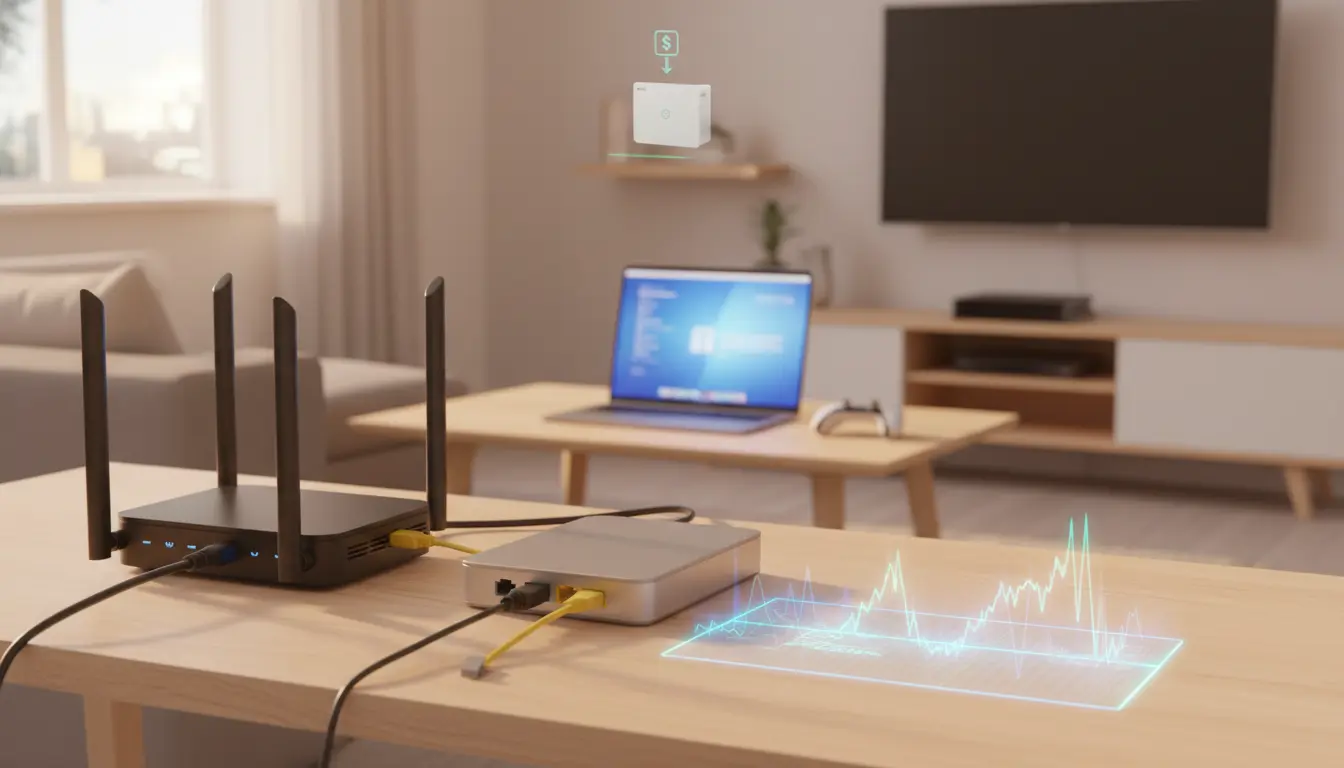

ISS monthly rental fee or own modem/router?
Choosing between paying ISS’s monthly rental for a modem/router or buying your own hardware is one of the most impactful decisions you can make for your home internet. While the rental option promises convenience and support, owning your modem and router often delivers better performance, lower long-term costs, and more control. In this guide, we’ll compare costs, performance, features, compatibility, and support so you can confidently decide whether ISS’s rental equipment or your own modem/router is right for you.
What does ISS’s monthly rental include?
Many internet providers—including ISS—bundle a modem/router combo (sometimes called a gateway) for a monthly fee. The appeal is clear:
- Zero upfront cost
- Plug‑and‑play setup
- Remote updates and automatic security patches
- One‑stop support if something goes wrong
However, these benefits come with trade‑offs: recurring fees that add up over time, limited advanced features, and hardware that’s not necessarily optimized for your household’s unique needs (gaming, streaming, smart home density, or work‑from‑home priorities).


Long‑term cost comparison
- Rental economics: A typical rental fee ranges from $5 to $15 per month. Over 24 months, that’s $120 to $360. If the fee is higher or you keep the service for longer, the total climbs quickly.
- Buying economics: A solid standalone modem plus a quality Wi‑Fi 6 or Wi‑Fi 6E router can cost $150 to $350, depending on your speed tier and desired features. In many cases, the purchase pays for itself in 12 to 24 months compared to renting.
Pro tip: If your budget allows, buy once and keep for 3–5 years. Performance and feature upgrades in modern routers mean your network will age gracefully—especially if you choose a model with regular firmware updates.
Performance: speed, coverage, and congestion
- Speed headroom: Provider‑issued gateways are often “good enough,” but not always best‑in‑class. If you’re on higher tiers (e.g., 500 Mbps to 1 Gbps), a quality DOCSIS 3.1 cable modem or an ONT‑compatible router with 2.5G WAN can unlock the full speed you’re paying for.
- Wi‑Fi coverage: Rental gateways tend to have average radios and antennas. A dedicated Wi‑Fi 6/6E/7 router or mesh system can significantly improve coverage, reduce dead zones, and handle more concurrent devices.
- Congestion management: Advanced QoS, band steering, DFS channels, and intelligent mesh backhaul can make a visible difference during peak evening hours or in apartment buildings with crowded Wi‑Fi.
If you have a large home, many smart devices, or multiple simultaneous 4K streams, owning your router—especially a mesh system—often delivers a smoother experience.
Features and control
Owning your hardware gives you customization:
- Advanced QoS for gaming, Zoom, and streaming
- VLANs and guest networks
- Better parental controls and content filtering
- WPA3, custom DNS, and enhanced firewall rules
- Smart home optimizations and automation
Rental gateways may limit access to advanced settings. Power users, remote workers, prosumers, and privacy‑minded users usually prefer the flexibility of their own equipment.
Security and updates
- Rental advantage: Automatic firmware updates reduce your maintenance burden.
- Owner advantage: With a reputable brand (Asus, TP‑Link, Netgear, Ubiquiti, etc.), you can get regular updates, security patches, and sometimes longer support windows. You also avoid provider‑enabled features you don’t want, like remote management.
Ensure whichever device you choose supports frequent updates. Enable auto‑updates when possible and change default admin passwords.
Compatibility with ISS
Before buying, confirm:
- Access technology: Is your ISS line fiber, cable (DOCSIS), or DSL? Choose compatible hardware (DOCSIS 3.1 for gigabit cable; router with SFP+ or 2.5G WAN for certain fiber ONTs; DSL modem for DSL).
- Provisioning: Some providers require the modem’s MAC address to be registered. Contact ISS support or check your account portal.
- Speed tier support: Match your plan’s speed to modem specs (channels for DOCSIS, port speeds, Wi‑Fi standard).
- Voice service: If you use ISS for home phone, you may need a specific eMTA or keep the provider’s gateway in bridge mode alongside your own router.
If ISS supports bridge mode on their rental gateway, you can keep their device for line termination and run your own router for Wi‑Fi and routing. This hybrid approach can be a smooth transition.
Total cost of ownership scenarios
- Light user, basic plan: If you’re on a low‑cost plan and not sensitive to advanced features, renting can be acceptable—especially if the monthly fee is minimal and you prefer provider‑managed simplicity.
- Power user or multi‑year horizon: If you plan to stay with ISS for 2+ years, buying generally pays off. You’ll likely recoup the cost and get better performance and features.
- Uncertain tenure: If you might move or switch providers soon, renting avoids the upfront spend. Alternatively, buy a router that’s universal (works with most ISPs) to protect your investment.
Setup and support considerations
- Renting: Single support number. If something fails, ISS replaces it. Less tinkering required.
- Owning: Initial setup requires basic networking steps (connecting to ONT or coax, activating MAC address, setting SSID/password, updating firmware). Most modern routers have guided apps that make this easy.
If you’re comfortable with simple tech tasks—or willing to follow a step‑by‑step guide—owning is straightforward.
Future‑proofing: Wi‑Fi 6E/7 and multi‑gig
- Wi‑Fi 6E/7: If you have compatible devices, 6E’s 6 GHz band or Wi‑Fi 7’s features (MLO, lower latency) can meaningfully improve speed and reliability in dense environments.
- Multi‑gig readiness: Look for 2.5G WAN/LAN ports if you foresee upgrading beyond 1 Gbps. Even if your plan is 1 Gbps today, multi‑gig ports help reduce bottlenecks on your local network and NAS.
Privacy and data ownership
Provider hardware may enable remote diagnostics and telemetry. Owning your router gives you more transparency and control over logging, DNS, and outbound connections. Using DNS over HTTPS, custom resolvers (e.g., Cloudflare, Quad9), and local ad‑blocking (via Pi‑hole or router features) can enhance privacy.
Environmental angle
Rentals eventually get refurbished or scrapped. Buying one high‑quality device you keep for years can reduce e‑waste—particularly if you choose a model with replaceable power supplies and long support lifecycles.
Quick decision checklist
Choose ISS rental if:
- You value zero‑hassle setup and single‑point support.
- You prefer automatic updates without any configuration.
- You expect to keep the service only short‑term.
Choose your own modem/router if:
- You want the best performance, coverage, and stability.
- You plan to stay 2+ years and want to eliminate monthly fees.
- You need advanced features, better security controls, or mesh.
- You care about privacy and device ownership.
Bottom line
If you’re optimizing for long‑term value and network quality, buying your own modem and router is usually the smarter move. Ensure compatibility with ISS, match hardware to your speed tier, and consider a mesh system if your home needs broad coverage. If convenience and turnkey support are your top priorities, ISS’s monthly rental remains a valid, low‑friction choice.








