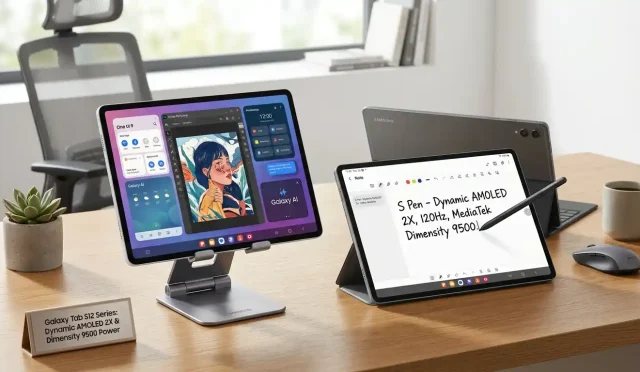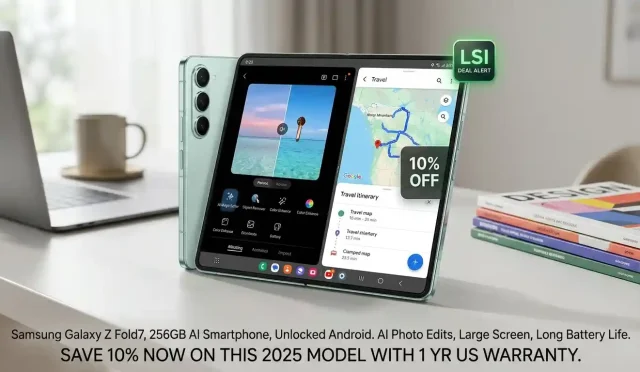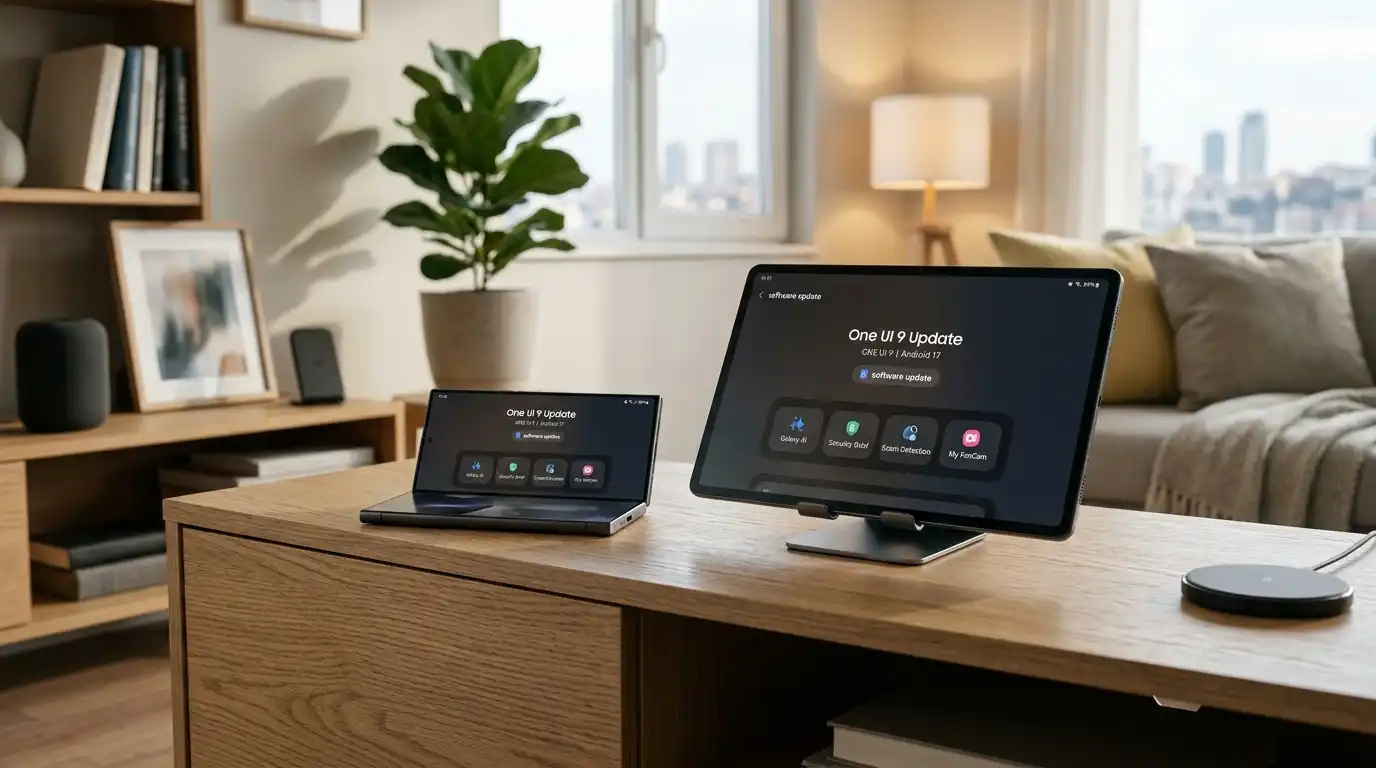

Samsung Electronics has officially initiated the global rollout of its highly anticipated One UI 9 software update. Operating on the foundation of Android 17, this major software release delivers a sophisticated blend of artificial intelligence, privacy enhancements, and streamlined device management tools to millions of smartphone users. Initially debuting on the latest foldable lineup—including the Galaxy Z Fold8 Ultra, Galaxy Z Fold8, and Galaxy Z Flip8—the update is now expanding rapidly to the flagship Galaxy S26 series and an array of supported mobile devices across global markets.
Through this deployment, Samsung reinforces its commitment to continuous software innovation. One UI 9 transforms everyday user interactions into intuitive, highly personalized experiences by weaving context-aware artificial intelligence directly into core system application workflows.
Smarter Media Capture with My FanCam
Among the standout innovations within One UI 9 is the introduction of My FanCam. Modern mobile users frequently record dynamic scenes at live concerts, sporting events, and family gatherings where tracking a single moving individual proves challenging. The My FanCam algorithm solves this friction point by allowing users to select a targeted person in a pre-recorded video.
Using advanced on-device processing, the system automatically crops and reframes the visual frame to keep the chosen subject perfectly centered throughout the clip. This capability eliminates tedious manual video editing, producing polished, social-media-ready content directly on the device with zero extra effort.
Next-Generation Galaxy AI: Contextual Intelligence
Samsung continues to expand its ecosystem-wide machine learning capabilities with upgraded Galaxy AI features that act proactively rather than reactively.
- Now Brief Customization: The popular daily overview function now integrates Generative and Editable Cards. Users can tailor their daily summaries by adding custom elements focused on health diagnostics, localized weather updates, and curated video recommendations.
- Now Nudge Contextual Assistance: Serving as a subtle digital assistant, Now Nudge monitors real-time user tasks to provide intelligent recommendations. For example, when detecting reservation details or physical addresses inside text conversations, it presents one-tap prompts to save locations or add calendar schedule events without requiring users to leave their current messaging application.
- Creative Studio Inspiration: This creative suite leverages prompt suggestions based on upcoming calendar entries to suggest custom image generation concepts.
- Enhanced Productivity Tools: The Document Scan tool handles difficult curved book pages and creased document edges with ease, while the Voice Recorder app structures speech transcriptions into clear summaries complete with structured headings and organized data tables.
Proactive Privacy and Security Briefing
Data integrity and personal privacy remain central to the architecture of One UI 9. Samsung introduces Security Brief, an intelligent monitoring system built straight into the Now Brief portal.
Security Brief routinely scans the system to notify users about potential malware threats, unrecognized third-party installations, and excessive application permissions running silently in the background. Powered by secure on-device AI algorithms, Privacy Alerts notify individuals whenever an application attempts unneeded background access to sensitive sensors like the camera, microphone, or precise location. Furthermore, Samsung has scaled its real-time Scam Detection system to cover additional international languages and regional telecom networks.
Simplified Hardware Management with Integrated Settings
Managing device maintenance, insurance, and warranty support often requires navigating disjointed customer portals. One UI 9 consolidates all hardware support utilities into a dedicated Warranty and Care menu situated natively within the system Settings application.
Users can instantly verify active warranty status, execute thorough self-diagnostic routines across connected mobile hardware, review transparent repair cost estimates, and directly schedule service appointments or manage active Samsung Care+ subscription plans with a few taps.
Supported Galaxy Device Ecosystem and Deployment Timeline
Samsung is rolling out the stable build of One UI 9 in staged geographical waves to preserve server performance and ensure system stability. The official deployment calendar includes a broad range of contemporary and previous-generation flagship smartphones and tablets:
| Device Series | Target Rollout Schedule |
| Galaxy Z Fold8 Series & Z Flip8 | Pre-installed / Initial Phase |
| Galaxy S26, S26+, S26 Ultra | Active Global Rollout |
| Galaxy S25 Series, Z Fold7, Z Flip7 | Staged Fall Phase |
| Galaxy S24 & S23 Series, FE Editions | Upcoming Regional Expansion |
| Galaxy Tab S11 & S10 Series | Concurrent Tablet Rollout |
Users can manually verify software availability by navigating to Settings > Software Update > Download and Install once the update lands in their respective carrier region.
Product Recommendation
To maintain maximum battery safety and ultra-fast charging performance while downloading and installing large operating system upgrades like One UI 9, having a reliable multi-port power adapter is essential.
We recommend checking out the Anker 737 Charger (GaNPrime 120W) available on Amazon.com. This high-capacity Wall Charger easily powers your Galaxy smartphone, tablet, and laptop simultaneously while providing fast power delivery to keep your devices protected during system-wide firmware installations.