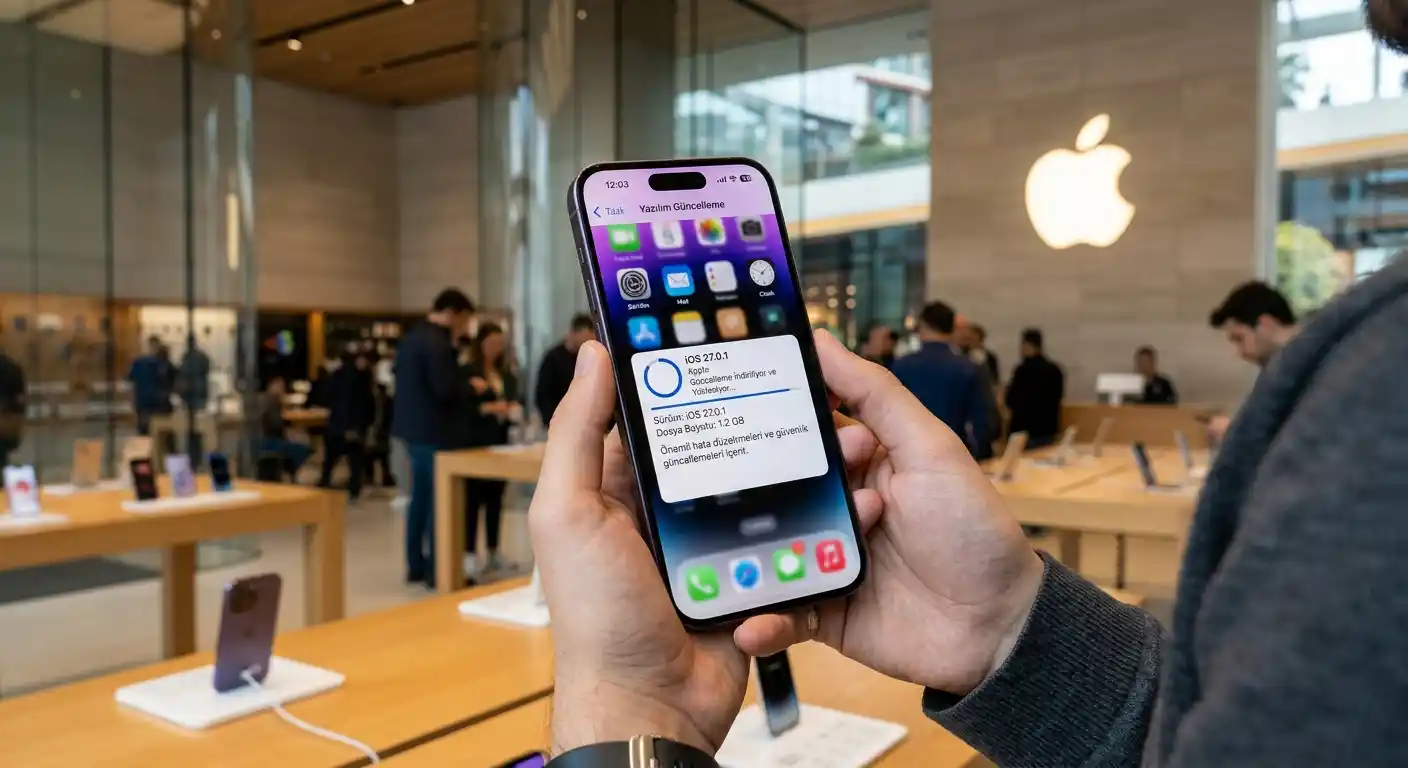

Apple has released iOS 27.0.1, the first maintenance update for iOS 27. The update arrives roughly two weeks after the major iOS 27 launch and focuses on stability rather than new features. Apple also released iPadOS 27.0.1 and visionOS 27.0.1, while older compatible devices received iOS and iPadOS 26.7.1.
How to Download iOS 27.0.1
You can install the update directly from your iPhone. Open Settings, tap General, and select Software Update. Before starting, connect to Wi-Fi, charge the phone, and create a recent backup if possible. The installation process may take several minutes, and your iPhone will restart when the update finishes.
Face ID Fix for iPhone 18 Pro
The most important iOS 27.0.1 feature is its Face ID bug fix for the iPhone 18 Pro and iPhone 18 Pro Max. Some users reported that Face ID authentication failed when they tried to unlock protected apps or complete other secure actions. In certain cases, the failure could freeze the device and trigger an unexpected restart.
Other users saw a “Face ID is Not Available” message during Face ID setup. The Require Attention for Face ID setting also caused problems for some owners. Apple had indicated that a software update would address these issues, and iOS 27.0.1 now provides that correction. The update should improve biometric authentication reliability without requiring a hardware replacement.
Additional Bug Fixes and Camera Improvements
Apple’s release notes list several other changes. On a small number of iPhone 18 Pro and iPhone 18 Pro Max devices, photos captured at 2x zoom under specific lighting conditions at f/1.48 could show a color artifact. The update addresses this camera issue and should make computational photography more dependable in challenging light.
The release also fixes a touchscreen problem. Opening Notification Center and Control Center at the same time could make the display unresponsive. Because users rely on these panels for quick settings, alerts, and connectivity controls, this correction should make everyday navigation smoother.
Who Should Install the Update?
Although Apple highlights several iPhone 18 Pro fixes, iOS 27.0.1 is available for every iPhone that supports iOS 27. Users who experienced Face ID failures, random restarts, camera color issues, or an unresponsive touchscreen should prioritize the installation. Even users without visible problems can benefit from the security, stability, and compatibility improvements included in a point release.
The update does not introduce a major feature package. Instead, it refines the iOS 27 experience and responds to early user feedback. Installing it can reduce unexpected interruptions and help ensure that essential functions work consistently.
What the Update Means for iOS 27
iOS 27.0.1 shows how Apple uses rapid maintenance releases to resolve problems after a major operating system launch. The iPhone 18 Pro’s under-display infrared camera represents a significant hardware change, but Apple has not confirmed whether that component caused the Face ID behavior. The current fix comes through software, so users should update before drawing conclusions about the hardware.
Overall, iOS 27.0.1 is a targeted but worthwhile update. It improves Face ID authentication, corrects a camera artifact, restores touchscreen responsiveness, and supports a more dependable iPhone experience. After installation, test Face ID, open both control panels separately, and check the camera in different lighting conditions. These simple checks can confirm that the update solved the problem.
A Careful Update Checklist
Before updating, review available storage because a system update needs temporary space for downloading and unpacking files. Keep your passcode ready, and avoid interrupting the installation once the Apple logo appears. After the restart, verify Face ID in Settings and test protected apps. If authentication still fails, restart the iPhone, check the Face ID settings, and try setup again in good lighting. Users should also review camera results at normal and 2x zoom, especially indoors or under mixed artificial lighting. Finally, make sure Control Center and Notification Center respond normally. These checks do not replace Apple support, but they help identify whether the update resolved the reported symptoms or whether a separate issue remains. The process preserves personal data.
Amazon Product Recommendation
For iPhone owners who want a practical companion accessory, consider an Apple AirTag on Amazon.com . It works with the Find My ecosystem and can help locate keys, bags, or other everyday items from an iPhone. Check the current listing, compatibility details, seller, and price before purchasing.