
If you’re looking to capture immersive content that puts viewers right in the middle of the moment, 360 cameras are your best bet. Whether you’re a travel vlogger, adventure enthusiast, real estate agent, or a creator aiming to elevate social content, a 360 camera can transform the way you tell stories. This guide breaks down how 360 cameras work, what features matter most, the best use cases, and how to choose the right model for your needs and budget. By the end, you’ll know exactly what to look for—and which cameras are leading the market.
What Is a 360 Camera and How Does It Work?
A 360 camera uses two or more ultra-wide lenses (often fisheye lenses) to capture a full spherical field of view—both horizontally and vertically. The camera then “stitches” the footage together, creating a seamless panoramic image or video. The magic comes in post-production: you can “reframe” a 360 video into a traditional 16:9, 1:1, or 9:16 video, choosing the angle after the fact. That means you never miss the action, and you can create multiple edits from a single take.
Key Benefits of 360 Cameras
- Capture everything at once: No need to point and hope—you can decide on the framing later.
- Reframing for multiple platforms: Create cinematic 16:9 for YouTube, square for Instagram, or vertical for TikTok/Reels from the same clip.
- Creative camera moves in post: Add pans, tilts, and “tiny planet” effects without sliders or gimbals.
- Stabilization and horizon leveling: Many 360 cameras offer advanced electronic stabilization that makes footage look gimbal-smooth.
Essential Features to Consider
- Resolution and Bitrate: For crisp results in both VR and reframed edits, look for at least 5.7K video. Some flagship models hit 8K or higher for extra detail in VR headsets and large displays.
- Stabilization: Top-tier flow-state or gimbal-like stabilization is critical for action, biking, skiing, and handheld shooting.
- Low-Light Performance: Larger sensors, better lenses, and smart noise reduction help preserve detail when the sun sets or indoors.
- Stitching Quality: In-camera stitching is convenient for speed; desktop/mobile stitching can offer higher quality. Smooth stitch lines matter, especially when subjects cross the seam.
- Reframing Tools and App Ecosystem: Editing apps that offer AI highlights, subject tracking, keyframe control, and easy social export will save hours.
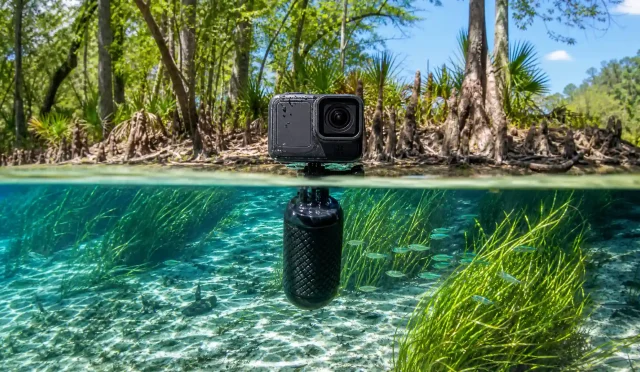
- Durability and Waterproofing: Consider IP ratings, lens guard availability, and whether you need a dive case for underwater content.
- Audio and Mic Options: Spatial audio or external mic support improve the sense of immersion. Wind reduction is a must for action sports.
- Battery Life and Mounting: Swappable batteries and standard mounts (like 1/4”-20 or proprietary quick releases) simplify all-day use.
- Workflow and Compatibility: Check for desktop support (Mac/Win), mobile apps (iOS/Android), and editing plug-ins for Premiere/Final Cut if needed.
Popular Use Cases and Recommended Specs
- Travel and Vlogging: Prioritize portability, stabilization, and a great mobile app. 5.7K minimum, with strong reframing tools.
- Action Sports: Look for rugged design, lens protection, waterproofing, and rock-solid stabilization.
- Real Estate and Virtual Tours: High still resolution (72MP+), manual exposure control, HDR modes, and tripod workflow are key.
- Social Media and Short-Form: Fast editing, auto highlights, vertical export, and AI tracking features can accelerate your posting schedule.
- VR and Professional Workflows: Higher resolutions (8K+), RAW photo capture (DNG), LOG profiles, and pro-grade audio help maintain quality.
Image Quality vs. Convenience
Not all 360 cameras are created equal. Some prioritize convenience with compact designs and powerful mobile apps, while others focus on pure image quality and professional control. If you mainly share on social platforms, an easy-to-use camera with great stabilization and reframing is ideal. If you need detailed VR playback or large prints from 360 photos, prioritize higher resolution, better lenses, and robust HDR modes.

Stitching and Reframing: Where the Story Comes Together
Your 360 camera’s app or desktop software is the secret sauce. You’ll use it to:
- Set keyframes to direct the viewer’s attention.
- Smoothly pan and tilt within the 360 sphere.
- Auto-track subjects so they stay in frame during action.
- Apply horizon lock to keep the shot level even when the camera rotates.
- Export in the format and aspect ratio you need for each platform.
Look for apps that allow batch export, LUT support or color profiles, and quick sharing presets.
Audio Matters More Than You Think
Great visuals can be ruined by bad audio. For vlogging and commentary, cameras with decent onboard mics, wind noise reduction, or support for external microphones will lift your production quality. Some models offer spatial audio capture; while not always necessary, it can deepen immersion for VR viewing.
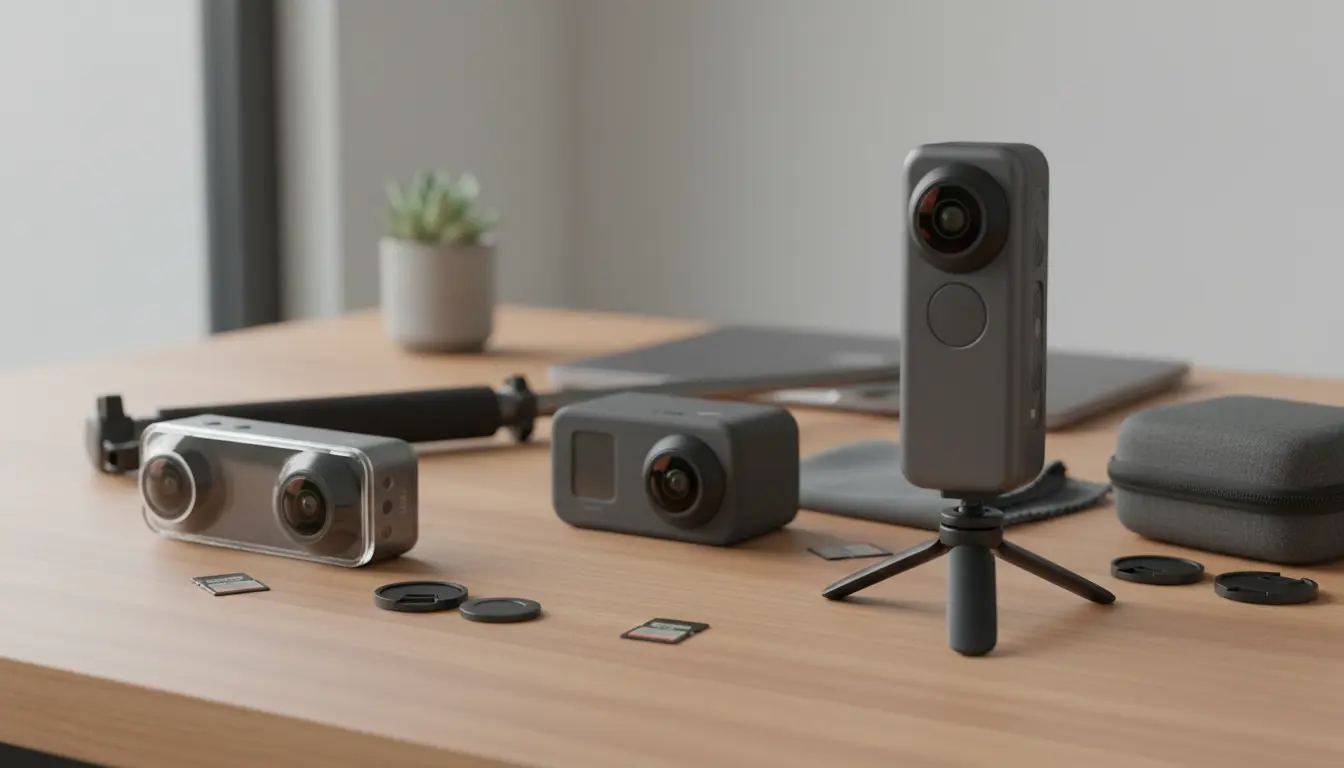
Accessories That Elevate Your 360 Setup
- Invisible Selfie Stick: Designed to disappear in the stitch, enabling drone-like third-person shots.
- Lens Guards and Cases: Protects fragile fisheye elements from scratches and dust.
- Tripod or Monopod: Essential for static shots, real estate, or time-lapses.
- External Mic and Wind Muffs: Cleaner sound in noisy or windy conditions.
- Extra Batteries and High-Speed Cards: 360 video at high resolutions demands fast storage and power.
Common Mistakes to Avoid
- Dirty or Smudged Lenses: Even small smears are exaggerated on ultra-wide optics. Clean frequently.
- Poor Stitch Alignment: Keep important subjects away from the stitch line when possible, and maintain consistent distance.
- Underestimating Lighting: 360 cameras can struggle in low light; use available light, expose manually when needed, and consider HDR modes for stills.
- Ignoring Workflow: Test your entire pipeline—from capture to reframing to export—before a major shoot.
Choosing the Right 360 Camera for You
- Beginners and Casual Creators: Pick a camera with a strong app, reliable stabilization, and simple controls. 5.7K or higher is a safe baseline.
- Action and Adventure: Ruggedness, waterproofing, and stabilization are top priority. Accessory ecosystem matters for mounting flexibility.
- Real Estate and Panoramic Photography: High-res photo modes, HDR/DNG support, and tripod-friendly design are essential.
- Pros and Enthusiasts: Consider higher resolutions (8K+), LOG profiles, RAW photo capture, and robust desktop tools with color grading support.
Tips for Organic, Engaging Content
- Tell a story: Use reframing to guide attention and reveal surprises.
- Keep it steady: Stabilization helps, but smooth movements and good mounting go further.
- Mind the sun: Position the camera to minimize flare and keep subjects well lit.
- Practice keyframing: A few well-placed keyframes can transform a simple shot into a dynamic sequence.
- Edit for each platform: Export vertical for shorts, horizontal for YouTube, and square for feeds.
Future Trends in 360 Cameras
Expect more sensors with better low-light performance, higher resolutions for VR fidelity, and smarter AI tools for auto-editing, subject tracking, and reframing. Accessory ecosystems will continue to grow, and integration with creator tools (Premiere, Final Cut, DaVinci Resolve) will keep improving, streamlining professional workflows.
Final Thoughts
A 360 camera is an incredible storytelling tool that unlocks perspectives you can’t get with traditional cameras. The right pick comes down to your content goals: convenience and speed for social-first creators, rugged performance for adventure, or maximum resolution and control for pro workflows. Focus on stabilization, resolution, software ecosystem, and durability—and you’ll be ready to capture immersive, organic content that stands out.
- Insta360 X4
- Why: Class-leading stabilization, great reframing tools, strong mobile/desktop apps, 8K 360 video, excellent accessory ecosystem.
- Best for: Travel, action, social content, all-around creators.
- GoPro MAX
- Why: Rugged build, GoPro colors, reliable stabilization, easy Hero-mode (single-lens) shooting plus full 360 capture.
- Best for: Action sports, vlogging, users already in the GoPro ecosystem.
- Ricoh Theta X
- Why: High-res stills, large touchscreen, strong for virtual tours and real estate; good ergonomics for tripod work.
- Best for: Real estate 360 photos/tours, tripod-based panoramas, semi-pro workflows.